
All done! Visual Timer
A little time you can see
Designed for iPhone, iPad, iPod touch
Free · In-app purchases
- Age rating4+
- CategoryProductivity
- DeveloperFlorian Sarrazin
- LanguagesEnglish
- Size34.2 MB
Links to the official App Store page
Download.org hosts no file of All done! Visual Timer. The button opens its official App Store page, published by Florian Sarrazin. Listing last checked on Nov 22, 2026.
Screenshots
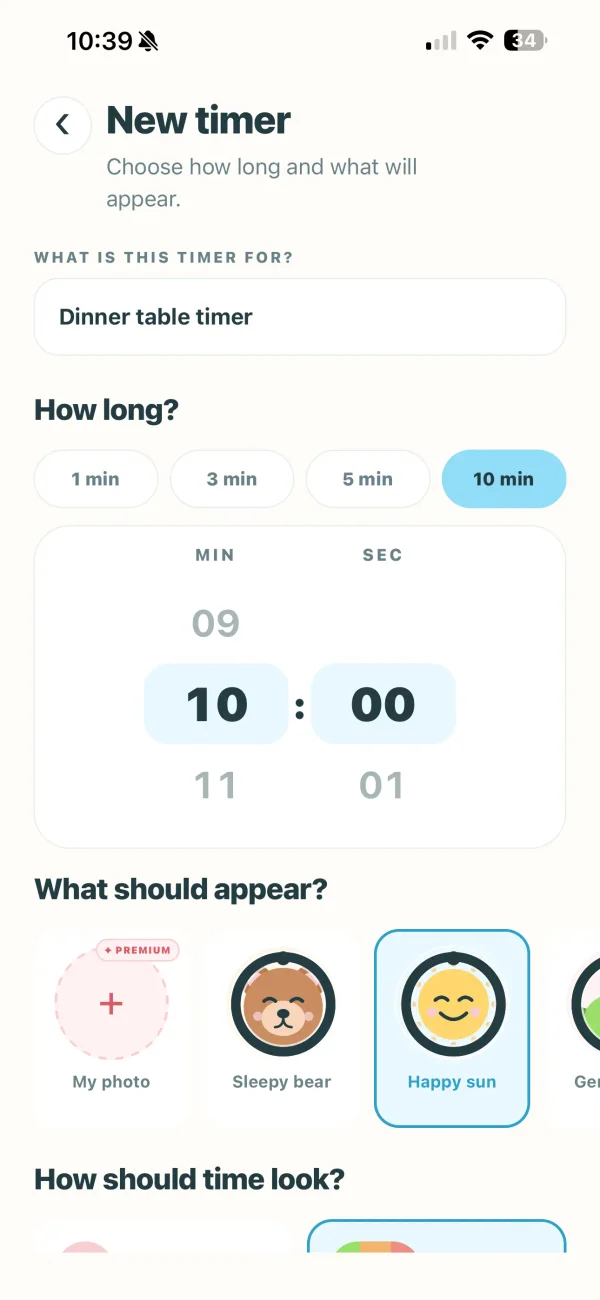
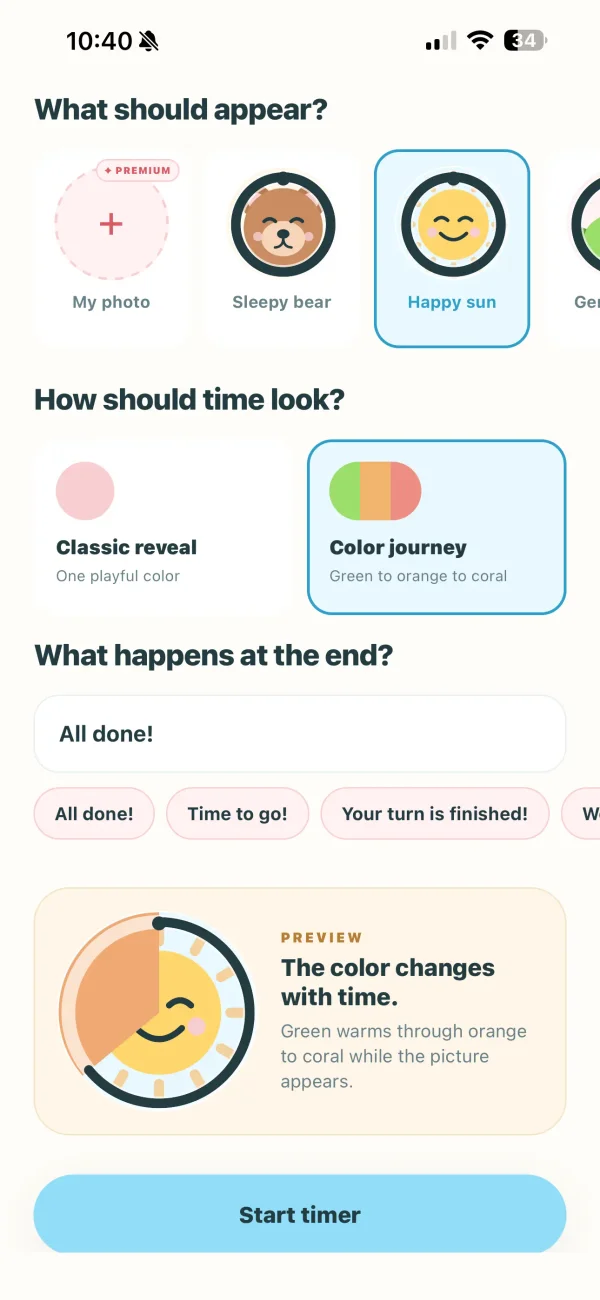
About
"Five more minutes" means nothing to a three-year-old.
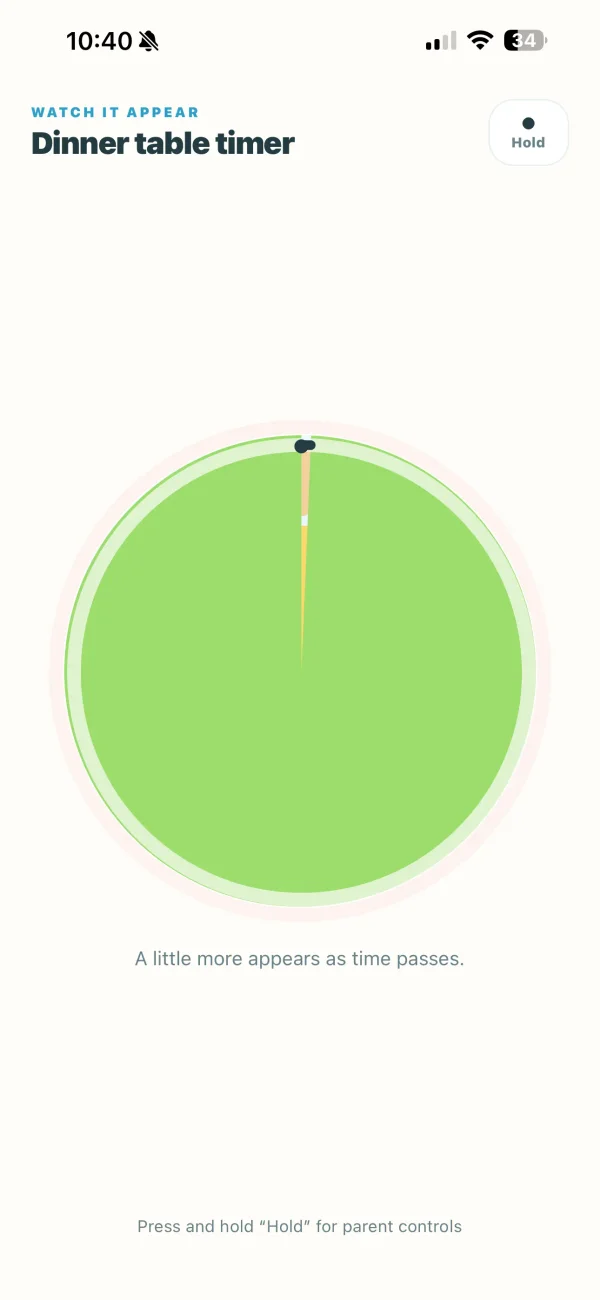
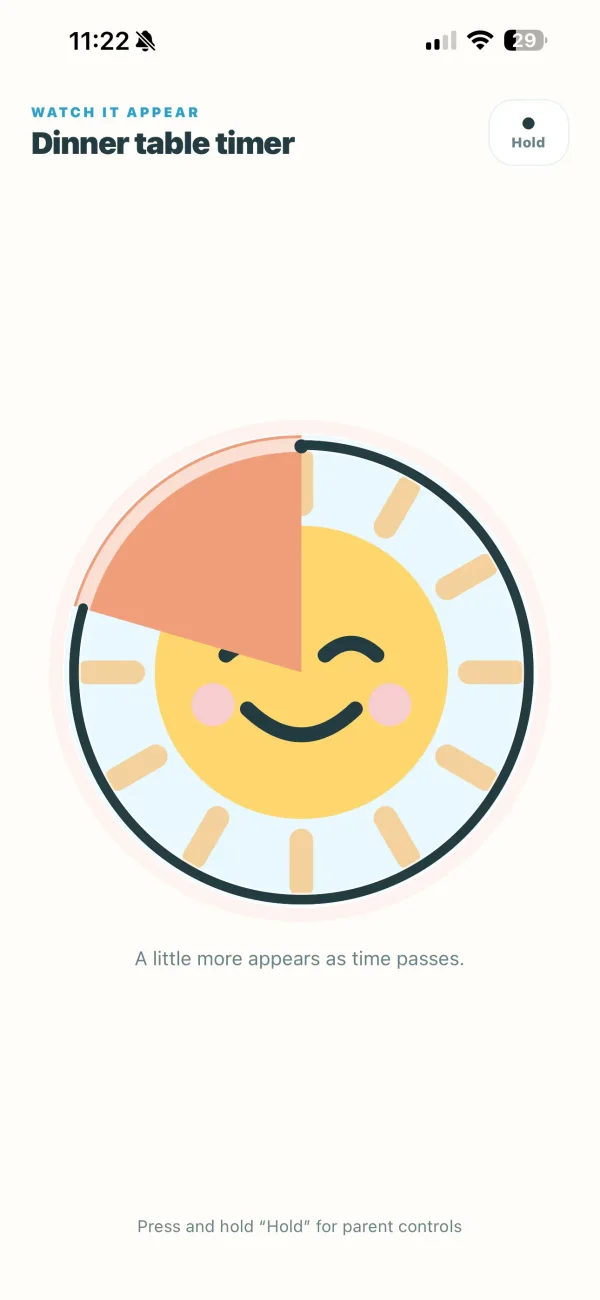
All done! Visual Timer shows time instead of telling it. A parent sets the timer, and a hidden picture appears little by little as the minutes pass, so a child can watch the waiting get smaller and see for themselves when it's nearly over.
No more surprise endings. No more negotiating from scratch every single time.
HOW IT WORKS
• Choose how long
• Make a promise - "then we put on shoes"
• Pick what appears: a friendly character, or one of your own photos
• Start, and let your child watch
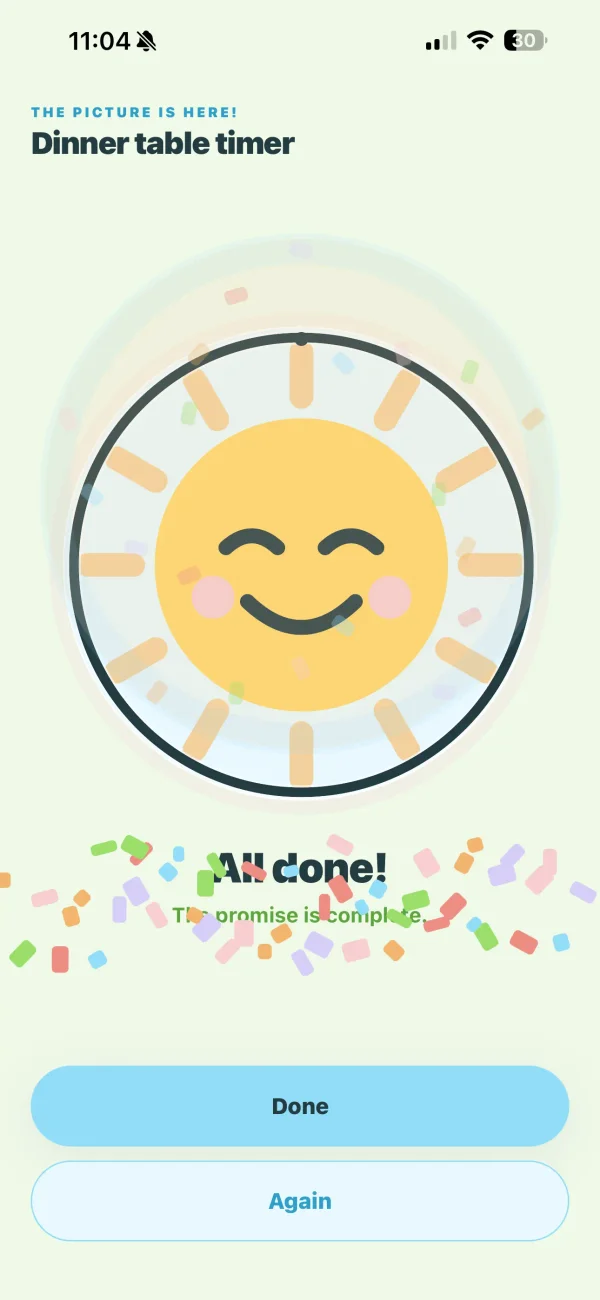
When the picture is complete, the promise is complete. A gentle chime plays, a little confetti falls, and everyone already knows what happens next.
TWO WAYS TO SEE TIME
Classic reveal uncovers the picture from behind one playful color. Color journey warms from green through orange to coral as the time runs down (a second signal for a child who isn't watching closely).
FOR THE MOMENTS THAT REPEAT
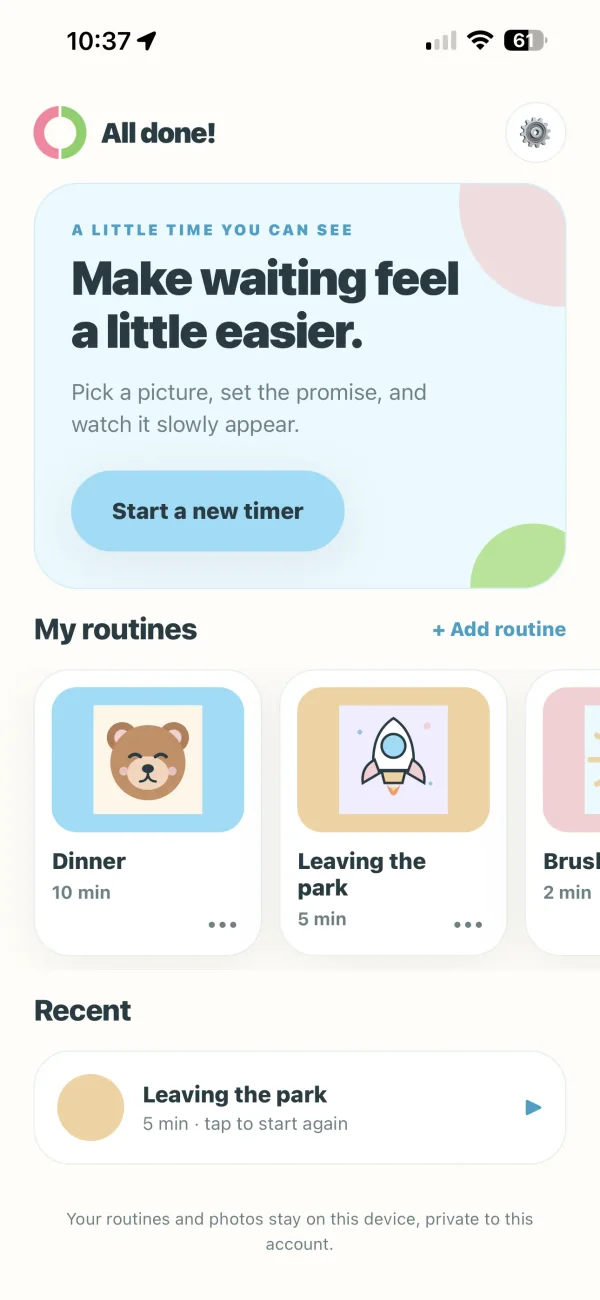
Save the timers you use again and again: dinner, brush teeth, leaving the park, tidying up. One tap next time.
SAFE FROM ACCIDENTAL TAPS
Press-and-hold parent controls keep pause, restart and stop protected. The screen stays awake while a timer runs. A chime and a notification arrive even if you've put the phone down, and you can choose which sound it plays.
PRIVATE BY DESIGN
Your routines, your promises and any photos you choose stay on your device, All done! Visual Timer never uploads them. Your account keeps your access and subscription connected to you, and you can delete it from inside the app whenever you like.
WHAT THIS IS, AND ISN'T
All done! Visual Timer is a parent-directed tool, made for you to set up and your child to watch. It isn't a substitute for supervision, and it isn't safety equipment.
PREMIUM
Optional Premium unlocks your own photos as reveal pictures, more characters, and unlimited saved routines. Prices are shown in the app before you buy, and subscriptions are managed through your Apple account.
Questions or ideas? tinytimer.support@gmail.com
Terms of Use (EULA): https://www.apple.com/legal/internet-services/itunes/dev/stdeula/
Terms & Conditions: https://tinytimer.github.io/terms/
Privacy Policy: https://tinytimer.github.io/privacy/
What’s new
Version 1.1 · Sep 22, 2026
routine,parenting,transitions,screen time,bedtime,potty,chores,timer,patience,waiting
App privacy
What Florian Sarrazin declares on the App Store about how this app handles data.
-
Data linked to you
May be collected and linked to your identity.
- Purchases
- Contact info
- Identifiers
Privacy practices may vary, for example with the features you use or your age.
Information
- Seller
- Florian Sarrazin
- Category
- Productivity
- Version
- 1.1
- Updated
- Sep 22, 2026
- Released
- Aug 21, 2026
- Size
- 34.2 MB
- Requires
- iOS 15.1 or later
- Age rating
- 4+
- Price
- Free
- In-app purchases
- Yes
- Languages
- English
- Copyright
- © THE FLOCO COMPANY, LLC
You might also like
-
 20 Minutes - Habit BuilderProductivity
-
 Methodly: Goals & RoutinesGoal & routine planner
-
 Roundi: Visual Focus TimerSingle-Task Pomodoro for ADHD
-
 Timer Machine ProProductivity
-
 fasteLeadsNGContacts management for events
-
 Lily pad - visual timerGentle time awareness
-
 Forms: Online Form BuilderCreate Form & View Responses
-
 My CenturyLinkProductivity
-
 Evernote ScannableProductivity
-
 Confluence CloudCollaborate on the go