
- Age rating4+
- CategoryDeveloper Tools
- DeveloperAll Quiet GmbH
- LanguagesEnglish
- Size62.3 MB
Links to the official App Store page
Download.org hosts no file of All Quiet. The button opens its official App Store page, published by All Quiet GmbH. Listing last checked on Nov 8, 2026.
Screenshots
About
Incident management, escalation and collaboration app.
Collaborate with your team:
- Receive push notifications of incidents while you're on-call
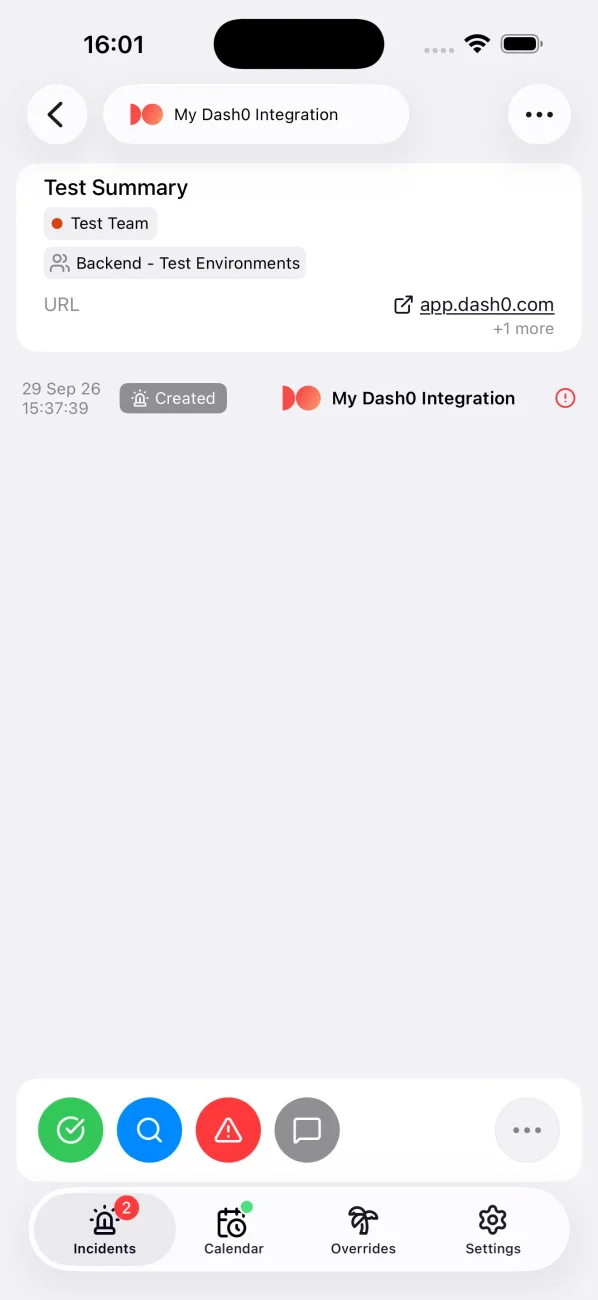
- Resolve open incidents
- Investigate open incidents
- Escalate open incidents
- Comment on open or closed incidents
- Reopen closed incidents
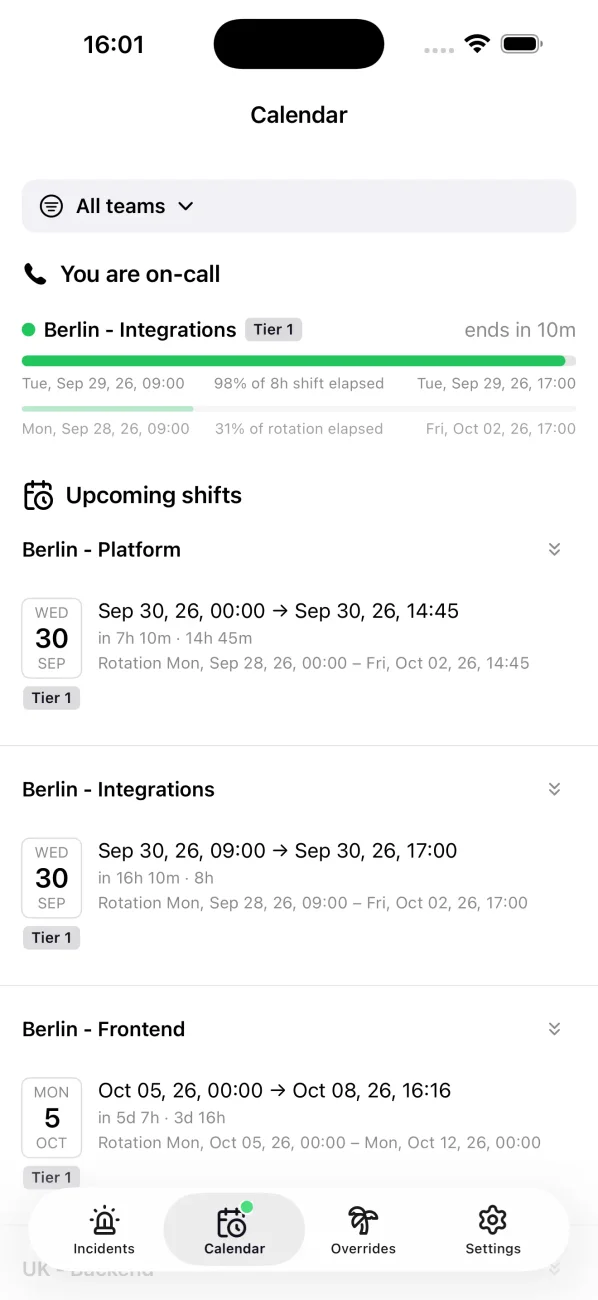
- See your on-call shifts and latest on-call hours
- Create overrides and redistribute on-call duty with your team
What’s new
Version 2.0.0 · Oct 9, 2026
Version 2.0.0 is here!
We’ve completely redesigned the app from the ground up to make managing your incidents, shifts, and on-call schedule faster and easier than ever.
What’s New in 2.0.0:
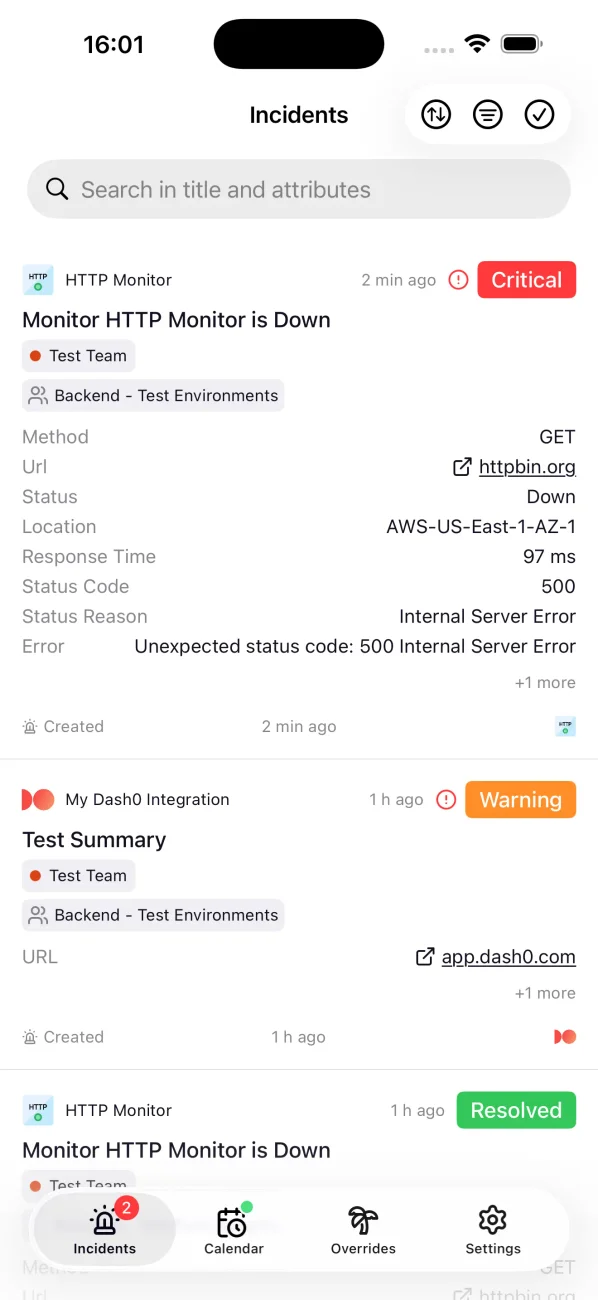
Complete UI Overhaul: A sleek, brand-new look with a streamlined bottom navigation bar (Incidents, Calendar, Overrides, Settings). You can even check your live on-call status just by glancing at the Calendar tab icon!
Real-Time Incidents & Quick Swipe: Incident lists now auto-refresh in real-time. Use new swipe gestures to quickly resolve or archive right from the list, and enjoy a revamped detail screen with a pinned action bar.
Repeat Critical Alerts: Never sleep through an emergency again. Enable the new "Repeat Critical Alert Sound" feature to keep the alarm playing continuously until you dismiss it.
All-New Calendar View: Replacing the old Availability screen, the new Calendar provides clear, detailed views of your active and upcoming shifts, who is on-call with you, and shift coverage.
Full Override Management: Manage your schedule on the go. Create, edit, and delete overrides straight from your Calendar shifts or the brand-new dedicated Overrides tab.
In-App Profile Settings: You can now update your profile picture, display name, and time zone directly within the app's Settings.
Update now to experience the all-new app!
App privacy
What All Quiet GmbH declares on the App Store about how this app handles data.
-
Data not linked to you
May be collected but is not linked to your identity.
- Diagnostics
Privacy practices may vary, for example with the features you use or your age.
Information
- Seller
- All Quiet GmbH
- Category
- Developer Tools
- Version
- 2.0.0
- Updated
- Oct 9, 2026
- Released
- Mar 16, 2023
- Size
- 62.3 MB
- Requires
- iOS 16.0 or later
- Age rating
- 4+
- Price
- Free
- Languages
- English
- Copyright
- © 2025 All Quiet GmbH
You might also like
-
 HTML Viewer ++Edit your Web Site
-
 XVibe AI - Website App BuilderSite Maker - No Code Design
-
 Node.js LabNode.js offline & Git Client
-
 Bluetooth Controller BT/LETest Bluetooth Devices with LE
-
 Klipper | OctoPrint - Obico3D Printing - Printer Control
-
 Get My IDFAShow IDFA, copy to clipboard
-
 Color Name Identifier & FinderColor Picker, Mixer, Scanner
-
 Xogot: Godot for iPad & iPhone2D & 3D Game Engine with AI
-
 Termix - Remote AccessSSH & Remote Desktop Manager
-
 Device Tester: Check & MonitorCheck Your Device