- Age rating4+
- CategoryTravel
- DeveloperAllTheStreet Inc.
- LanguagesEnglish+ 1 more
- Size19.2 MB
Links to the official App Store page
Download.org hosts no file of AllTheStreet. The button opens its official App Store page, published by AllTheStreet Inc. Listing last checked on Nov 12, 2026.
Screenshots




About
1. HOME Menu
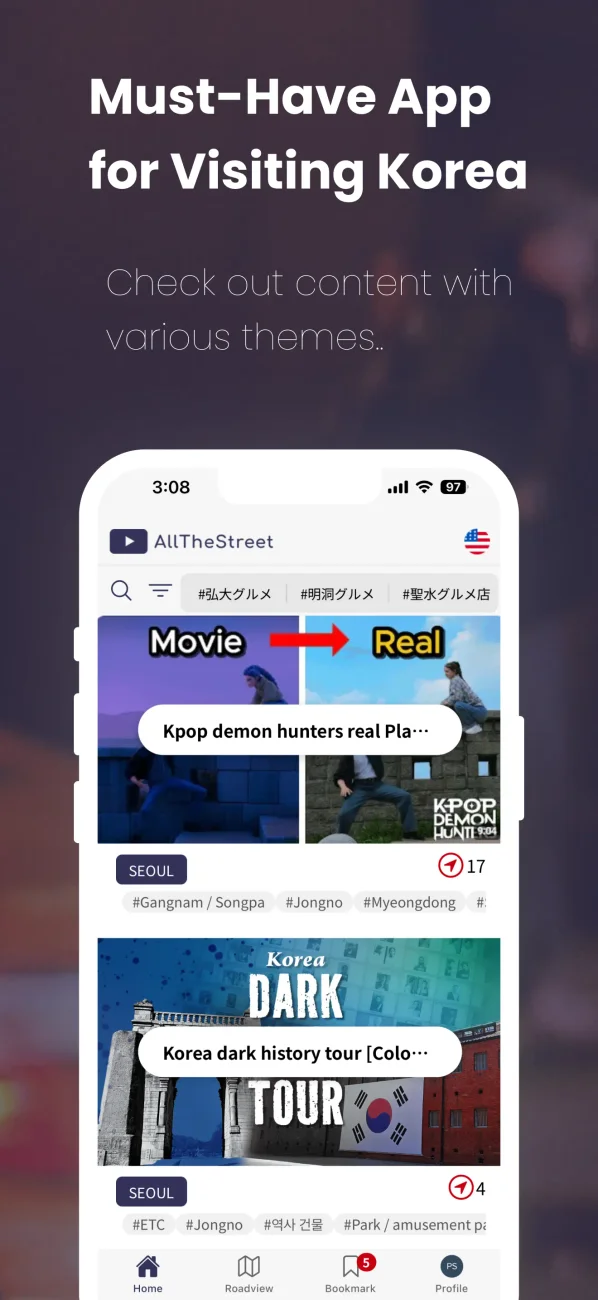
- Lists of various themes are displayed depending on the language.
- The number of locations introduced in each video is shown to the right of the video title.
- Clicking the location count icon shows small thumbnails and names of each store at the bottom.
- Clicking a video thumbnail plays the video and displays additional information below the player.
- Highlight videos of each location are automatically played.
- While playing, the following additional information is displayed below the screen:
- A list of all locations introduced in the video (selecting one updates the information below)
- Location details and brief descriptions of each place
- Other Mukbang videos introducing the currently playing location
- Reviews and ratings
- Store locations on a map (with a Roadview link to virtually explore the surrounding area)
- After logging in, you can add videos or stores to your bookmarks and remove them as needed.
2. ROADVIEW Menu
- Selecting a pink polyline on the map displays a street view below.
- Selecting another pink polyline shows a street view video along that route.
- Clicking the current location button at the top right moves the map to your location.
3. SNS Menu
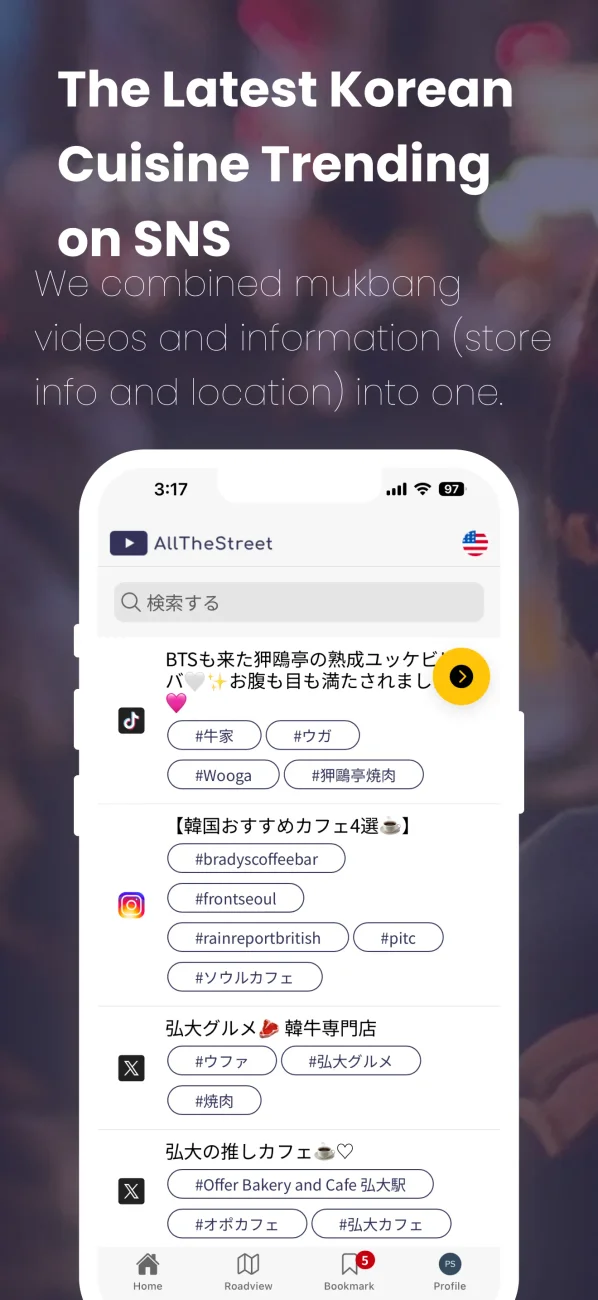
- Check the latest trending Korean food posts on various SNS platforms.
- Clicking hashtags in SNS posts searches for Mukbang videos closely related to the content.
- Clicking the yellow button at the top right filters by area: Myeongdong, Hongdae, and Seongsu.
- The search function at the top allows you to view Mukbang videos related to specific keywords.
4. MYPAGE Menu
- Clicking before logging in redirects you to the login page.
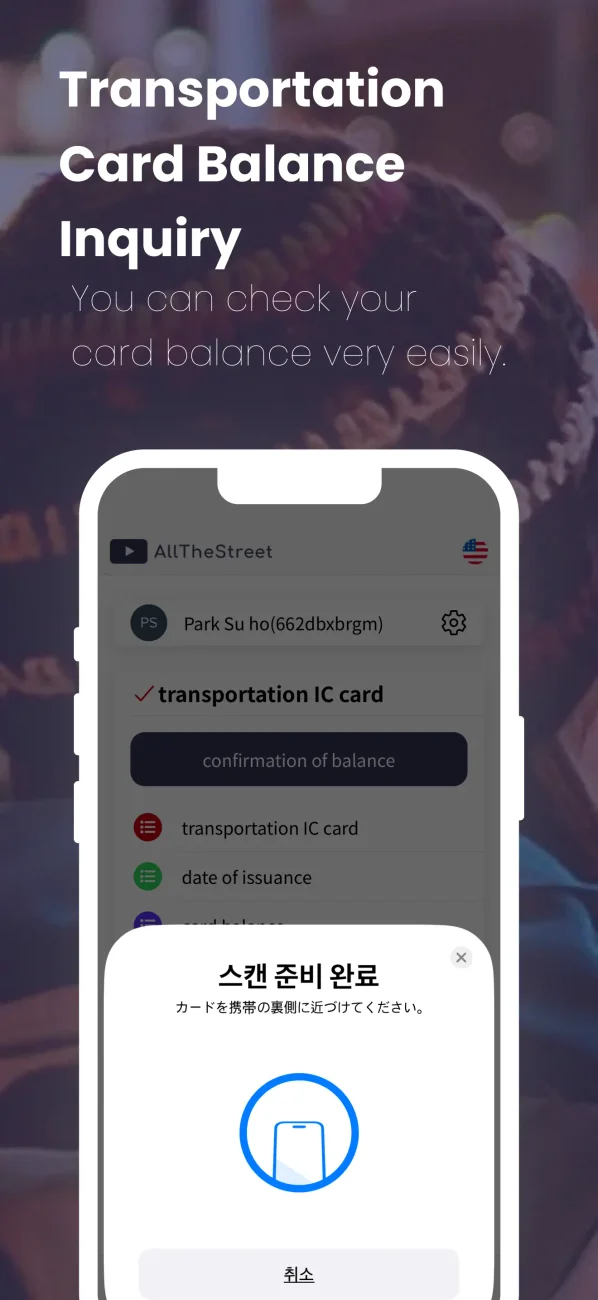
- After logging in, you can view your My Page information.
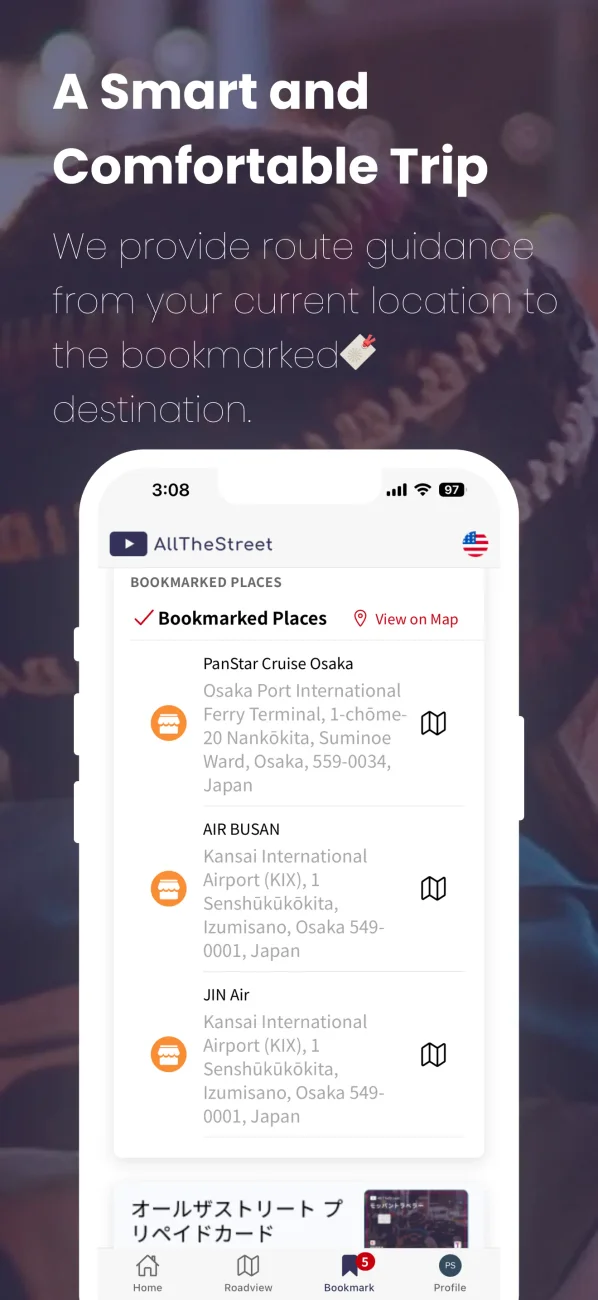
- Check detailed information about stores added to your bookmarks.
- Play the list of videos you bookmarked.
- View announcements added to your bookmarks.
- Explore routes from your current location to your favorite bookmarked restaurants.
What’s new
Version 1.8.0 · Nov 8, 2025
- Opened AI content generation and recommendation features
- Improved UI
- Performed app stabilization and optimization
App privacy
What AllTheStreet Inc. declares on the App Store about how this app handles data.
-
Data not collected
The developer does not collect any data from this app.
Privacy practices may vary, for example with the features you use or your age.
Information
- Seller
- AllTheStreet Inc.
- Category
- Travel
- Version
- 1.8.0
- Updated
- Nov 8, 2025
- Released
- Nov 19, 2024
- Size
- 19.2 MB
- Requires
- iOS 14.0 or later
- Age rating
- 4+
- Languages
- English, Korean
- Copyright
- © 2024 AlltheStreet Inc.