- Age rating4+
- CategoryBusiness
- DeveloperVariadores Venezolanos C.A.
- LanguagesEnglish
- Size23.3 MB
Links to the official App Store page
Download.org hosts no file of Alphadrive Mobile Manager. The button opens its official App Store page, published by Variadores Venezolanos C.A. Listing last checked on Nov 20, 2026.
Screenshots

About
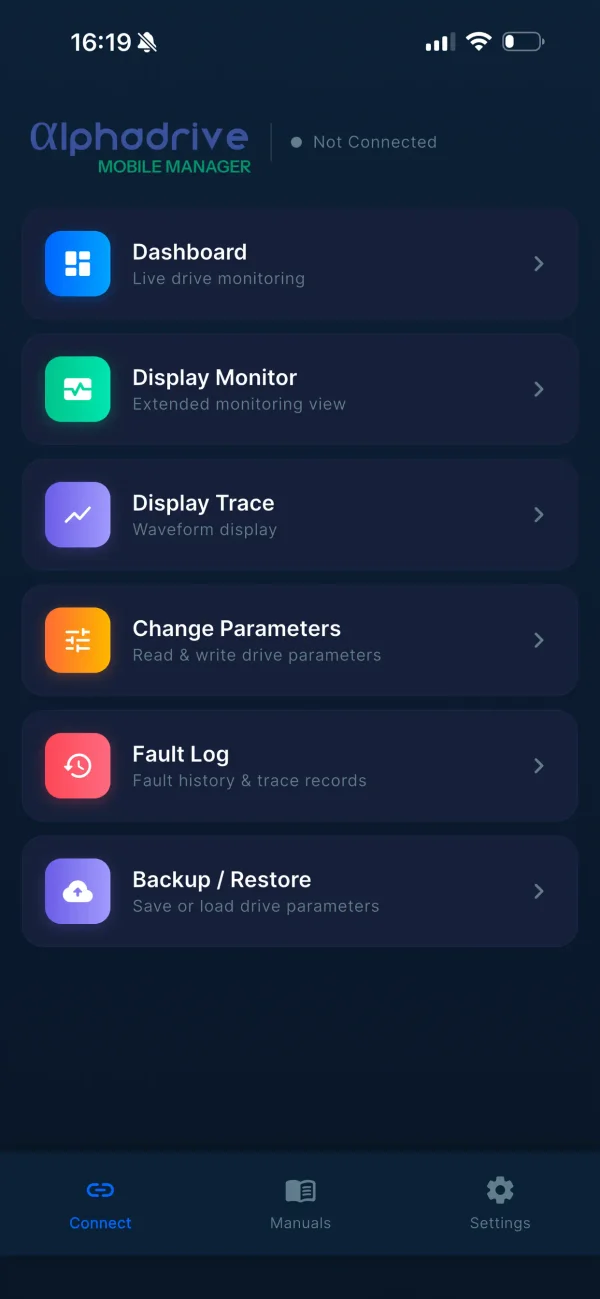
Alphadrive Mobile Manager is the professional tool to connect, monitor and configure Yaskawa GA800 variable-frequency drives straight from your iPhone over Bluetooth (MEMOBUS/Modbus protocol).
Built as a fast, modern alternative to traditional desktop apps, it offers:
LIVE MONITORING
• Dashboard with output current, voltage, power, DC bus, frequency and heatsink temperature in real time.
• Extended monitor view with gauge-style indicators.
OSCILLOSCOPE (TRACE)
• Real-time plotting of multiple channels, each on its own chart.
• Pinch-to-zoom and horizontal panning for detailed analysis.
• Precise readings with units and sample history.
PARAMETERS
• Read and write drive parameters by group.
• Fast search and validated editing.
• Access levels and password protection respected.
BACKUP & RESTORE
• Create full backups of the drive configuration.
• Restore from file, with drive capacity (O2-04) verification to prevent incompatible configurations.
• Compatible with Yaskawa-ecosystem backup files.
AUTOMATIC DETECTION
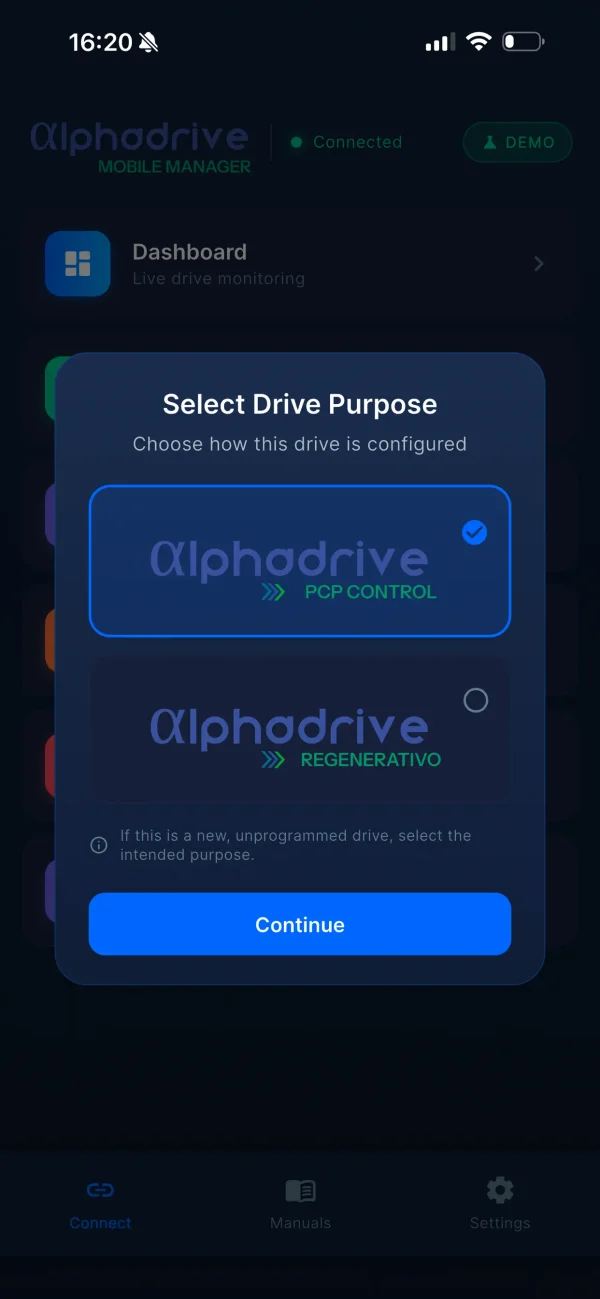
• Recognizes the drive type (PCP Control or Regenerative) and adapts dashboards and monitors automatically.
DEMO MODE
• Try the entire interface with no physical drive connected, using realistic simulated data.
Alphadrive Mobile Manager is designed for field technicians and engineers who need fast, reliable on-site diagnostics.
A Bluetooth-equipped Yaskawa GA800 drive is required for real control. Demo Mode lets you explore the app without hardware.
What’s new
Version 1.1.0 · Sep 17, 2026
CHANGE PARAMETERS, ON PAR WITH DRIVEWIZARD
• Every selection parameter shows its full option list with code and name, just like the keypad and DriveWizard (for example, H1-01 = 40 : Forward RUN (2-Wire)).
• Monitor selections (comparators, analog outputs, keypad monitors and data logging) list the U monitors by name.
• Correct decimals, units and ranges on every numeric value, including negative values. The app warns you when a value is out of range.
• All 939 parameters were checked against the Yaskawa GA800 technical manual.
• The parameter name is always shown in full; long values are truncated instead.
SAFETY
• No parameter can be changed while the drive is running. The app checks the drive state every time you open a parameter.
ALPHADRIVE TCP/IP HMI SUPPORT
• The app automatically detects drives running the new DriveWorksEZ program and uses their command method. Earlier drives keep working as before.
• The app and the HMI can hand over control: whoever acts last is in control, with no restart needed.
• The speed reference is kept when starting and stopping.
• Setpoints in r/min are converted to frequency correctly.
• The run button shows the real drive state immediately.
GENERAL IMPROVEMENTS
• Cleaner run, stop and reset confirmation dialogs.
• Fewer writes to the drive's permanent memory when changing speed.
• Layout improvements on small screens and on iPad.
App privacy
What Variadores Venezolanos C.A. declares on the App Store about how this app handles data.
-
Data not collected
The developer does not collect any data from this app.
Privacy practices may vary, for example with the features you use or your age.
Information
- Seller
- Variadores Venezolanos C.A.
- Category
- Business
- Version
- 1.1.0
- Updated
- Sep 17, 2026
- Released
- Aug 12, 2026
- Size
- 23.3 MB
- Requires
- iOS 15.0 or later
- Age rating
- 4+
- Price
- Free
- Languages
- English
- Copyright
- © 2026 Variadores Venezolanos C.A.