
- Age rating4+
- CategoryUtilities
- DeveloperJared Lipton
- LanguagesEnglish
- Size482.0 KB
Links to the official App Store page
Download.org hosts no file of alt Codes. The button opens its official App Store page, published by Jared Lipton. Listing last checked on Nov 14, 2026.
Screenshots
About
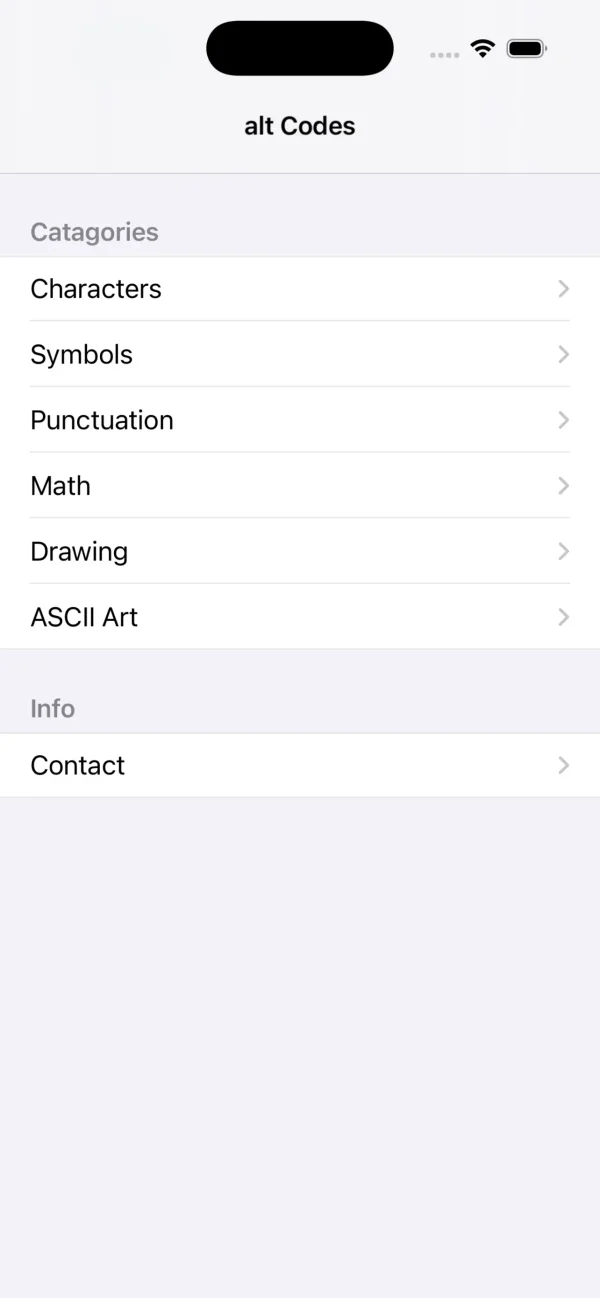
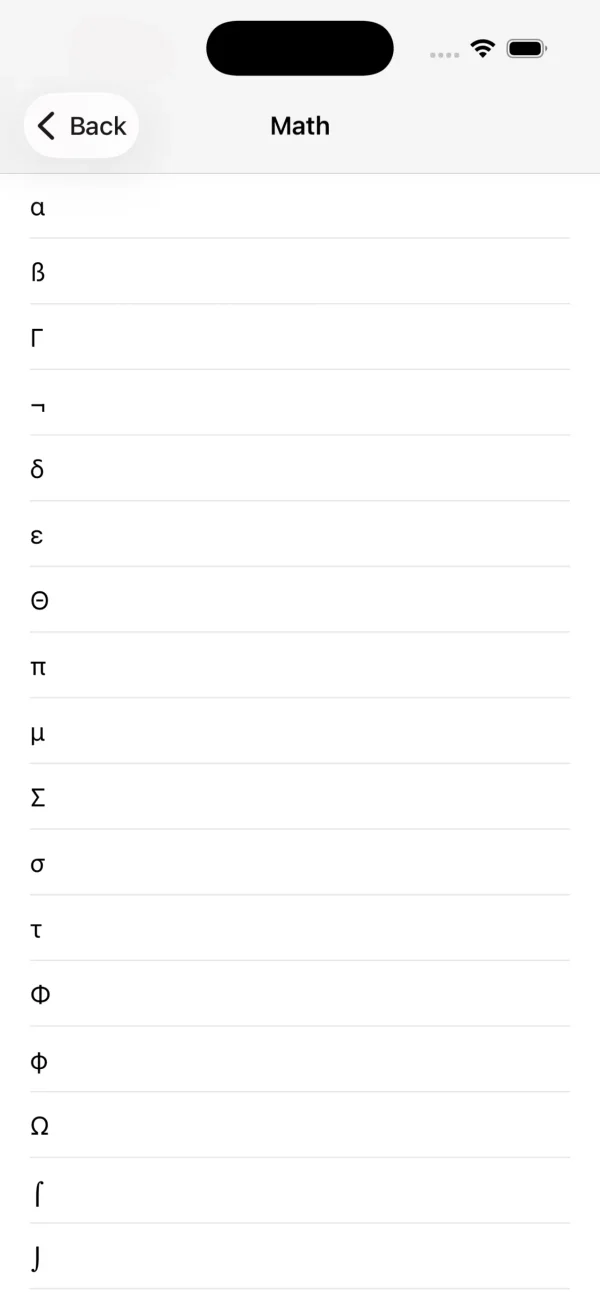
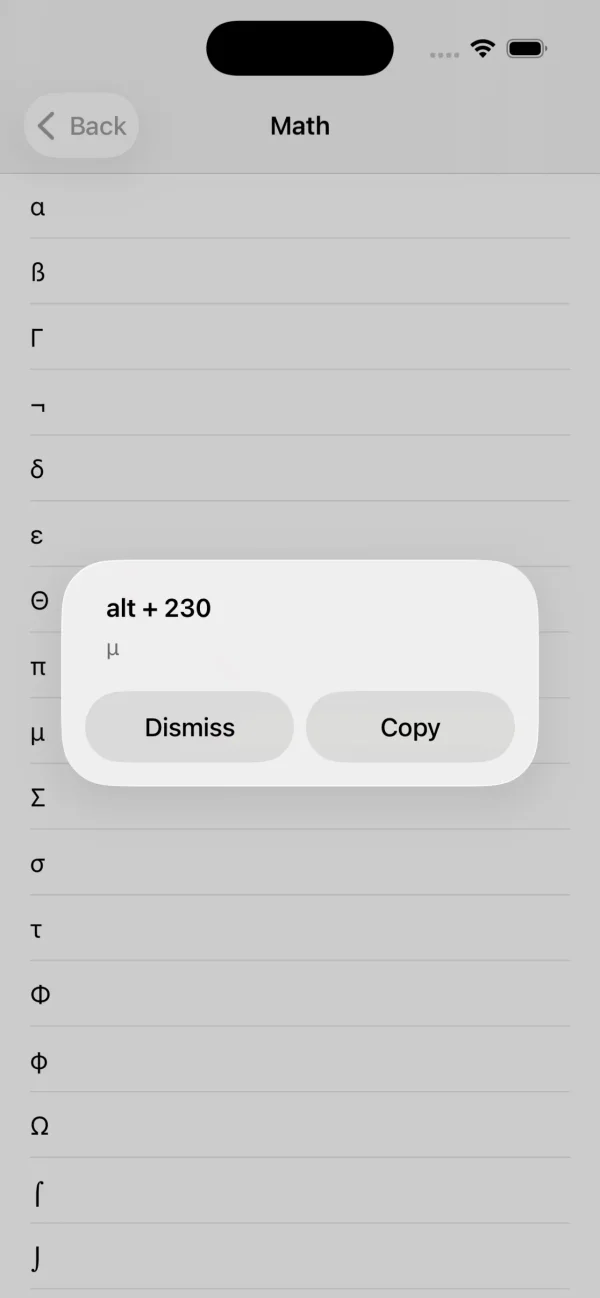
alt Codes enables you to quickly and easily find the keyboard combinations in Windows to type symbols and characters that are not found on traditional keyboards. In addition to discovering the keyboard code for a character or symbol, you can quickly copy the character or symbol to the clipboard of your iOS device. With Universal Clipboard, any character or symbol copied on your iOS device can be instantly pasted on your Mac.
What’s new
Version 4.2 · Oct 28, 2026
- Updated for iPhone Duo
- Backend bug fixes
App privacy
What Jared Lipton declares on the App Store about how this app handles data.
-
Data not collected
The developer does not collect any data from this app.
Privacy practices may vary, for example with the features you use or your age.
Information
- Seller
- Jared Lipton
- Category
- Utilities
- Version
- 4.2
- Updated
- Oct 28, 2026
- Released
- Sep 4, 2014
- Size
- 482.0 KB
- Requires
- iOS 17.0 or later
- Age rating
- 4+
- Price
- Free
- Languages
- English
- Copyright
- © 2014-2025 Jared Lipton
You might also like
-
 AltKey CodesAlt Codes
-
 Symbol KeysUtilities
-
 uniChrarsFont and text tool
-
 Symbols Keyboard & Fancy FontsCool Aesthetic Text & Kaomoji
-
 CharMap — Unicode CharactersUnicode viewer and keyboard
-
 Symbol Keyboard-Character PadUnicode Symbols and Characters
-
 Symbol Keyboard for MessageSpecial Symbols and Characters
-
 Character PadCopy Paste Special Characters
-
 Cool Symbols Keyboard & FontsNew Themes, Kawaii and Emoji
-
 Emoji Keyboard for TextingEmoticons Keypad & Text Faces