
- Age rating4+
- CategoryProductivity
- DeveloperLanguageCraft
- LanguagesEnglish
- Size7.4 MB
Links to the official App Store page
Download.org hosts no file of Alt Text Intelligence. The button opens its official App Store page, published by LanguageCraft. Listing last checked on Nov 23, 2026.
Screenshots
About
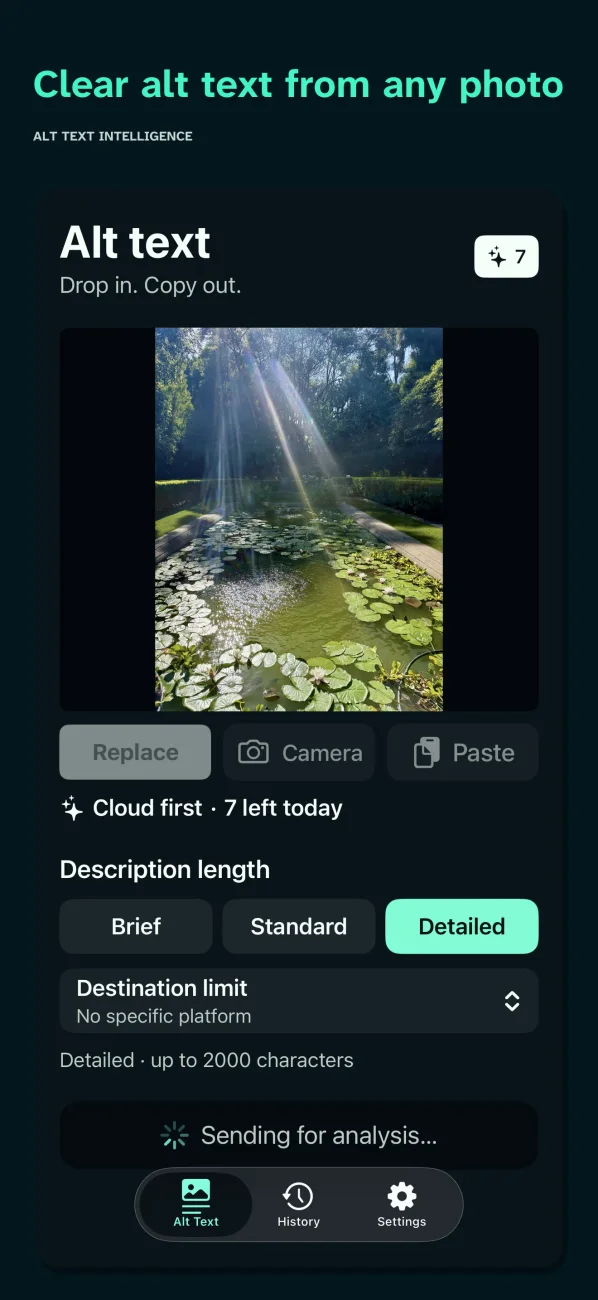
Pick a photo, get editable alt text, and copy or publish it in a few taps. Alt Text Intelligence combines a consented cloud description with a dependable on-device fallback.
HOW IT WORKS
• Choose, take, paste, or share a photo.
• Confirm before a photo is sent for cloud analysis.
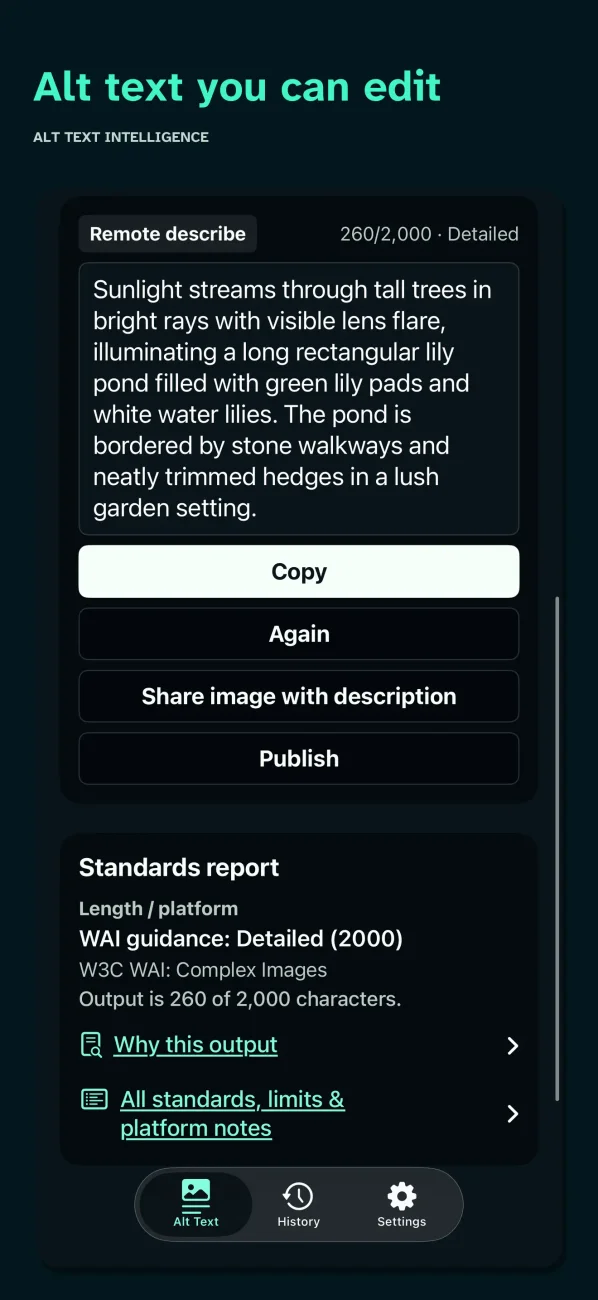
• Review and edit the description in your own words.
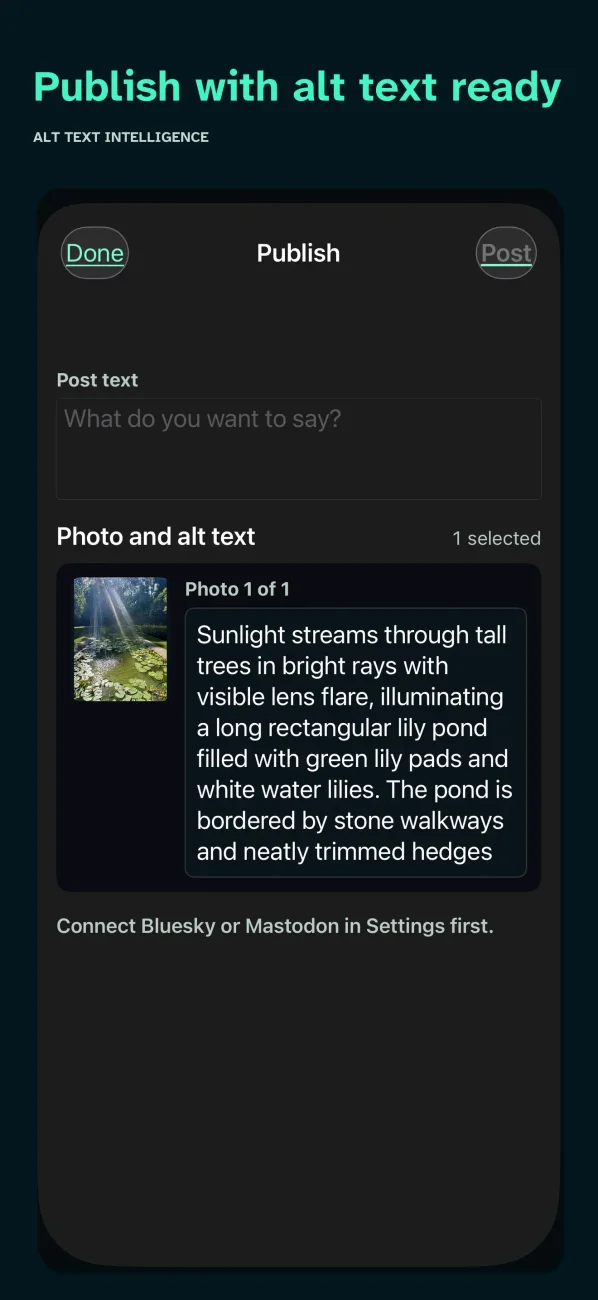
• Copy the alt text, share an image with its description embedded, or publish to a connected social account.
LOCAL-FIRST FALLBACK
When cloud describe is declined, unavailable, or out of daily quota, the app keeps working on device. The local pipeline uses Vision cues such as recognized text, classifications, faces, animals, saliency, and dominant color to compose a factual description. Supported devices can also use the system language model to refine those grounded cues.
LENGTH AND PLATFORM GUIDANCE
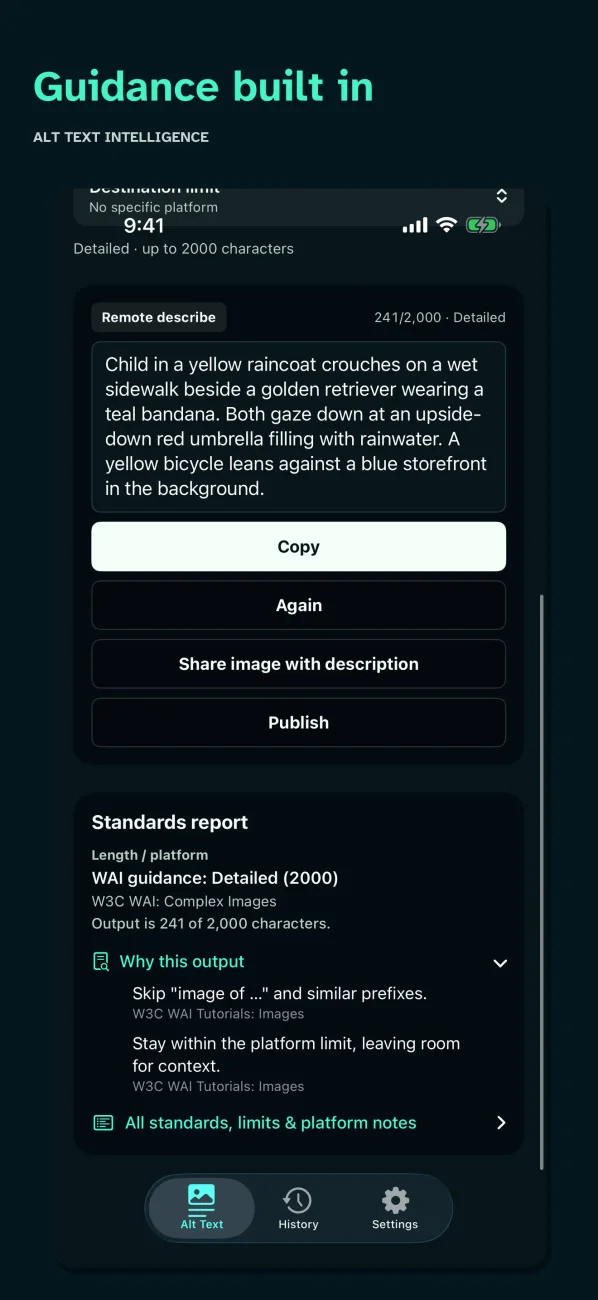
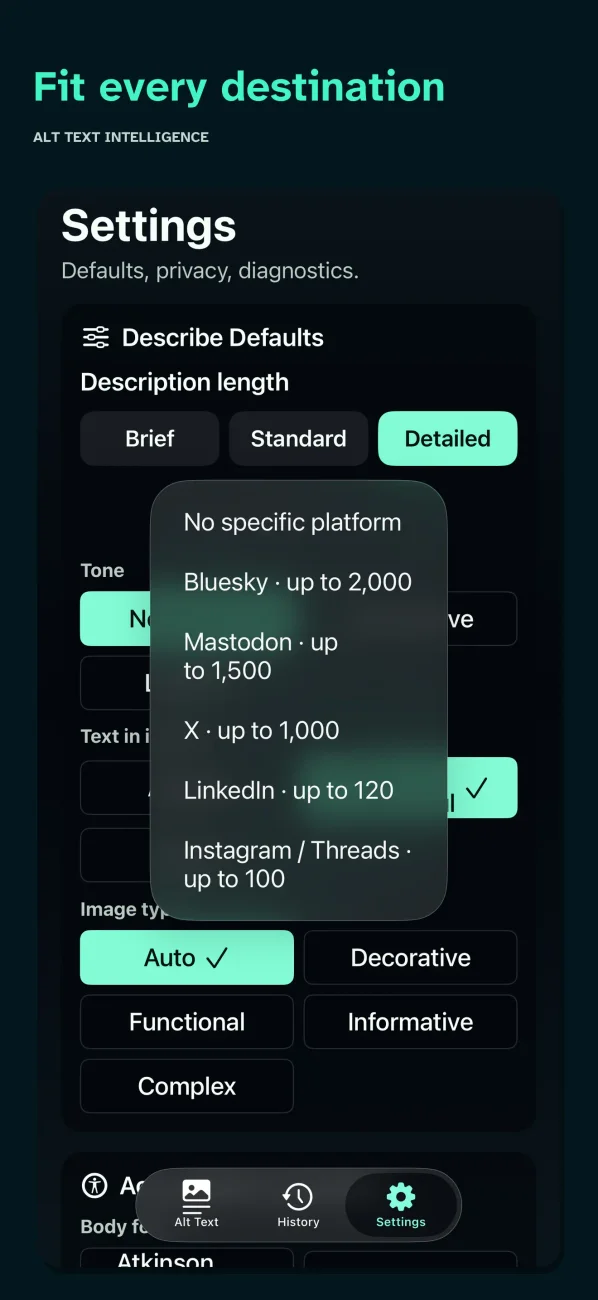
Choose Brief, Standard, or Detailed, then optionally apply a practical destination limit for Bluesky, Mastodon, X, LinkedIn, or Instagram / Threads. A destination can shorten the result but never makes a deliberately brief description longer. The standards report links back to accessibility guidance.
WAYS TO DESCRIBE
• Use the Alt Text tab for photos, camera captures, or clipboard images.
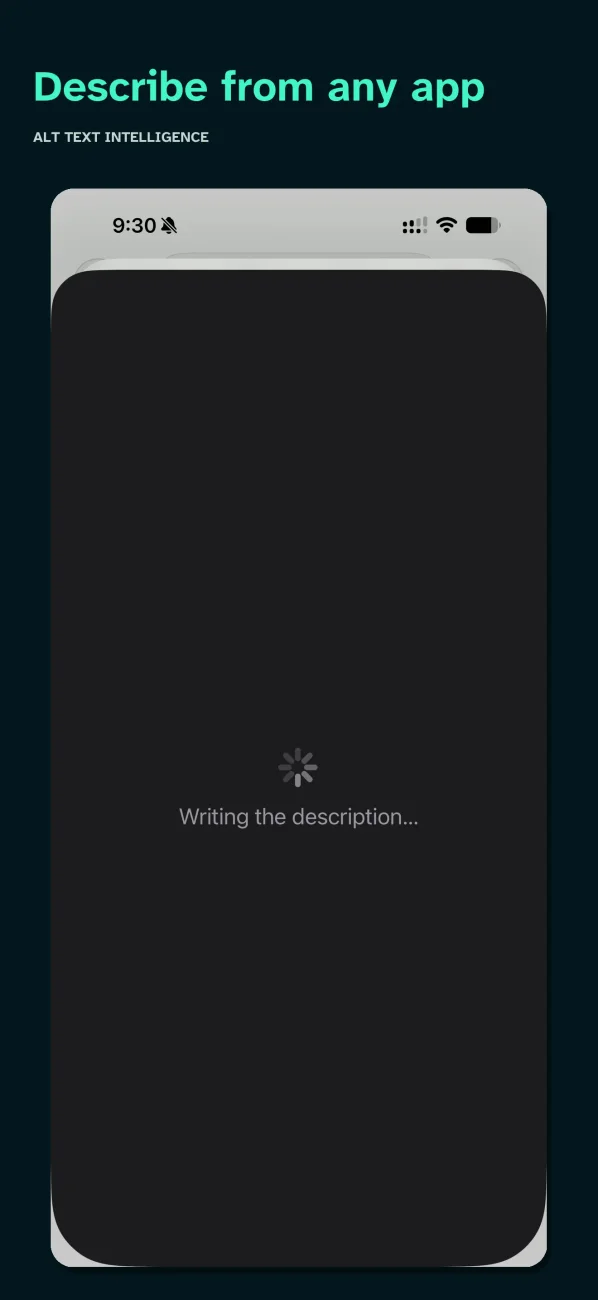
• Share an image from another app and get an editable description.
• Use the Photos action extension without leaving Photos.
• Run Describe an Image from Shortcuts, Siri, or Spotlight.
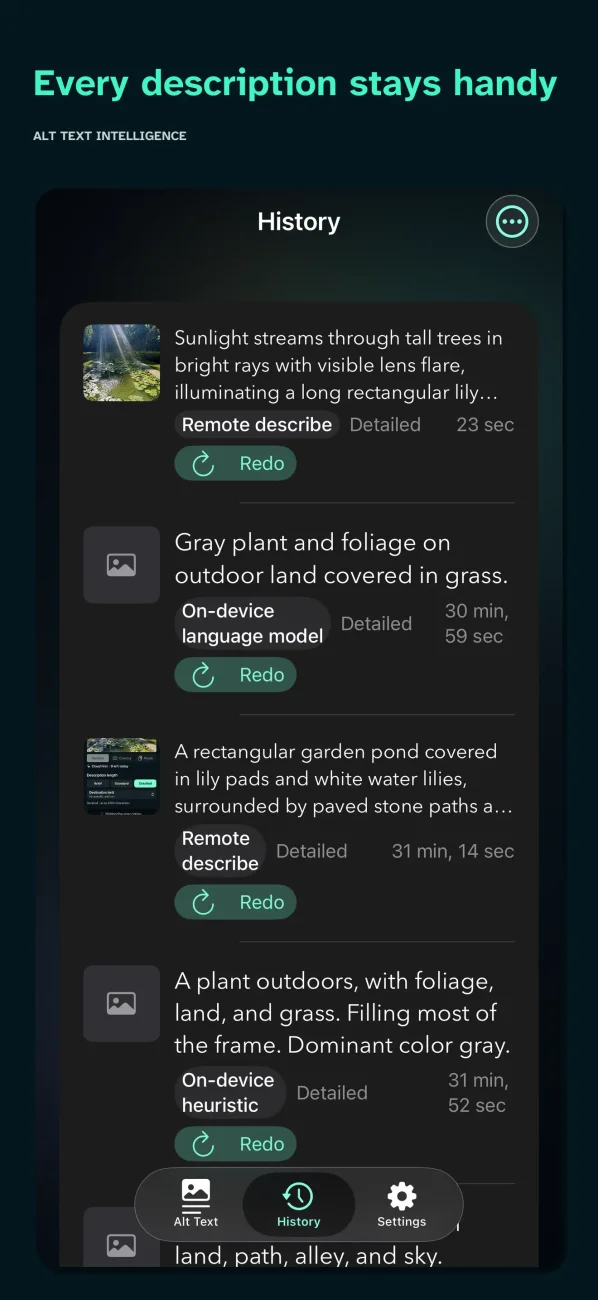
• Reopen a saved image from History and compose a fresh write-up.
PRIVACY
• Cloud describe runs only after confirmation and uses an anonymous quota identifier.
• Our server does not retain uploaded images.
• Paid inference requests are not used to train language models.
• On-device describe keeps the photo local.
• No account is required.
• Optional diagnostic reports stay on the device unless you choose to email one.
• No tracking.
ACCESSIBILITY
• Dynamic Type, VoiceOver, Bold Text, and system accessibility settings are supported.
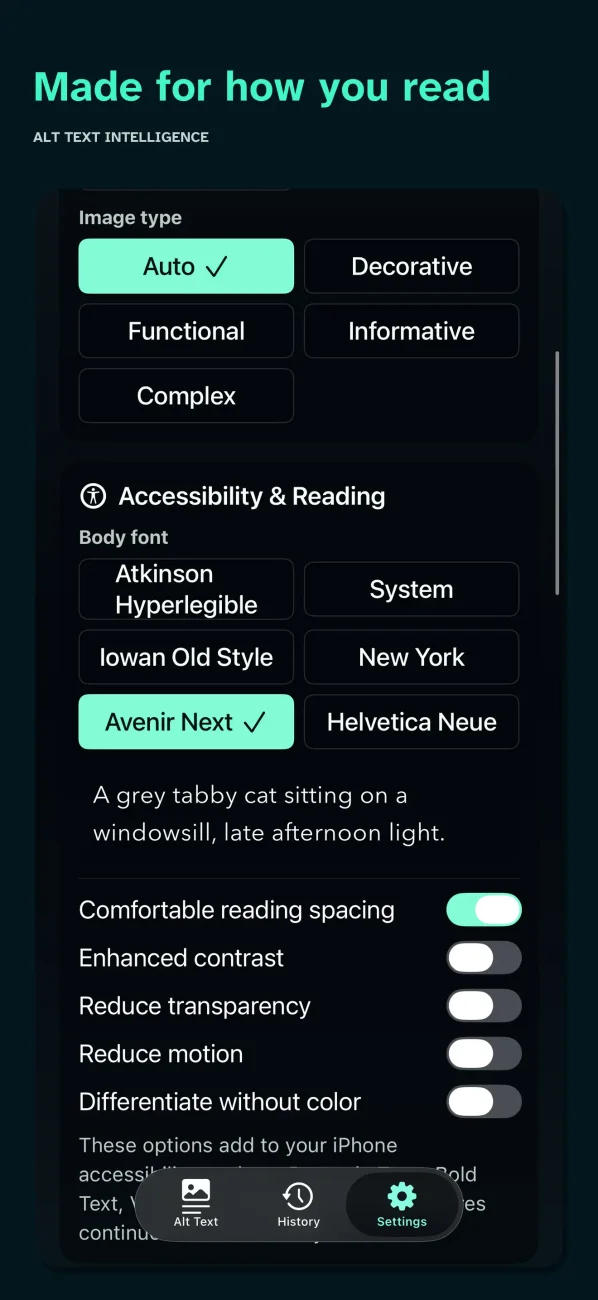
• Atkinson Hyperlegible Next and the system font are available.
• Reading spacing, contrast, transparency, motion, and non-color differentiation controls complement system settings.
• W3C WAI guidance is cited throughout the app.
HISTORY AND EXPORT
Every completed write-up saves locally to History. Export saved alt text, length presets, and thumbnails as JSON when you explicitly accept the export notice.
Alt Text Intelligence is built by Luke Steuber, Bridge City Lab LLC.
What’s new
Version 1.0.4 · Nov 16, 2026
Alt Text Intelligence 1.0.4 keeps your photo's details on your phone.
- Cloud descriptions now send only the picture itself. Location, the time it was taken and camera details are removed first.
- Posting to Bluesky or Mastodon removes them the same way.
- On iPhone Duo, opening the phone puts posting on its own page beside the photo and its description.
Feedback: luke@lukesteuber.com.
App privacy
What LanguageCraft declares on the App Store about how this app handles data.
-
Data not collected
The developer does not collect any data from this app.
Privacy practices may vary, for example with the features you use or your age.
Information
- Seller
- Bridge City Lab LLC
- Category
- Productivity
- Version
- 1.0.4
- Updated
- Nov 16, 2026
- Released
- Jun 16, 2026
- Size
- 7.4 MB
- Requires
- iOS 17.0 or later
- Age rating
- 4+
- Price
- Free
- Languages
- English
- Copyright
- © 2026 Bridge City Lab LLC
You might also like
-
 ALTtextGenerated ALT text for images
-
 Drawer: Save AnythingSave anything, read it later
-
 Tasking - with dependencyTasks with dependencies
-
 IdeaDock: Shared To-Do ListsShopping, notes & voice memos
-
 Simple Planner ProTask Planning + Easy Reminders
-
 FrameReplyBetter replies in any chat
-
 Clue AI:Smart AI ContactsProductivity
-
 Alt Text Generator for ImagesAccessibility, Social & SEO
-
 GadeonAI Chat with on Neural Engine
-
 Checklist ArchiveSave & Reuse Task Checklists