
- Age rating4+
- CategoryPhoto & Video
- DeveloperDaichi Takikawa
- LanguagesEnglish
- Size2.9 MB
Links to the official App Store page
Download.org hosts no file of AmberNote. The button opens its official App Store page, published by Daichi Takikawa. Listing last checked on Nov 14, 2026.
Screenshots

About
AmberNote is a simple photo annotation editor designed for clean, focused visual notes.
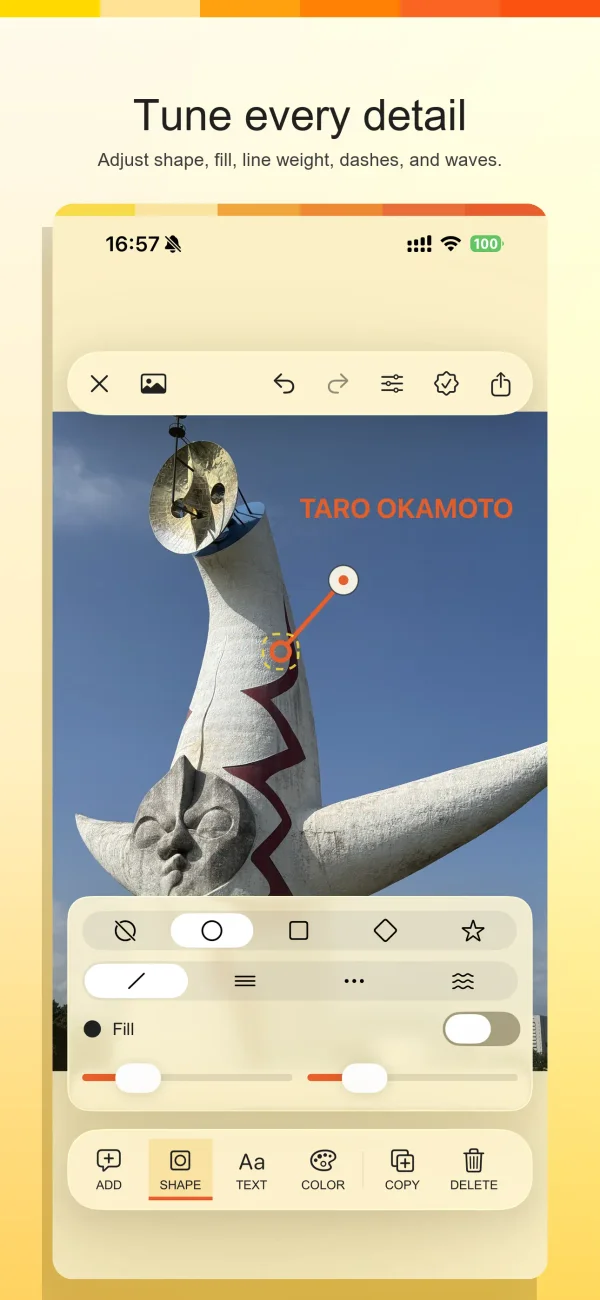
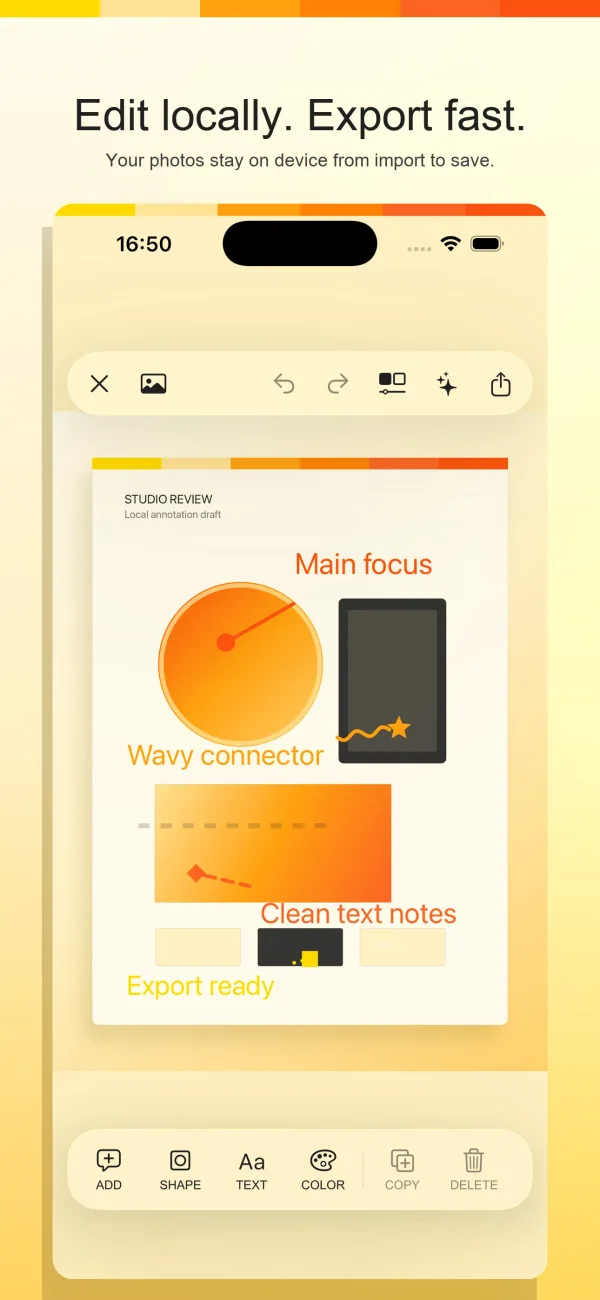
Place a small marker anywhere on a photo, draw a line from it, and add a comment at the end. It is useful for design feedback, review notes, repair instructions, visual explanations, and any moment when a photo needs clear context.
Key Features
- Add shapes, lines, and text annotations to photos
- Marker shapes including circle, square, diamond, and star
- Solid, dashed, dotted, and wavy lines
- Text size, bold, italic, and underline controls
- Zoom in and out while editing
- Export edited photos
- Local-only editing on your device
AmberNote Premium
Unlock black, custom colors, and all fonts with a one-time purchase. This is not a subscription.
Privacy
AmberNote does not upload your photos to a server. Selected photos and edits are processed locally on your device.
App privacy
What Daichi Takikawa declares on the App Store about how this app handles data.
-
Data not collected
The developer does not collect any data from this app.
Privacy practices may vary, for example with the features you use or your age.
Information
- Seller
- Daichi Takikawa
- Category
- Photo & Video
- Version
- 1.0
- Updated
- May 1, 2026
- Released
- May 1, 2026
- Size
- 2.9 MB
- Requires
- iOS 26.0 or later
- Age rating
- 4+
- In-app purchases
- Yes
- Languages
- English
- Copyright
- © 2026 Daichi Takikawa
You might also like
-
 True Tone StudioPhoto & Video
-
 TapRetouch - Taste WinsAesthetic On, Effort Off
-
 PointImageBlurBlur & Pixelate with Shapes
-
 Palette PlayPhoto & Video
-
 Isochrome: Retro Film CameraVintage Camera, Digicam & Date
-
 CLYP - Cutout Collage MakerAuto Cutout Collage Maker
-
 nado BoothSheets & instant photos
-
 Doodiva: Make Viral IG ArtTurn Photos Into Likes
-
 WyKub: Photo HDR & PresetsOne-tap HDR & Presets
-
 CutOut - Column & Row CropCut it out, then mark it up