- Age rating12+
- CategoryMedical
- DeveloperAmbulApps GmbH
- LanguagesGerman+ 3 more
- Size102.9 MB
Links to the official App Store page
Download.org hosts no file of AmbuDOC. The button opens its official App Store page, published by AmbulApps GmbH. Listing last checked on Nov 23, 2026.
Screenshots


About
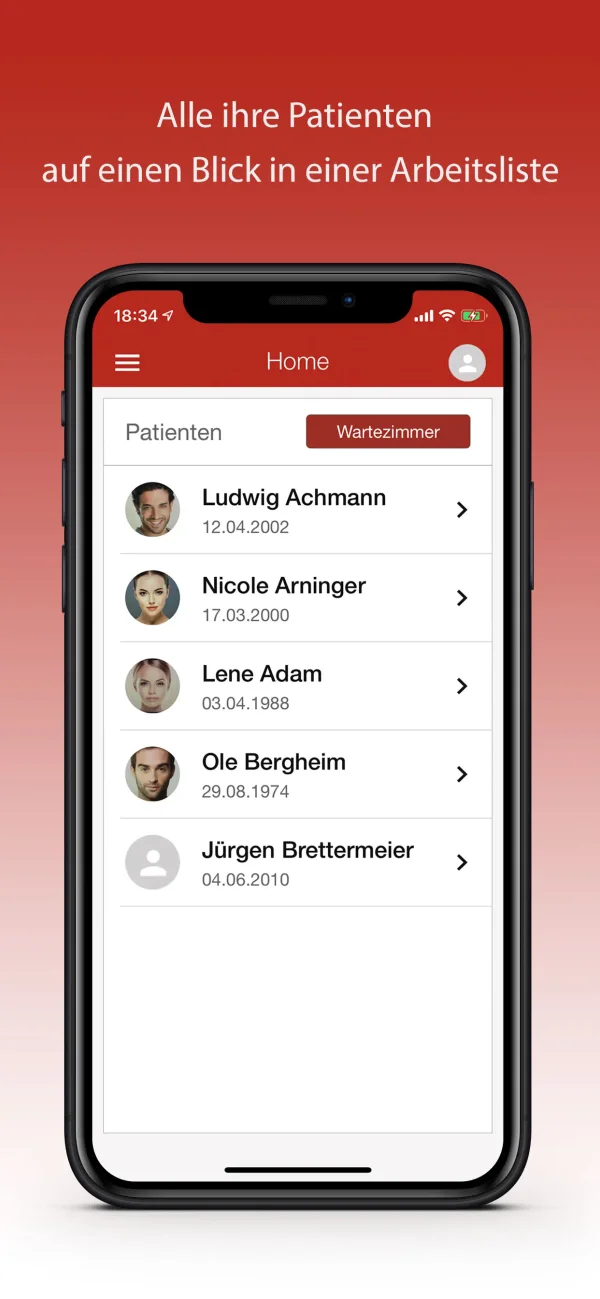
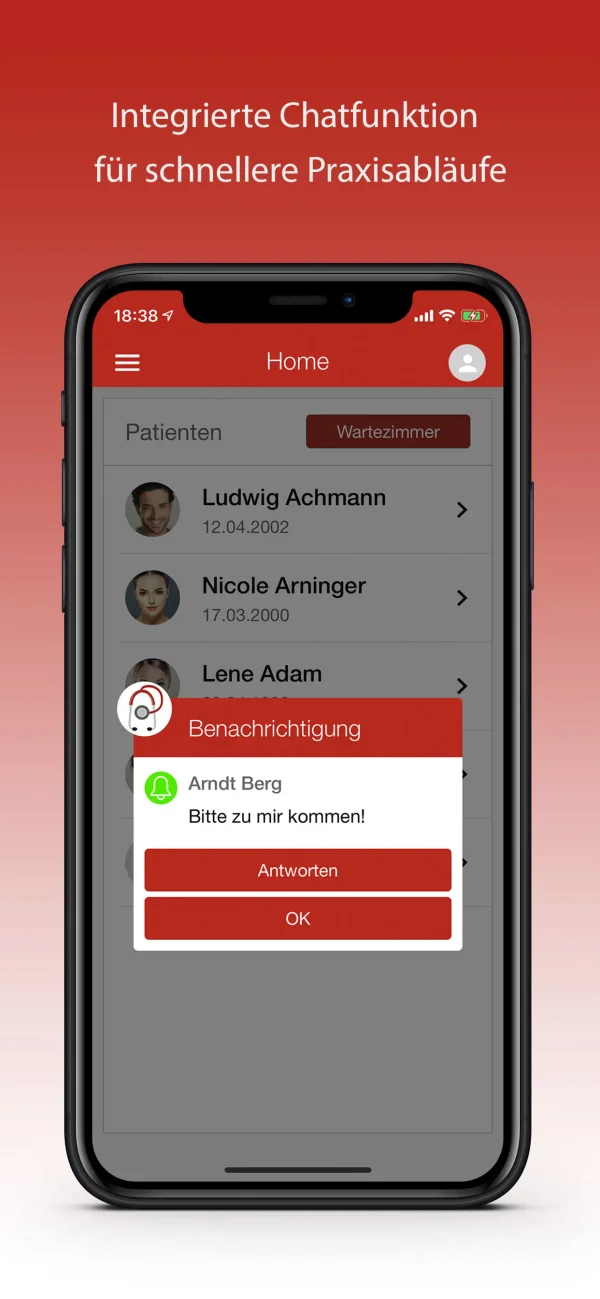
Fast direct communication and information on all devices and especially the Apple Watch, no time-consuming search of staff for quick help - this is possible with AmbuDOC.
- Which patient is next in which room?
- Where can I find an MTA for quick assistance?
- In which room is the doctor?
These questions arise several times a day in a practice and cost a lot of time and nerves. Often, conversations have to be interrupted for this, which leads to unrest in the practice rooms. With mobile devices, especially the Apple Watch, one is quickly and discreetly informed. It is enough to raise the wrist: no distractions, no irritated patients, no restlessness by running out.
The app uses so-called beacons for locations, which reliably and anonymously forward locations. Programmable buttons can be stuck under the desk, for example, and inform team members in seconds with a predefined message that also transmits your location.
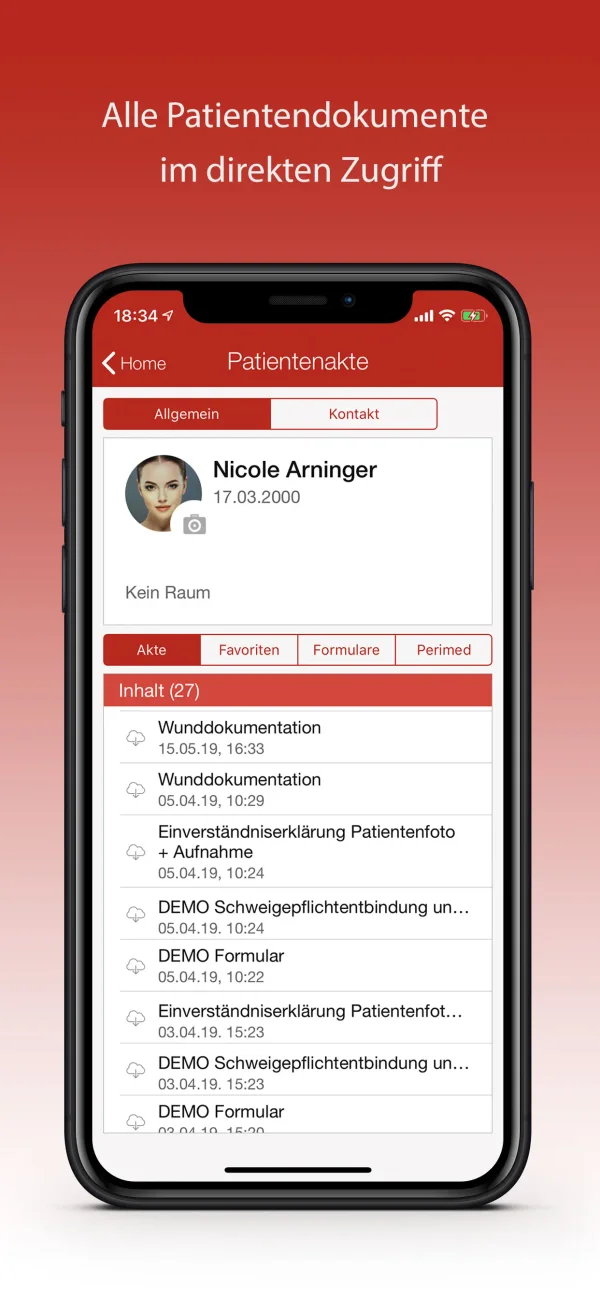
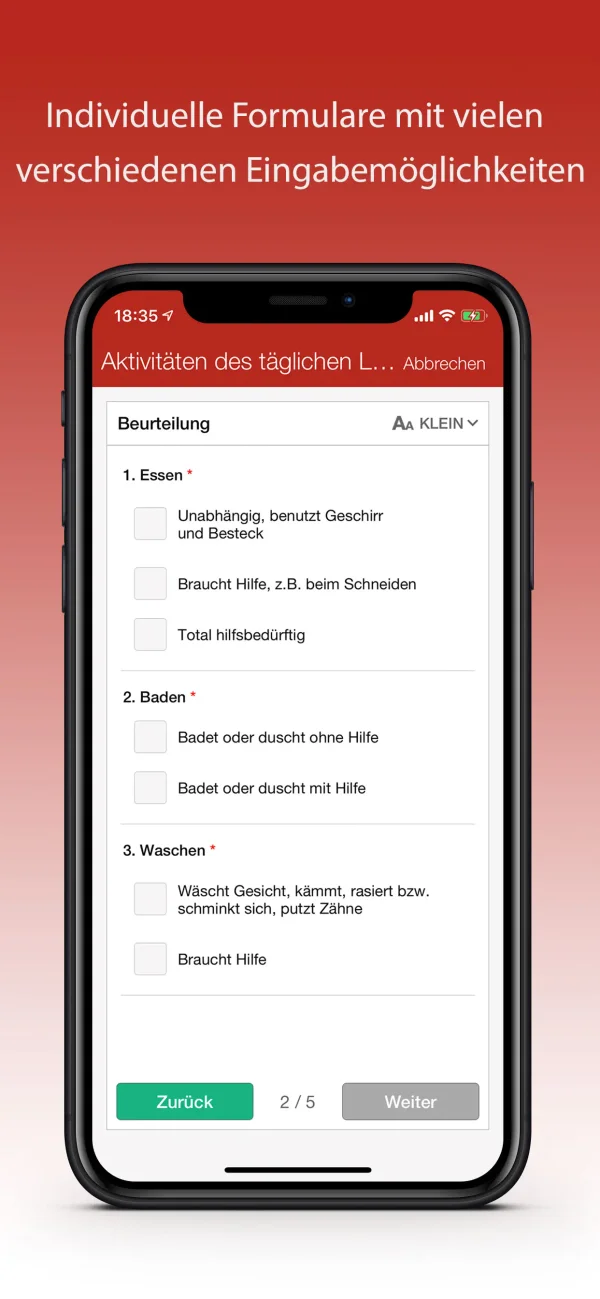
With AmbuDOC, you can also complete your medical documentation while walking or take a look at the patient's documents. Use the camera functionality of your device for photo documentation of e.g. wounds. High-quality medical illustrations help to explain procedures easily. The illustrations can be used as a basis for the drawing functionality. Patients can use these drawings to document their pain or health problems, for example.
Of course, special emphasis was placed on security and data protection, an excerpt:
- Enhanced digital signature
- Biometric signature enforced for all devices
- Signatures embedded in PDF documents
- All PDF documents in PDF/A format (2b) for secure long-term archiving
- Encryption for temporary data on the device
- Access management with TouchID and strong password
- SSL connection to the server in the practice
- Session management with necessary contact to the server
For direct communication as well as the beacons, the app is kept in the background, which increases battery consumption.
For operation in your practice/clinic our server software is necessary. Please contact us for this.
The App Store version of the app includes a test mode for demonstration.
Please use as access
User: test
Password: t
What’s new
Version 10.5 · Nov 17, 2026
Here's what's new in this update:
* NEW: Template folders
- Template folders created in the ControlCenter are now also available in AmbuDOC and shown in the dashboard under "Templates"
- Template folders are also listed in the master data, where they can be updated manually as usual
* Preparing for future updates
- We've laid the technical groundwork to ensure your saved sign-in and device information is reliably retained in future updates
*** If you enjoy our app, please take a few minutes to rate it on the App Store. We look forward to your feedback. ***
App privacy
What AmbulApps GmbH declares on the App Store about how this app handles data.
-
Data not linked to you
May be collected but is not linked to your identity.
- Diagnostics
Privacy practices may vary, for example with the features you use or your age.
Information
- Seller
- AmbulApps GmbH
- Category
- Medical
- Version
- 10.5
- Updated
- Nov 17, 2026
- Released
- Jul 18, 2016
- Size
- 102.9 MB
- Requires
- iOS 15.0 or later
- Age rating
- 12+
- In-app purchases
- Yes
- Languages
- German, English, French, Czech
- Copyright
- © Copyright 2026 CompuGroup Medical