
Amity: Screen Time Control
Mindful app and website limits
Designed for iPhone, iPad
Free · In-app purchases
- Age rating12+
- CategoryProductivity
- DeveloperMarek Pietkiewicz
- LanguagesEnglish+ 17 more
- Size74.5 MB
Links to the official App Store page
Download.org hosts no file of Amity: Screen Time Control. The button opens its official App Store page, published by Marek Pietkiewicz. Listing last checked on Nov 18, 2026.
Screenshots
About
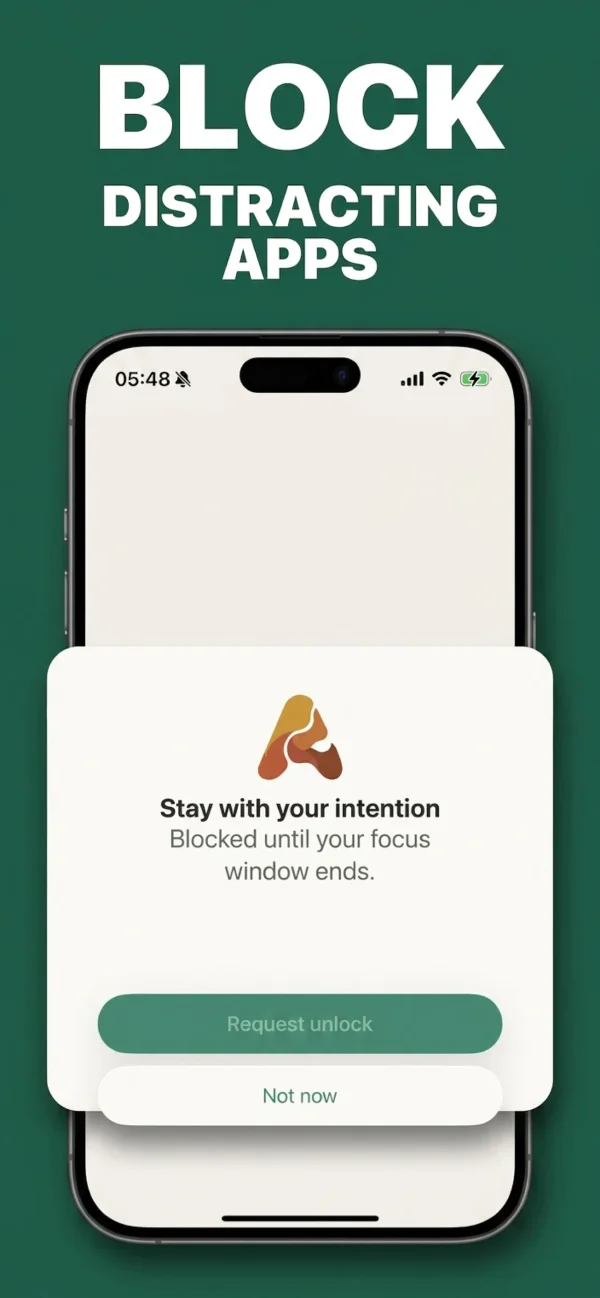
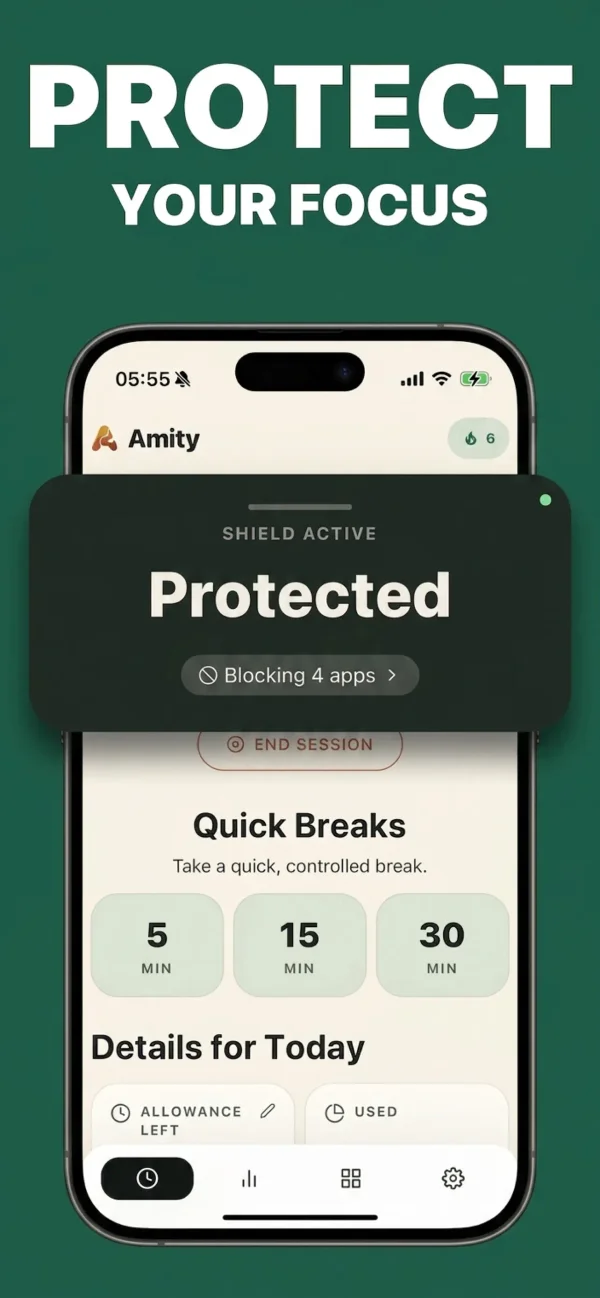
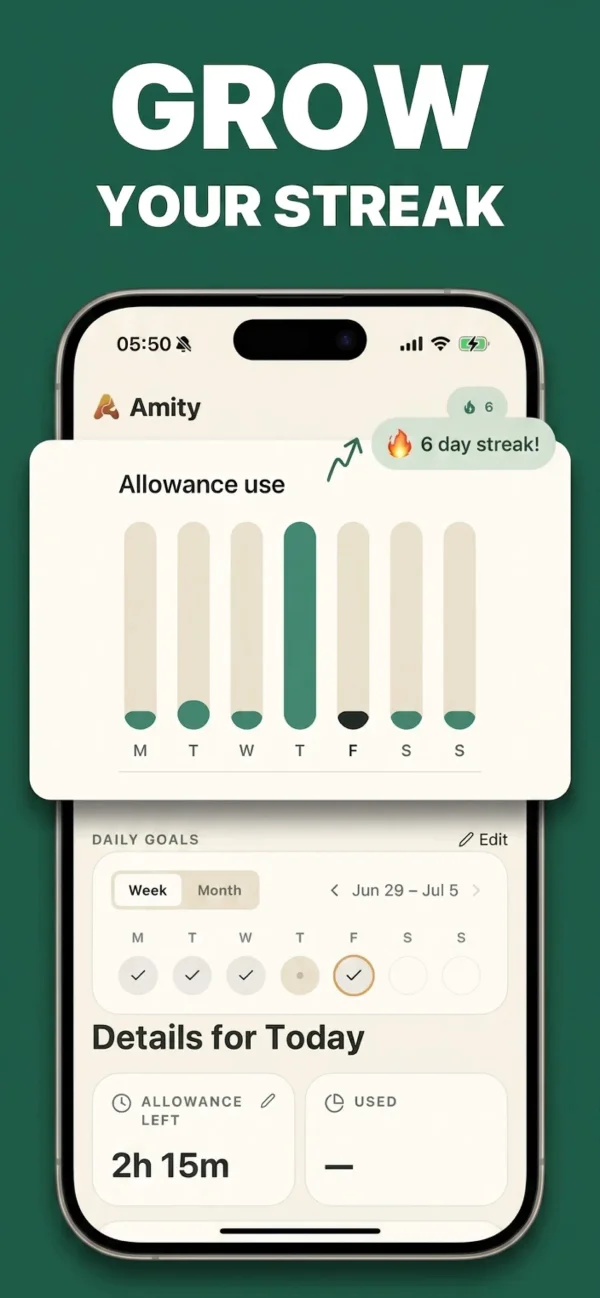
Open your phone with a purpose. Amity adds a pause before selected distracting apps and websites.
Choose what to block
Pick apps with Apple's Screen Time picker, or choose website collections for social feeds, news, streaming, shopping and adult content. Check what each website collection includes.
Understand your allowance
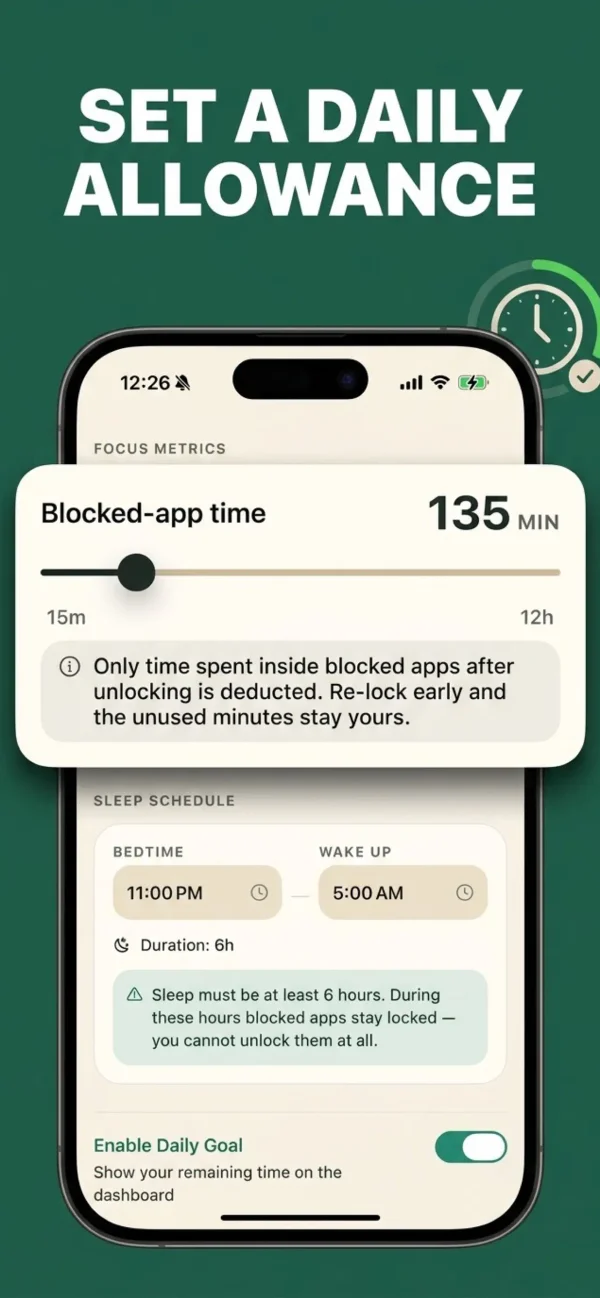
On iOS, the daily allowance counts elapsed time in an active unlock session while Amity is in the background. Returning to Amity pauses the counter. This is not a precise measurement of time inside one app: switching apps or locking the phone does not by itself end a session. Re-enable blocking when you finish.
Pause and choose
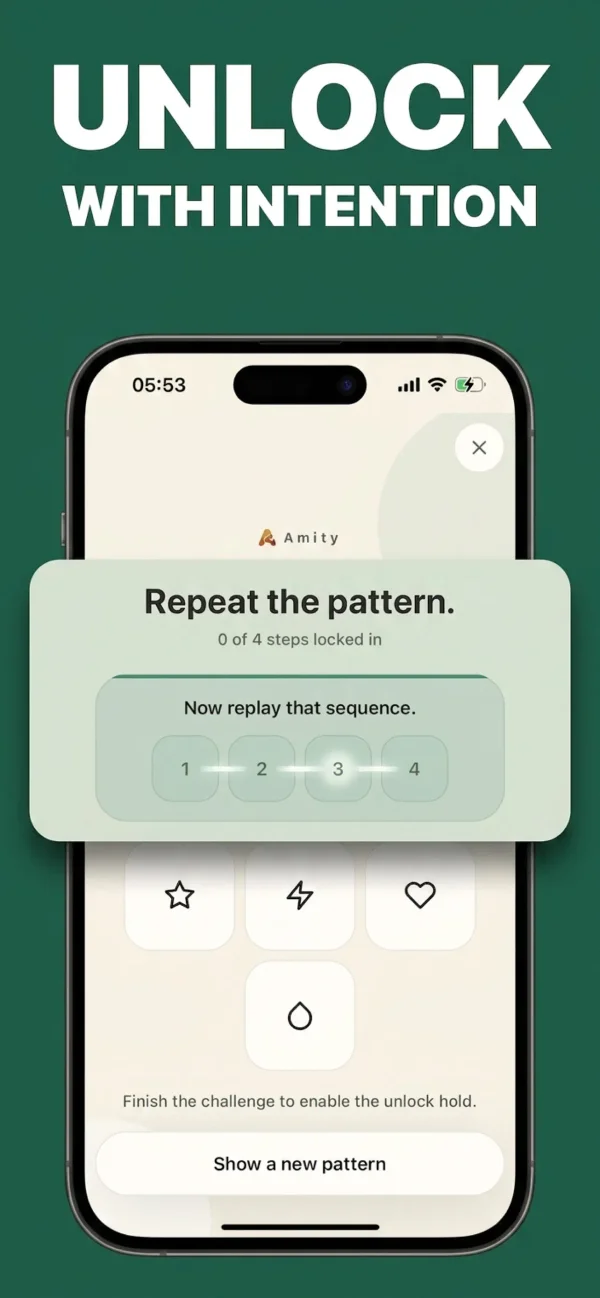
A breath or quick challenge can grant a temporary global break covering all blocked apps and websites. Normal access is limited by your remaining daily allowance and Sleep time. Quick Breaks include 5-, 15- and 30-minute choices with automatic re-locking; the remaining allowance may shorten the window.
Set Sleep time
Choose your hours for normal blocking. On iOS, a separate emergency option can unblock all blocked apps and websites for five minutes after acknowledgement and a challenge, including during Sleep time or after the allowance is spent.
No account required
Blocklists stay on your device. Limited analytics, attribution, diagnostic and purchase data goes to service providers; read the privacy information for details.
Privacy Policy: https://magoflow.com/privacy
Terms of Use (EULA): https://www.apple.com/legal/internet-services/itunes/dev/stdeula/
What’s new
Version 1.1.1 · Oct 22, 2026
Faster app startup, improved onboarding, more reliable blocking and unlocking, plus widget improvements and overall stability fixes.
App privacy
What Marek Pietkiewicz declares on the App Store about how this app handles data.
-
Data used to track you
May be used to track you across apps and websites owned by other companies.
- Purchases
- Identifiers
- Usage data
-
Data linked to you
May be collected and linked to your identity.
- Purchases
- Identifiers
- Usage data
-
Data not linked to you
May be collected but is not linked to your identity.
- Purchases
- Identifiers
- Diagnostics
Privacy practices may vary, for example with the features you use or your age.
Information
- Seller
- Marek Pietkiewicz
- Category
- Productivity
- Version
- 1.1.1
- Updated
- Oct 22, 2026
- Released
- Oct 1, 2026
- Size
- 74.5 MB
- Requires
- iOS 16.4 or later
- Age rating
- 12+
- Price
- Free
- In-app purchases
- Yes
- Languages
- English, Arabic, Danish, Dutch, French, German, Italian, Japanese, Korean, Norwegian Bokmål, Polish, Portuguese + 6 more
- Copyright
- © 2026 Magoflow
You might also like
-
 Cosmonote: AI notes & summaryAutomatic note-taking
-
 Habit Tracker - HabitlyAtomic Goals & Accountability
-
 DetoxLock: Extreme App BlockerGo Cold Turkey. Block Apps
-
 Jomo - App Blocker & FocusScreen Time Control & Limits
-
 BlockerX:Adult Content BlockerSite Blocker to Quit Addiction
-
 Productive - Habit TrackerDaily Routine & Goals Planner
-
 Orange Max it - GuinéeProductivity
-
 Opal: Screen Time ControlFocus, App Blocker & Timer
-
 Authenticator App+2FA Two Factor Authentication
-
 VPN Cat Pro 2026VPN Unlimited, VPN Super