
Amplenote
Flexible notes and tasks
Designed for iPhone, iPad, iPod touch
Free · In-app purchases
- Age rating4+
- CategoryProductivity
- DeveloperAlloy.dev, Inc.
- LanguagesEnglish
- Size55.5 MB
Links to the official App Store page
Download.org hosts no file of Amplenote. The button opens its official App Store page, published by Alloy.dev, Inc. Listing last checked on Nov 22, 2026.
Screenshots
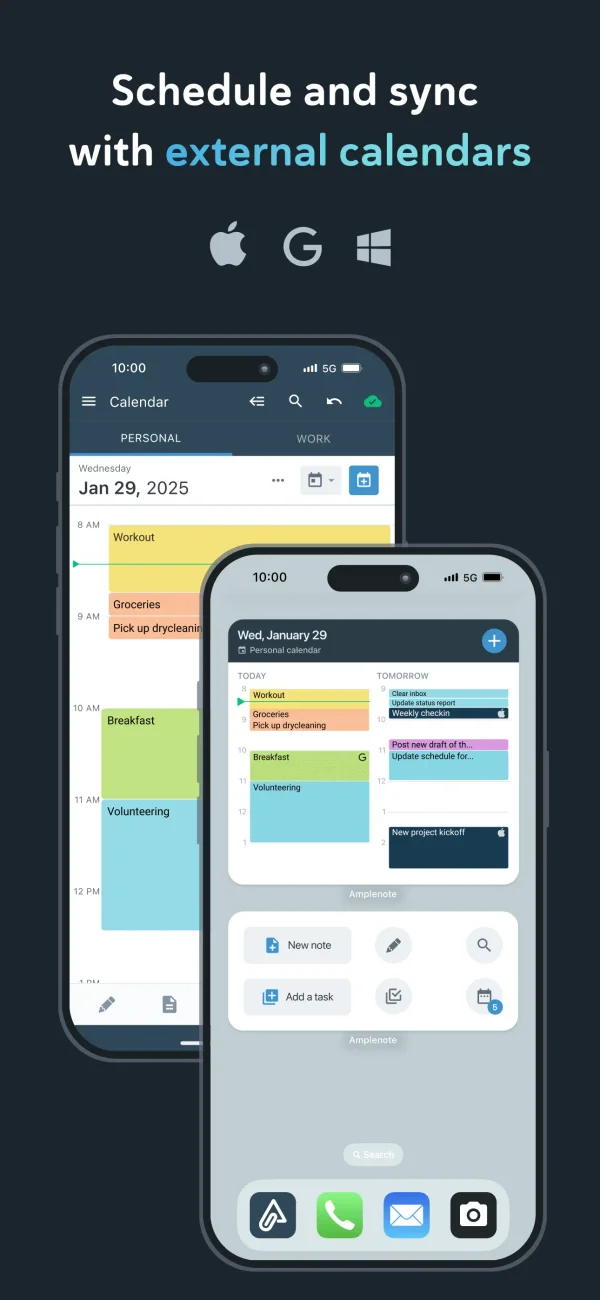
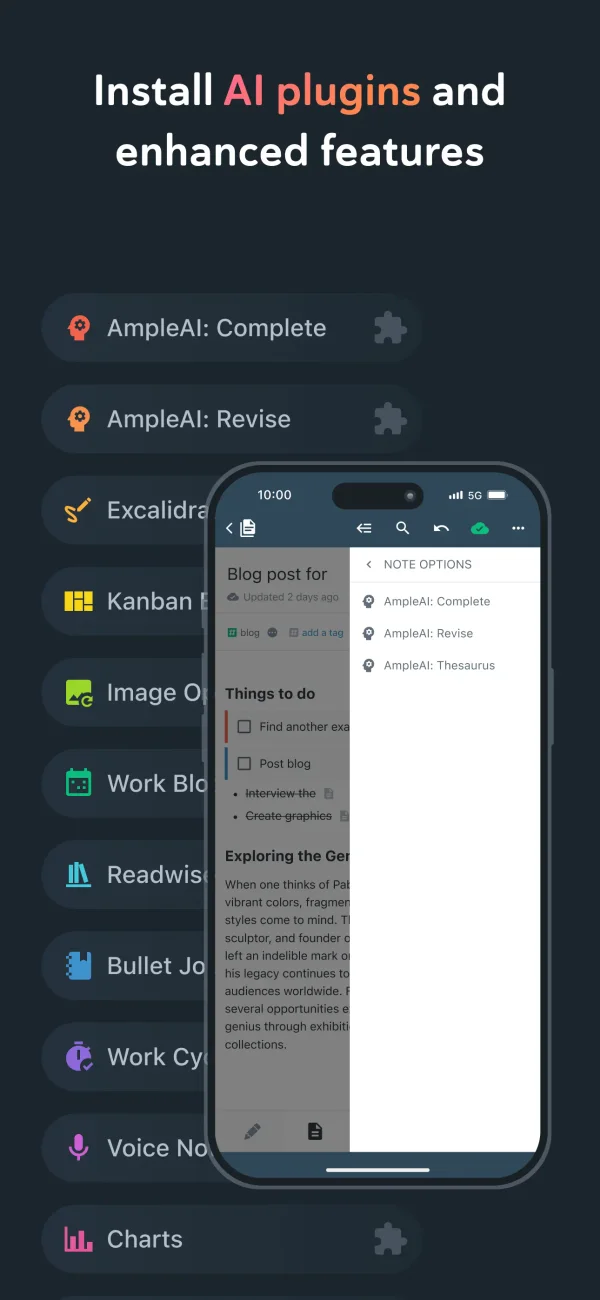
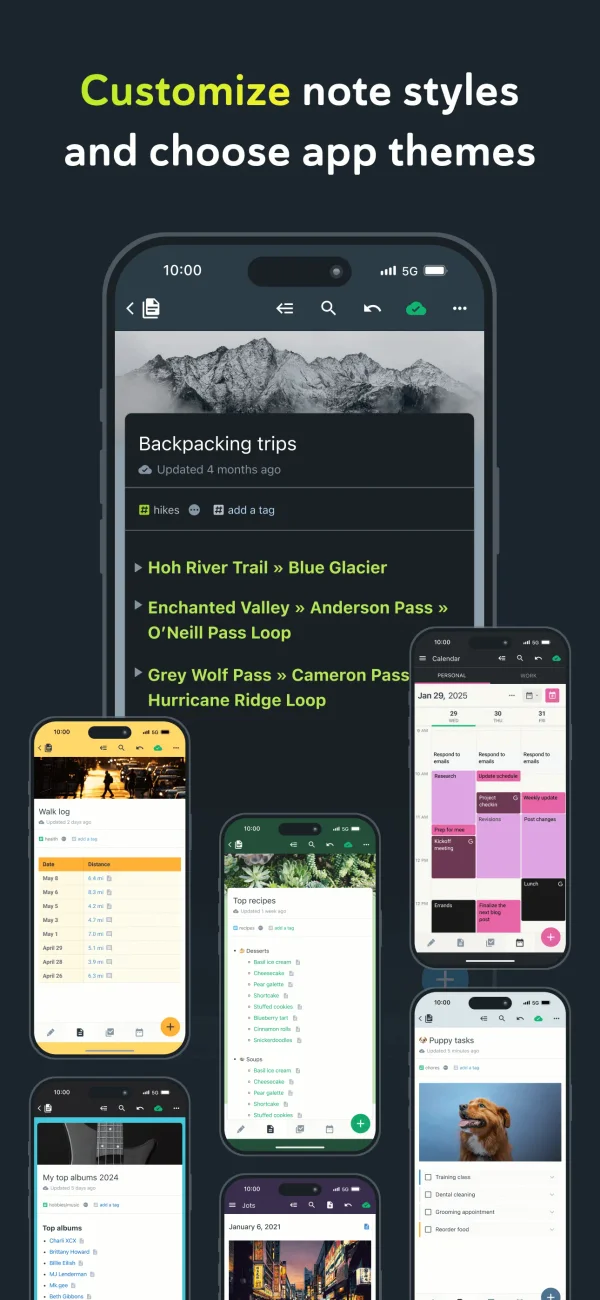

About
*** Your security is our priority ***
- Data security differentiates us from popular to-do list apps
- All note contents are encrypted at rest on our servers
- Notes can be Vault Encrypted with a password that's never sent to our servers
- Your note content is available for download at any time
*** Built on seamless syncing ***
- Along with data security, accurate syncing is at our core
- Designed for heavy users who often switch between the same notes on mobile and desktop
- Our sync is fully compatible with Vault Notes (even though we can't decrypt their content)
***Expression is our cornerstone ***
- Rich Footnotes that hold text, code, images, or all the above is our flagship feature
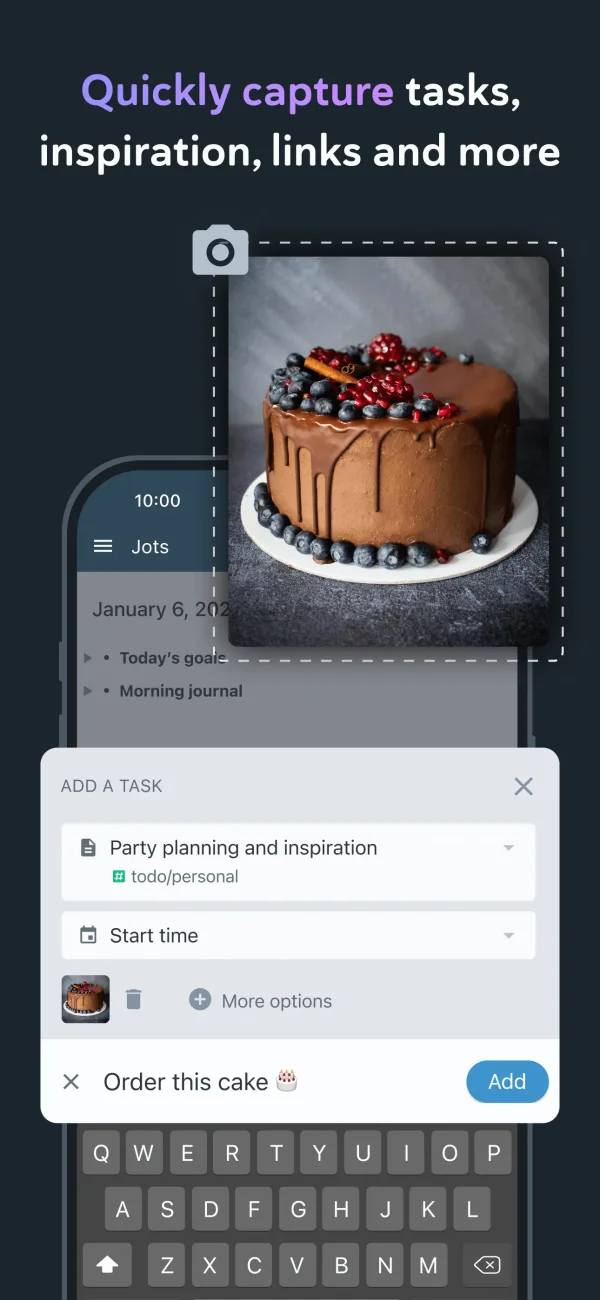
- Easily insert images into notes, or even into text within notes
- A range of the finest markdown stylings at your disposal
*** Notes and tasks: better together ***
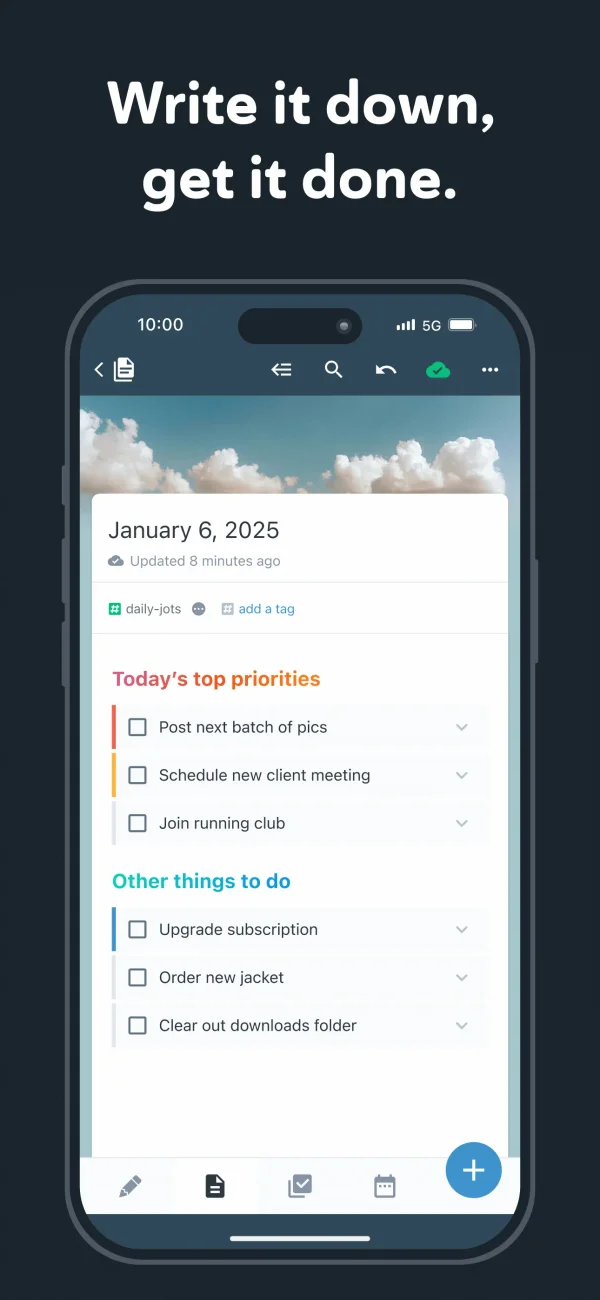
- Text, code, to-do tasks, and images all live inside the same note
- Tasks can be customized to recur at flexible intervals or hidden until later
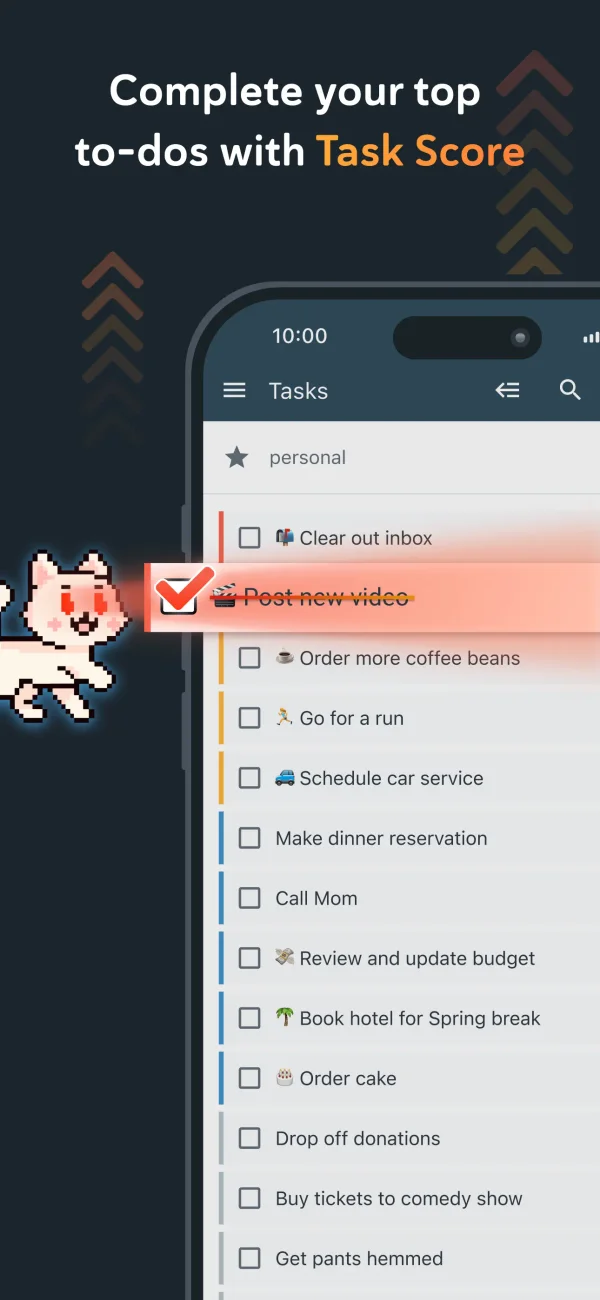
- Tasks are automatically removed from your to-do list when completed
*** As organized as you are ***
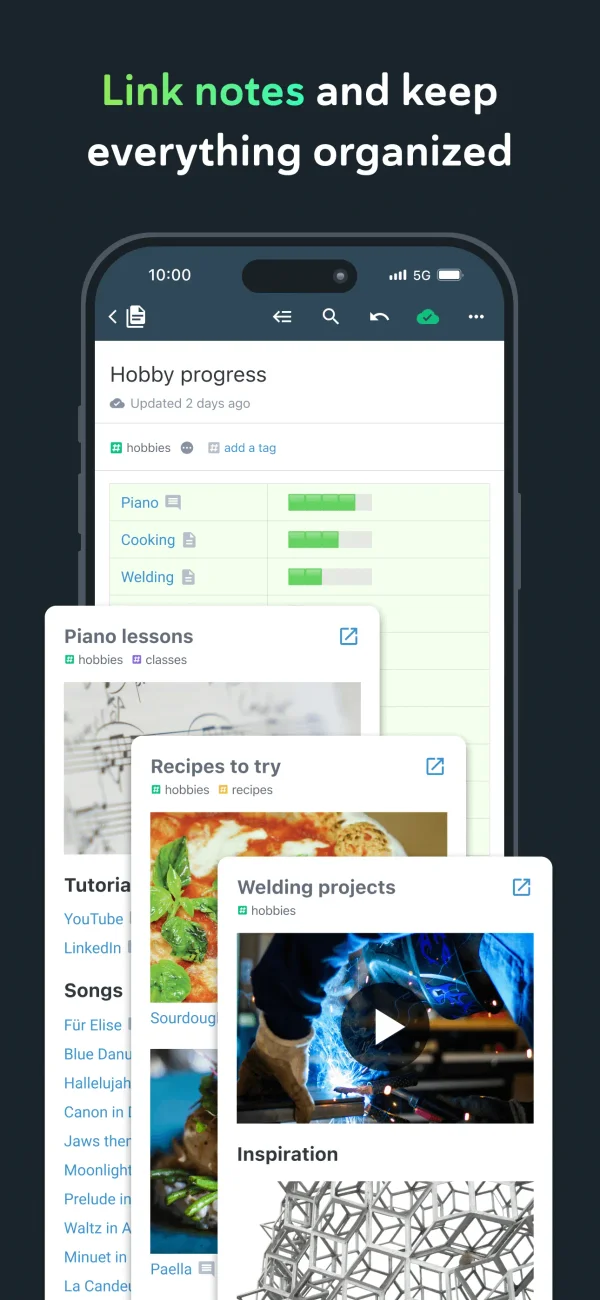
- Connect notes with bi-directional linking
- Note tags allow multi-level taxonomy to organize notes
- Browse these taxonomies like directories
- Recreate OneNote browsing hierarchies seamlessly
*** Flair for sharing ***
- Any note can be instantly shared and edited by multiple parties
- Publish notes (including their Rich Footnotes!) to the web with one tap
- Shared to-do lists can help a team stay on top of shared responsibilities
*** Built for personal productivity ***
- Set up any task to repeat relative to when you last got it done
- Track how much you're getting done over time with our automatic task graph
- Designate tasks as "Urgent" or "Important" to use proven priority techniques
*** More than ample enough for power users ***
- Simplified, clean UI is efficiently functional
- Contextual keyboard toolbar puts the relevant actions at your fingertips
- Quick opener allows opening any recently used note in ~3 taps
- *** No internet? No problem ***
- Continue working offline within new or cached notes
- All work will automatically sync once back online
*** Ample: no more, no less ***
- We won't settle for becoming bloated with non-essential features
- We work across mobile and web.
*** Get started instantly ***
- Use our Evernote Importer to bring your notes from the olden times
*** Account required ***
- An active Amplenote account is required to use Amplenote.
- New accounts automatically receive a 14-day free trial of the Pro plan.
- At the end of the trial period, you may choose between the free plan (Personal) or one of the paid plans.
- You may purchase an auto-renewing subscription through an In-App Purchase.
- 1 month and 1 year durations are available for Basic, Pro, and Founder subscription levels.
- Your subscription will be charged to your iTunes account at confirmation of purchase and will automatically renew (at the duration selected) unless auto-renew is turned off at least 24 hours before the end of the current period.
- Current subscriptions may not be cancelled during the active subscription period; however, you can manage your subscription and/or turn off auto-renewal by visiting your iTunes Account Settings after purchase
- Privacy policy: https://www.amplenote.com/privacy_policy
- Terms of use: https://www.amplenote.com/terms_of_service
What’s new
Version 4.9 · Nov 20, 2026
- Add a compact sidebar option for tablets, showing tags, shortcuts, and account options as icons that open popovers, leaving more room for notes
- Add slash menu and @ note-linking buttons to the note editor toolbar
- Add slash menu options to remove a note's tags
- Open to jots for new users, with tips as placeholder text in empty notes and tasks
- Keep column alignment when pasting markdown tables
- Cmd/Ctrl+Enter on a hardware keyboard turns any line (not just a bullet) into a task
- Fix various potential crashes
- Misc. plugin support improvements
- Misc note editor improvements and bug fixes
App privacy
What Alloy.dev, Inc. declares on the App Store about how this app handles data.
-
Data linked to you
May be collected and linked to your identity.
- Contact info
- Identifiers
- Diagnostics
-
Data not linked to you
May be collected but is not linked to your identity.
- Usage data
- Diagnostics
Privacy practices may vary, for example with the features you use or your age.
Information
- Seller
- Alloy.dev, Inc.
- Category
- Productivity
- Version
- 4.9
- Updated
- Nov 20, 2026
- Released
- Aug 31, 2019
- Size
- 55.5 MB
- Requires
- iOS 15.4 or later
- Age rating
- 4+
- Price
- Free
- In-app purchases
- Yes
- Languages
- English
- Copyright
- © 2026 Alloy.dev, Inc.
You might also like
-
 Twos: Notes, Lists & RemindersWrite down things that matter
-
 Timestripe: Life Goal PlannerWeekly, Monthly, Yearly Plans
-
 Anytype - The Everything AppWhere no one is in between
-
 Capacities – Notes & PKMCollect, connect, and reflect.
-
 Tana OutlinerNext-gen all-in-one workspace
-
 NotePlan - To-Do List & NotesMarkdown, Planner, Calendar
-
 UpNote - notes, diary, journalBeautiful. Simple. Easy to use
-
 Supernotes – Notes & JournalShareable Markdown Cards
-
 Superlist: To Do List & NotesAI Meetings, Tasks & Reminders
-
 LogseqProductivity