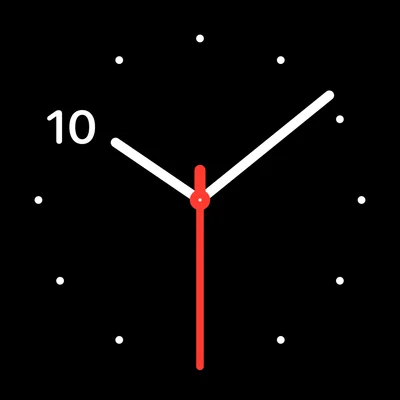
- Age rating4+
- CategoryProductivity
- DeveloperLasmit TLB Ltd
- LanguagesEnglish+ 5 more
- Size3.1 MB
Links to the official App Store page
Download.org hosts no file of Analog Clock Face. The button opens its official App Store page, published by Lasmit TLB Ltd. Listing last checked on Nov 22, 2026.
Screenshots

What’s new
Version 2026.2 · Nov 9, 2026
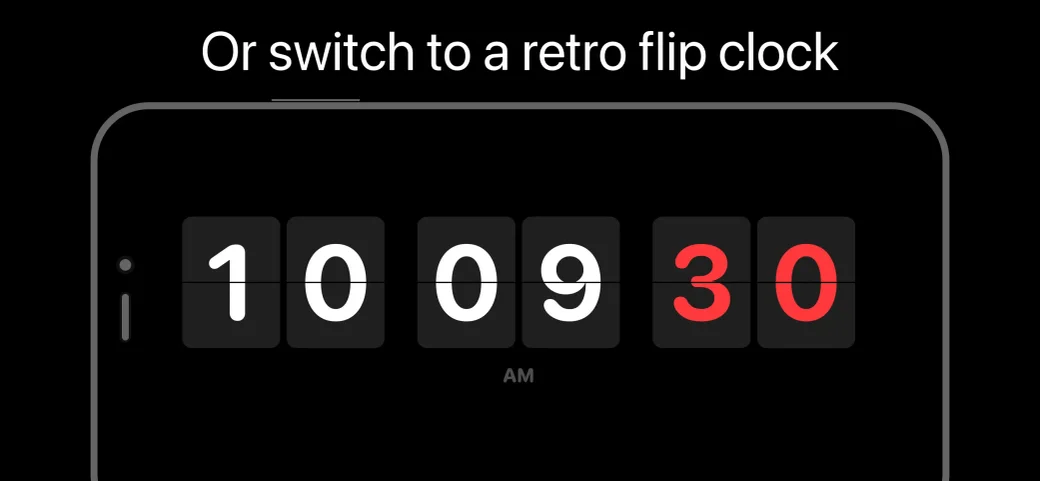
This update brings a flip clock, plus today’s sunrise and sunset!
- Flip Clock: Switch to split-flap digits that flip over as the time changes. It follows your theme, seconds, and date settings.
- Sunrise and Sunset: See today’s sunrise and sunset times in the corners below the clock face. Analog only asks for your location when you turn this on.
- The clock now sits in the center of your iPhone’s screen.
- Small fixes to the About screen.
Tap the menu button to turn them on.
Lewis
App privacy
What Lasmit TLB Ltd declares on the App Store about how this app handles data.
-
Data not collected
The developer does not collect any data from this app.
Privacy practices may vary, for example with the features you use or your age.
Information
- Seller
- Lasmit TLB Ltd
- Category
- Productivity
- Version
- 2026.2
- Updated
- Nov 9, 2026
- Released
- Apr 6, 2020
- Size
- 3.1 MB
- Requires
- iOS 17.0 or later
- Age rating
- 4+
- Price
- Free
- Languages
- English, Dutch, French, German, Italian, Spanish
- Copyright
- © 2020 Lasmit TLB Ltd
You might also like
-
 Desk Clock - Analog Clock FaceStandby full screen live time
-
 Analog Clock Widget - Clock SDanalog clock for home widget
-
 iFlip Clock - Time WidgetReal-time Digital Flip Clock
-
 AClock - Pomodoro and timerDesktop digital clock widget
-
 Analog Clock - Stand Face TimeLarge clock widget lock screen
-
 Analog Clock - Desk WidgetAesthetic Clock Face wedgit
-
 KeyHour: Clock & BlockerFullscreen, pomodoro & widgets
-
 Standby Clock - on Lock Screenmusical alarm,time in seconds
-
 ClockZ | Desk Clock & AlarmNight & Standby Display
-
 Flip Clock Digital WidgetsDClock&Flip clock&Countdown