
Anchor: AI Second Brain
Ask Your Notes & Screenshots
Designed for iPhone, iPad
Free · In-app purchases
- Age rating4+
- CategoryProductivity
- Developermatthew newman
- LanguagesEnglish+ 10 more
- Size5.7 MB
Links to the official App Store page
Download.org hosts no file of Anchor: AI Second Brain. The button opens its official App Store page, published by matthew newman. Listing last checked on Nov 20, 2026.
Screenshots
About
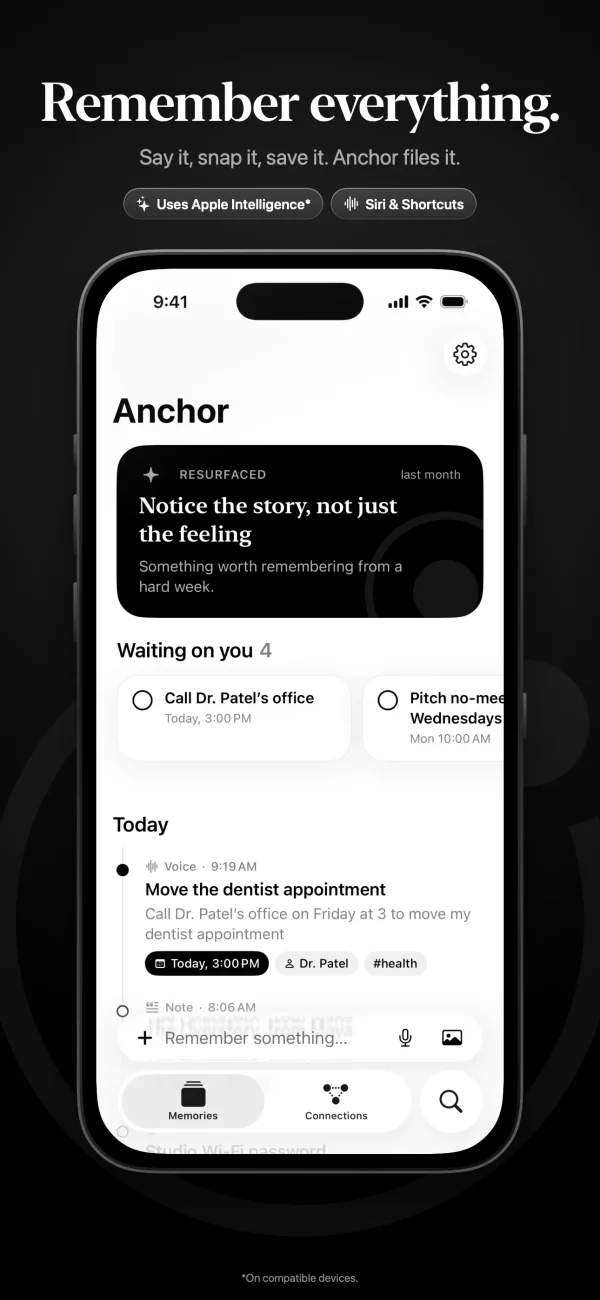
Anchor is a quiet second brain for your iPhone. Capture anything in one motion — a thought, a voice note, a photo, a screenshot or a scanned document — and Anchor files it for you. Then just ask Siri or search Spotlight, and it’s there.
REMEMBER ANYTHING, IN ONE MOTION
• A capture bar that’s always one tap away: type, dictate, snap or paste
• Screenshots and photos become searchable — text is read on device
• Scan warranties, receipts and whiteboards into memories
FILED FOR YOU
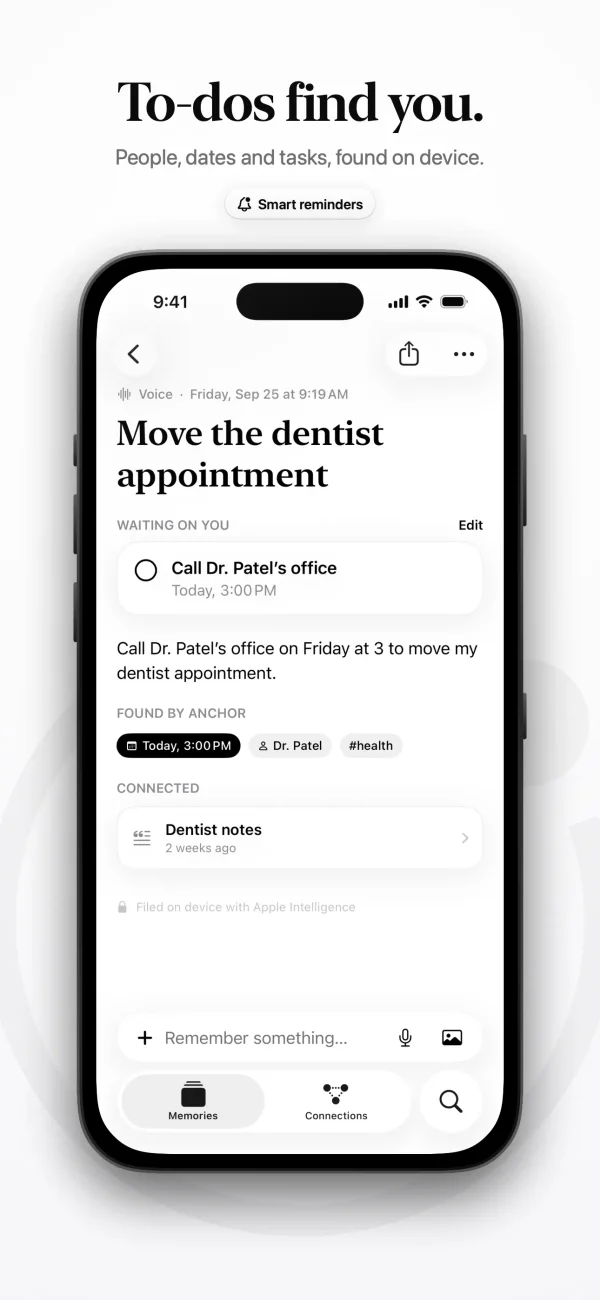
• People, places, dates and to-dos are pulled out automatically
• With Apple Intelligence, Anchor writes clear titles and summaries, privately on device
• Works on every supported iPhone — built-in extraction needs no special hardware
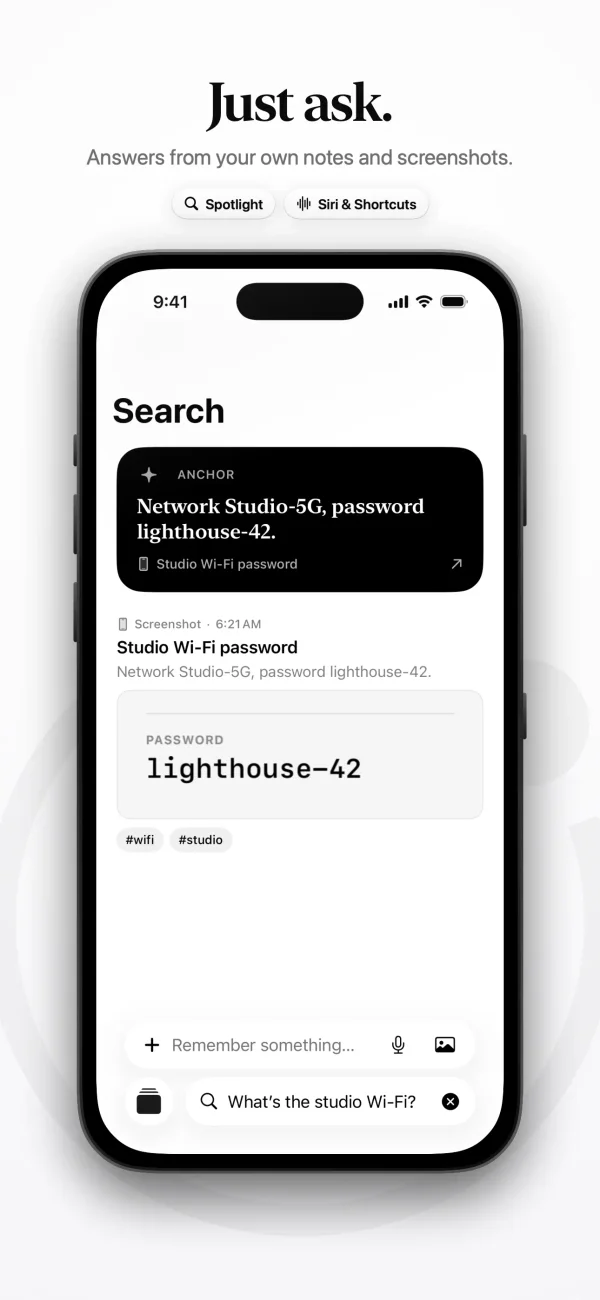
JUST ASK SIRI
• “Remember something in Anchor”
• “Search Anchor” — the Wi‑Fi password, a door code, a book tip
• Every memory is indexed in Spotlight, so you can find it without opening the app
WAITING ON YOU
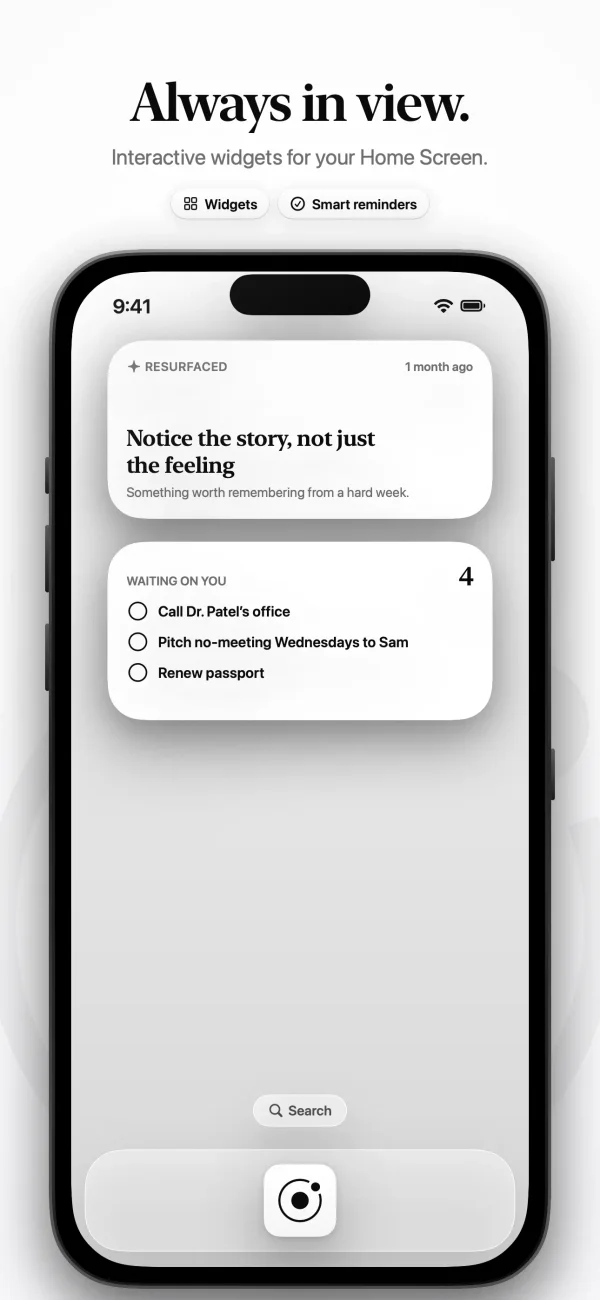
• Anchor spots what you need to do and keeps it in view
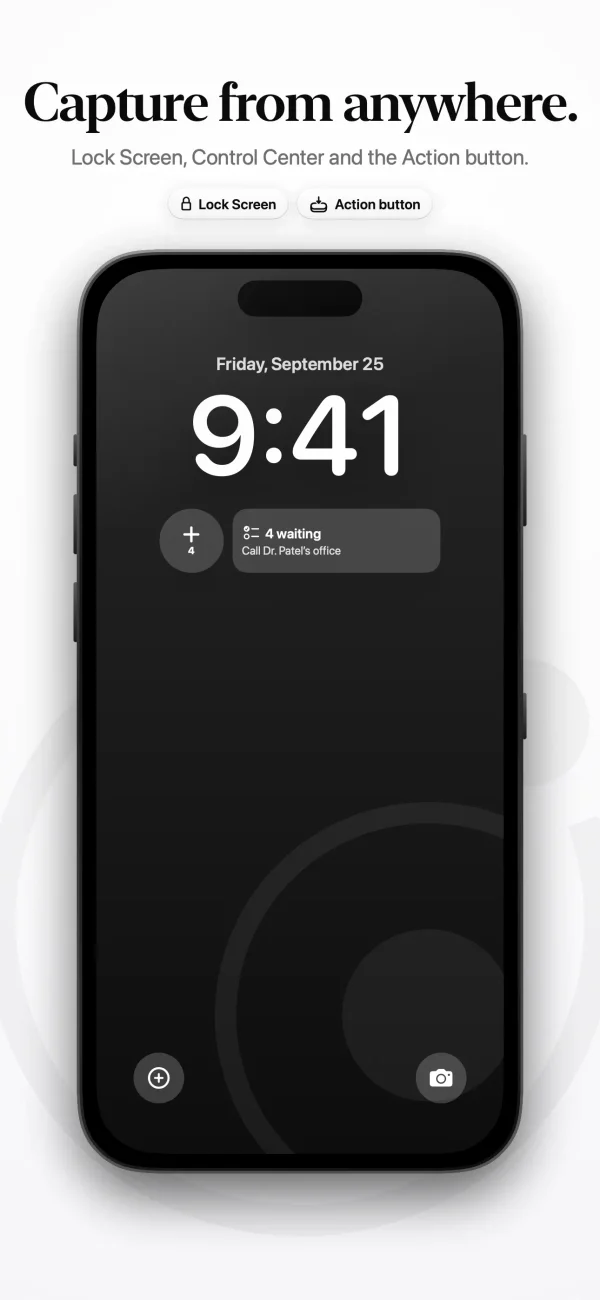
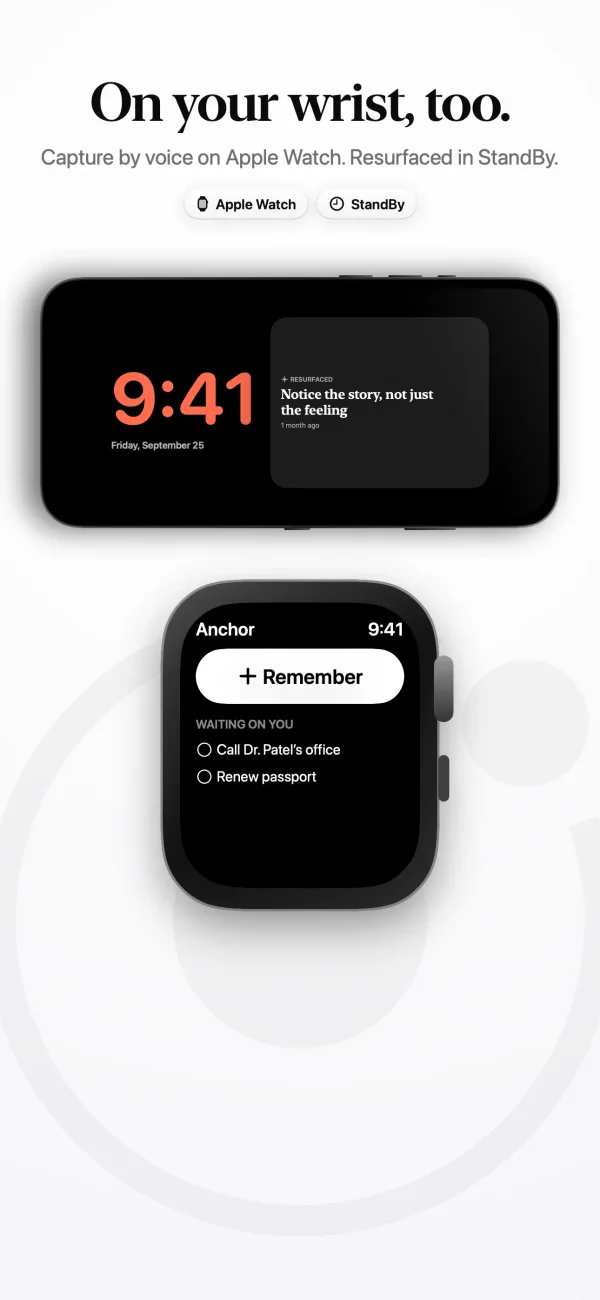
• Widgets for the Home Screen, Lock Screen and StandBy
• A Control Center control and Action button support for one-press capture
• Capture from Apple Watch with your voice
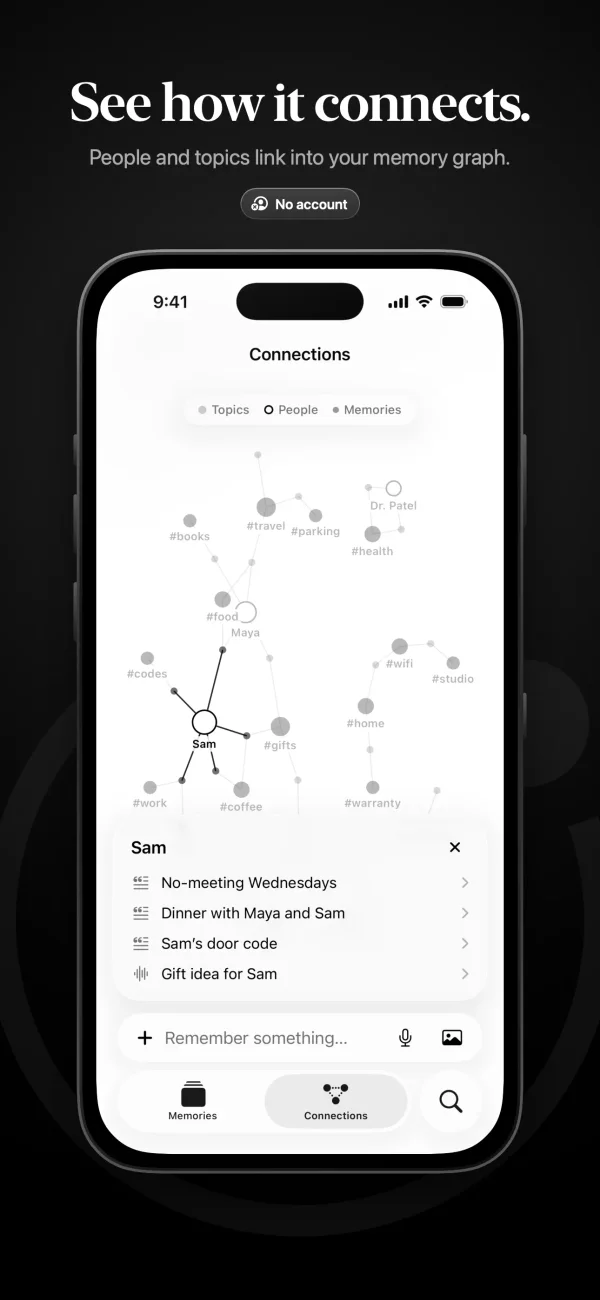
SEE HOW IT CONNECTS
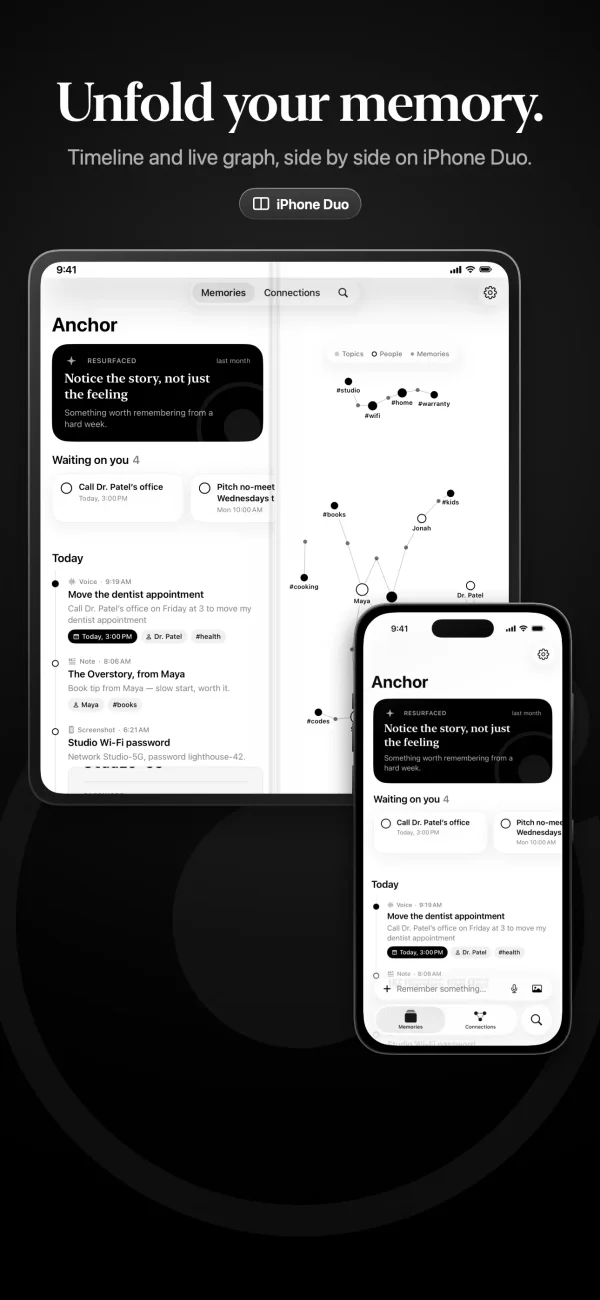
• A living graph links the people and topics in your life, so one memory leads to the next
• Resurfaced: one memory worth seeing again, every day
PRIVATE BY DESIGN
No account. No servers. No tracking. Intelligence runs on your iPhone and sync stays in your private iCloud.
ANCHOR PRO
Try Anchor free with up to 15 memories. Anchor Pro unlocks unlimited memories — weekly, monthly or yearly. New subscribers can start with a free trial or an introductory price. Payment is charged to your Apple Account at confirmation. Subscriptions renew automatically unless cancelled at least 24 hours before the end of the current period. Manage or cancel anytime in Settings.
Terms of Use: https://www.apple.com/legal/internet-services/itunes/dev/stdeula/
What’s new
Version 1.0.2 · Oct 15, 2026
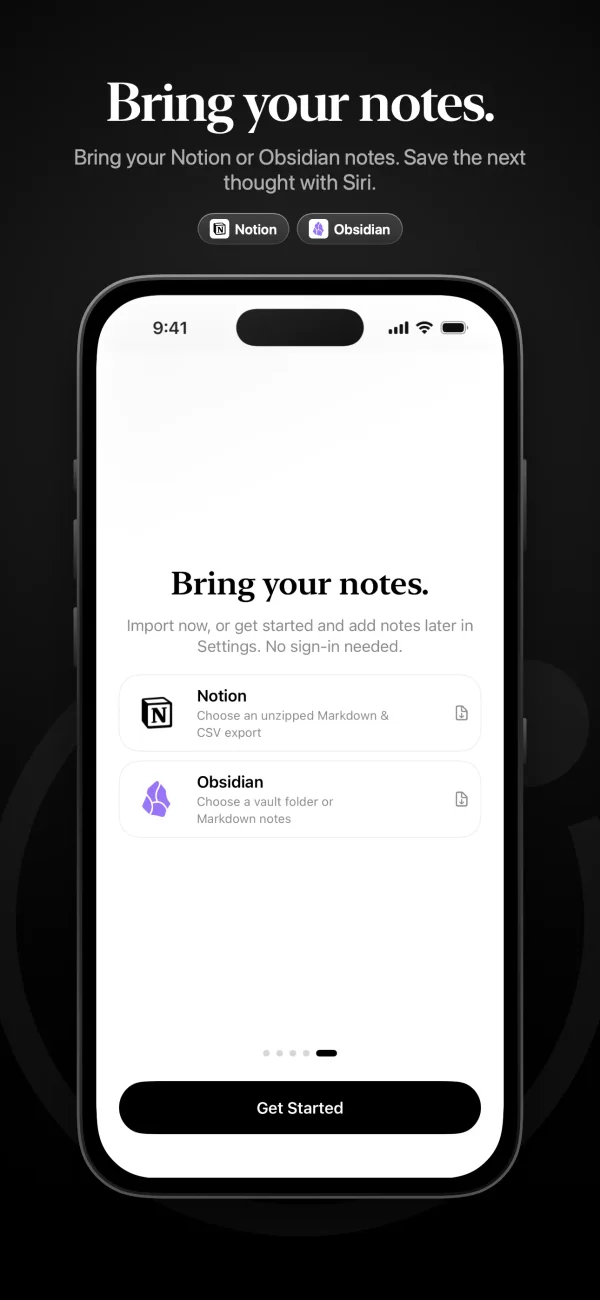
More reliable imports from Notion exports and Obsidian vaults, with full-note previews and clearer setup instructions. Improved layouts across supported languages.
App privacy
What matthew newman declares on the App Store about how this app handles data.
-
Data not collected
The developer does not collect any data from this app.
Privacy practices may vary, for example with the features you use or your age.
Information
- Seller
- matthew newman
- Category
- Productivity
- Version
- 1.0.2
- Updated
- Oct 15, 2026
- Released
- Oct 5, 2026
- Size
- 5.7 MB
- Requires
- iOS 26.0 or later
- Age rating
- 4+
- Price
- Free
- In-app purchases
- Yes
- Languages
- English, Dutch, French, German, Italian, Japanese, Korean, Portuguese, Simplified Chinese, Spanish, Traditional Chinese
- Copyright
- © 2026 Matt Newman
You might also like
-
 mainote: Tasks, Notes & AIManage your day and AI agents
-
 Ounie: AI Second BrainAsk your notes, PDFs & links
-
 ara - async video collabasync video collaboration
-
 Whispr: Your AI Second BrainAI Notes, Ideas & Second Brain
-
 Thoughts! - Idea OrganizerAI notes and link organizer
-
 Aether - Knowledge EngineSave links, AI does the rest
-
 Orbit - AI Second BrainJournal, voice notes & recap
-
 TidyPaste: Bookmark Link SaverVisual Board & Web Clipper App
-
 Yava: Block Reels & ShortsStop Doomscrolling & Focus
-
 Waku - Save Ideas & BookmarkBookmarks, Save links & read