
Anchor App Blocker
Block Apps. Stay Focused.
Designed for iPhone, iPad
Free · In-app purchases
- Age rating4+
- CategoryProductivity
- DeveloperRyan Tinklepaugh
- LanguagesEnglish
- Size22.5 MB
Links to the official App Store page
Download.org hosts no file of Anchor App Blocker. The button opens its official App Store page, published by Ryan Tinklepaugh. Listing last checked on Nov 24, 2026.
Screenshots
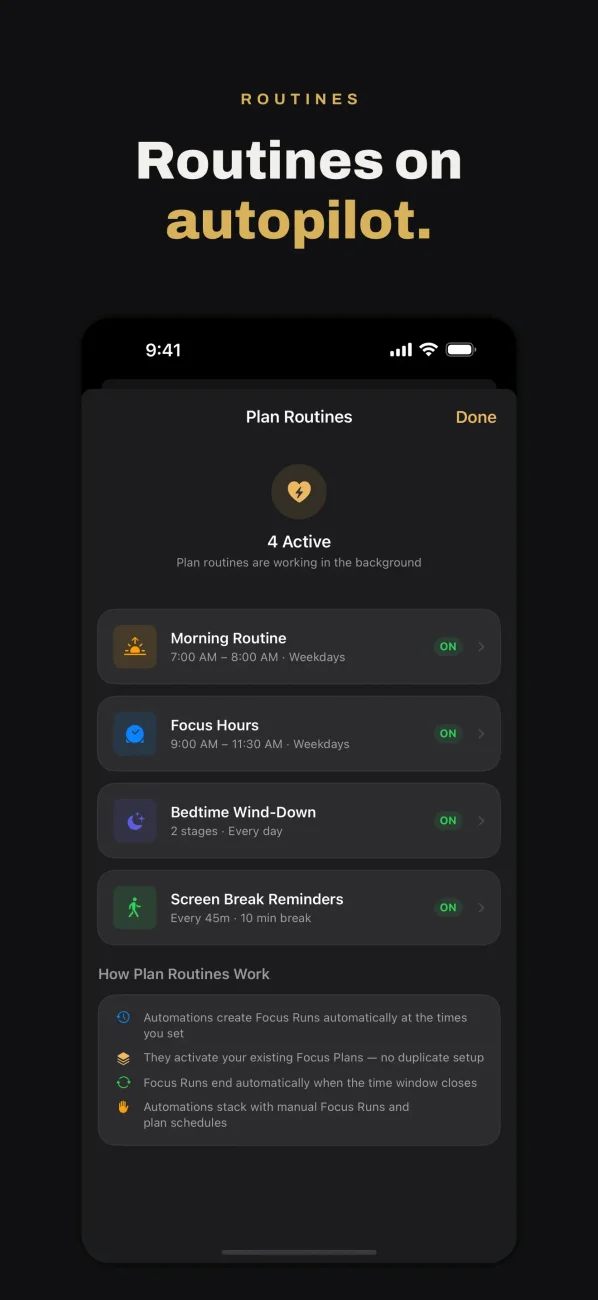

About
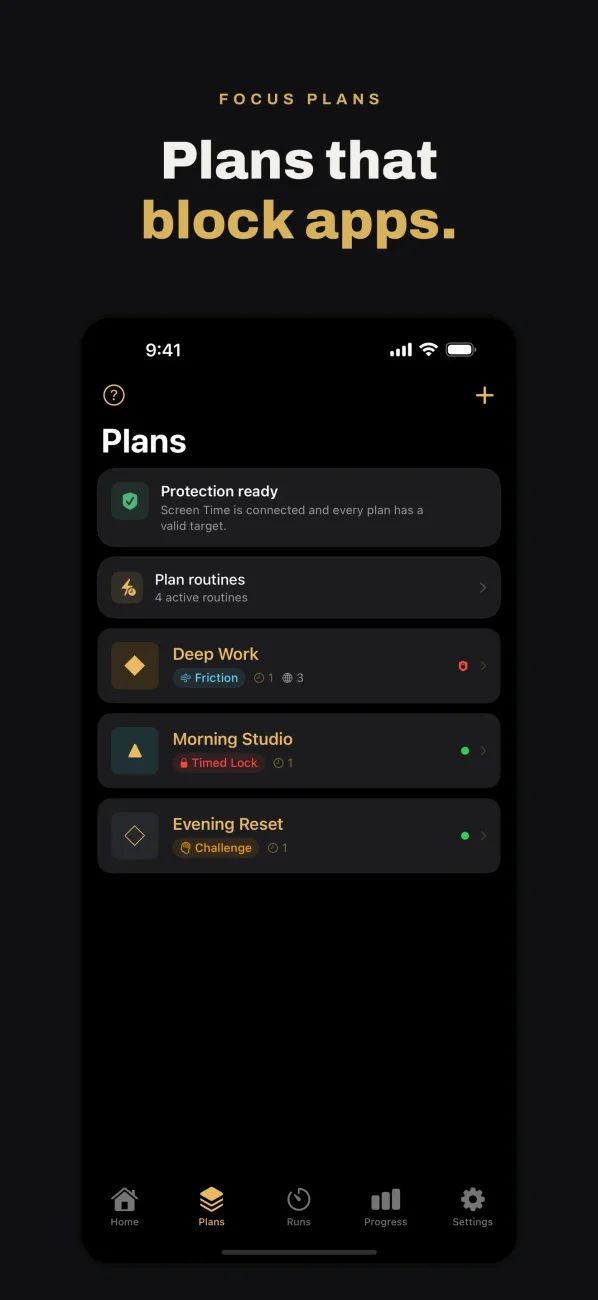
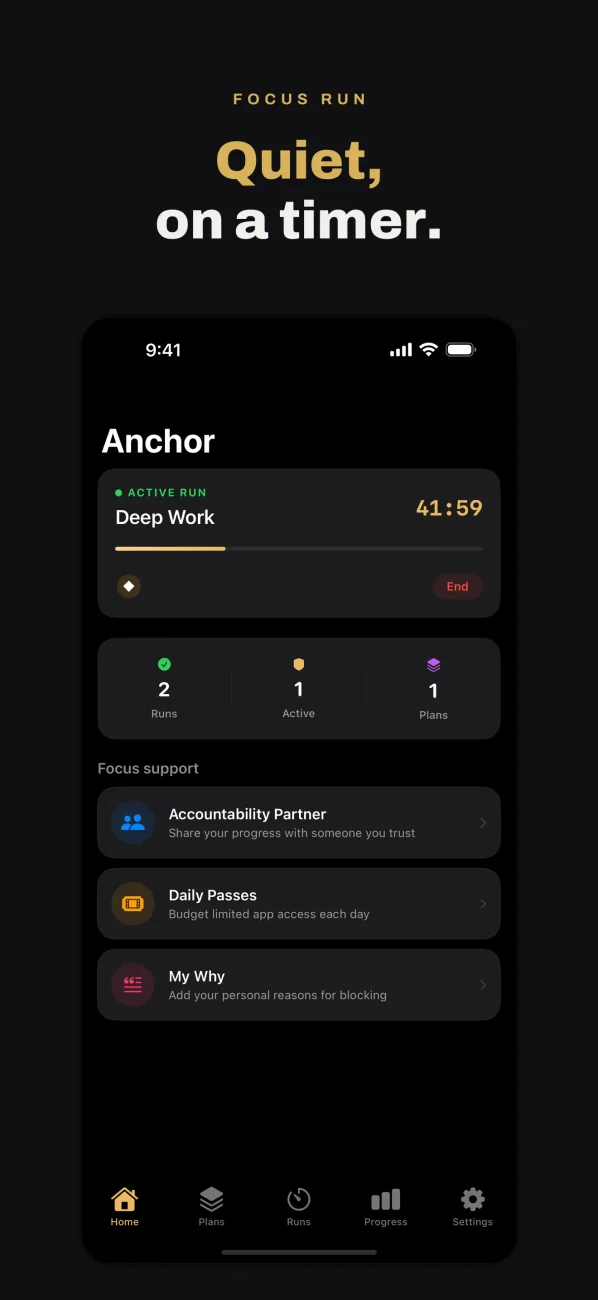
Make focus automatic with reusable Focus Plans that block selected apps and websites through Apple's Screen Time controls. Start a Focus Run now or let a schedule protect the hours that matter.
BUILD RULES THAT HOLD
- Choose the apps, categories, and websites each Focus Plan protects.
- Preview a plan before it starts and see whether enforcement is healthy.
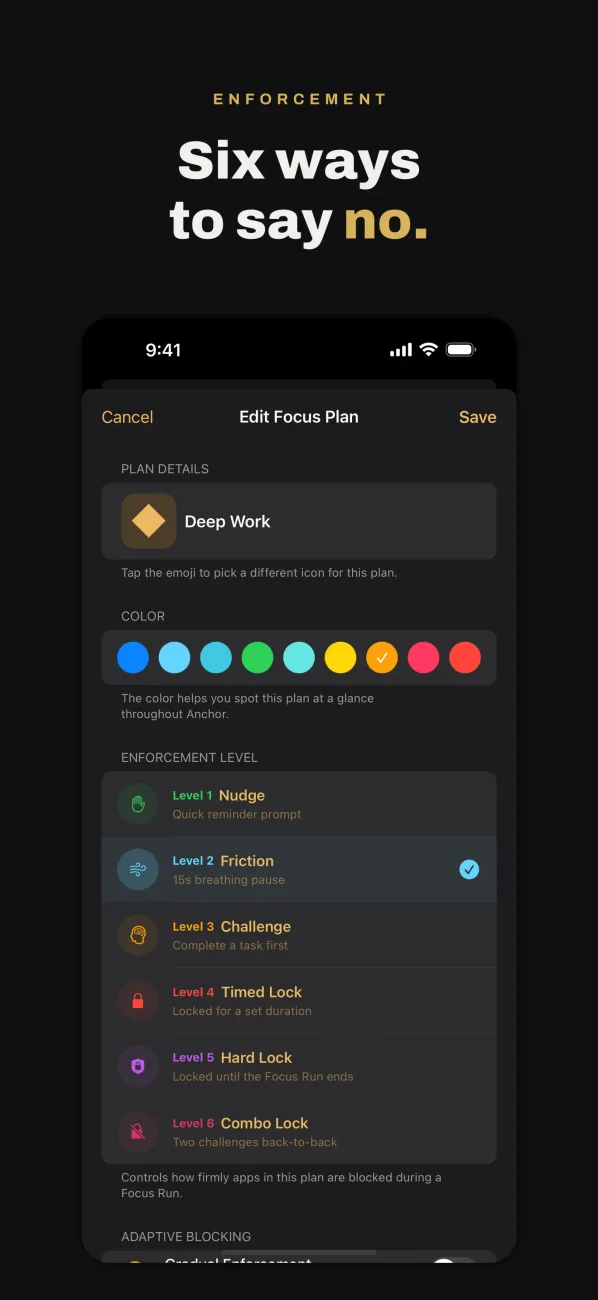
- Pick the right level of friction: Nudge, Friction, Challenge, Timed Lock, Hard Lock, or Combo Lock.
- Resolve schedule conflicts and use safe recovery when Screen Time needs attention.
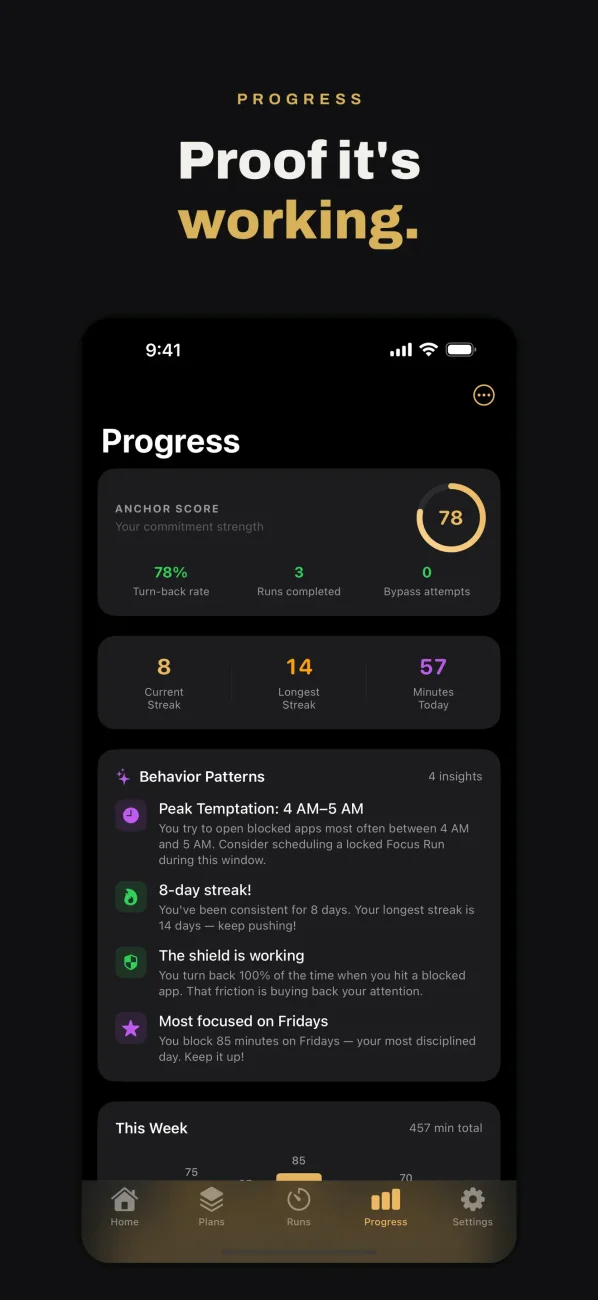
- Review blocked attempts, turn-back rate, focused time, and recent patterns.
- Check status from widgets and start eligible plans with Shortcuts.
FREE
- One Focus Plan.
- Nudge, Friction, and Challenge enforcement.
- One accountability partner.
- Seven days of activity history.
ANCHOR PRO
- Unlimited Focus Plans and accountability partners.
- Repeating schedules and automatic routines.
- Timed Lock, Hard Lock, and Combo Lock.
- Custom unlock challenges and 30-day patterns.
PRIVACY AND CONTROL
Anchor uses Apple's Family Controls, Managed Settings, and Device Activity frameworks. Your plan data and focus history stay on your device. Anchor cannot see the content inside blocked apps. Screen Time authorization is requested only when you set up protection.
Subscriptions renew automatically unless canceled in your Apple ID settings. Restore an existing purchase from Settings > Restore Purchases. Features shown as Pro require an active Anchor entitlement; previously purchased lifetime access remains honored.
Anchor is a focus aid, not a parental-control guarantee or emergency service.
TERMS OF USE
Product Terms of Use: https://www.uncommonweather.com/legal/apps/anchor-terms.html
Apple Standard Terms of Use (EULA): https://www.apple.com/legal/internet-services/itunes/dev/stdeula/
What’s new
Version 1.1.3 · Nov 23, 2026
Improves purchase recovery after reopening the app when a completed purchase is still activating.
App privacy
What Ryan Tinklepaugh declares on the App Store about how this app handles data.
-
Data linked to you
May be collected and linked to your identity.
- Purchases
- Location
- Identifiers
- Usage data
- Diagnostics
- Other data
Privacy practices may vary, for example with the features you use or your age.
Information
- Seller
- Ryan Tinklepaugh
- Category
- Productivity
- Version
- 1.1.3
- Updated
- Nov 23, 2026
- Released
- Mar 24, 2026
- Size
- 22.5 MB
- Requires
- iOS 18.0 or later
- Age rating
- 4+
- Price
- Free
- In-app purchases
- Yes
- Languages
- English
- Copyright
- © 2026 Uncommon Weather LLC
You might also like
-
 Goal Lock: App Blocker & FocusGoal review before you scroll
-
 Anchor: Focus TimerFlip Your Phone. Focus Deeply.
-
 FocusLock: Block Apps & FocusStop Scrolling, Study & Focus
-
 TaskGate: Focus & App BlockerStop Scrolling, Build Habits
-
 1% Lock - Screen Time BlockerSocial, but not for everyone.
-
 BarBlock: Barcode App BlockerBlock apps with any barcode
-
 Phone Jail - Tools for FocusADHD Social Media App Blocker
-
 Nudge: Focus & App BlockerLimit Screen Time, App Locker
-
 Applimits - Screen Time LimitProductivity
-
 Waddles: Unrot Your BrainGamified App Blocker