Angaro Mail
Messages in Motion
Designed for iPhone, iPad, iPod touch
Free · In-app purchases
- Age rating4+
- CategoryProductivity
- DeveloperDaniel Painter
- LanguagesEnglish+ 12 more
- Size44.3 MB
Links to the official App Store page
Download.org hosts no file of Angaro Mail. The button opens its official App Store page, published by Daniel Painter. Listing last checked on Nov 18, 2026.
Screenshots

About
Angaro Mail brings order to your email – all your accounts in one place, on iPhone, iPad and Mac, and synced with the webmail in your browser.
TIDY
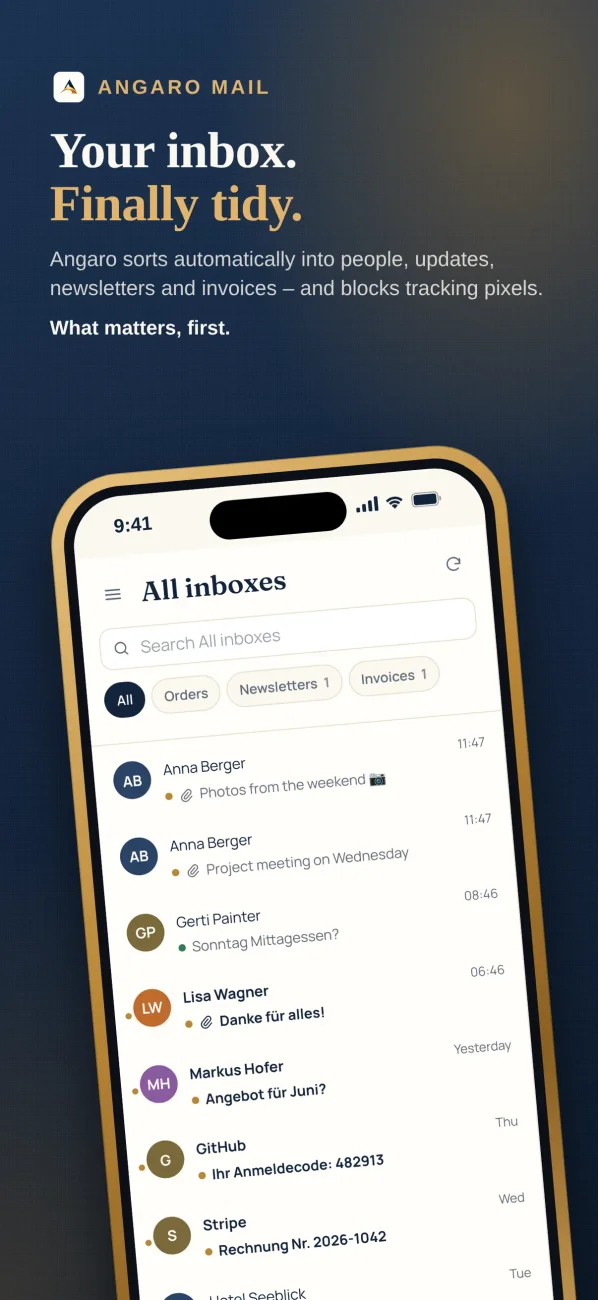
• Sorted automatically: people, updates, newsletters and invoices kept apart
• Later and Done – your inbox becomes a to-do list
• Swipe all the way to delete or mark as done
• Choose your notification sound: six Angaro sounds
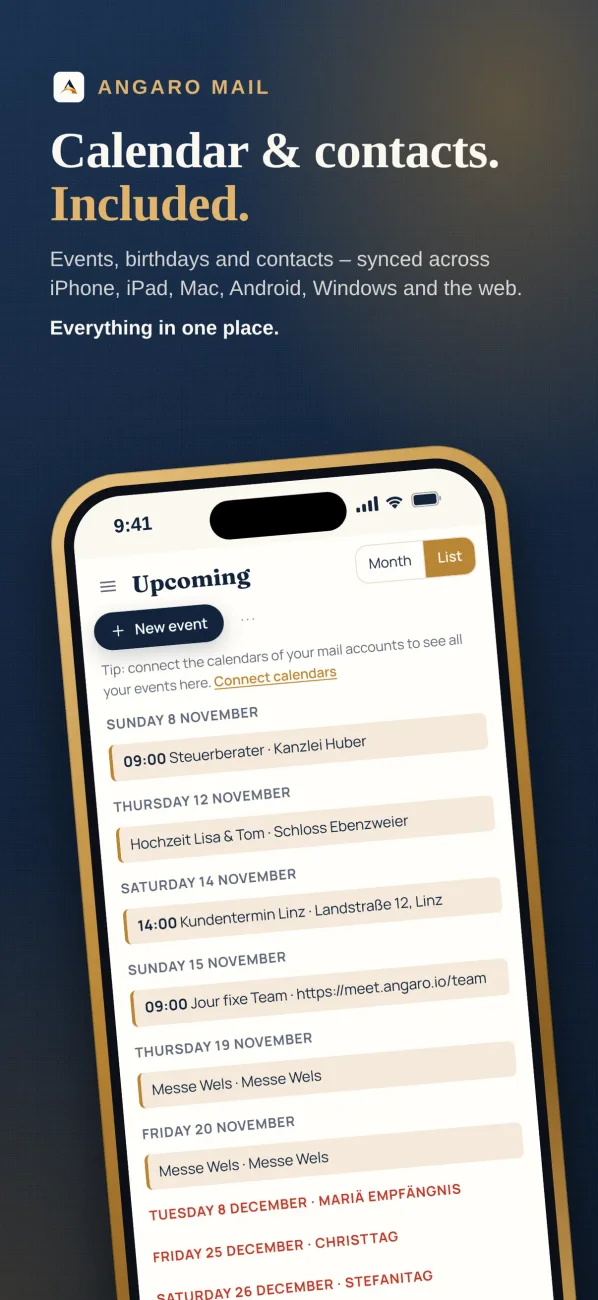
CALENDAR & CONTACTS INCLUDED
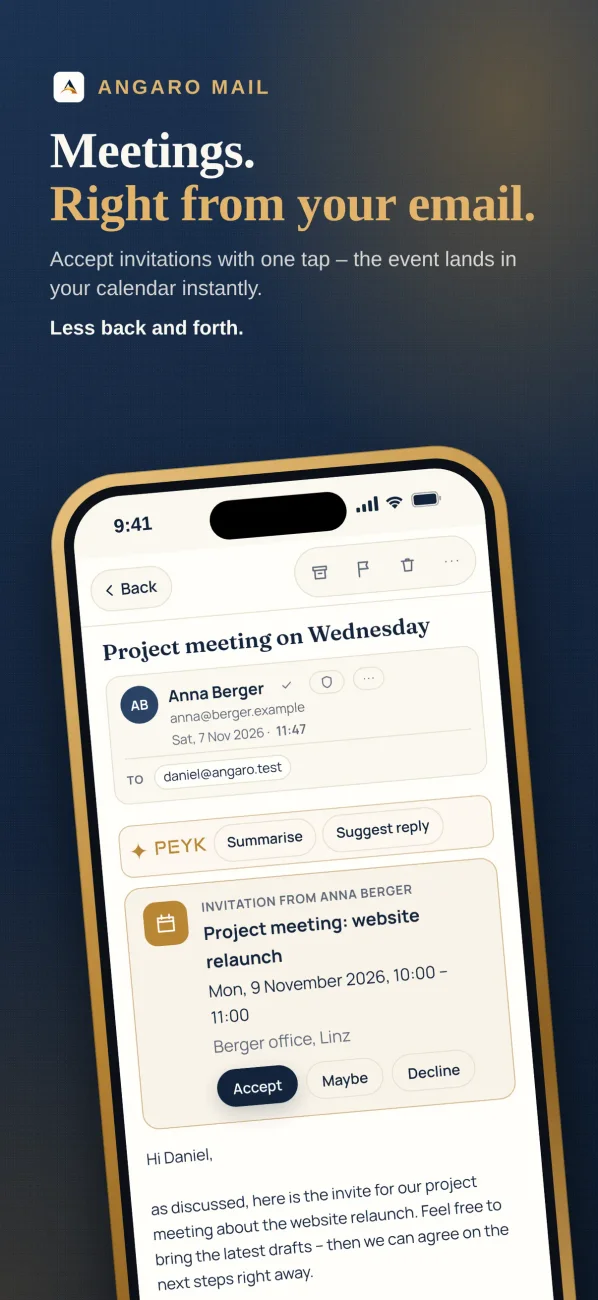
• Accept meeting invitations with one tap
• Contacts with your own pictures and birthday reminders
• Import birthdays from your address book with one tap – and send wishes by email, WhatsApp or message
• Synced end-to-end encrypted across all your devices
PRIVATE
• Tracking pixels are blocked
• App lock with Face ID or PIN
• No ads, your data is never sold
FOR EVERY MAILBOX
Gmail, Outlook, iCloud, Yahoo and any other provider with IMAP and SMTP.
ANGARO PRO
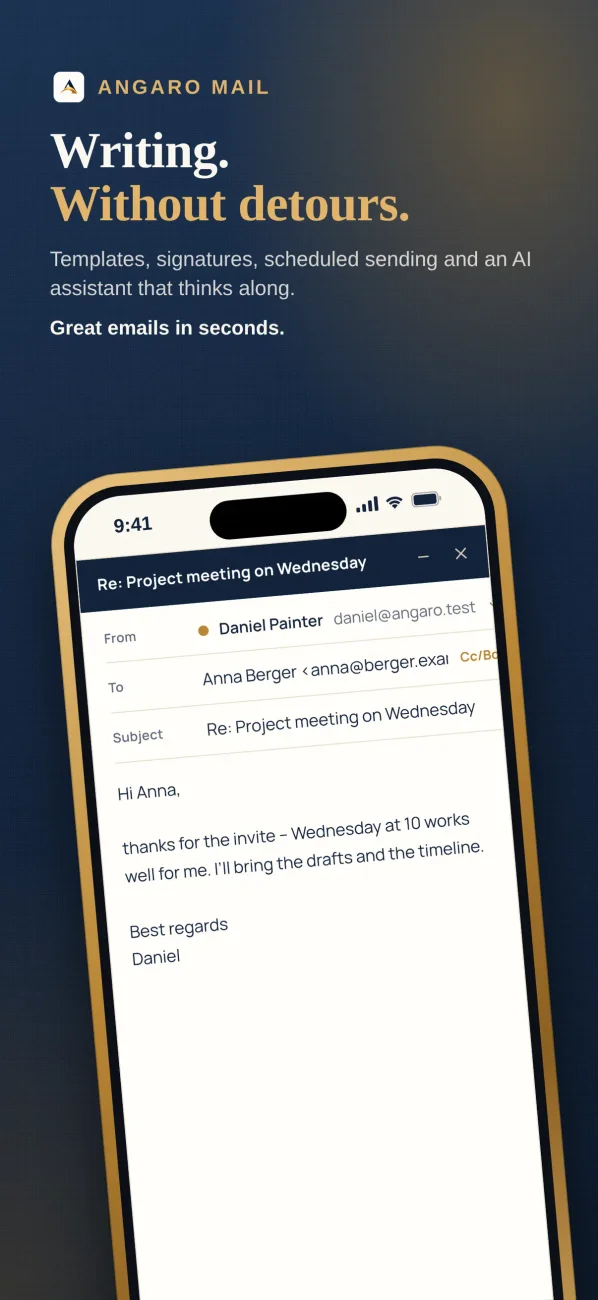
• PEYK, the AI assistant: summarise emails and get reply suggestions
• Templates and send later
• Vault: keep sensitive emails end-to-end encrypted
• Encrypted email with PGP and large attachments up to 2 GB
• Rules & filters, reminders, read receipts and extra colour themes
Try Angaro Pro free for 14 days, then monthly or yearly. The subscription renews automatically unless cancelled at least 24 hours before the end of the current period. Cancel anytime in your Apple Account settings.
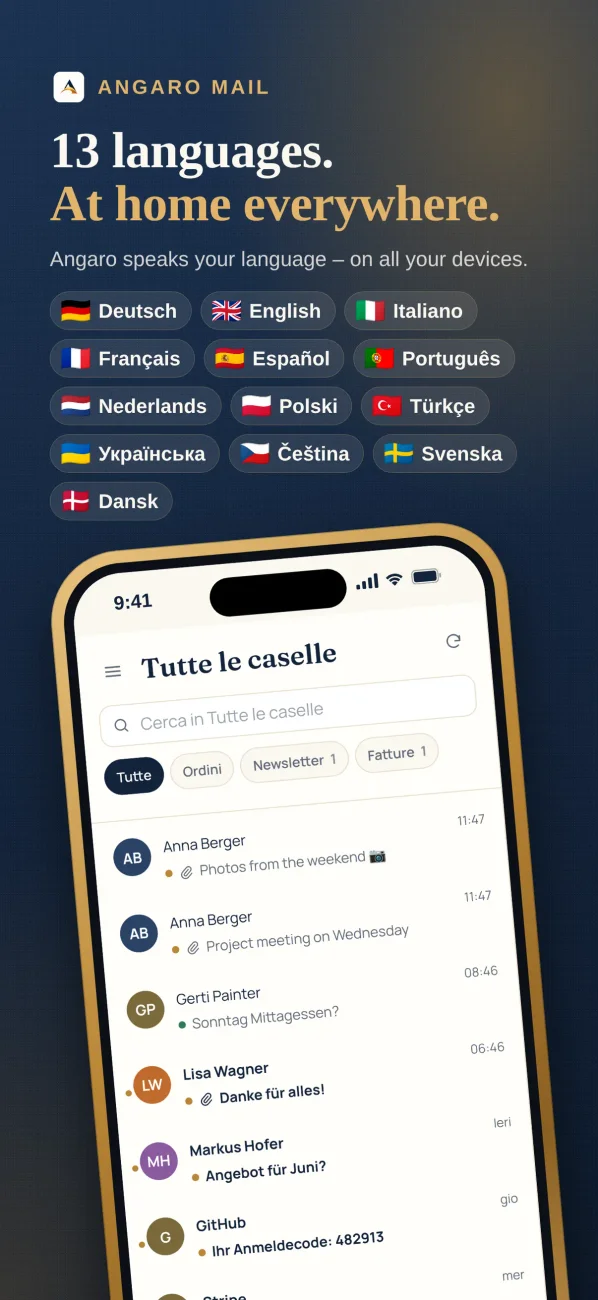
IN 13 LANGUAGES
Deutsch, English, Italiano, Français, Español, Português, Nederlands, Polski, Türkçe, Українська, Čeština, Svenska, Dansk.
Terms of Use: https://angaro.io/en/terms
Privacy Policy: https://angaro.io/en/privacy
What’s new
Version 1.0.17 · Nov 16, 2026
• Home and Lock Screen widgets: mail, calendar and month – light, dark or automatic
• Attachment preview: view images, PDFs and documents before saving them
• Share from other apps: photos and files open a new email right away
• Subscribe to calendars (webcal), e.g. school holidays or your sports club
• Save emails as .eml files
• Safety Check: report a wrong yellow or red rating with a reason
• More reliable connection after your iPad wakes up
• Hidden preview text that showed above some emails is gone
App privacy
What Daniel Painter declares on the App Store about how this app handles data.
-
Data linked to you
May be collected and linked to your identity.
- Purchases
- Contact info
- Identifiers
- Diagnostics
- Other data
Privacy practices may vary, for example with the features you use or your age.
Information
- Seller
- Daniel Painter
- Category
- Productivity
- Version
- 1.0.17
- Updated
- Nov 16, 2026
- Released
- Nov 9, 2026
- Size
- 44.3 MB
- Requires
- iOS 15.0 or later
- Age rating
- 4+
- Price
- Free
- In-app purchases
- Yes
- Languages
- English, Czech, Danish, Dutch, French, German, Italian, Polish, Portuguese, Spanish, Swedish, Turkish + 1 more
- Copyright
- © 2026 Daniel Painter