- Age rating4+
- CategoryEntertainment
- DeveloperElliot Williams
- LanguagesEnglish
- Size2.3 MB
Links to the official App Store page
Download.org hosts no file of Animated Drawer. The button opens its official App Store page, published by Elliot Williams. Listing last checked on Nov 14, 2026.
Screenshots


About
Animated Drawer: The Magical Particle Drawing Experience
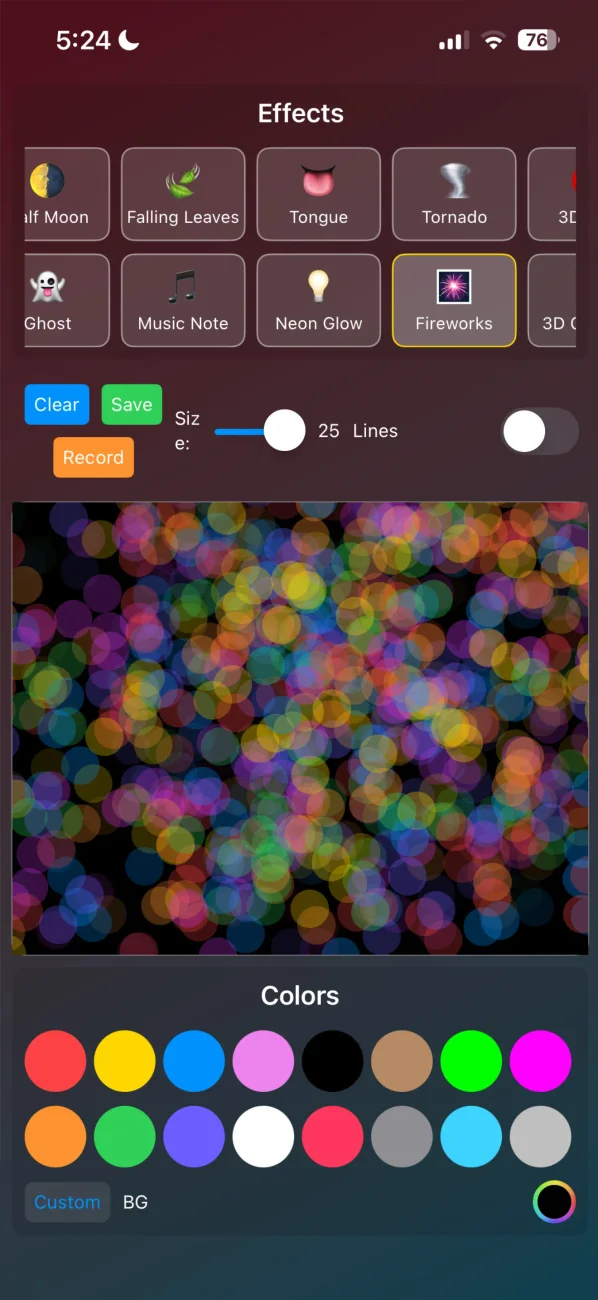
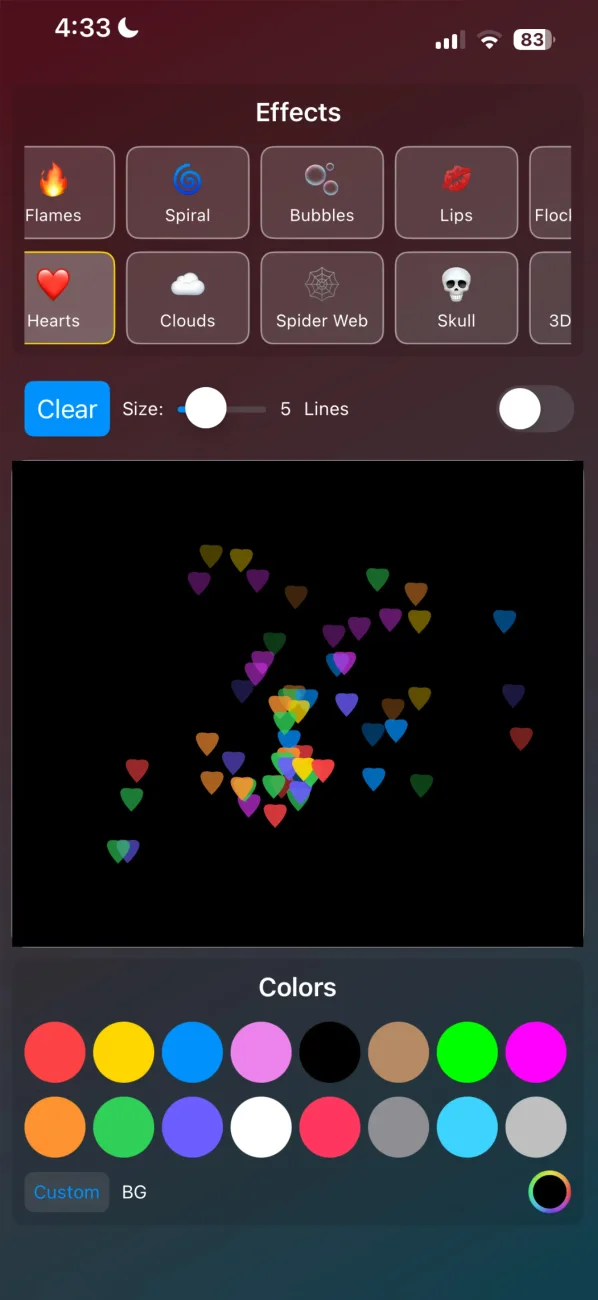
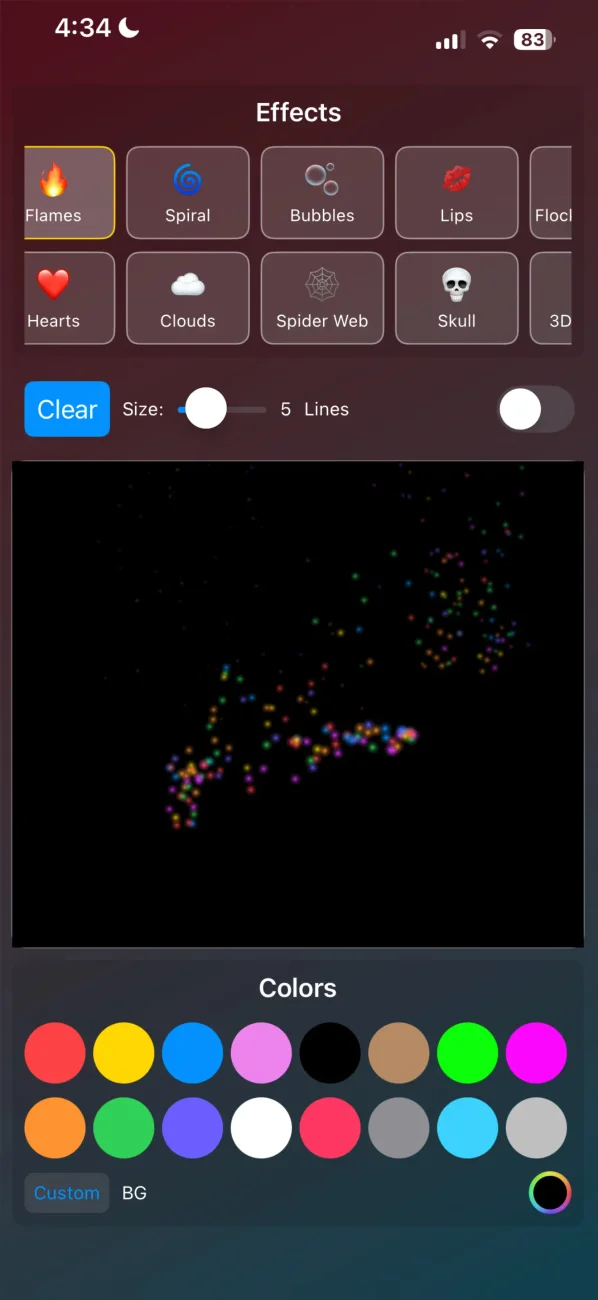
Animated Drawer transforms digital drawing into a mesmerizing particle playground. This creative app blends traditional sketching with dynamic visual effects, letting you paint with over 75 enchanting particle systems:
Key Features:
35+ Magical Effects: Draw with fairy dust, flames, hearts, snowflakes, fireworks, 3D shapes, and more
Smart Color System: 18 preset colors + multicolored mode + custom color picker
Customizable Tools: Adjustable brush size and line visibility toggle
Interactive Canvas: Real-time particle physics with gravity, rotation, and fading effects
Dual Rendering: Combine drawn paths with animated particles
Optimized Performance: Particle lifecycle management for smooth animation
Technical Highlights:
SwiftUI architecture with Combine for reactive updates
Custom particle engine with effect-specific behaviors
Physics-based animations (velocity, gravity, rotation)
Efficient particle recycling system
Custom shape renderers (hearts, snowflakes)
Responsive touch gestures with drag tracking
Creative Possibilities:
Create ethereal fairy trails
Design fiery calligraphy
Craft romantic heart signatures
Build winter wonderland scenes
Compose neon light drawings
Experiment with 3D geometric forms
Perfect for digital artists, mood board creation, or just relaxing with mesmerizing visual effects. The intuitive interface features effect palettes on the left, color controls on the right, and a generous drawing canvas in the center - all wrapped in a subtle gradient aesthetic.
Animated Drawer: Interactive Particle Sketchpad
Short Summary:
A creative SwiftUI drawing app that transforms sketching into magical animations. Features:
35+ Dynamic Effects: Paint with fairy dust, flames, hearts, snowflakes, fireworks, and 3D shapes
Smart Color System: 18 preset colors + rainbow mode + custom color picker
Customizable Tools: Adjustable brush size with line visibility toggle
Real-Time Physics: Particles respond to gravity, rotation, and fading effects
Optimized Performance: Efficient particle engine handles 1000+ animations
Creates mesmerizing artworks where every stroke generates beautiful particle systems that evolve over time. Perfect for digital artists and interactive experimentation.
Theme Coverage: Covers the full app background, providing a cohesive visual experience
For lots of creative fun
"Unleash magic at your fingertips! Draw with animated particles - flames, fairy dust, hearts & 35+ effects. Custom colors, real physics. Transform sketches into living art. Free your creativity today!"
"Your Truly Magical Particle Sketchpad"
Unleash all of your creativity today with Animated Drawer!
What’s new
Version 1.6.5 · Feb 1, 2026
Support for iOS 26 and App Store age update adds new animated brushes and new gradients also adds new Ui enhancements
App privacy
What Elliot Williams declares on the App Store about how this app handles data.
-
Data not collected
The developer does not collect any data from this app.
Privacy practices may vary, for example with the features you use or your age.
Information
- Seller
- Elliot Williams
- Category
- Entertainment
- Version
- 1.6.5
- Updated
- Feb 1, 2026
- Released
- Jul 1, 2025
- Size
- 2.3 MB
- Requires
- iOS 16.0 or later
- Age rating
- 4+
- Price
- Free
- Languages
- English
- Copyright
- © 2025 Elliot Williams
You might also like
-
 SoundViz - Sound VisualizerTurn Sound into Visual Art
-
 Dogs Translator: Speak to DogsHuman to Dog Translator& Games
-
 Your Drawing To AI : PicassoPaint cartoon, real, anime
-
 Neon Draw for Glow Art EffectDoodle drawing game App Notes
-
 Dancing ParticleRelaxed visual experience
-
 Talking John DogAnd many games
-
 Makeup Games: Beauty PrincessFun makeover games for girls
-
 SoulHi: AI Live Roleplay ChatPlay&Text with Anime Soulmate
-
 Meme Creator: Make Dank MemesMeme Maker & Caption Generator
-
 Dress and Color MeColor Fun