
Annotium - Tech Photo Markup
Annotate, measure & explain
Designed for iPhone, iPad, iPod touch
Free · In-app purchases
- Age rating4+
- CategoryPhoto & Video
- DeveloperHoang Le
- LanguagesEnglish+ 12 more
- Size40.4 MB
Links to the official App Store page
Download.org hosts no file of Annotium - Tech Photo Markup. The button opens its official App Store page, published by Hoang Le. Listing last checked on Nov 26, 2026.
Screenshots
About
Turn any photo into a clear visual explanation with Annotium.
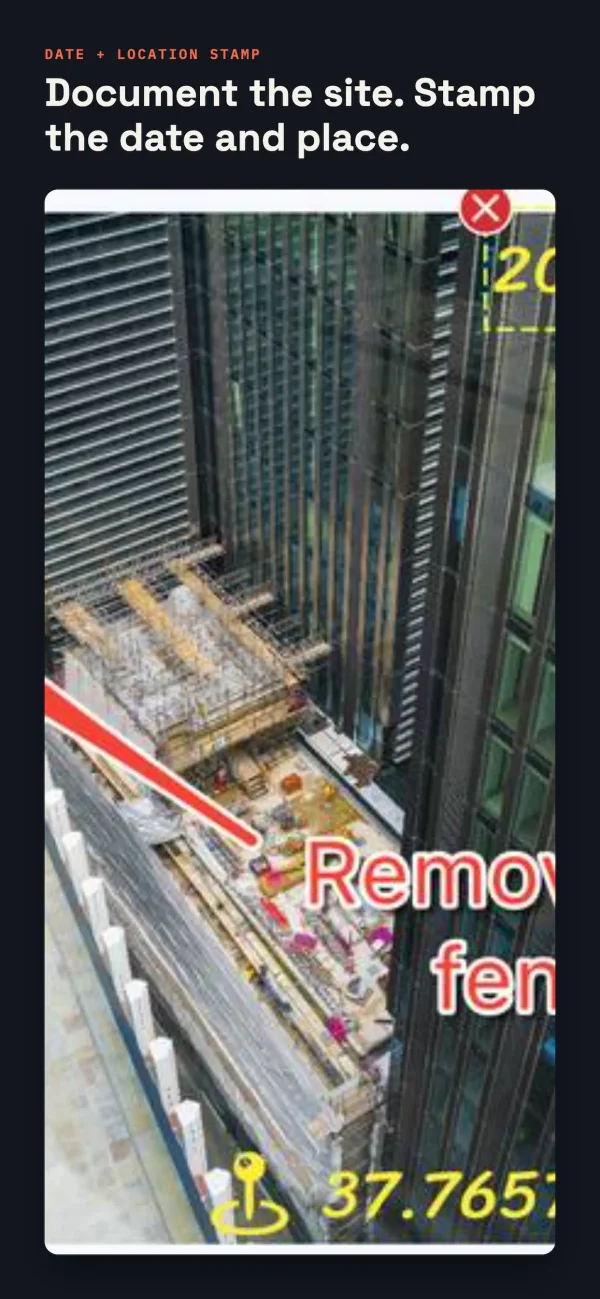
Mark up a photo or a screenshot in seconds. Annotate images for site inspections, repairs, lessons, product feedback, instructions, or everyday communication. Point out what matters, add context, and share an image that's easy to understand.
ANNOTATE WITH PRECISION
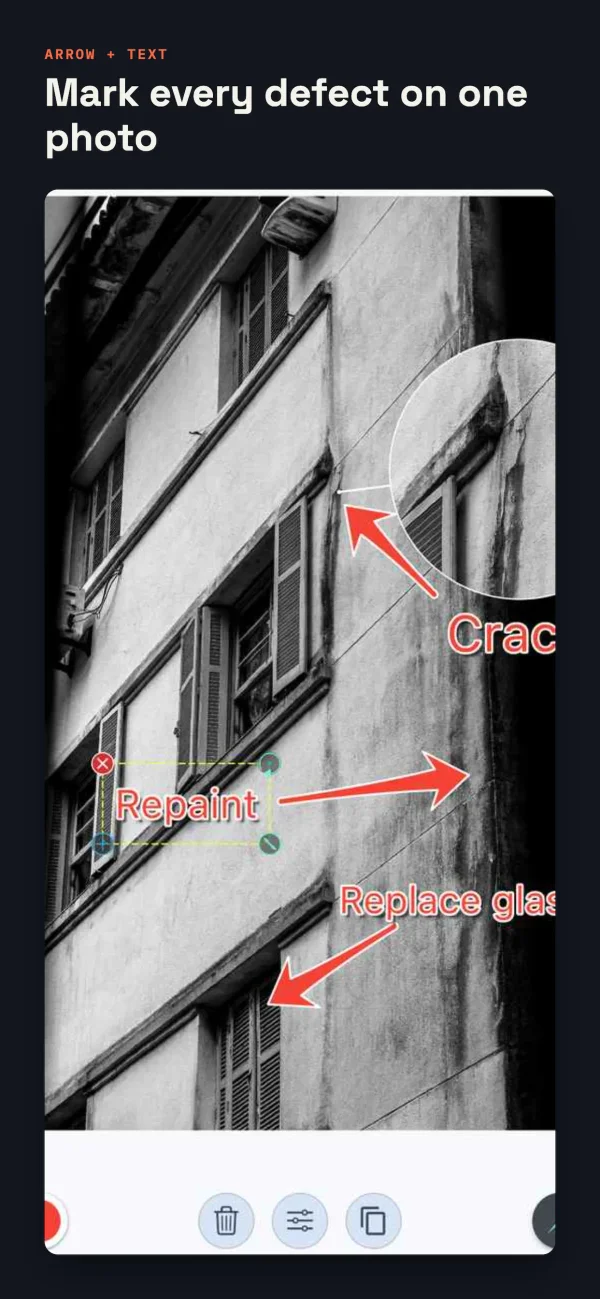
• Add arrows, lines, shapes, and text
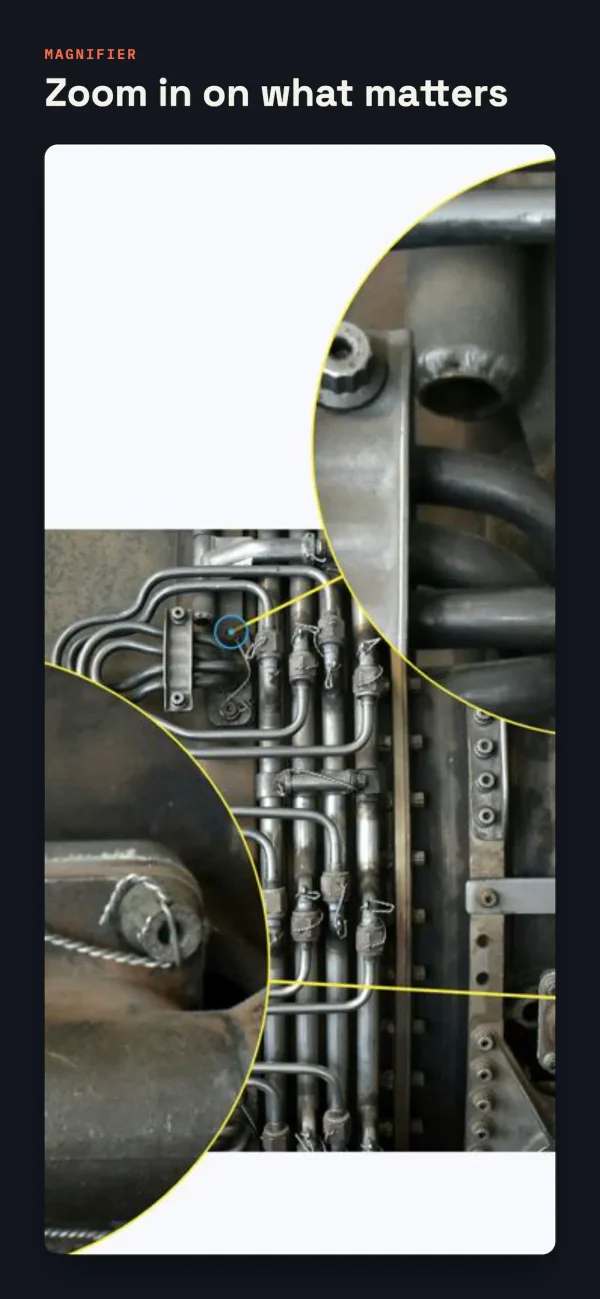
• Highlight details with Spotlight and Loupe
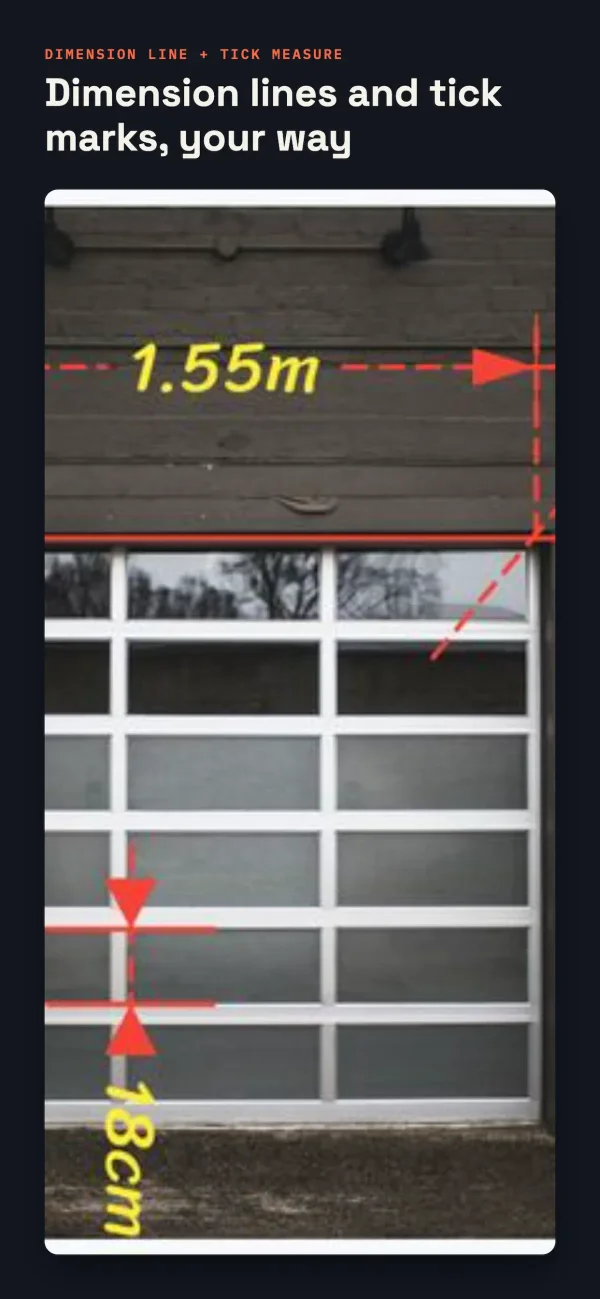
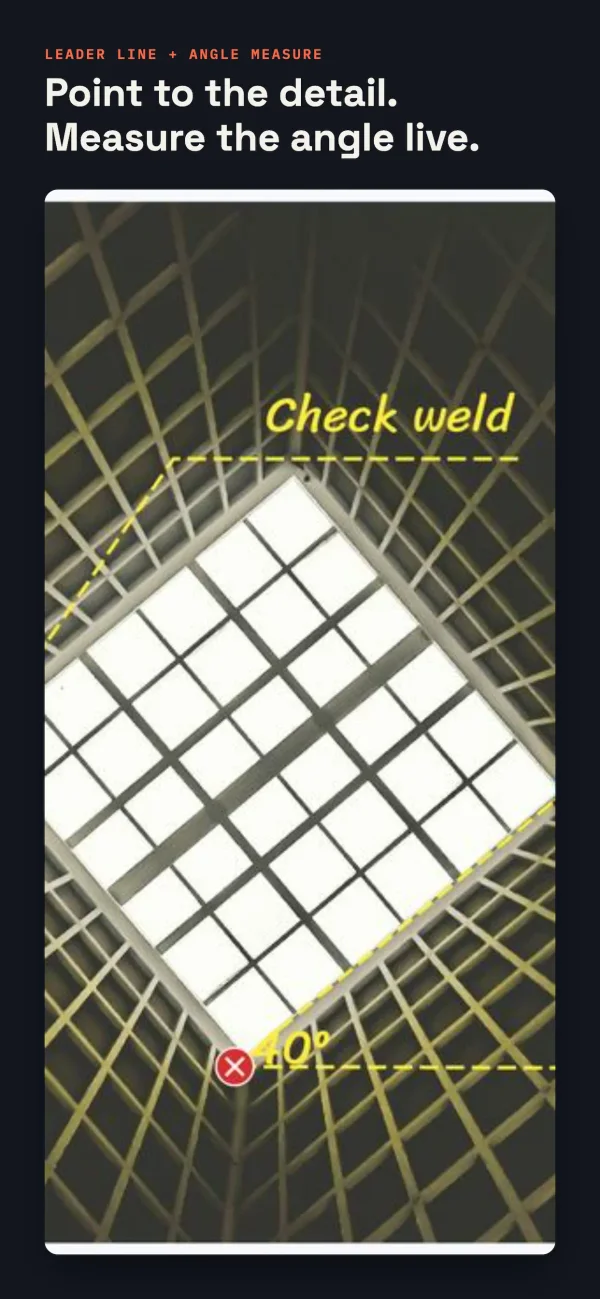
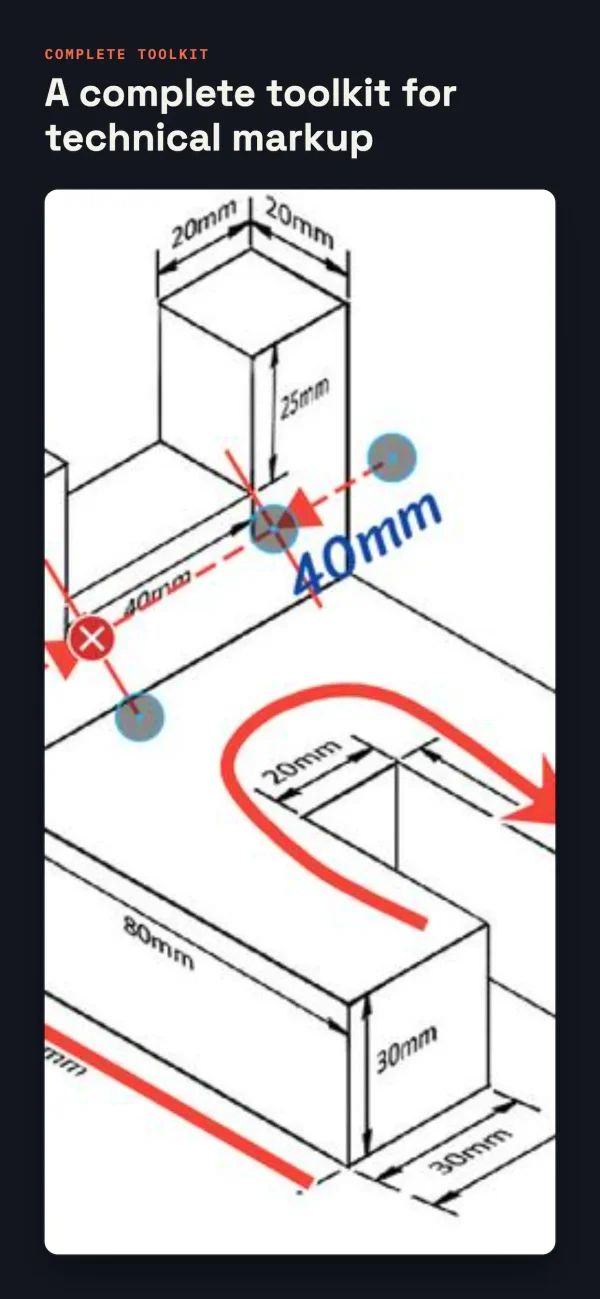
• Show dimensions and angles with measurement tools
• Draw directly when a quick sketch works best
• Snap to 0°, 45°, 90°, or 180° so every line stays straight
• Align shapes on an adjustable grid, or start from a blank A4 page
PROTECT AND PRESENT
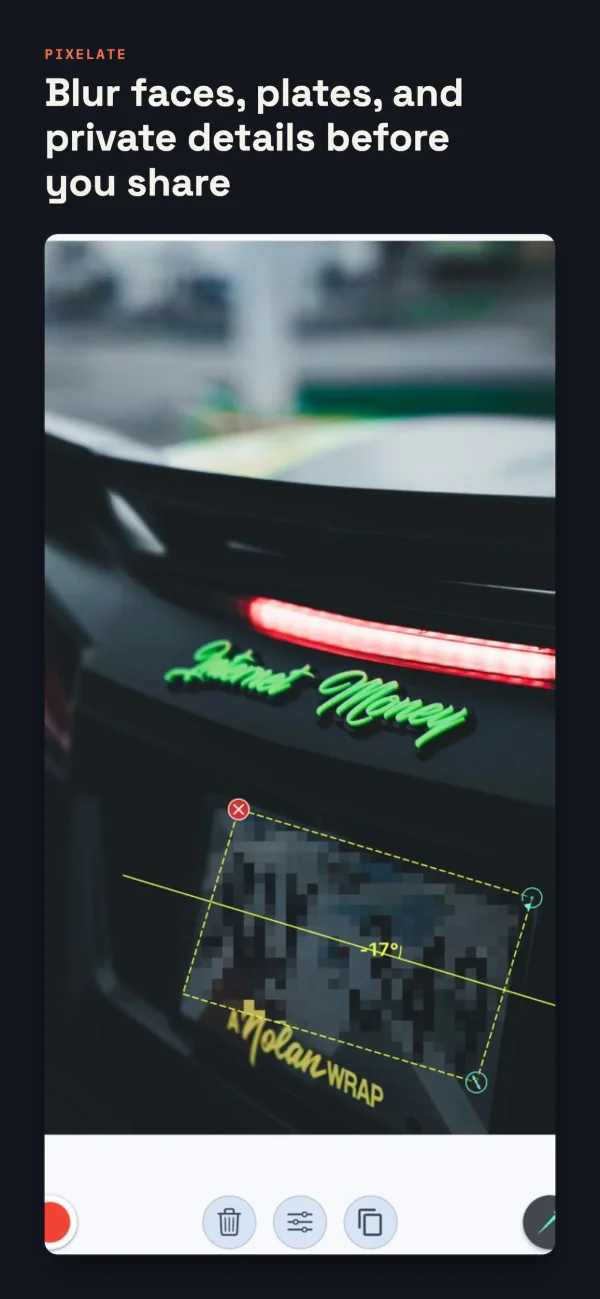
• Blur or pixelate private information
• Censor a face, a name, a plate, or an address before you send the photo
• Use Mosaic for free, and unlock Crystallize, Mezzotint, Pointillize, and Color Halftone with PRO
• Erase or crop a freeform area with Lasso Select (PRO)
• Crop and combine images to add more context
• Organize annotations into editable projects
• Export and share the result as an image or PDF
TOOLS FOR EVERY DETAIL
• Create lines, curves, arrows, rectangles, ovals, rounded rectangles, triangles, parallelograms, polygons, arcs, coordinate shapes, rings, and freehand drawings
• Use unlimited vertices in polygons, lines, and curves
• Select Multiple shapes to move, copy, or delete them together, and Group them (PRO) to keep them as one
• Customize arrowheads, line styles, width, size, color, font, dash pattern, fill, and opacity
• Add plain text, comic speech bubbles, pointer text, zigzag bubbles, and thought bubbles
• Use hundreds of icons, insert images, and import your own fonts
• Zoom and pan with precision and use a finger-following loupe
• Work in portrait or landscape with automatic rotation and dark mode
• Make collages or stitch multiple photos into a panorama
• Add Markdown notes to every project and reopen it anytime
• Generate high-resolution images, PDFs with custom templates, or editable project files
MADE FOR SCREENSHOTS TOO
A screenshot explains a bug, a setting, or a step far better than a paragraph does. Drop an arrow on the button, circle the error, blur the account details, and send it. Annotium keeps the screenshot markup sharp at full resolution, so nothing you point at gets lost when the image is opened on another screen.
FROM QUICK MARKUP TO A FINISHED REPORT
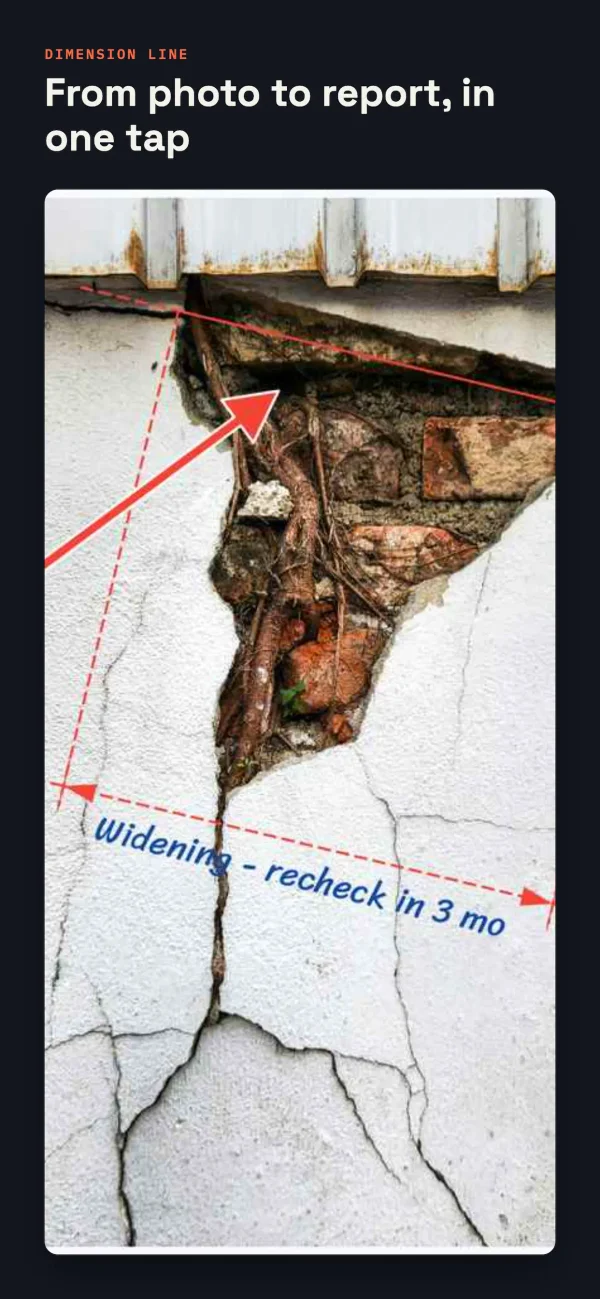
Start with one arrow. Add measurements, callouts, and notes as the job grows. When the photo set is complete, export every annotated image into a single PDF with your own template, or share the editable project file so a colleague can pick up where you stopped.
BUILT FOR REAL WORK
Annotium helps contractors, inspectors, technicians, teachers, students, designers, support teams, and anyone who needs to explain something visually.
PRO SUBSCRIPTION
You can start free with Annotium. An annual PRO subscription unlocks advanced tools and workflows and renews automatically until you cancel. PRO adds advanced shapes and callouts, technical lines, pixel effects, Lasso Select, shape grouping, voice typing with your device's available speech-recognition service, image insertion, the font catalog, notes, collage and stitching, project re-editing, plus PDF and project file export.
Take the photo. Mark the detail. Communicate clearly.
Terms of Use (EULA): https://www.apple.com/legal/internet-services/itunes/dev/stdeula/
Privacy Policy: https://annotium.github.io/legal/privacy
What’s new
Version 4.18.0 · Nov 25, 2026
• Quick number keyboard
• Bugs fixed and improve performance
App privacy
What Hoang Le declares on the App Store about how this app handles data.
-
Data not linked to you
May be collected but is not linked to your identity.
- Diagnostics
Privacy practices may vary, for example with the features you use or your age.
Information
- Seller
- Hoang Le
- Category
- Photo & Video
- Version
- 4.18.0
- Updated
- Nov 25, 2026
- Released
- Nov 11, 2020
- Size
- 40.4 MB
- Requires
- iOS 15.6 or later
- Age rating
- 4+
- Price
- Free
- In-app purchases
- Yes
- Languages
- English, Arabic, French, German, Japanese, Korean, Portuguese, Russian, Simplified Chinese, Spanish, Thai, Traditional Chinese + 1 more
- Copyright
- © Annotium
You might also like
-
 Annotable: Annotation & MarkupImage Annotation & Markup
-
 Mix on Pix - Text on PhotosWatermark, Annotation and more
-
 Annotate - Photo AnnotationsGeotag with Location Metadata
-
 This: Easy Photo LabelsTell the whole story
-
 Tinipiny CameraSpeech bubbles & stickers
-
 Pixly The Contractor Photo AppPhoto and video documentation
-
 Conota: GPS Timestamp CameraGeotag Photo Note & Time Stamp
-
 AI Poster Maker - txt editorWrite Fonts to Image Collage
-
 Toonita: Cartoon & Comic MakerPhoto to Caricature & Sketch
-
 You Doodle - draw on photosCreate, edit and share art