
- Age rating4+
- CategoryProductivity
- DeveloperVerbosus.com
- LanguagesEnglish
- Size23.0 MB
Links to the official App Store page
Download.org hosts no file of Anoc Pro Octave Editor. The button opens its official App Store page, published by Verbosus.com. Listing last checked on Nov 23, 2026.
Screenshots
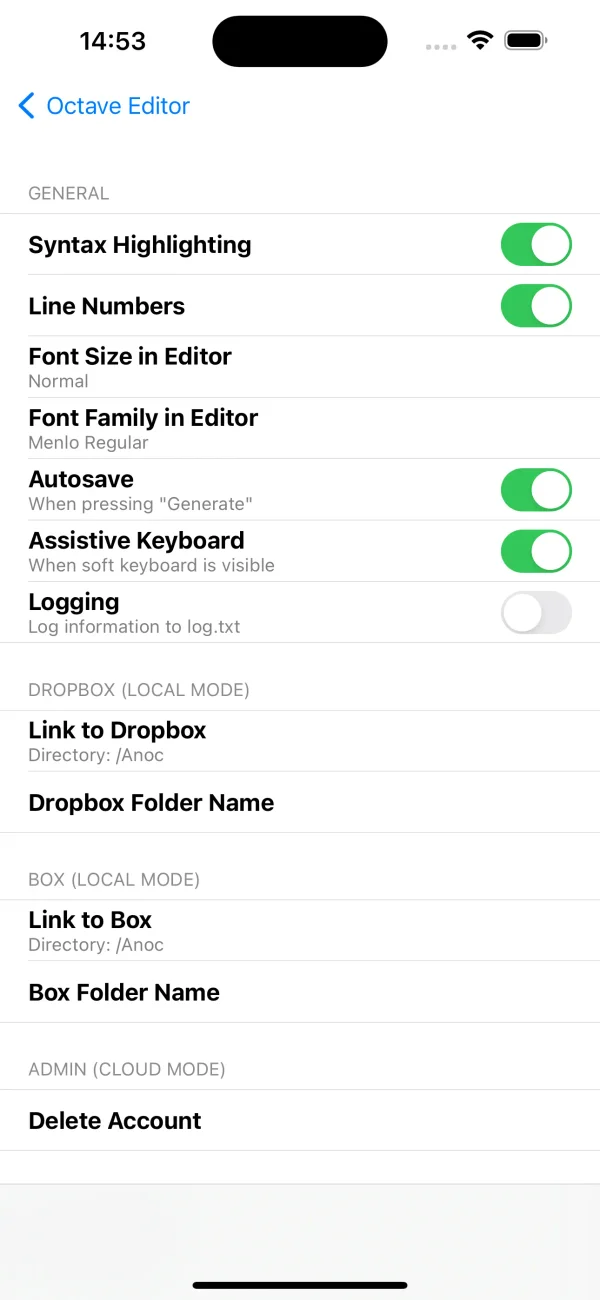
About
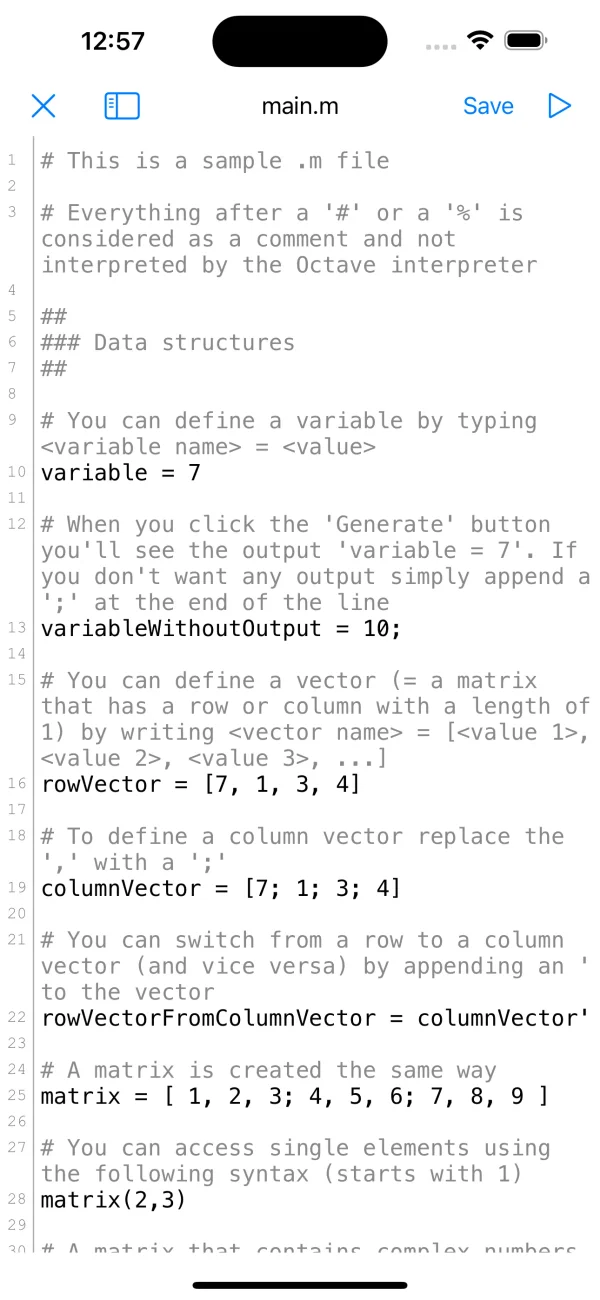
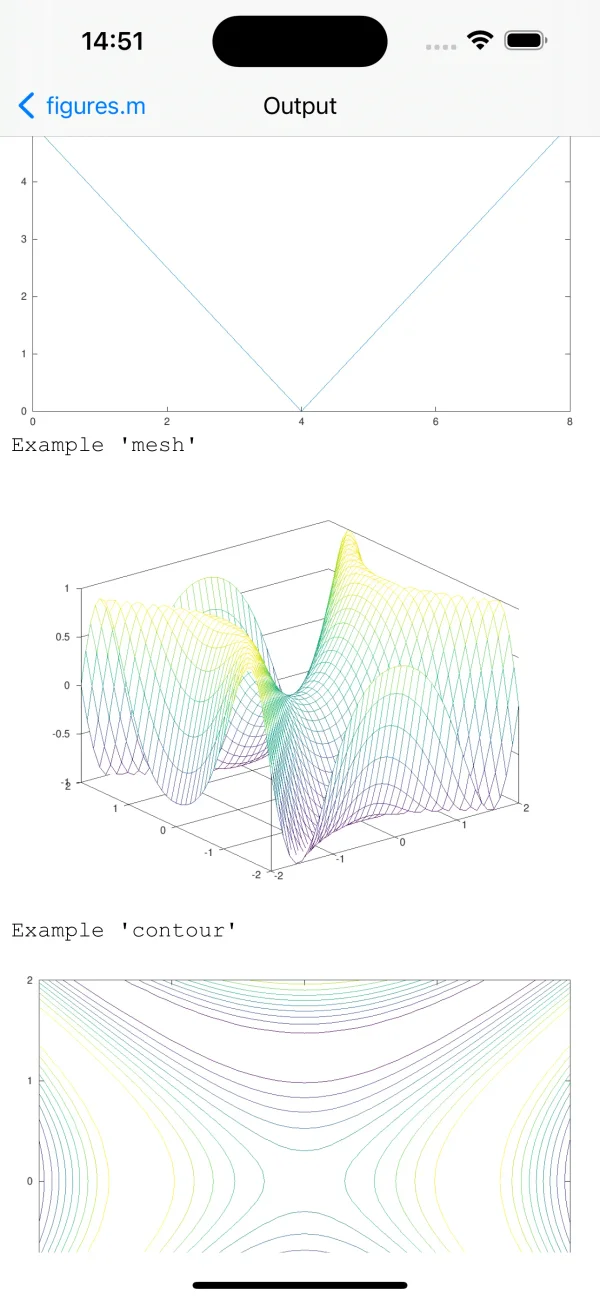
Anoc is an Octave Editor for your iOS device. It allows you to create and manage Octave projects directly on your iOS device and generate the result and plots by using Verbosus (Online Octave Editor).
This software is provided "as is" without warranties or conditions of any kind, either expressed or implied.
Before you download this app please check if it can do everything you need by trying the available functions using the web interface on our website.
Features:
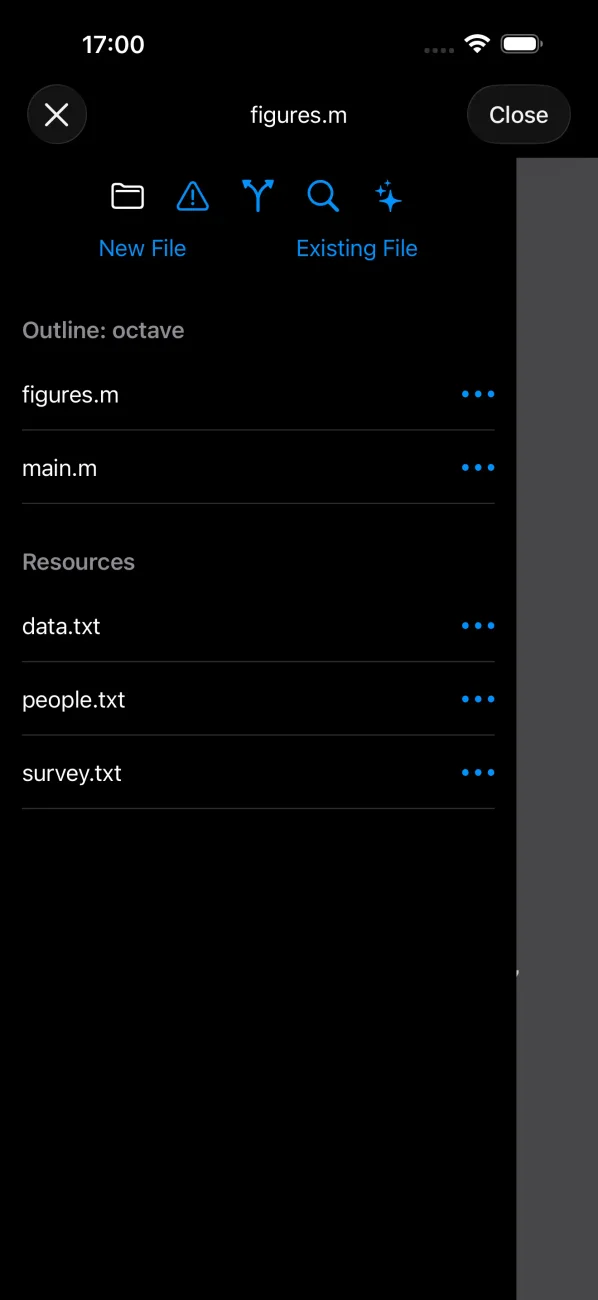
* 2 Modes: Local Mode (stores .m documents on your device) and Cloud Mode (synchronizes your projects with Verbosus)
* Use a dedicated server to perform calculations and generate plots
* Automatic Dropbox synchronization (Local Mode)
* Automatic Box synchronization (Local Mode)
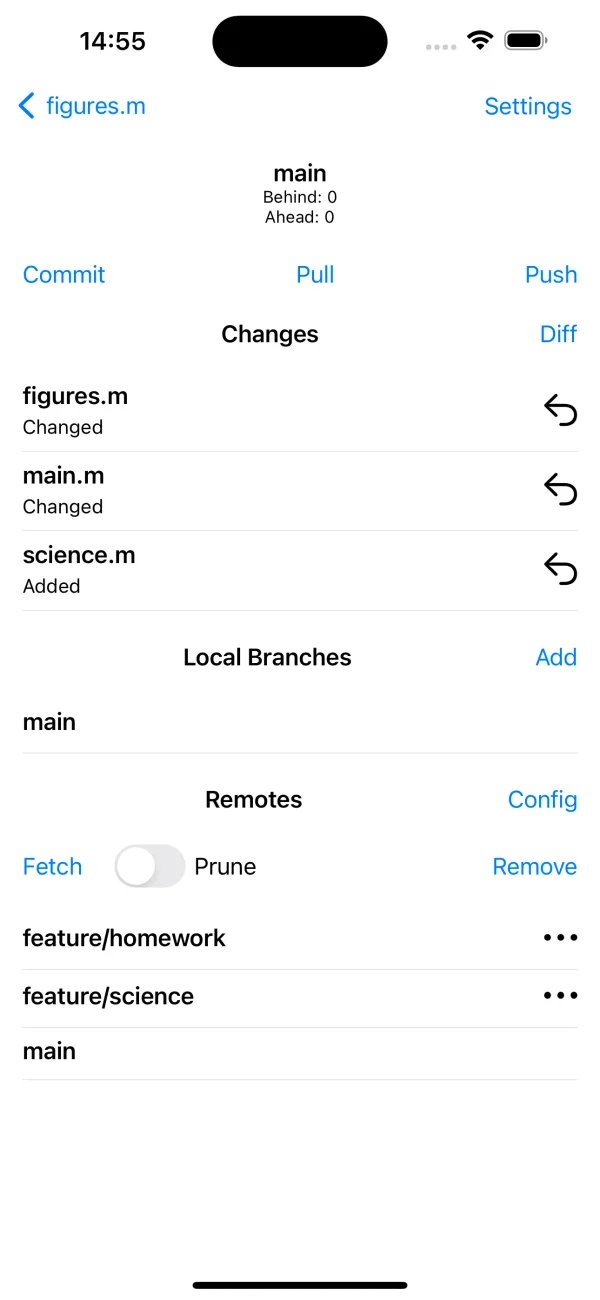
* Git integration (Local Mode)
* AI assistant (available in supported regions)
* Custom keyboard shortcuts
* Encrypted transmission to the server by using HTTPS
* Syntax highlighting (operators, plot functions, comments)
* Line numbers
* Assistive keyboard
* Hotkeys (see below)
* Web-Interface (Cloud Mode)
* Two factor authentication (Cloud Mode, in combination with Copiosus)
* No ads
Additional features in Anoc Pro:
* Unlimited number of projects (Local Mode)
* Unlimited number of documents per project (Local Mode)
* Unlimited number of file uploads per project (Local Mode)
* Unlimited number of projects (Cloud Mode)
* Unlimited number of documents per project (Cloud Mode)
Hotkeys in editor (can be changed in editor - settings - keyboard shortcuts):
ctrl+,: Settings
ctrl+s: Save
ctrl+g: Generate result
ctrl+f: Search
ctrl+p: Preview
ctrl+n: New document
ctrl+d: Delete document
ctrl+.: Next document
Function files:
Create a new file e.g. worker.m and fill it with
function s = worker(x)
% worker(x) Calculates sine(x) in degrees
s = sin(x*pi/180);
In your main .m file you can call it with
worker(2)
Load a file into a variable with the load command (Local Mode):
data = load('name-of-file.txt');
What’s new
Version 3.4.1 · Nov 22, 2026
* UI improvements
* Performance improvements
App privacy
What Verbosus.com declares on the App Store about how this app handles data.
-
Data not collected
The developer does not collect any data from this app.
Privacy practices may vary, for example with the features you use or your age.
Information
- Seller
- Daniel Kuster
- Category
- Productivity
- Version
- 3.4.1
- Updated
- Nov 22, 2026
- Released
- Feb 21, 2013
- Size
- 23.0 MB
- Requires
- iOS 18.6 or later
- Age rating
- 4+
- Price
- $8.99
- Languages
- English
- Copyright
- © verbosus.com
You might also like
-
 MathDown - Markdown LaTeX DocsCalculate and evaluate notes
-
 matchedRFautomated impedance matching
-
 Fields: Secure Notes & VaultSimple Key-Value iCloud Locker
-
 Sift Text DiffCompare Texts Side by Side
-
 PositiveTimeNoteManifest~Power~Emotion control
-
 Smith ChartsProductivity
-
 QV.ACYour AI assistant. 100% local.
-
 CopoHub: GitHub TrendingClient, star notes & radar
-
 Eco 360Streamline your business
-
 Dictation Pro - Voice to TextAudio Transcription & Recorder