
Answer Click
Simple student response system
Designed for iPhone, iPad, iPod touch
Free
- Age rating4+
- CategoryEducation
- DeveloperSujit Arungundram
- LanguagesEnglish
- Size52.4 MB
Links to the official App Store page
Download.org hosts no file of Answer Click. The button opens its official App Store page, published by Sujit Arungundram. Listing last checked on Nov 17, 2026.
Screenshots


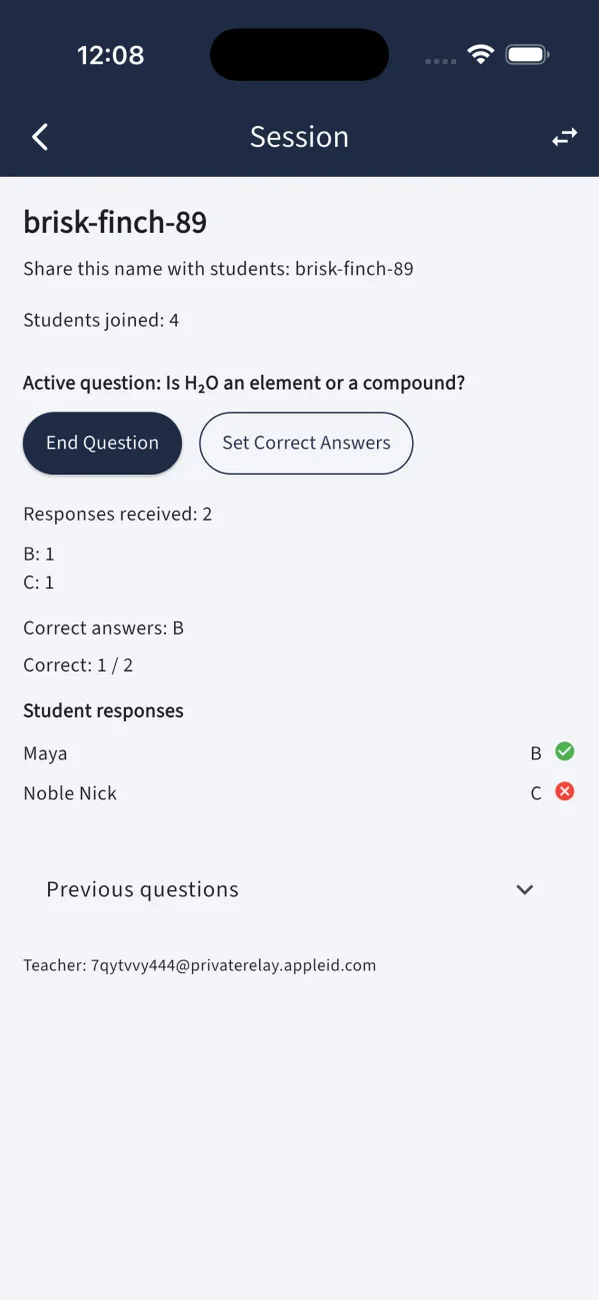
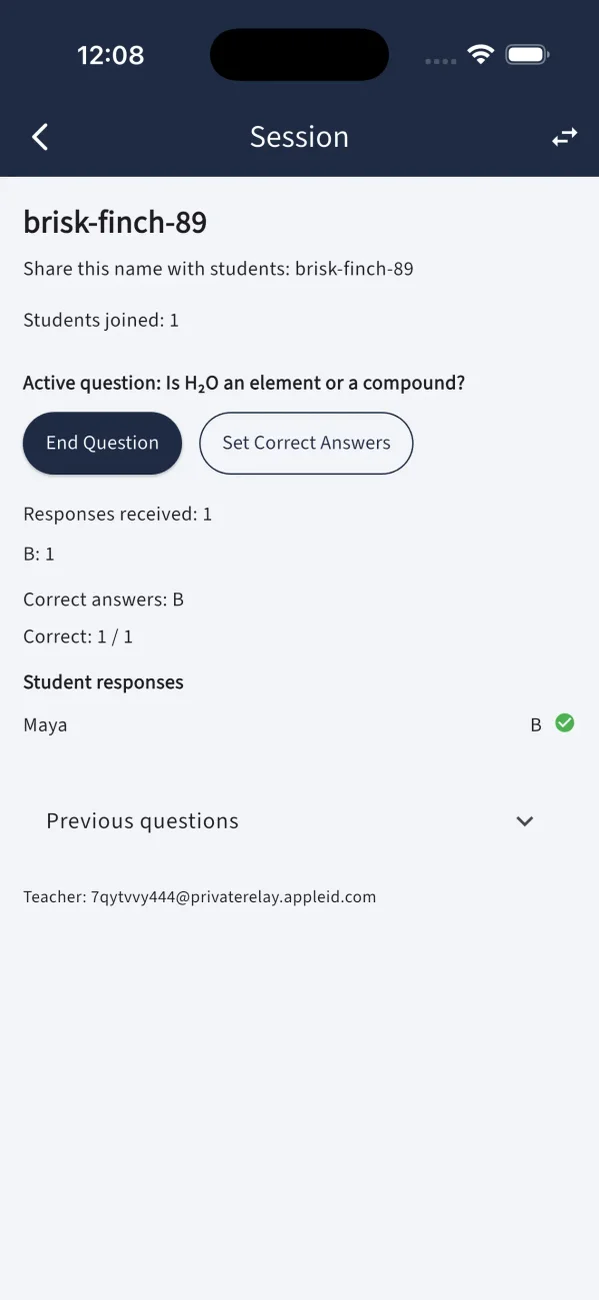
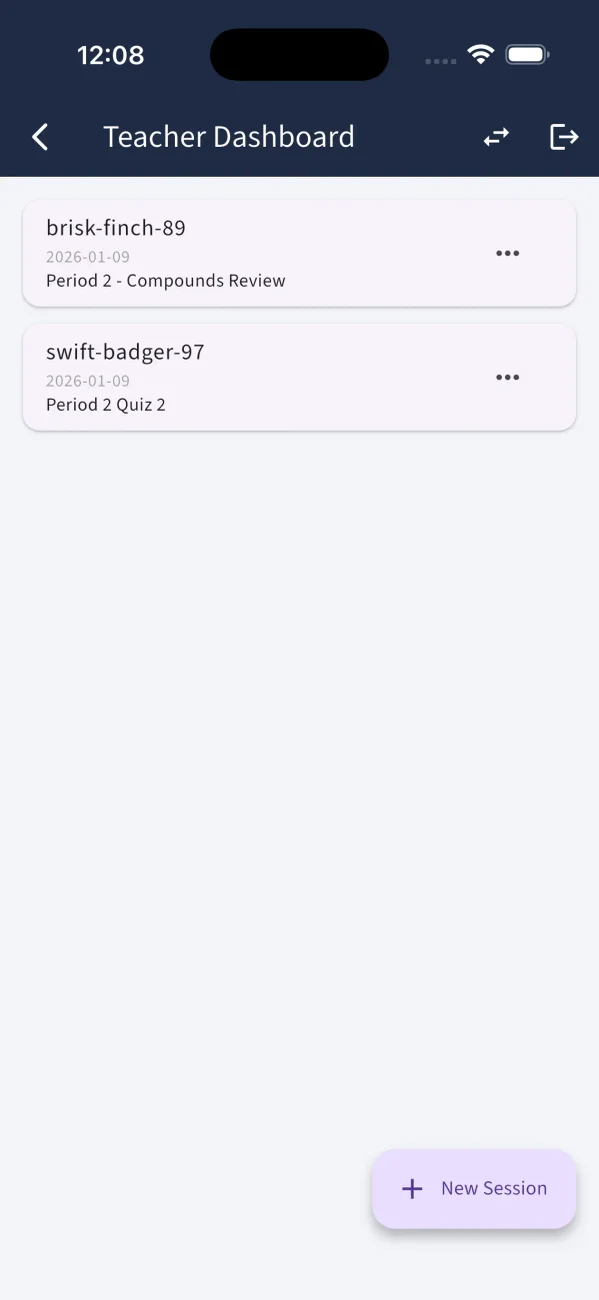
About
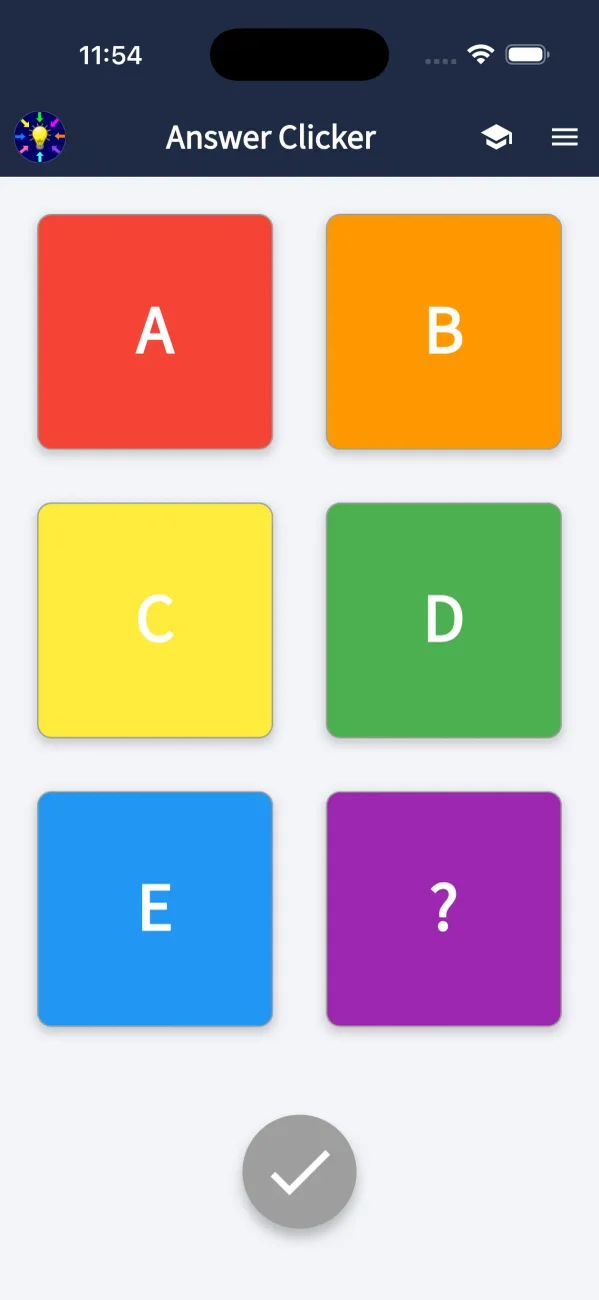
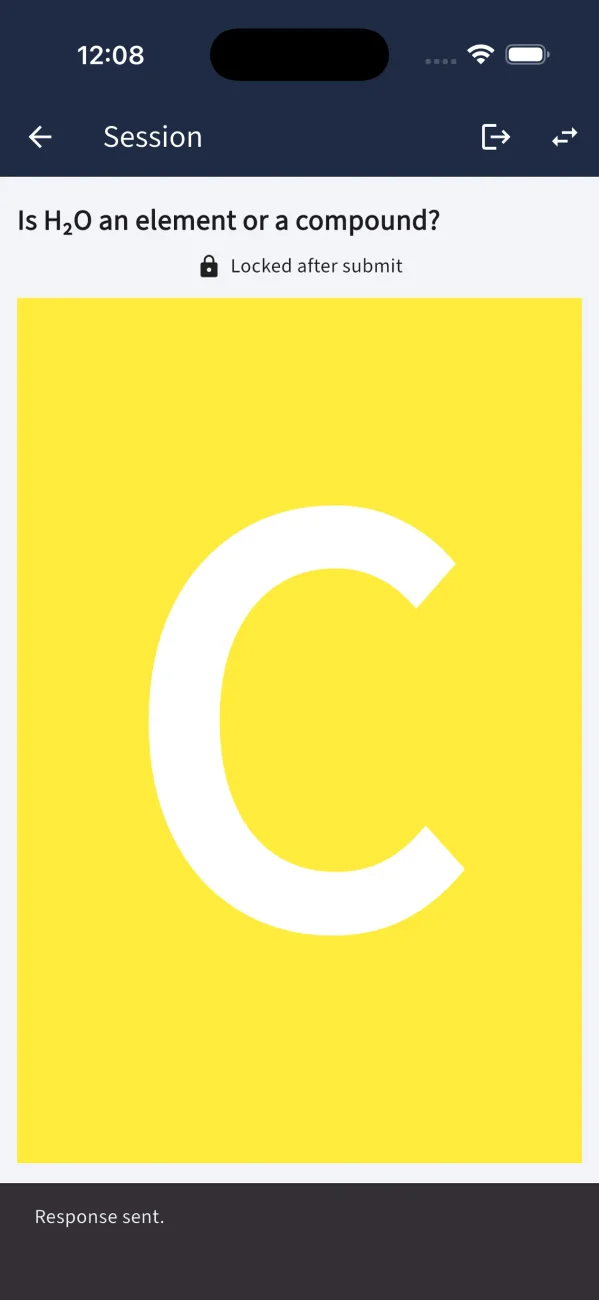
Answer Clicker is a free classroom response tool and a no‑cost alternative to subscription clicker systems. Designed by a teacher, it’s built for quick, low‑tech use in small classrooms that need an instant way to check understanding. Teachers can launch simple multiple‑choice questions, see responses in real time, and gauge comprehension immediately. Students respond with easy ABCDE buttons, a green check confirms their choice, and a “?” option lets them say “I don’t know.” Try Answer Clicker and make in‑class learning more interactive and responsive.
What’s new
Version 2.3.0 · Mar 30, 2026
Update the question authoring page to be more friendly for inputting larger questions.
App privacy
What Sujit Arungundram declares on the App Store about how this app handles data.
-
Data not collected
The developer does not collect any data from this app.
Privacy practices may vary, for example with the features you use or your age.
Information
- Seller
- Sujit Arungundram
- Category
- Education
- Version
- 2.3.0
- Updated
- Mar 30, 2026
- Released
- Mar 28, 2023
- Size
- 52.4 MB
- Requires
- iOS 15.0 or later
- Age rating
- 4+
- Price
- Free
- Languages
- English
- Copyright
- © Copyright 2023, Sunpath Studios
You might also like
-
 ArsycClassroom response system
-
 KidyView TeacherEducation
-
 Speddy: Special Ed AI AgentsAI Agents for Special Ed Teams
-
 River of Life Fellowship FLEducation
-
 Falls Church City SchoolsEducation
-
 Grow PeopleEducation
-
 CloudLabs DNA ReplicationEducation
-
 Molecular Models - 3DEducation
-
 drawstation+Education
-
 GRE Math KnightGRE Quant Practice Game