
- Age rating4+
- CategoryUtilities
- Developer望 余
- LanguagesEnglish+ 1 more
- Size6.4 MB
Links to the official App Store page
Download.org hosts no file of AnyCAD. The button opens its official App Store page, published by 望 余. Listing last checked on Nov 7, 2026.
Screenshots

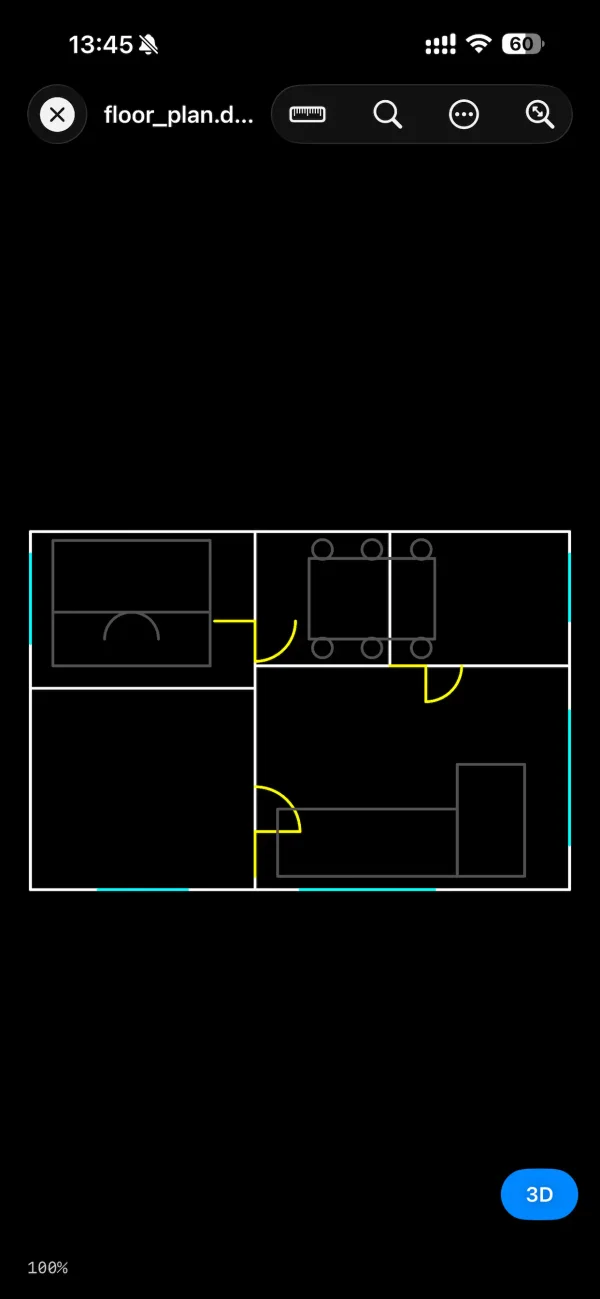

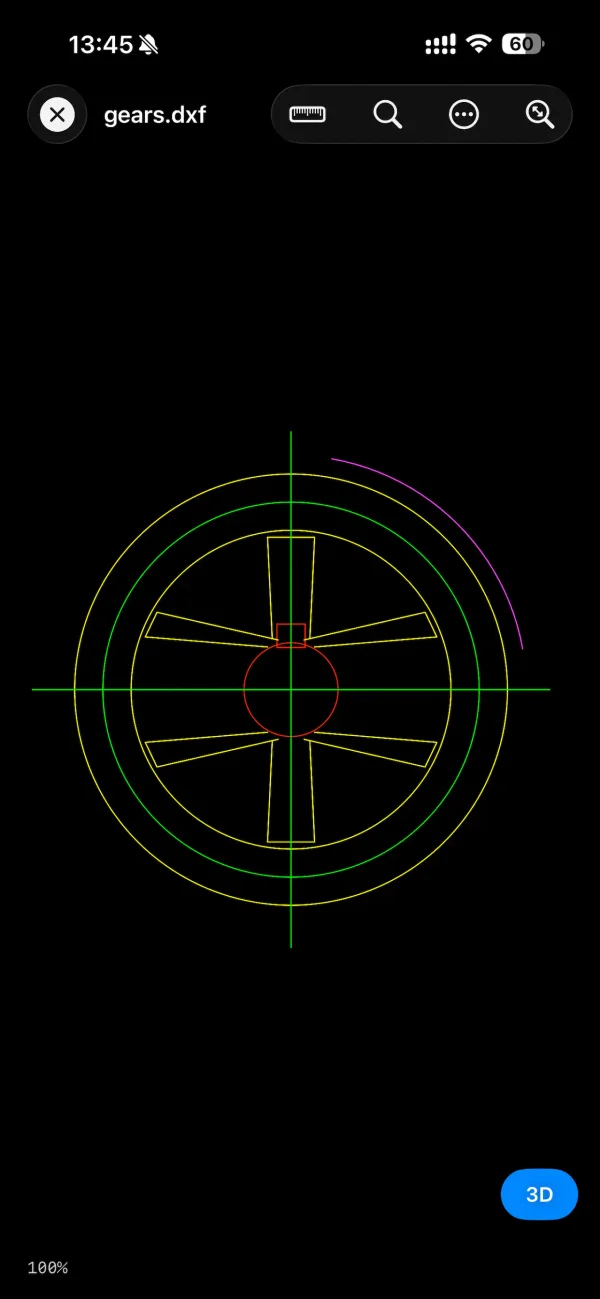
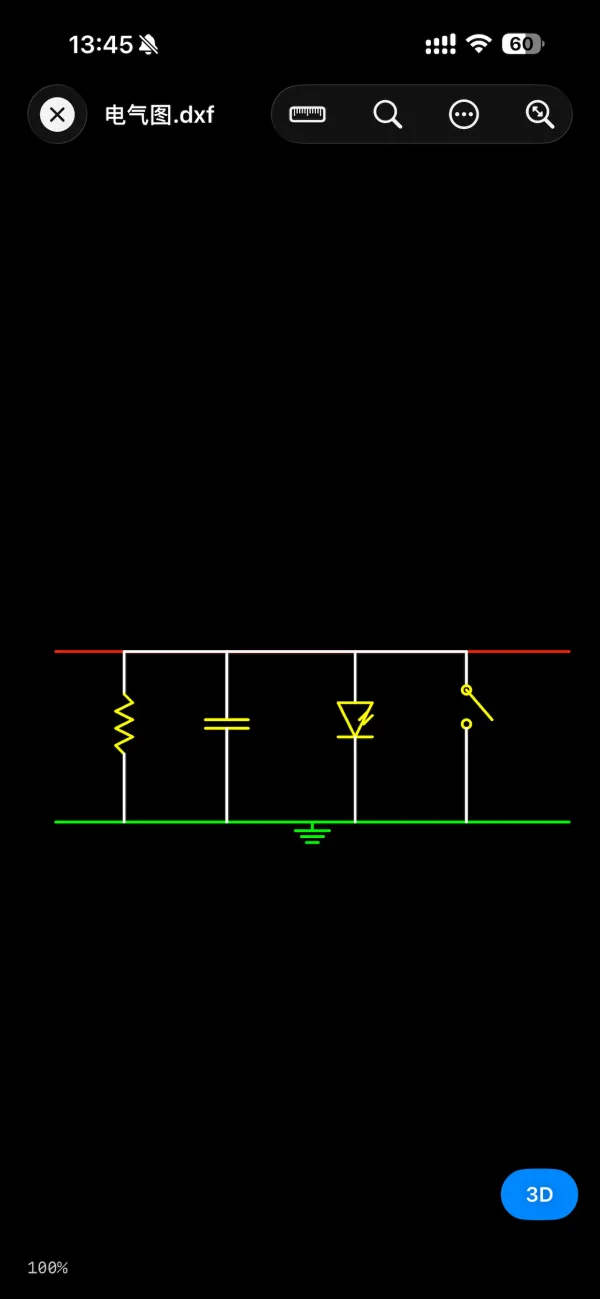
About
AnyCAD is a lightweight viewer for CAD drawings, vector documents, PDFs, and 3D model files.
Open technical drawings and design files from the Files app, preview geometry, inspect file details, and navigate 2D or 3D content with a clean mobile interface.
Key features:
- View DXF drawings and common 2D technical files.
- Open PDF and SVG documents.
- Preview 3D models including USDZ, OBJ, STL, PLY, glTF, GLB, 3MF, XYZ point clouds, and OFF meshes.
- Inspect file information such as format, file size, entity counts, PDF pages, and model statistics.
- Pan, zoom, reset view, and switch between supported viewing modes.
- Import files directly from the iOS Files app.
AnyCAD is built for engineers, designers, makers, students, and anyone who needs a quick way to inspect CAD and 3D files on iPhone or iPad.
Note: Support for some advanced CAD formats may depend on platform capabilities and file complexity. AnyCAD is designed as a viewer, not an editor.
App privacy
What 望 余 declares on the App Store about how this app handles data.
-
Data not collected
The developer does not collect any data from this app.
Privacy practices may vary, for example with the features you use or your age.
Information
- Seller
- 望 余
- Category
- Utilities
- Version
- 1.0.0
- Updated
- May 1, 2026
- Released
- May 1, 2026
- Size
- 6.4 MB
- Requires
- iOS 26.2 or later
- Age rating
- 4+
- Languages
- English, Simplified Chinese
- Copyright
- © 2026 Yu Wang.
You might also like
-
 DXF Viewer: CAD File ReaderOpen & View DXF Drawings
-
 Ad-free STL Viewer3D Print Check & Viewer
-
 SVG Converter & ViewerOpen, Edit & Export Vector
-
 STL Viewer: Measure 3D FilesPreview models before printing
-
 Meshly: STL ViewerSTL, OBJ & 3MF · bed fit
-
 eSIM-HomeUtilities
-
 OBDScan — OBD2 ScannerCar diagnostics & live data
-
 Scan to CAD: CAD ReaderConvert images for CAD
-
 DeepThinkPrivate Offline Thinking AI
-
 Marine TransMarine Eng-Chi Dictionary