AnyFont
Install all the fonts you love
Designed for iPhone, iPad, iPod touch
$3.99 · In-app purchases
- Age rating4+
- CategoryUtilities
- DeveloperEvo Tec Labs @ Pepperbit Online
- LanguagesEnglish+ 6 more
- Size71.8 MB
Links to the official App Store page
Download.org hosts no file of AnyFont. The button opens its official App Store page, published by Evo Tec Labs @ Pepperbit Online. Listing last checked on Nov 24, 2026.
Screenshots


About
*** COMPATIBLE WITH WORD, EXCEL AND POWERPOINT FOR IOS ... and any other third party app which works with .ttf and .otf ***
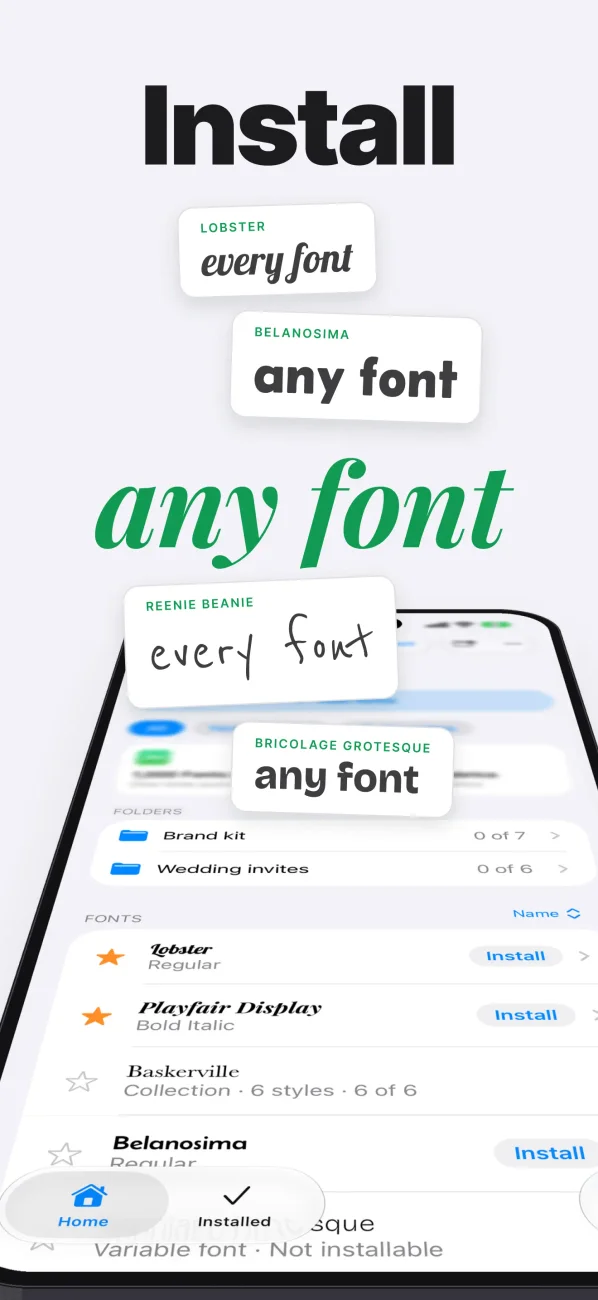
With AnyFont it is finally possible to install any additional font in TrueTypeFont- (.ttf), OpenTypeFont- (.otf) or TrueType Collection- (.ttc) format on your iPhone or iPad. These fonts can then be used throughout the system in other apps like Word, PowerPoint, Pages, Keynote and many more.
No more unexpectedly replaced fonts in presentations because the iPhone or iPad does not know them. The perfect solution for everybody who creates presentations on a Mac to show them on their iPad.
EXTREMLY EASY TO USE:
An extensive FAQ and an introductory tutorial help you to understand the app.
Check out our video tutorials on YT: https://www.youtube.com/@AnyFont-iOS
FEATURES:
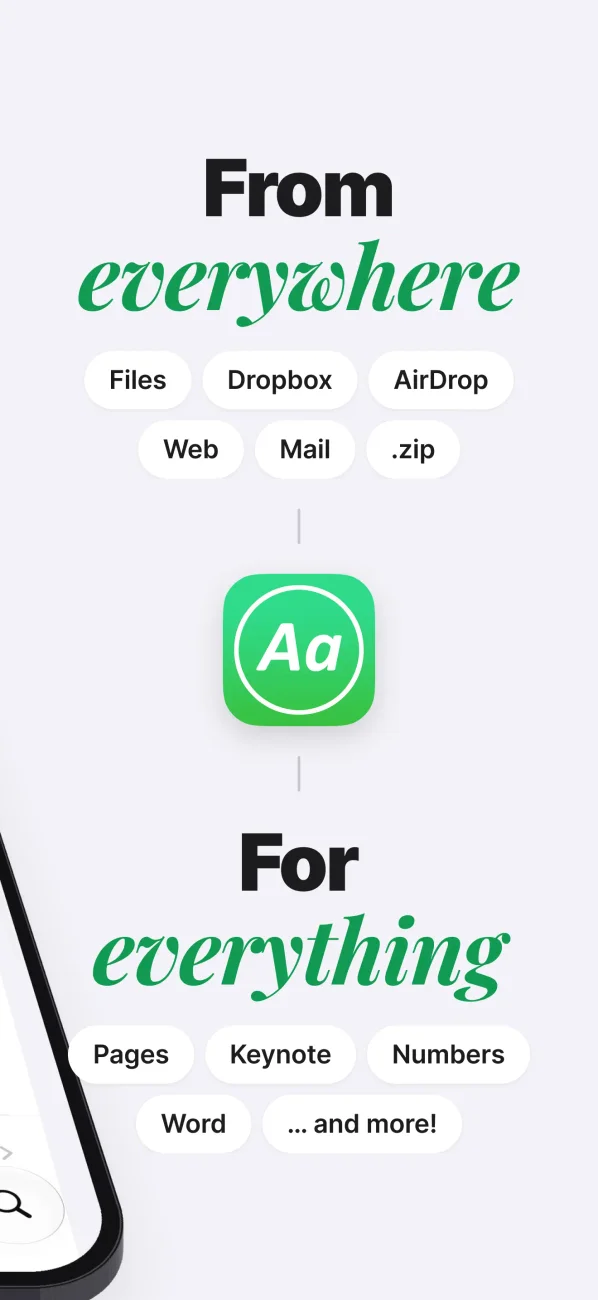
- Add new fonts as .ttf, .ttc or .otf file from any source available to you
- Add single fonts or multiple fonts as a ZIP- or TTC-file
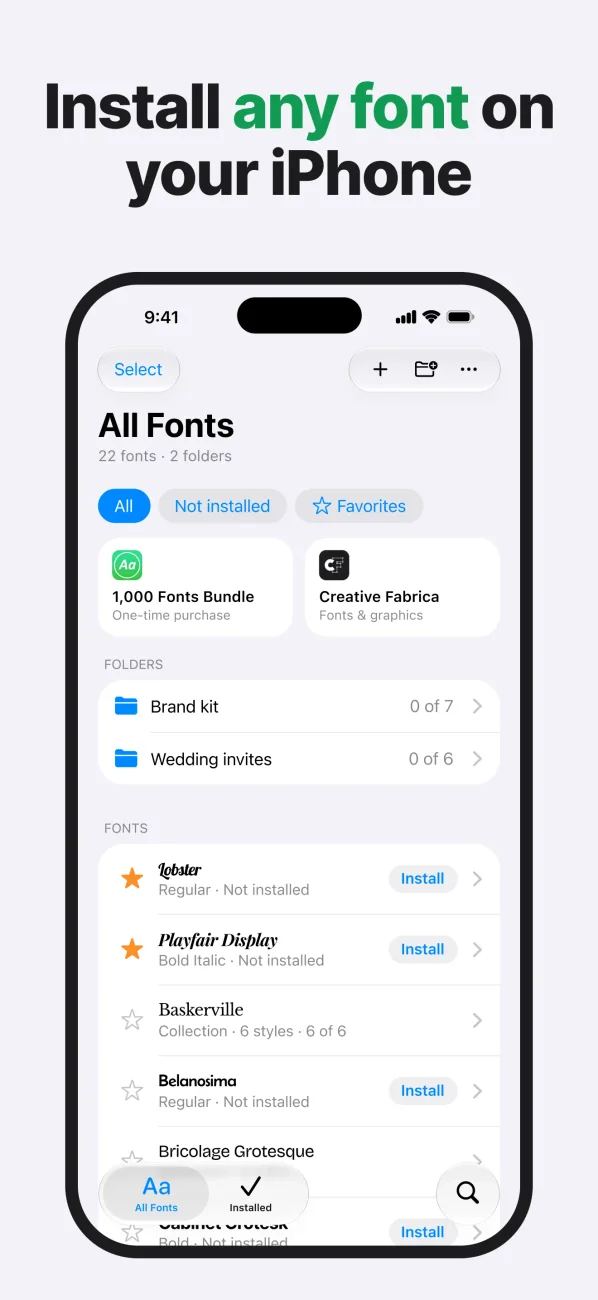
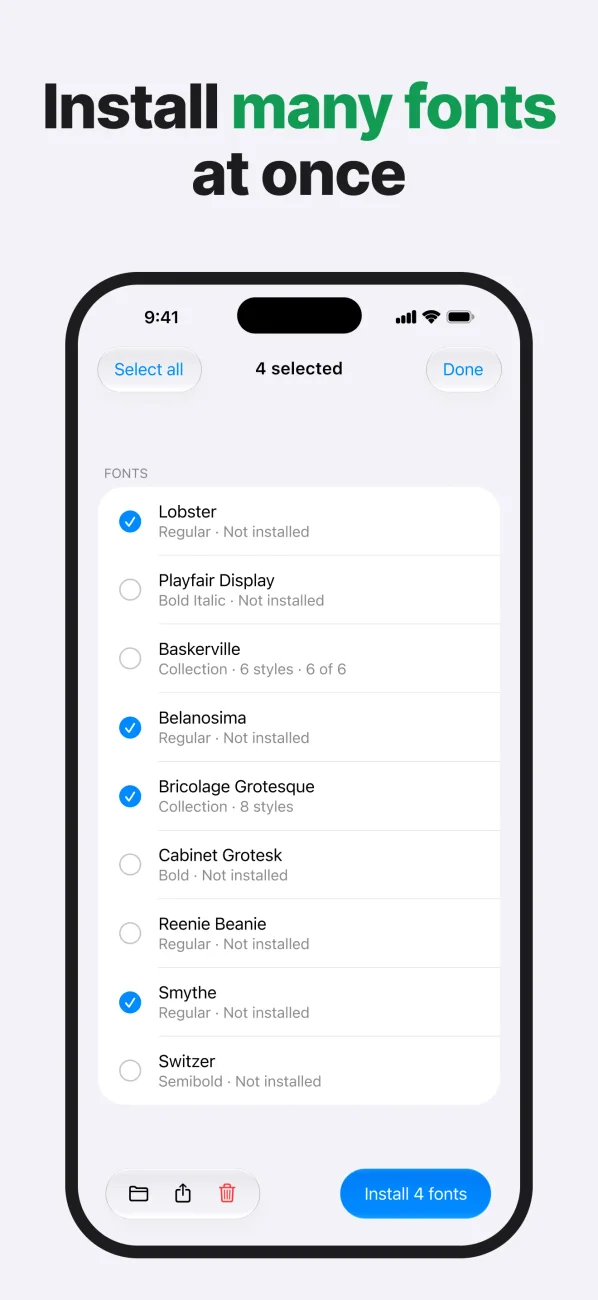
- Install single fonts or multiple fonts at once
- Preview your fonts in AnyFont’s storage
- Access any font source from within AnyFont
- Optional bundle of 1,000+ fonts (In-App Purchase)
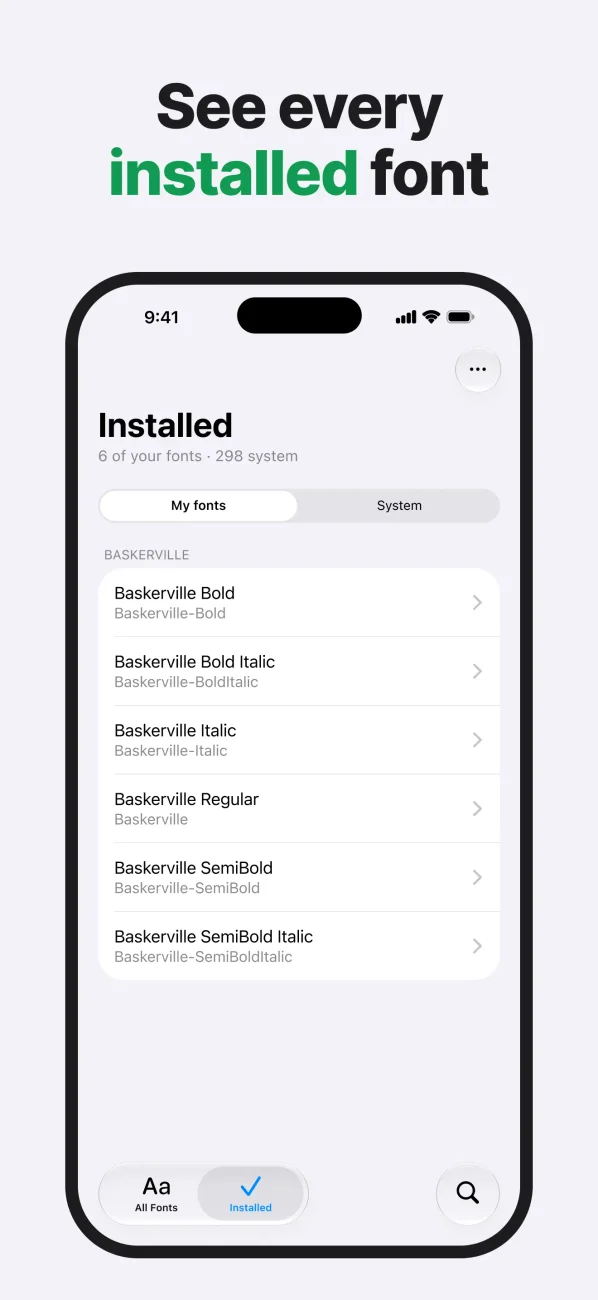
- Complete list of all installed fonts on the device
- Dark Mode
OVERVIEW AND FULL CONTROL:
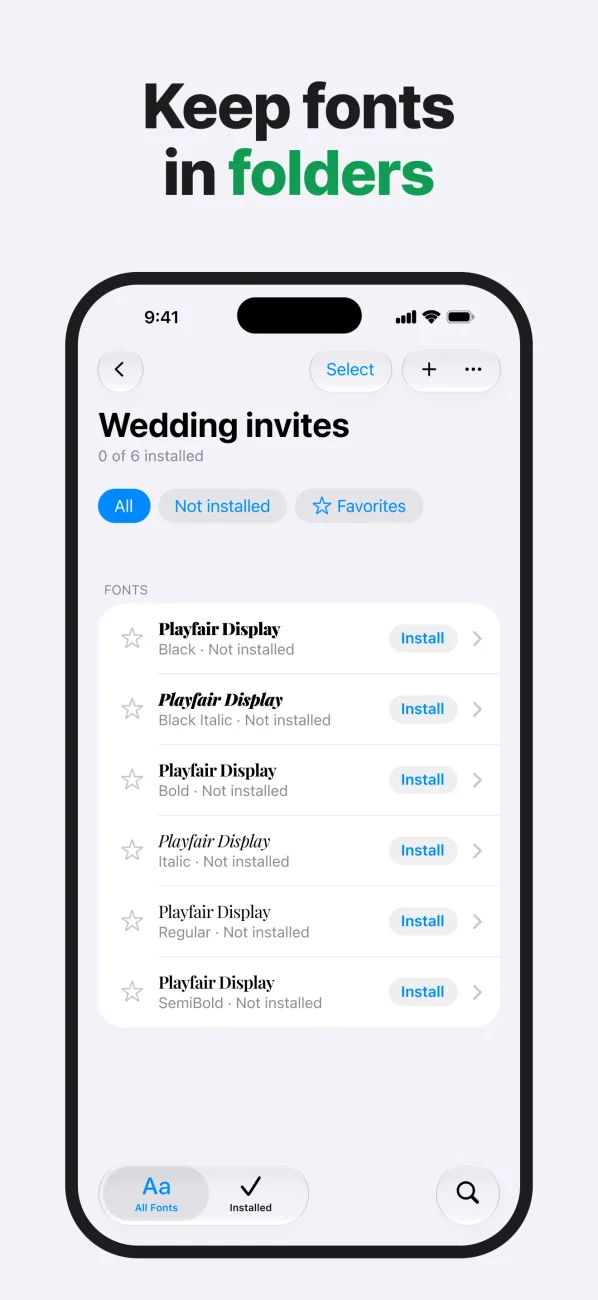
- Manage fonts, put them in folders, share
- Previews, favorites and rich search options
WORKING WITH:
- Word, Excel and PowerPoint
- Numbers, Keynote, Freeform and Pages
- Cricut Design Space
- Office Suite
- Goodnotes, Keynotes, FBReader
- Figma, InDesign, Illustrator, Photoshop
- and many, many, many other apps!
- General rule: Any app capable of handling .ttf and .otf fonts will typically also recognize the fonts you have installed yourself. If you have any questions, please contact the support for the specific app—they will help you!
MORE INFORMATION FOR YOU:
Read FAQ inside AnyFont.
AnyFont website: https://www.anyfont.app
Tutorial Video: https://www.youtube.com/@AnyFont-iOS
NOTE:
It is not possible to change the system-font on your device with AnyFont. With AnyFont you can install additional fonts on your device which can then be used by other apps which make use of the device's font book. (If you like to use ASCII and Unicode based fonts - install our app AnyKeyboard. Thanks!)
AFFILIATES AND OFFERS:
All third party apps and offers shown in the app are optional and based on user requests. You are by no means required to purchase anything if you don’t want to.
What’s new
Version 4.1 · Nov 20, 2026
Hello everyone!
We have a great surprise for you!
→ A completely overhauled AnyFont, featuring powerful capabilities and flawless usability.
You like AnyFont? Please leave a positive rating or review in the App Store.
Have a good time!
App privacy
What Evo Tec Labs @ Pepperbit Online declares on the App Store about how this app handles data.
-
Data used to track you
May be used to track you across apps and websites owned by other companies.
- Usage data
-
Data linked to you
May be collected and linked to your identity.
- Purchases
- Contact info
- Identifiers
-
Data not linked to you
May be collected but is not linked to your identity.
- Usage data
- Diagnostics
Privacy practices may vary, for example with the features you use or your age.
Information
- Seller
- Pepperbit Online GmbH
- Category
- Utilities
- Version
- 4.1
- Updated
- Nov 20, 2026
- Released
- Feb 21, 2014
- Size
- 71.8 MB
- Requires
- iOS 15.0 or later
- Age rating
- 4+
- Price
- $3.99
- In-app purchases
- Yes
- Languages
- English, French, German, Japanese, Portuguese, Russian, Spanish
- Copyright
- © EVO Tec Labs @ Pepperbit Online
You might also like
-
 Font Installer: Google FontsiFont: Install Fonts for Word
-
 iFont: find, install any fontPro font management made easy
-
 Font Installer - Install fontsEasily install new fonts
-
 Install Fonts - Font InstallerFonts for iPhone & iPad
-
 Fontasy - Font BrowserUtilities
-
 Font Keyboard: Smart FontsEmoji Keyboards, Custom Themes
-
 Noir - Dark Mode for SafariBrowse better at night
-
 xTool Creative SpaceUtilities
-
 WhatTheFontMagical font identifier
-
 Fonts %: Keyboard & EmojiFont Keyboard for IG & TikTok