
- Age rating4+
- CategoryBusiness
- DeveloperApriva
- LanguagesEnglish+ 3 more
- Size45.0 MB
Links to the official App Store page
Download.org hosts no file of APEX mPOS. The button opens its official App Store page, published by Apriva. Listing last checked on Nov 12, 2026.
Screenshots


About
SELL ANYTHING, ANYWHERE WITH APEX mPOS
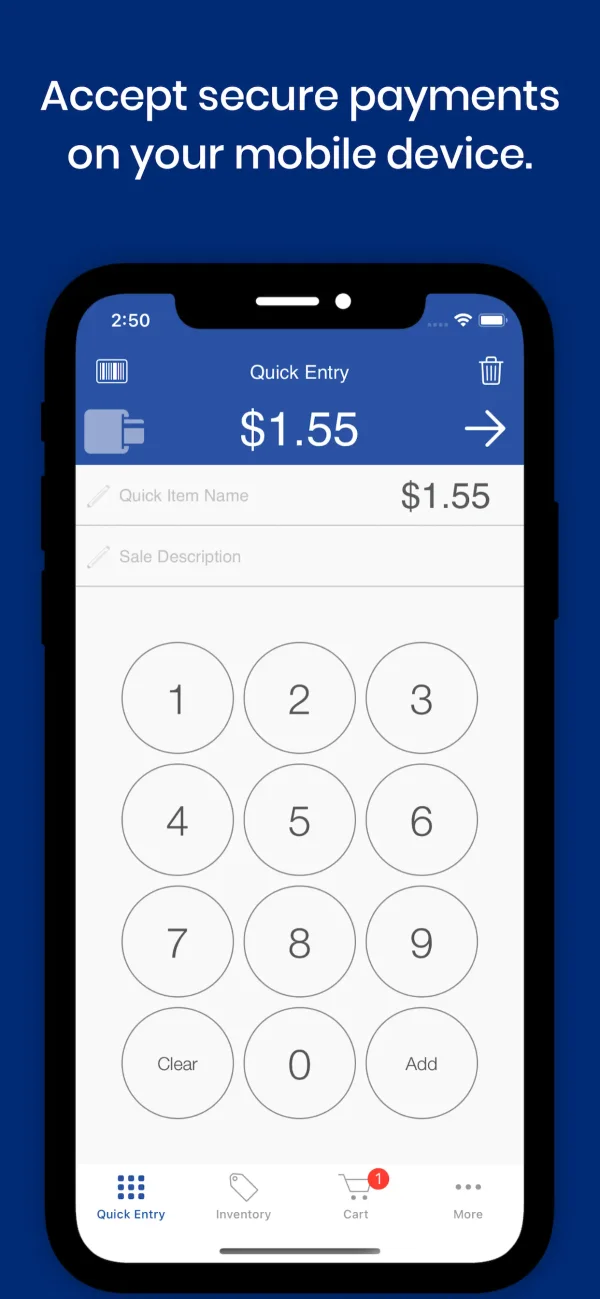
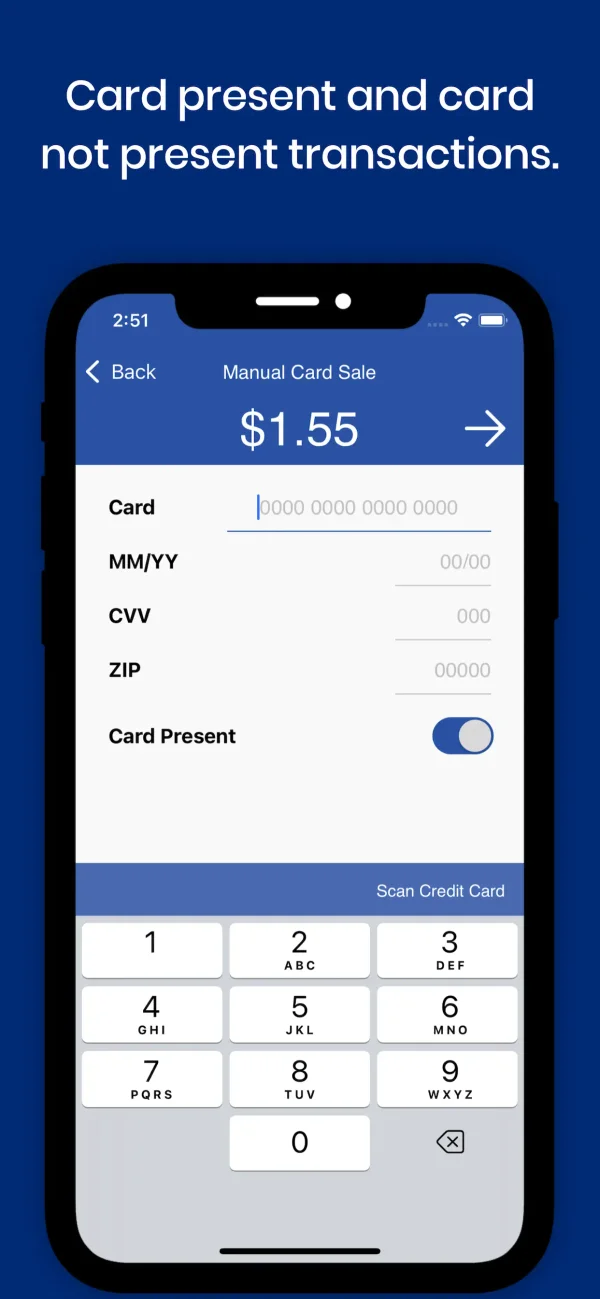
APEX mPOS makes credit card transactions easy—whether storefront or mobile. This streamlined app enables merchants to accept mobile payments and process transactions right from an iOS device.
PAYMENT APPLICATION FOR SMARTPHONES AND TABLETS
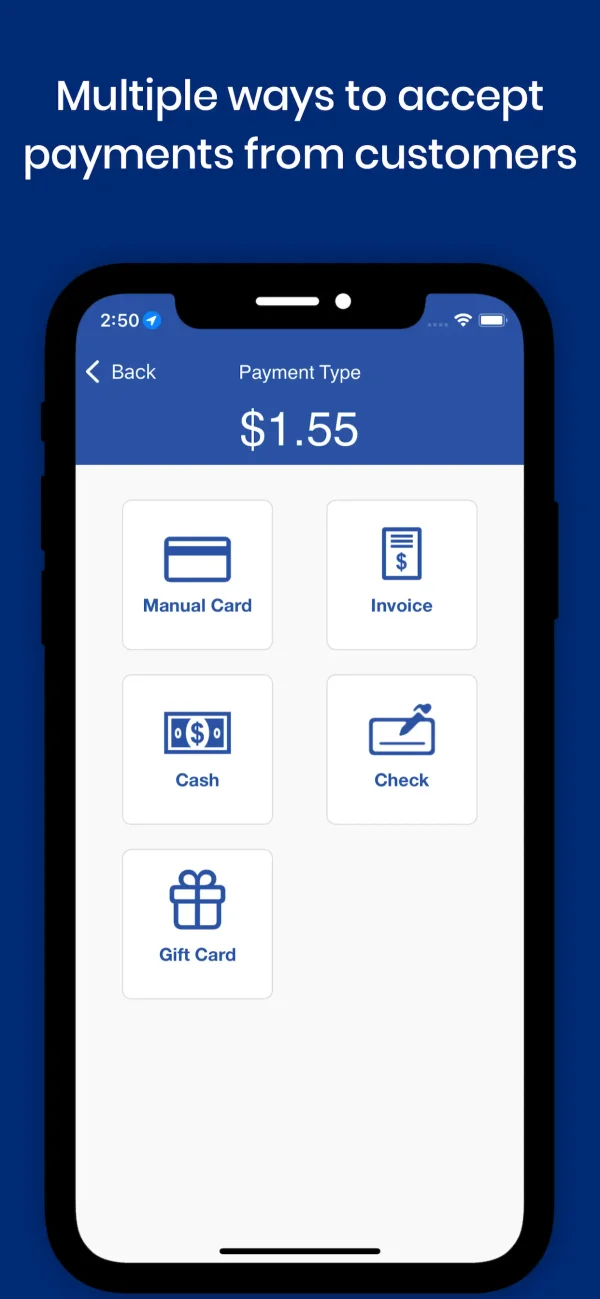
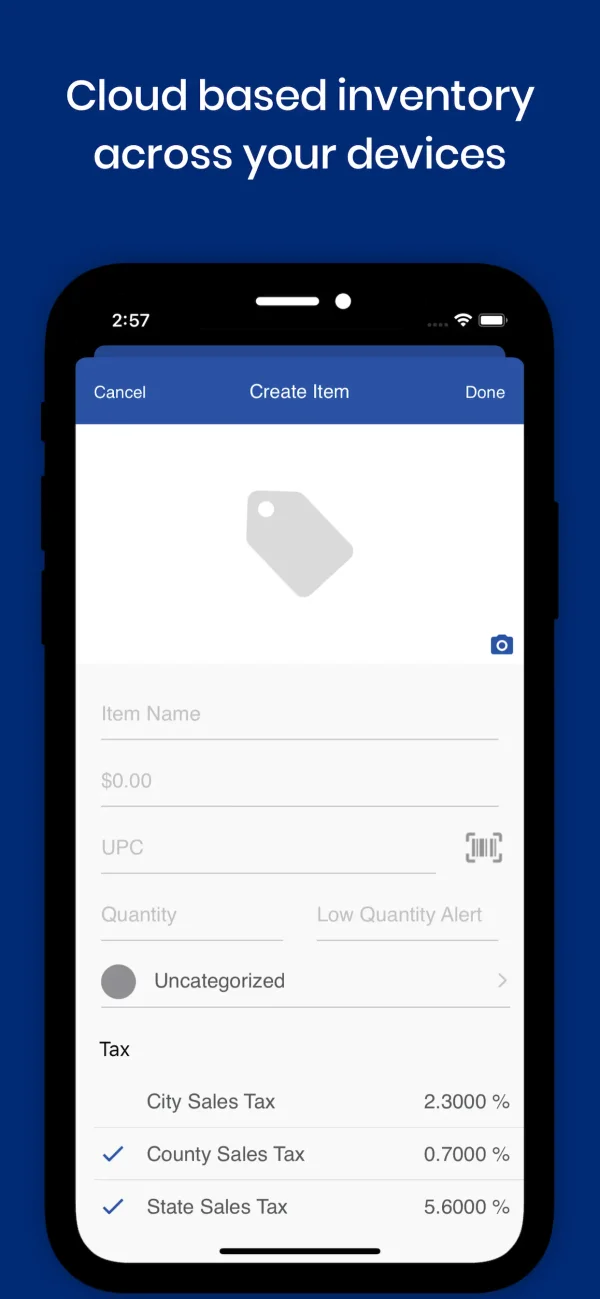
The APEX mPOS app turns your iOS device into a mobile point of sale, allowing you to process card-based payments, as well as record cash-based sales. Set sales tax rates and tipping right in the app, and leverage bar codes and images to create specific inventory groups to expedite sales.
EMV-READY
APEX mPOS is one of the first EMV-enabled and -capable mPOS solutions to be released in the U.S., offering chip card transaction support* and EMV payment acceptance for merchants aiming to avoid liability when responsibility for card payment fraud shifts from consumers to merchants on October 1, 2015.
LOW-COST ALTERNATIVE
Mobile card acceptance has never been more affordable. (Supports 10 active devices per account.) Add an optional portable credit card reader, and your iOS device instantly becomes a highly functional mobile point of sale for a fraction of the cost of a traditional wireless terminal.
CHOICE
In most cases, you can use your existing payment processing provider. If you don’t accept cards today, or want to shop around, choose from hundreds of APEX mPOS partners to find the one that best fits your needs.
ENCRYPTION AND SECURITY
APEX mPOS is the leading provider of end-to-end wireless transaction technology and offers the most proven and secure platform for wireless information transfer available. APEX mPOS exceeds industry standard encryption and security requirements.
CUSTOMER SUPPORT
APEX mPOS provides 24/7 technical support for resellers and merchants. We're here to give you the support you need to be successful.
GETTING STARTED
Before you can begin mobile payment processing with APEX mPOS, you’ll need to set up a merchant account (if you don’t already have one), so that your bank can fund your transactions. Once you have a merchant account, it’s easy to get started. Here’s what you’ll need:
1. iOS device with Internet access
2. Merchant account (new or existing)
3. APEX mPOS app
4. EMV chip card reader (optional)
* Contact APEX mPOS for information on supported payment processing platforms for EMV capability and peripheral compatibility.
EMV® is a registered trademark of EMVCo.
What’s new
Version 10.23 · May 26, 2026
- Bug fixes and minor improvements
App privacy
What Apriva declares on the App Store about how this app handles data.
-
Data not linked to you
May be collected but is not linked to your identity.
- Usage data
- Diagnostics
Privacy practices may vary, for example with the features you use or your age.
Information
- Seller
- Apriva Systems, LLC
- Category
- Business
- Version
- 10.23
- Updated
- May 26, 2026
- Released
- Sep 30, 2022
- Size
- 45.0 MB
- Requires
- iOS 16.0 or later
- Age rating
- 4+
- Price
- Free
- Languages
- English, French, Simplified Chinese, Spanish
- Copyright
- © Copyright 2023 APEXNow
You might also like
-
 Sky SystemzAccept Payments Anywhere
-
 Merchant.appA modern approach to payments
-
 ZulioAccept cards not fees.
-
 iProcessFast, easy payment processing
-
 Accept Payments by AutobooksPayments, Invoices, Tap to Pay
-
 Payanywhere: Point of Sale POSCredit Card Reader & Payment
-
 Pay for StripeAccept Credit Card Payments
-
 SwipeSimple - Point of SaleAccept Payments Anywhere
-
 QuickBooks GoPayment POSMobile POS
-
 Tap to Pay and POS SystemPayment Links & Point of Sale