
- Age rating4+
- CategoryUtilities
- Developer帅帅 杜
- LanguagesEnglish+ 1 more
- Size14.2 MB
Links to the official App Store page
Download.org hosts no file of 课表王 - 最简排课神器. The button opens its official App Store page, published by 帅帅 杜. Listing last checked on Nov 15, 2026.
Screenshots
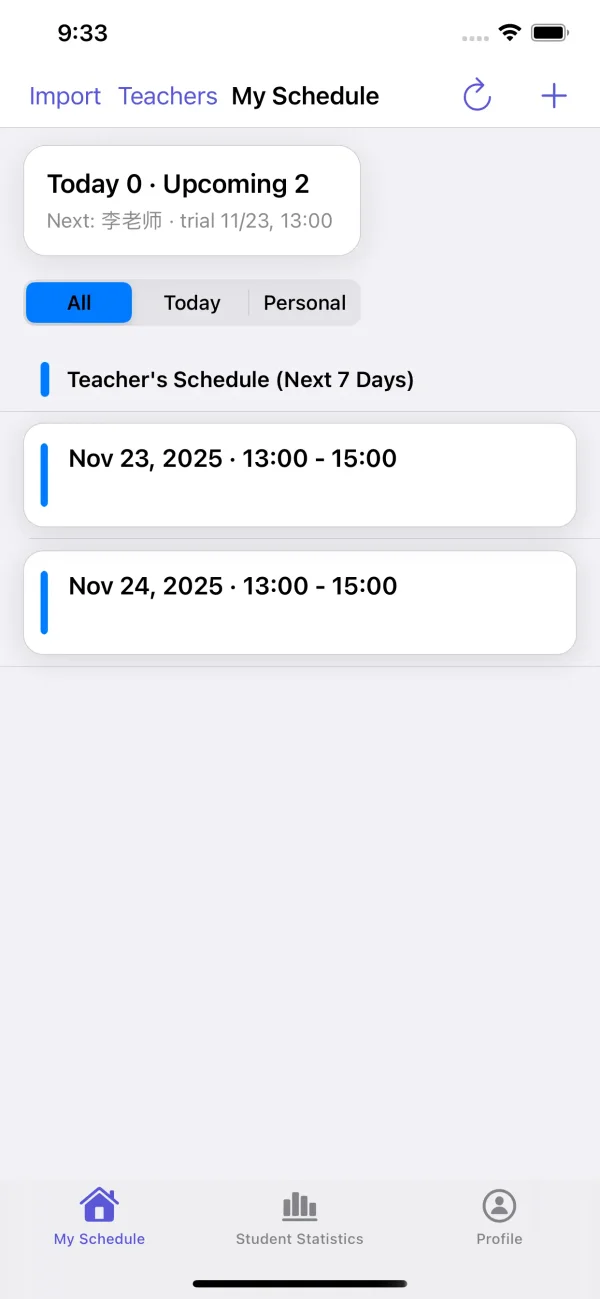
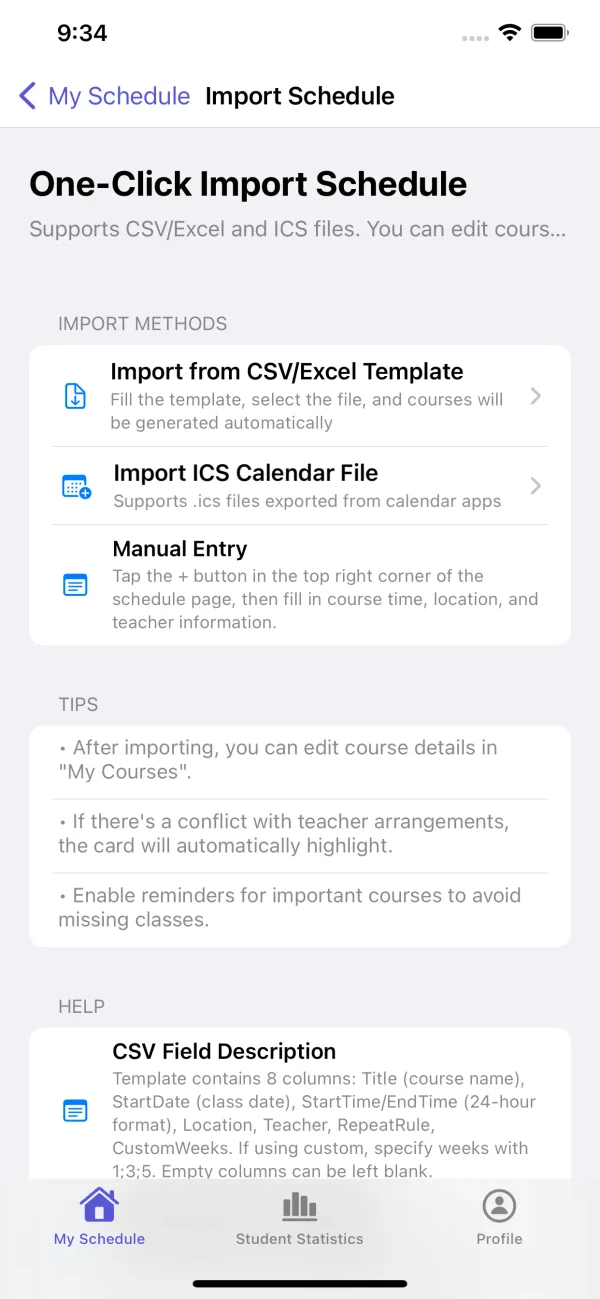
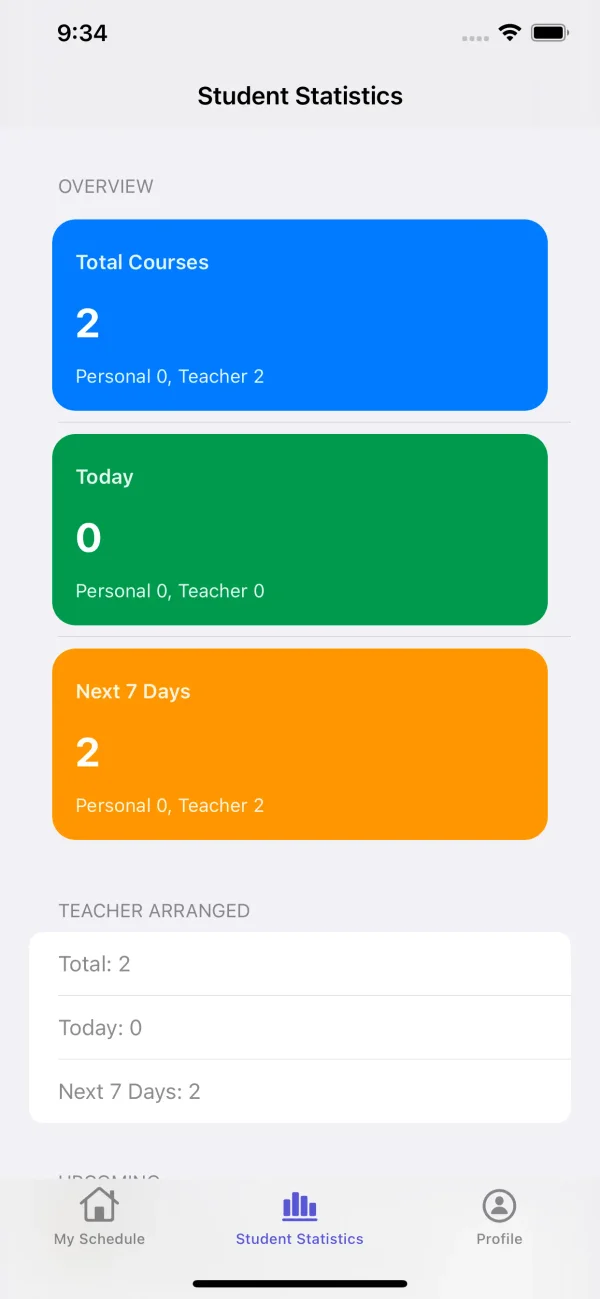
About
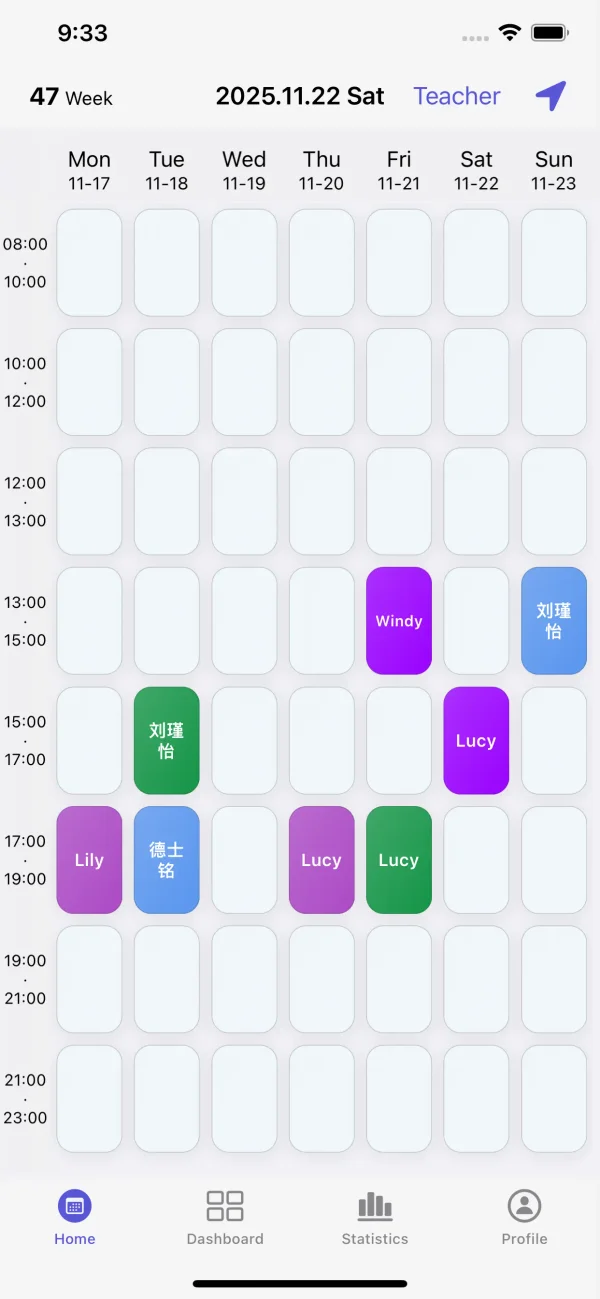
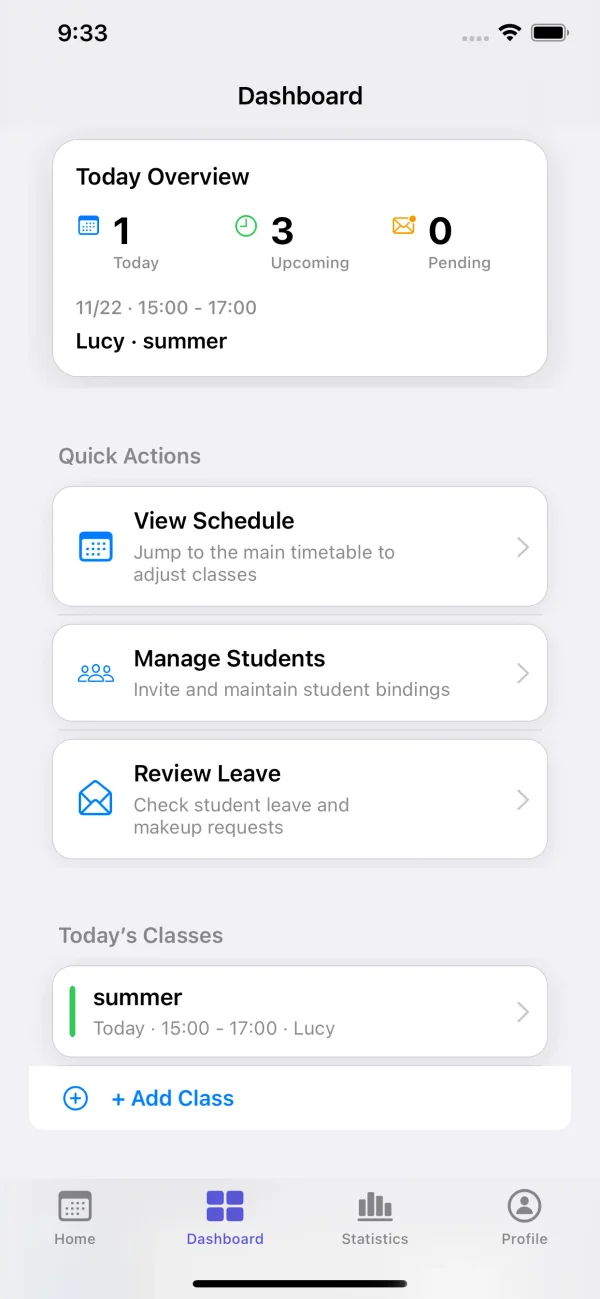
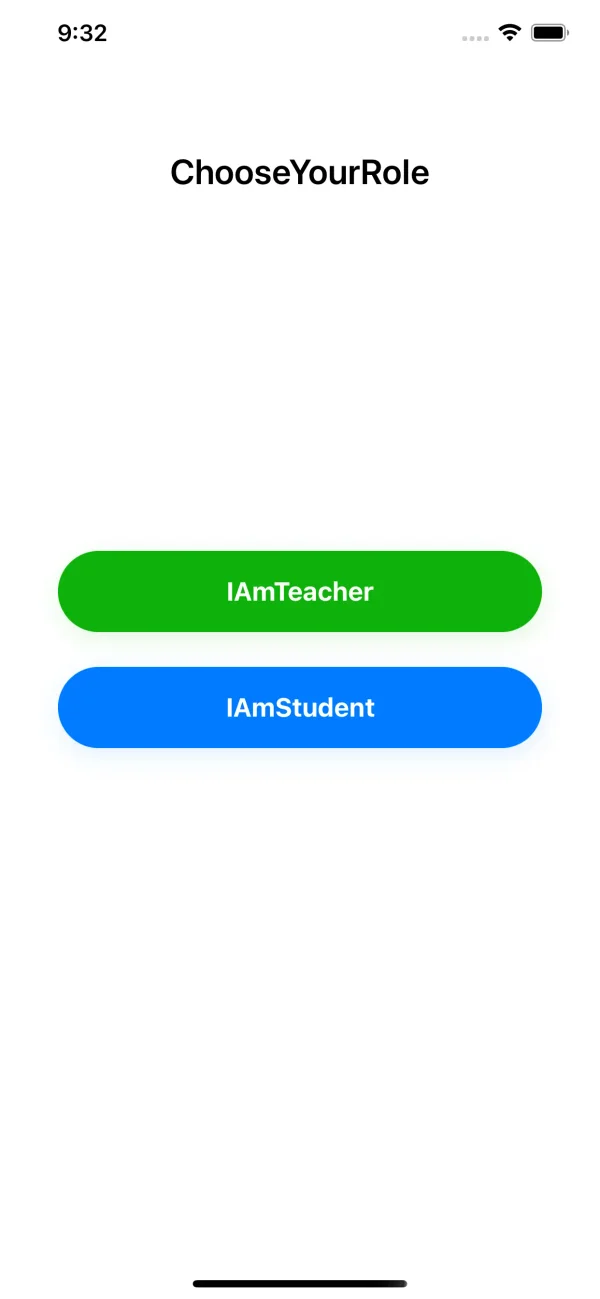
TimeTable is a compact and practical class scheduling app designed for teachers and students. Without complicated features, it focuses on providing a simple and efficient scheduling experience.
Core Advantages
Easy to Use - Clean interface with intuitive operations, no complex setup required. Both teachers and students can master it within minutes.
Batch Entry - Enter multiple names at once, significantly improving scheduling efficiency. Support for quickly adding student lists without entering one by one.
Student Management - Comprehensive student management features, supporting adding, viewing, and managing student information. Easily maintain student lists for more convenient scheduling management.
Flexible Management - Support for tag management and theme selection to personalize your scheduling interface. Use tags to categorize courses for better organization.
Data Reuse - Support for quick copying from last week's data, saving time on repeated entry. Copy last week's schedule with one tap to quickly generate a new weekly schedule.
Week Selection - Flexible week selection to adapt to different teaching cycle needs. Support for viewing and managing schedules by week.
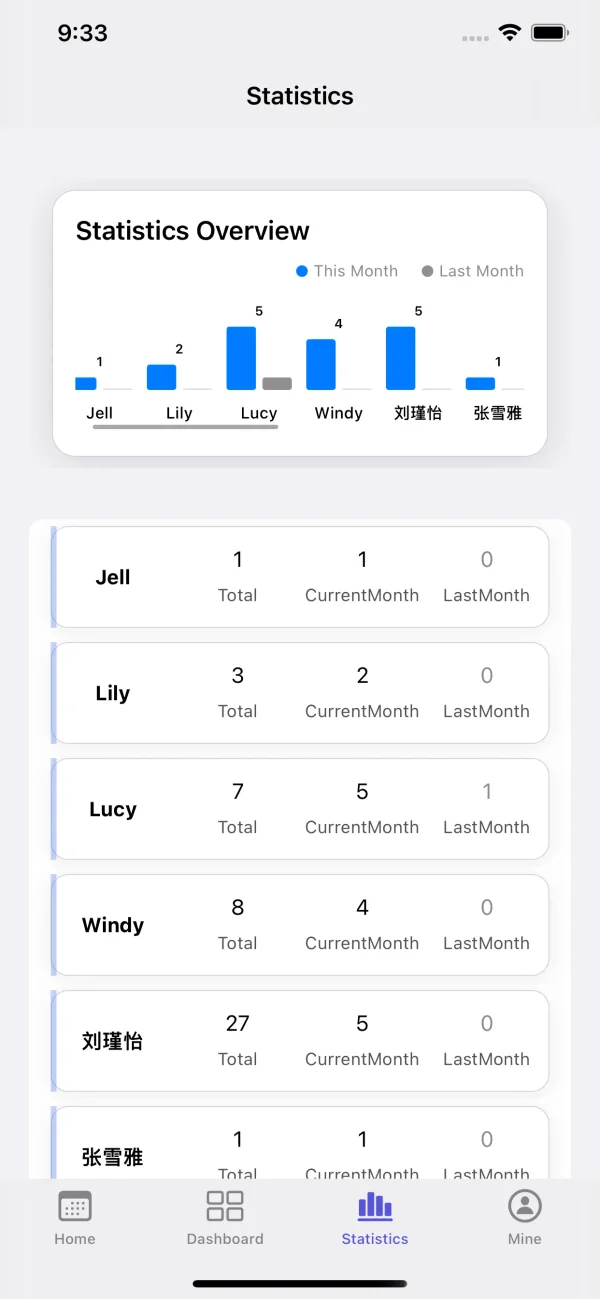
Statistics - Detailed scheduling statistics to help you understand course arrangements. Visualized statistics make course scheduling clear at a glance.
Multi-Device Support - Perfect support for iPhone and iPad with optimized large-screen display. Enjoy larger screen space on iPad for a more comfortable scheduling experience.
Multi-Language Support - Support for Chinese and English to meet different user needs. Perfect support for Chinese-English switching to adapt to international usage scenarios.
Account Sync - Support for login functionality with cloud data synchronization, secure and reliable. Your course data is safely stored and can be synced across multiple devices.
Use Cases
Teachers can use TimeTable to quickly arrange schedules and manage student course arrangements. Support for batch entry of student lists and quick schedule generation improves teaching management efficiency.
Students can use TimeTable to view personal schedules and plan study time. Clear and intuitive interface makes course arrangements clear at a glance.
Training Institutions can use TimeTable to manage course arrangements and optimize resource utilization. Support for multi-week management flexibly adapts to different training cycles.
Key Features
Tag Management: Flexibly categorize and manage course tags for better organization. Use different tags to distinguish different types of courses.
Theme Selection: Multiple theme styles available to create a personalized interface. Choose your favorite theme for a more pleasant scheduling experience.
Student Management: Comprehensive student information management features, supporting adding, editing, and viewing student lists. Easily maintain student data to improve management efficiency.
Data Statistics: Visualized statistics of course arrangements to help you understand course distribution. Optimize course arrangements through statistical data.
Data Copy: Copy last week's data with one tap to quickly generate a new weekly schedule. Save time on repeated entry and improve work efficiency.
iPad Optimization: Optimized for iPad's large screen to make full use of screen space. Enjoy a more comfortable scheduling experience on iPad with more reasonable interface layout.
Internationalization: Perfect support for Chinese-English switching to meet different user needs. Both interface and content support multi-language display.
UI Enhancements: Continuously optimized user interface to improve visual experience. Improved card styles and interaction design make operations smoother.
TimeTable - Making scheduling simple and efficient!
Privacy Policy: https://www.jianshu.com/p/6bd6b0d3efe4
Terms of Use: https://www.apple.com/legal/internet-services/itunes/dev/stdeula/
What’s new
Version 2.2.3 · Nov 25, 2025
New Features
iPad Support
- Full support for iPad devices with optimized large-screen display
- Full-screen adaptation to make full use of iPad screen space
Student Management
- New student addition and management features
- Support for batch adding students for easier operation
- Enhanced student list display and management
Improvements
UI Enhancements
- Optimized student selection interface with better visual effects
- Improved card styles with shadow and border effects
- Enhanced overall UI aesthetics and user experience
App privacy
What 帅帅 杜 declares on the App Store about how this app handles data.
-
Data linked to you
May be collected and linked to your identity.
- Identifiers
- Usage data
-
Data not linked to you
May be collected but is not linked to your identity.
- Diagnostics
Privacy practices may vary, for example with the features you use or your age.
Information
- Seller
- 帅帅 杜
- Category
- Utilities
- Version
- 2.2.3
- Updated
- Nov 25, 2025
- Released
- Feb 5, 2016
- Size
- 14.2 MB
- Requires
- iOS 12.0 or later
- Age rating
- 4+
- Price
- Free
- In-app purchases
- Yes
- Languages
- English, Simplified Chinese
- Copyright
- Copyright © 2025 Shawn.Du