フリマアプリの売上管理-セラーブック
利用者数No.1のフリマ売上管理アプリ
Designed for iPhone, iPad, iPod touch
Free · In-app purchases
- Age rating4+
- CategoryShopping
- DeveloperDaisuke Yamashita
- LanguagesEnglish+ 1 more
- Size58.3 MB
Links to the official App Store page
Download.org hosts no file of フリマアプリの売上管理-セラーブック. The button opens its official App Store page, published by Daisuke Yamashita. Listing last checked on Nov 29, 2026.
Screenshots


About
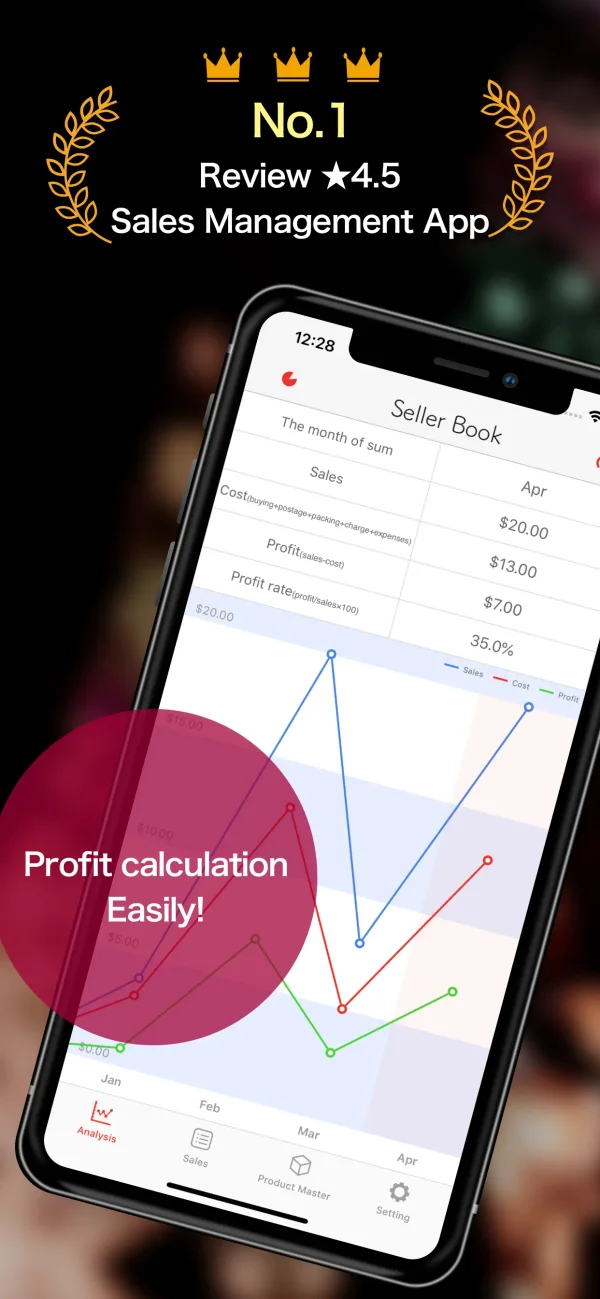
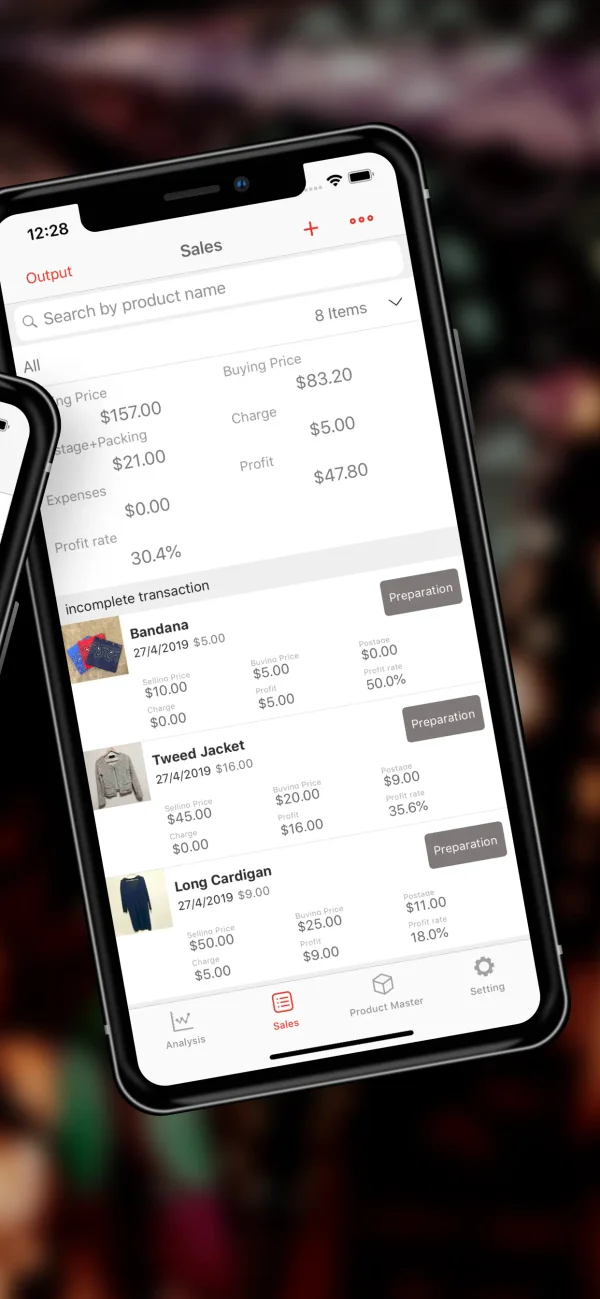
Seller Book is a sales management app designed for people who sell items on flea market apps.
You can easily manage your sales, costs, and profits directly on your iPhone or iPad. No Excel or PC is required. Seller Book was developed in collaboration with experienced flea market sellers to make sales tracking simple, visual, and mobile-friendly.
Whether you are just starting to sell or already managing many items, Seller Book helps you stay organized and understand your business at a glance.
[Features]
No PC required. Manage your sales anytime, anywhere.
Monthly sales, costs, and profits are displayed in easy-to-read graphs.
Optimized for smartphone input, allowing quick and simple data entry.
[Plans]
[Free Plan]
You can use basic sales management features with no limitations.
[Paid Options]
Product Master ($29.99 one-time purchase)
This option is ideal for sellers who handle a large number of items.
Manage identical products using templates
Store product images and descriptions for flea market listings
Link product data with your sales records
This is a one-time purchase with no recurring charges.
Premium Plan ($4.49 per month)
This plan provides cloud-based data synchronization.
Sync data across multiple iPhones and iPads using the same account
Enter data on your iPhone while outside and review sales data on your iPad at home
A free trial is available for first-time subscribers.
[Auto-Renewing Subscription]
Subscriptions automatically renew unless canceled at least 24 hours before the end of the current period. The renewal fee will be charged within 24 hours after the end of the current period.
[How to Cancel]
Open the App Store app, tap your Apple ID, select View Apple ID, then select Subscriptions. From there, you can manage or cancel your Seller Book subscription.
[Terms of Use]
https://sellerbook.herokuapp.com/terms
[Customer Support]
If you have any questions or issues, please contact us at:
sellerbook.customer@gmail.com
What’s new
Version 2.11.12 · Nov 29, 2026
[連絡事項]
いつもSellerbook(セラーブック)のご利用ありがとうございます。 開発者の山下です。
今回の修正では、
・SellerBook2 へのデータ移行で、同じ端末の SellerBook2 へ、共有の画面を通さずにデータと写真をそのままお渡しできるようにしました。
・軽微な不具合を修正しました。
[その他のお知らせ]
・「設定」に「バックアップ管理」の項目が追加されております。現在の売上状態をバックアップ出来ますのでお試しください。
・「設定」に「よくある質問」を追加いたしました。
よくお問合せ頂く質問内容と回答をまとめましたので是非ご参照ください。
是非今後ともご利用よろしくお願いいたします。
皆様のレビューはアプリ開発の原動力です! 1つ1つ読んでおりますので、ご記入いただければ幸いです。
App privacy
What Daisuke Yamashita declares on the App Store about how this app handles data.
-
Data linked to you
May be collected and linked to your identity.
- Identifiers
- Usage data
- Diagnostics
Privacy practices may vary, for example with the features you use or your age.
Information
- Seller
- Daisuke Yamashita
- Category
- Shopping
- Version
- 2.11.12
- Updated
- Nov 29, 2026
- Released
- Oct 11, 2016
- Size
- 58.3 MB
- Requires
- iOS 14.0 or later
- Age rating
- 4+
- Price
- Free
- In-app purchases
- Yes
- Languages
- English, Japanese
- Copyright
- Copyright © SellerBook. All Rights Reserved.