- Age rating4+
- CategoryEducation
- Developer聆数智能
- LanguagesEnglish
- Size149.9 MB
Links to the official App Store page
Download.org hosts no file of AI听写. The button opens its official App Store page, published by 聆数智能. Listing last checked on Nov 20, 2026.
Screenshots

About
Great news!
Stuck with dictation homework assigned by teachers for your kids? No time to read aloud or unsure how to pronounce words?
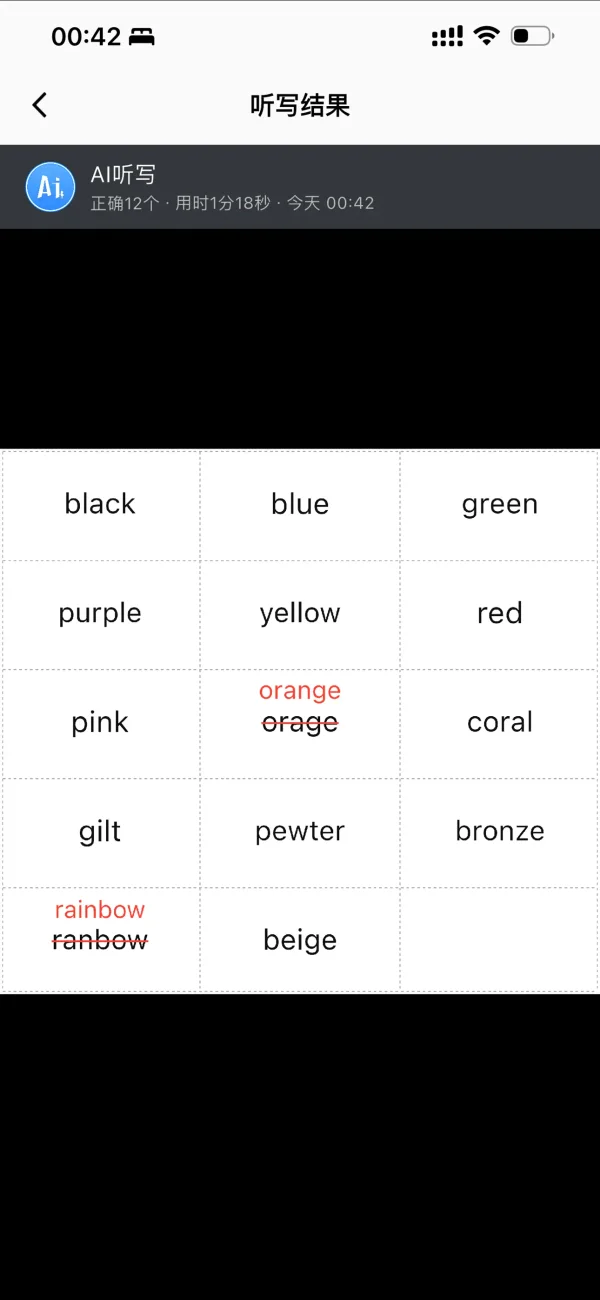
Try AI Dictation. Capture words by photo, listen to standard pronunciation and get auto-grading. Your ideal study companion!
No more bothering parents. Finish dictation all by yourself — so easy!
Features:
1. AI dictation for English and Chinese vocabulary.
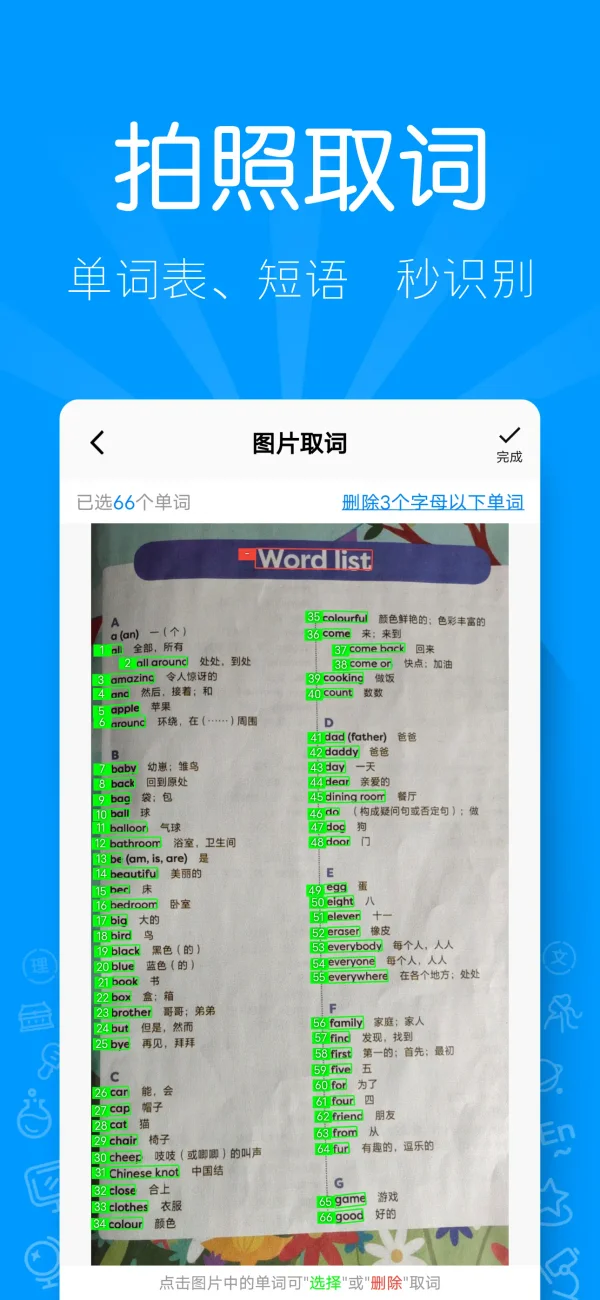
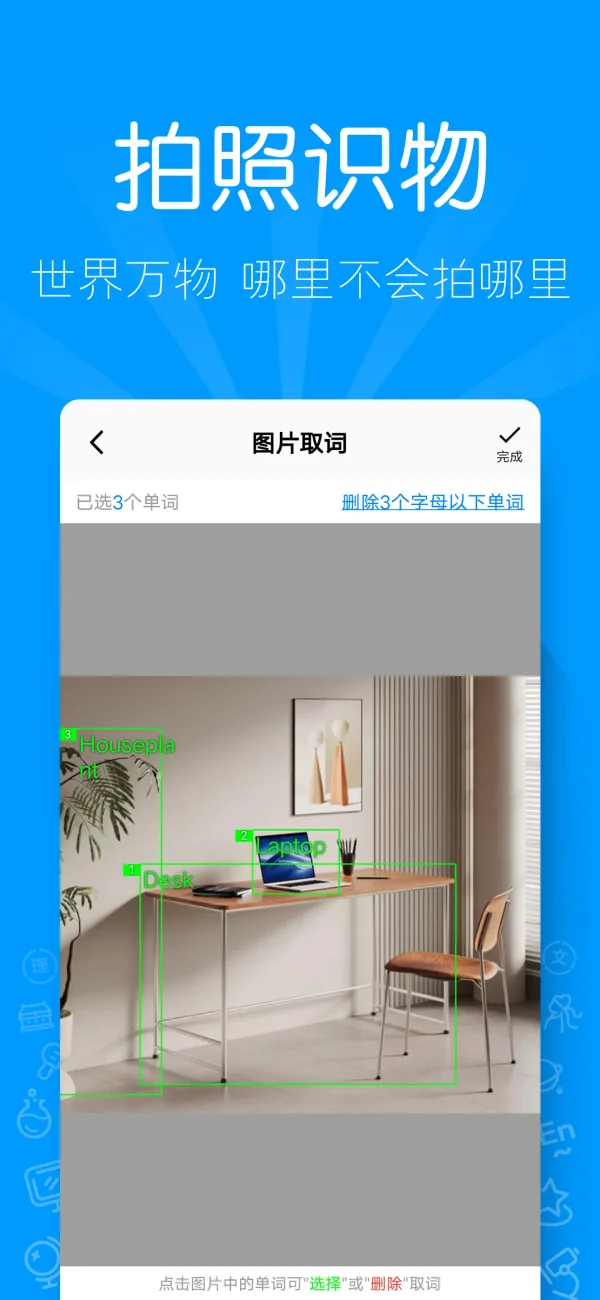
2. Photo word capture: Instantly recognize word lists, phrases and Chinese words. Object recognition supported too. Snap a photo wherever you get stuck!
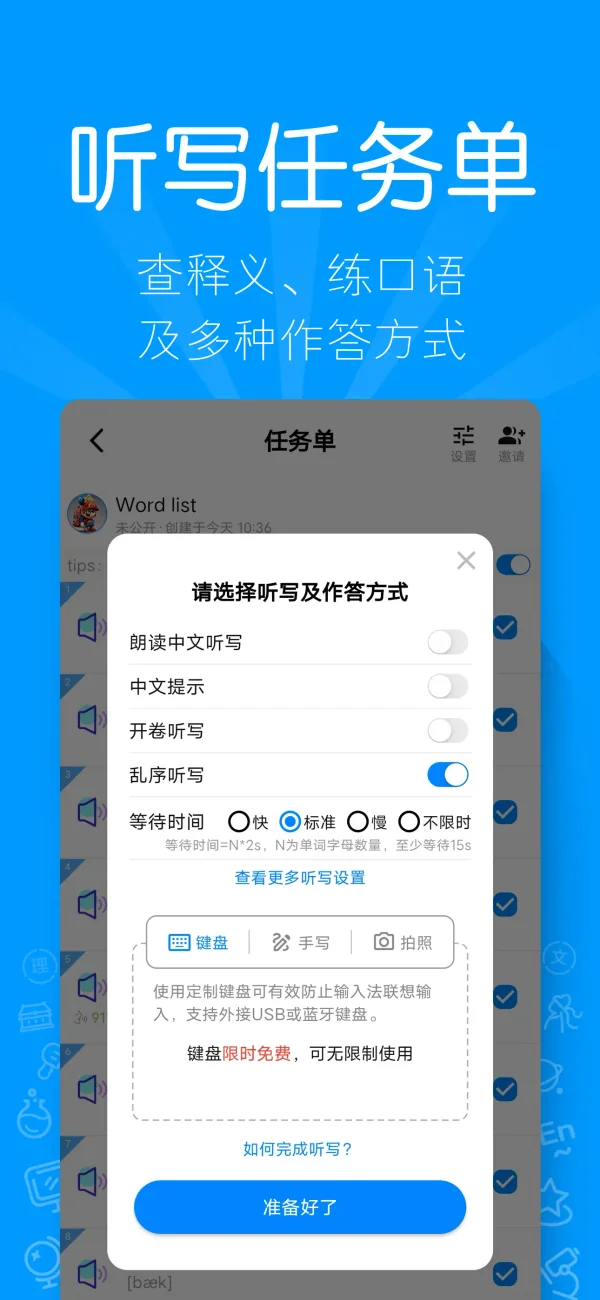
3. Dictation task sheets: Add word groups freely, look up definitions and practice oral reading. Multiple dictation modes available: Chinese audio prompt, random order, open-book and more.
4. Keyboard input: Type with a custom soft keyboard to avoid predictive text suggestions. USB and Bluetooth external keyboards are supported to boost learning efficiency.
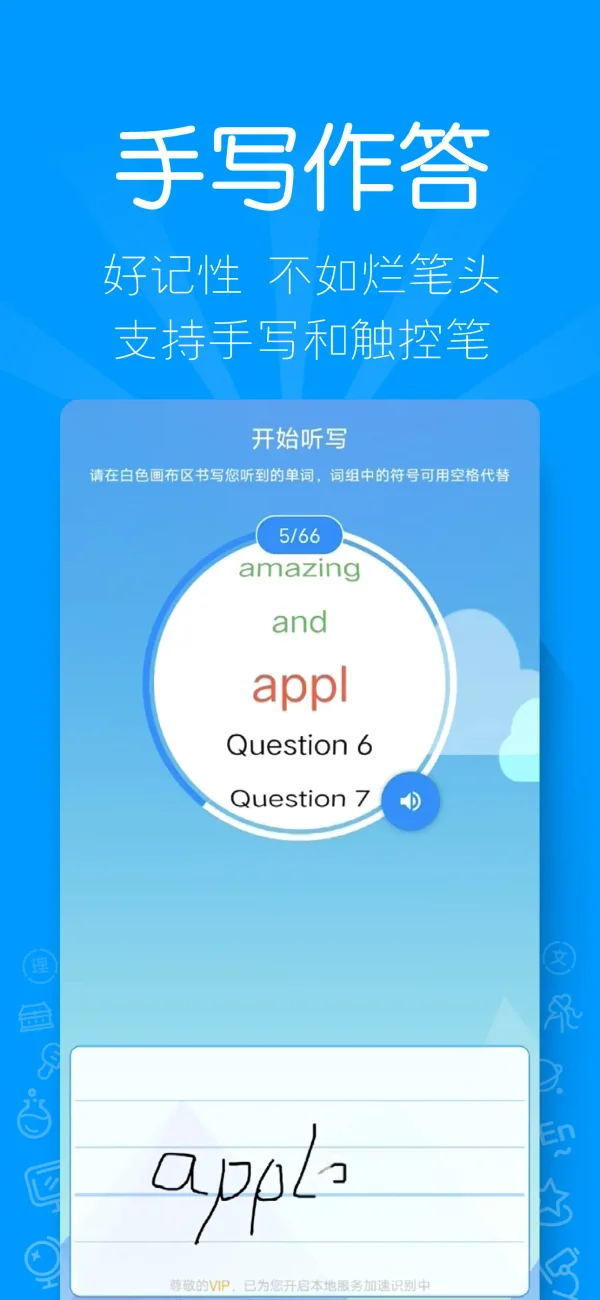
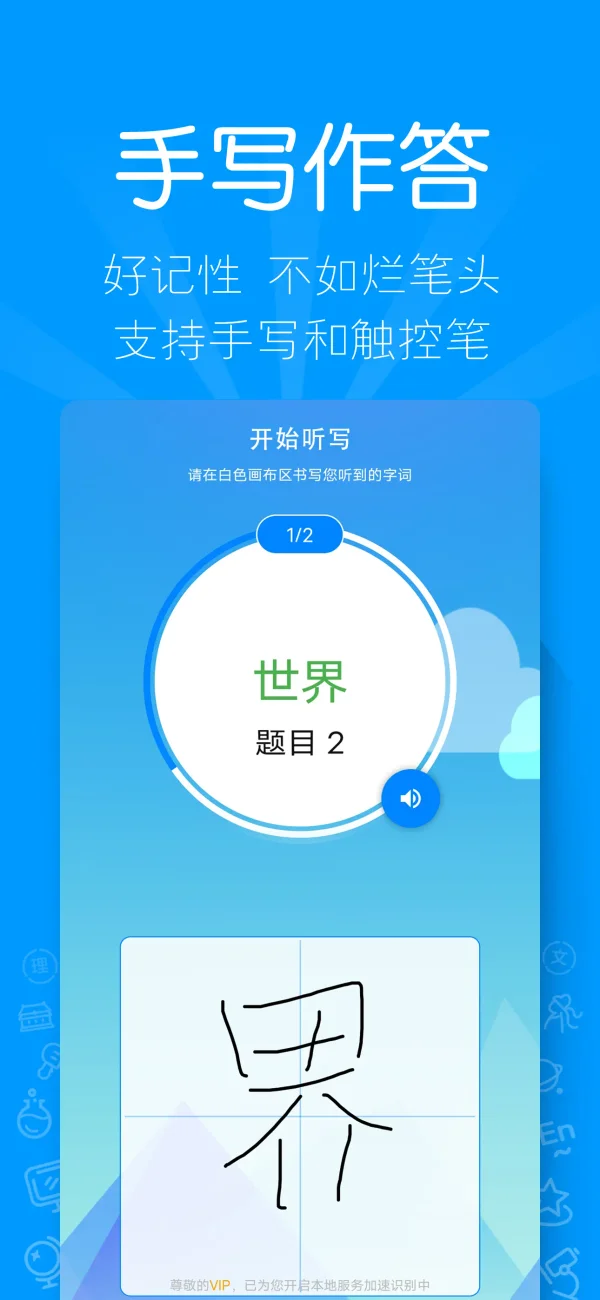
5. Handwriting input: Writing reinforces memory. Write directly on screen with your finger or stylus, or connect a smart pen to strengthen handwriting retention.
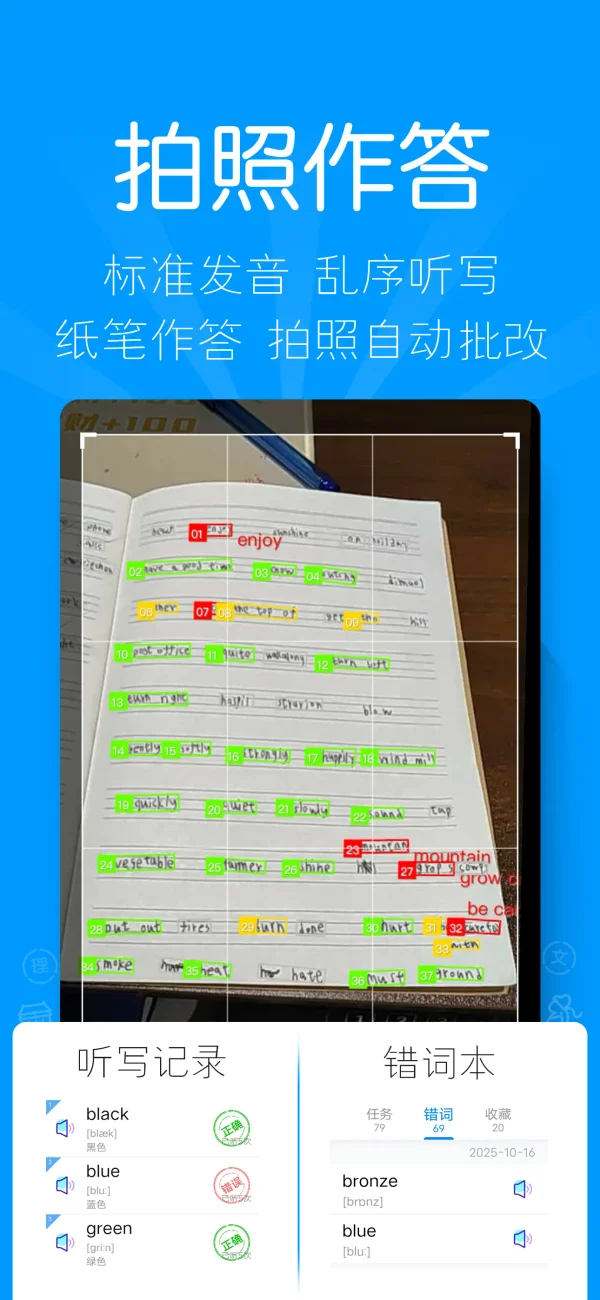
6. Photo submission: Write answers on paper away from screens. Upload a photo after finishing for AI grading. Study in the traditional way with fewer distractions.
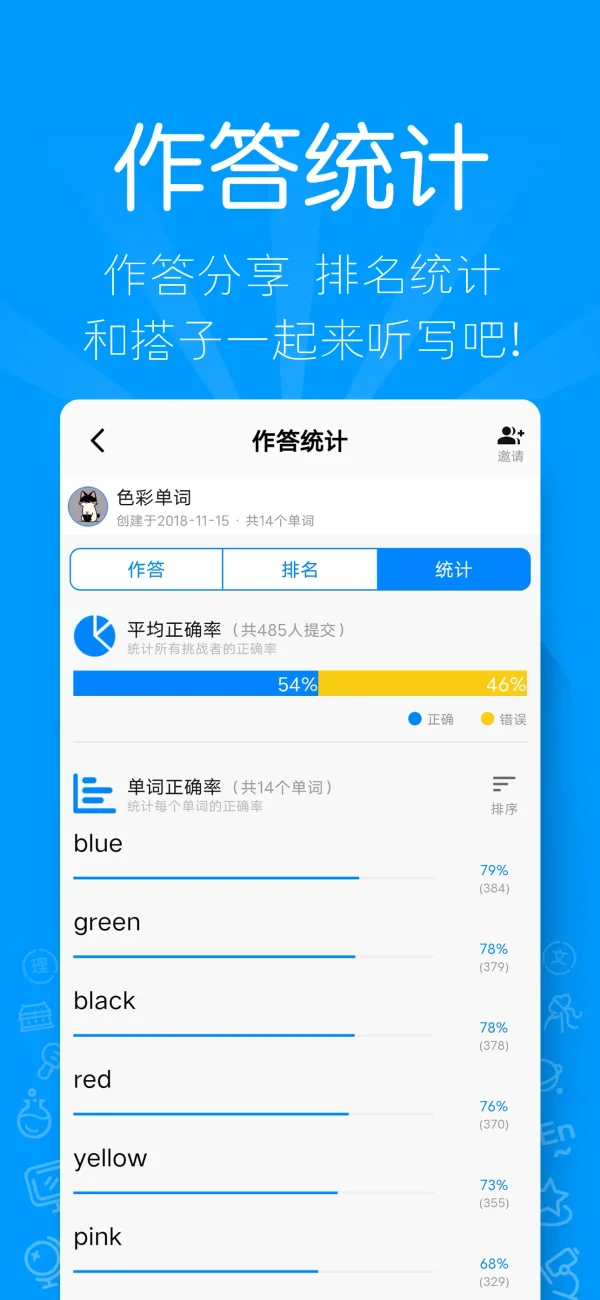
7. Performance statistics: Complete task sheets with friends. View shared results, rankings and word accuracy rates. Invite your study buddy to practice dictation together!
8. Favorites & error notebook: Words you get wrong in dictation are automatically saved to the error notebook. Manually add unfamiliar words for easy review and consolidation.
9. Textbook sync: Real-time sync and update of word lists for primary to high school textbooks across all regions. Tap once and start your practice right away!
What’s new
Version 3.1.6 · Nov 16, 2026
1. Add compliance validation for task sheets and photo submissions
2. Display answer numbers for keyboard and handwritten responses
3. Allow setting the marked image as the cover for completed tasks
4. Optimize audio caching
5. Optimize the task sheet UI
6. Optimize task list refreshing
7. Optimize ordered display after random-order answering
8. Optimize some copy wording
App privacy
What 聆数智能 declares on the App Store about how this app handles data.
-
Data used to track you
May be used to track you across apps and websites owned by other companies.
- Contact info
- Identifiers
-
Data linked to you
May be collected and linked to your identity.
- Contact info
- Identifiers
-
Data not linked to you
May be collected but is not linked to your identity.
- Contact info
- User content
- Identifiers
- Usage data
- Diagnostics
Privacy practices may vary, for example with the features you use or your age.
Information
- Seller
- Qingdao ListenBit Intelligent Technology Co., Ltd
- Category
- Education
- Version
- 3.1.6
- Updated
- Nov 16, 2026
- Released
- Oct 17, 2018
- Size
- 149.9 MB
- Requires
- iOS 15.6 or later
- Age rating
- 4+
- Price
- Free
- In-app purchases
- Yes
- Languages
- English
- Copyright
- © ListenBit
You might also like
-
 拍拍听写-拍照听写神器Education
-
 快乐听写-中小学生学习语文和英语的最佳助手Education
-
 听写神器-AI手写拍照识别智能报听写软件Education
-
 听写写拍照自建词表|英语听写软件·朗读英语词条·错词复习
-
 Squicorn - AI Dictation HelperDictation & Grading, Mom-Free
-
 Word Dictation AI- Human voiceSupport Chinese English Words
-
 听写助手 - 语文词语英语单词自助听写Education
-
 英语默写出题器Education
-
 外语兔 - 英语听写复读机Education
-
 单词块-背单词学英语翻译Education