教程助手
How-tos,Store art,Explainers
Designed for iPhone, iPad, iPod touch
Free · In-app purchases
- Age rating4+
- CategoryUtilities
- Developer娇娇 王
- LanguagesEnglish+ 51 more
- Size17.8 MB
Links to the official App Store page
Download.org hosts no file of 教程助手. The button opens its official App Store page, published by 娇娇 王. Listing last checked on Nov 23, 2026.
Screenshots


About
Tutorial Assistant helps you finish tutorials faster.
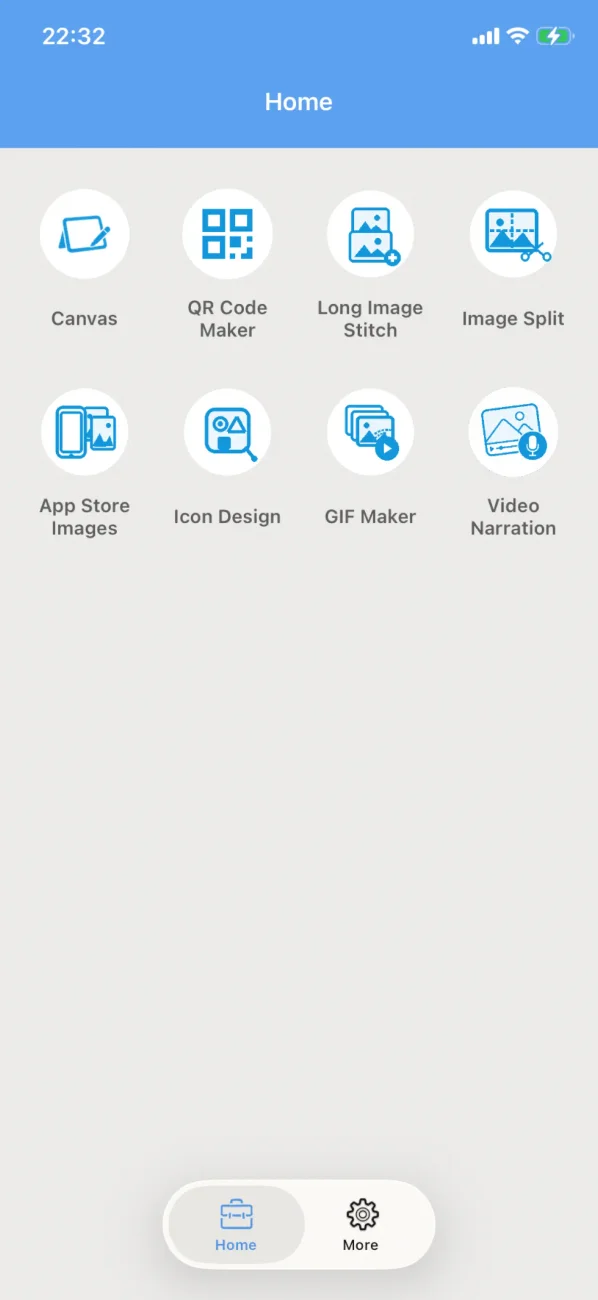
Step graphics, long screenshots, grid posts, store listing images, icons, GIFs, narrated demos—people often jump between apps for these. Tutorial Assistant brings the essentials together so you can ship content that’s clear and ready to share.
WHO IT’S FOR
Anyone making how-to graphics and step explainers
People preparing App / store screenshots and icons
Creators posting multi-image content on social feeds
Anyone recording demos, lessons, or product walkthroughs
FEATURES
Drawing Board
Annotate steps with pen, arrows, text, shapes, and mosaic; add screenshots and backgrounds. Use it for how-to graphics, process diagrams, and posters. Save to your works or Photos when done.
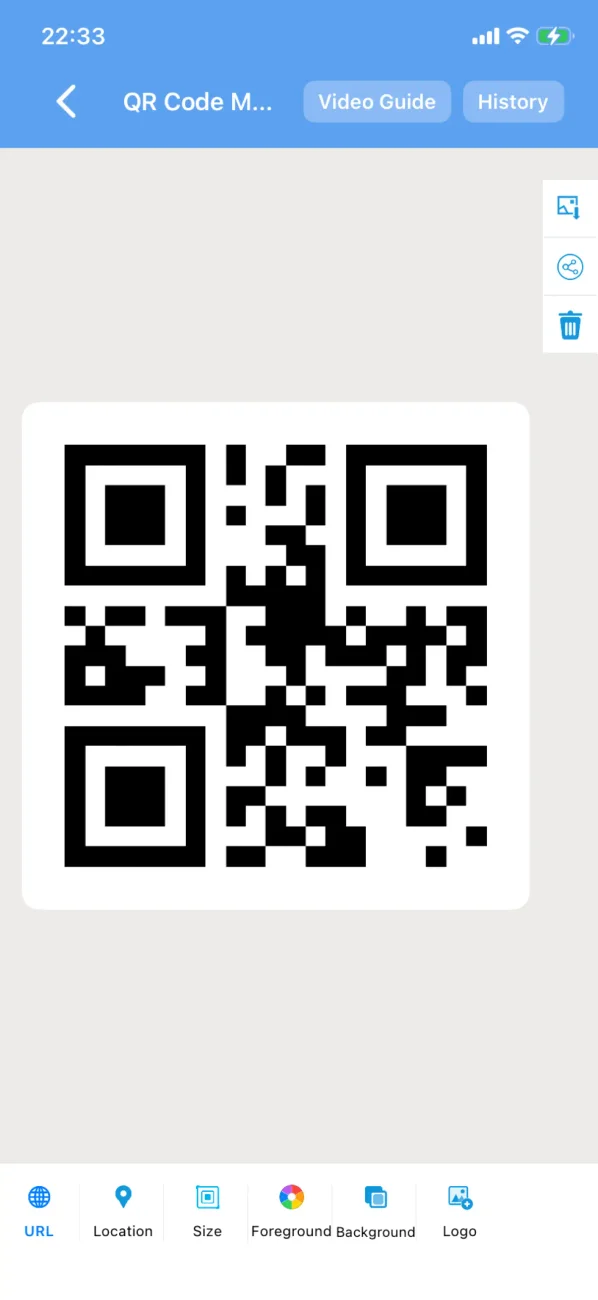
QR Code
Generate codes from a URL or text; also support map-location codes. Customize colors and logo, then export or share.
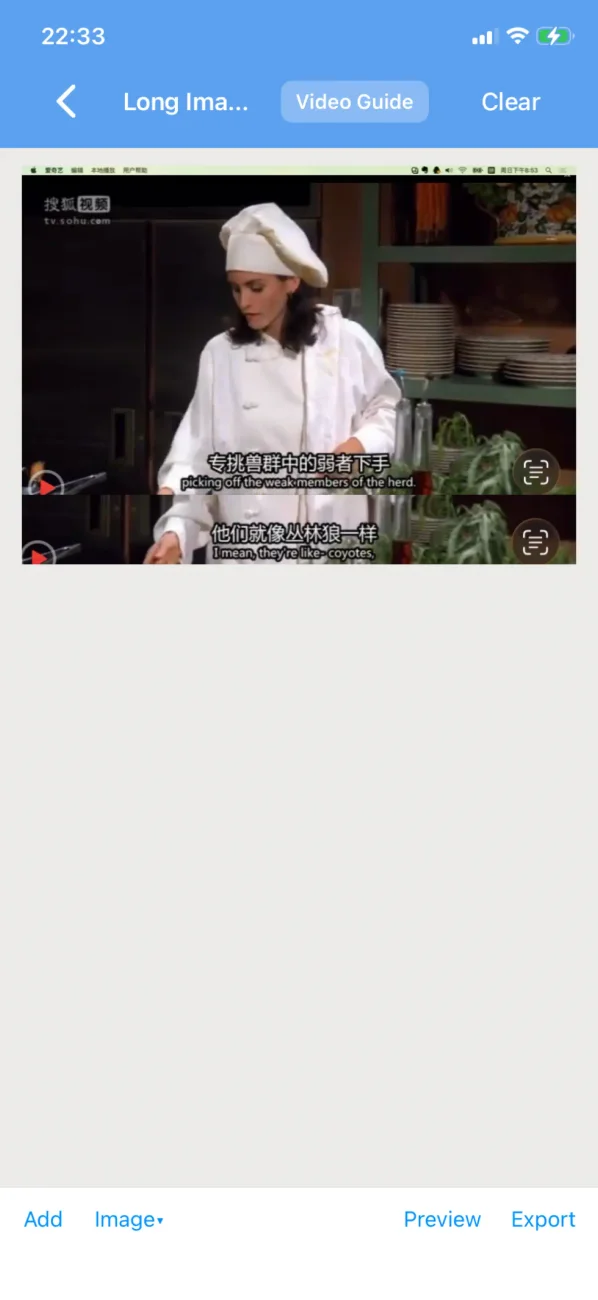
Long Image Stitch
Stack screenshots into one tall image with snap-to-seam alignment—great for tutorial or chat-history long images.
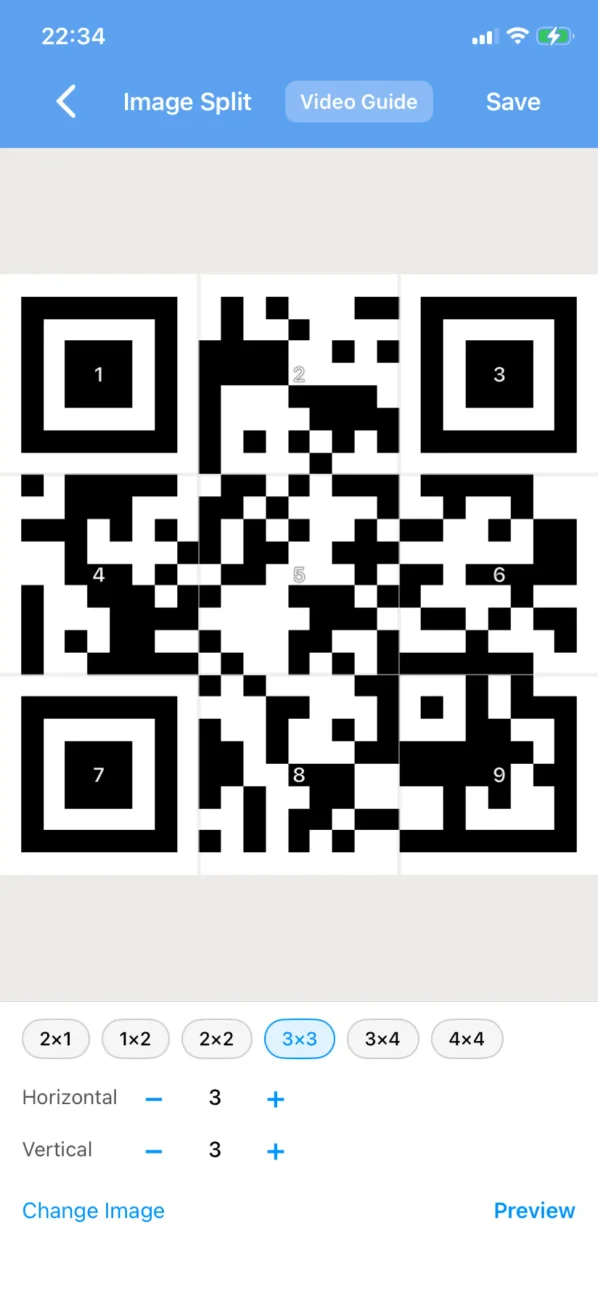
Image Split
Divide one image into grids (including 9-square), preview tiles, and save them in batch for multi-image posts.
App Store Images
Match iPhone / iPad / Other Device listing sizes. Batch stretch, crop, or pad screenshots to exact pixels for store submission.
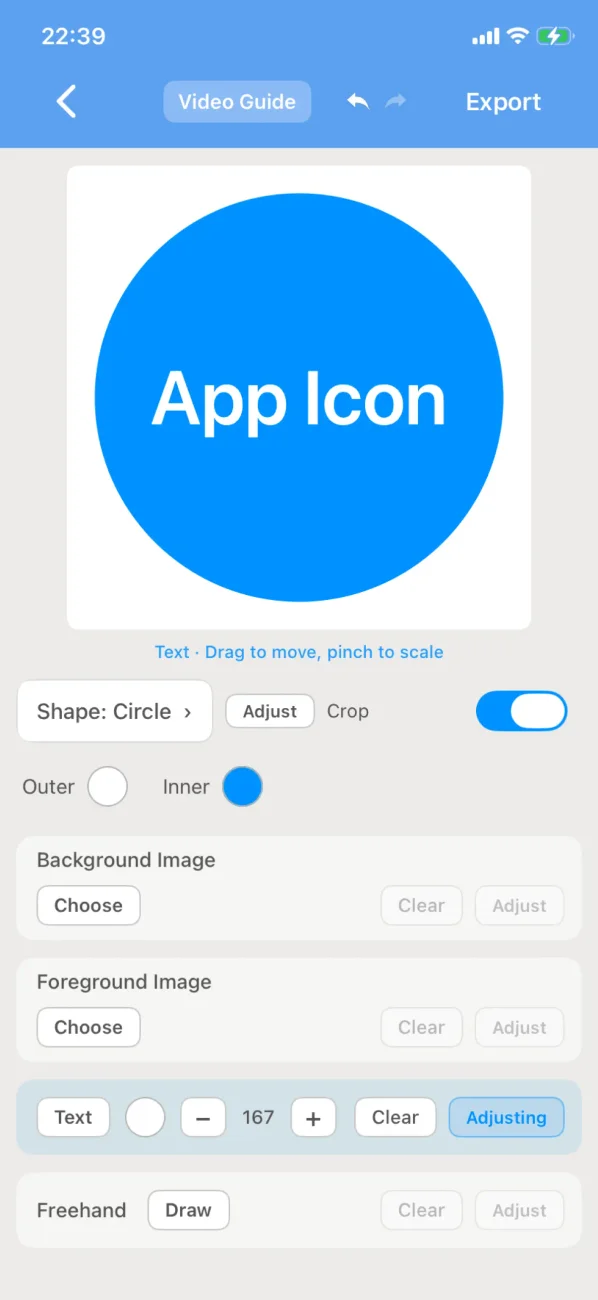
Icon Design
Build square app icons with shapes, colors, images, and text—export multiple sizes at once.
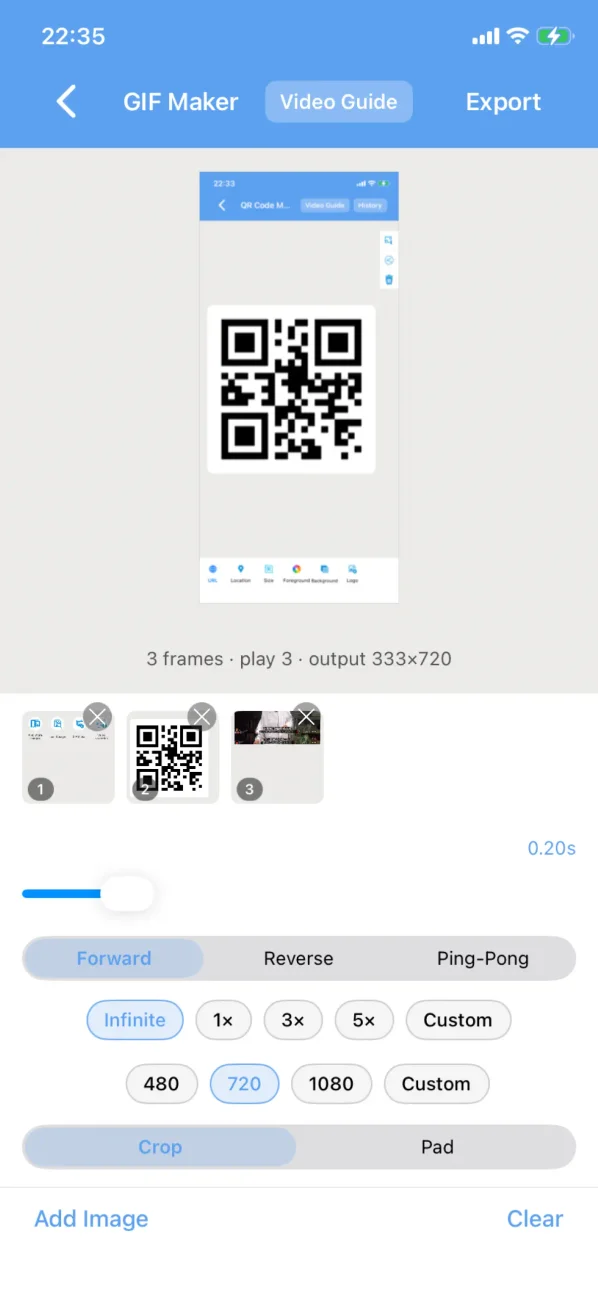
GIF Maker
Turn still frames into GIFs with control over timing, order, loop, and quality—handy for short step demos.
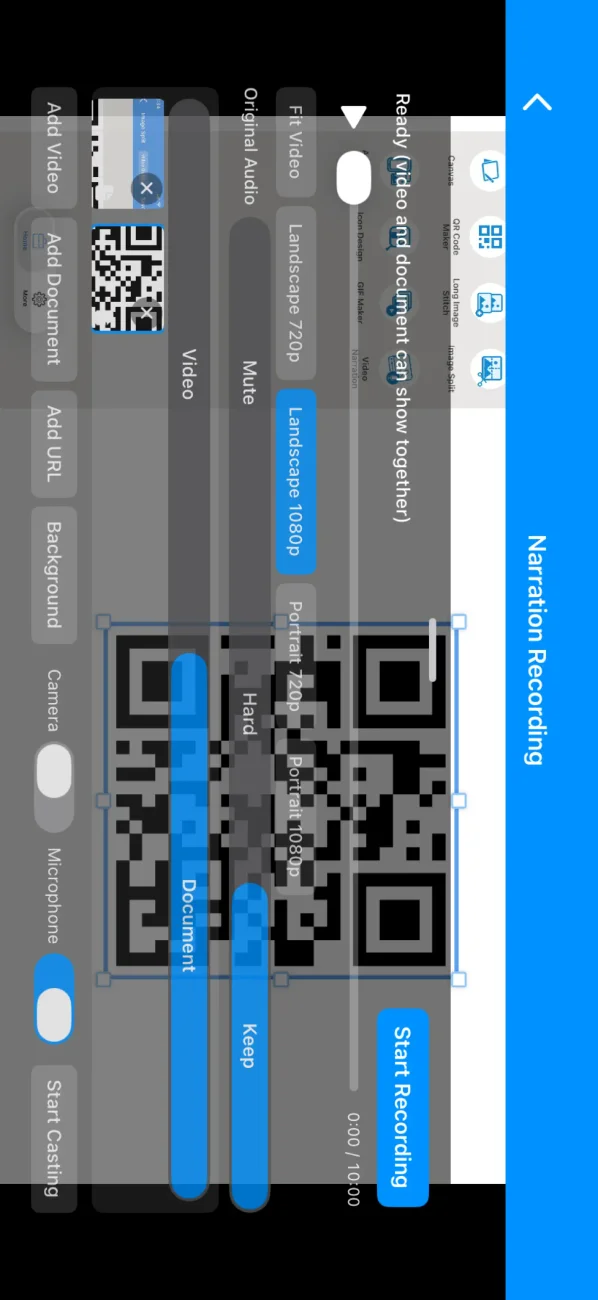
Video Narration
On a landscape narration board, place video, documents, or web pages, optionally show your camera, and record while you explain. Output is composed video (not system screen recording)—built for demos and explainers.
What’s new
Version 2.0.0 · Nov 16, 2026
1,Software redesign
App privacy
What 娇娇 王 declares on the App Store about how this app handles data.
-
Data not collected
The developer does not collect any data from this app.
Privacy practices may vary, for example with the features you use or your age.
Information
- Seller
- 娇娇 王
- Category
- Utilities
- Version
- 2.0.0
- Updated
- Nov 16, 2026
- Released
- Mar 22, 2019
- Size
- 17.8 MB
- Requires
- iOS 13.0 or later
- Age rating
- 4+
- Price
- Free
- In-app purchases
- Yes
- Languages
- English, Albanian, Arabic, Azerbaijani, Bengali, Bulgarian, Burmese, Cambodian, Catalan, Cebuano, Croatian, Czech + 40 more
- Copyright
- © 2019 wangjiaojiao