
- Age rating4+
- CategoryUtilities
- DeveloperHisense
- LanguagesEnglish+ 27 more
- Size91.7 MB
Links to the official App Store page
Download.org hosts no file of Hi投屏助手. The button opens its official App Store page, published by Hisense. Listing last checked on Nov 12, 2026.
Screenshots
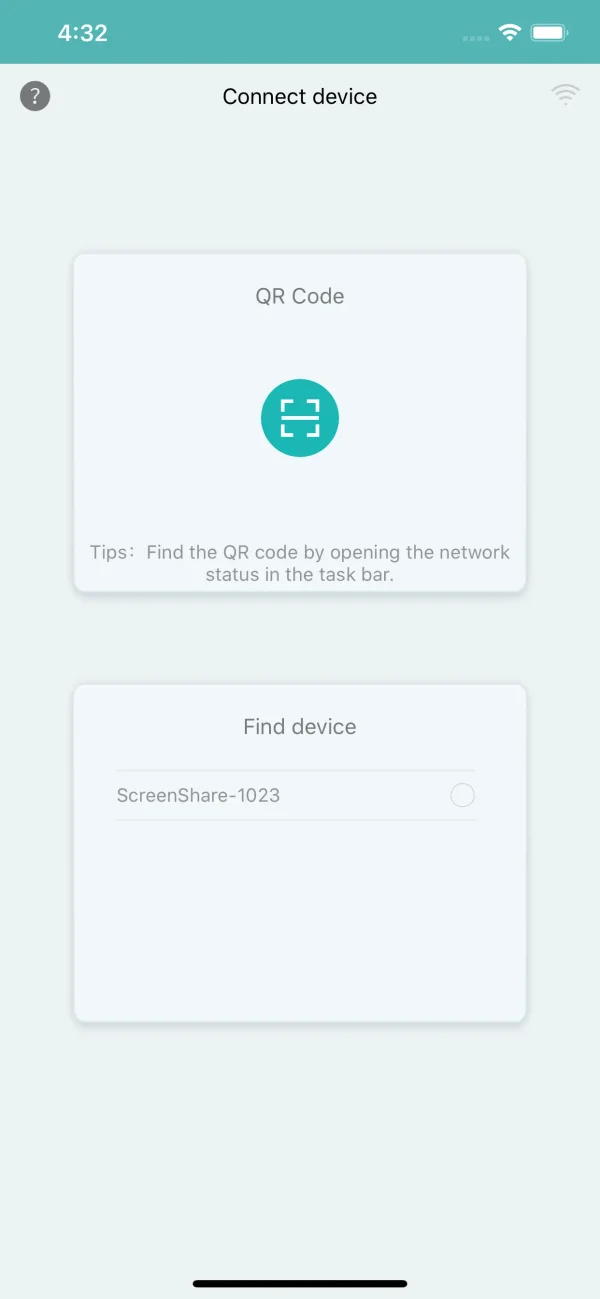
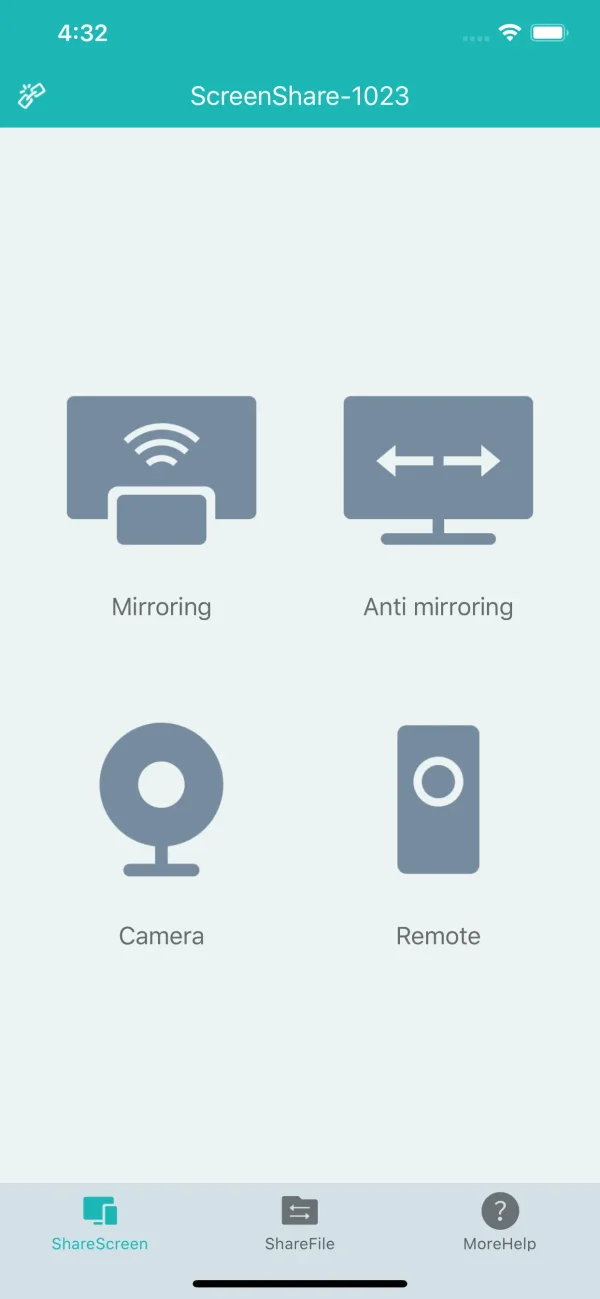
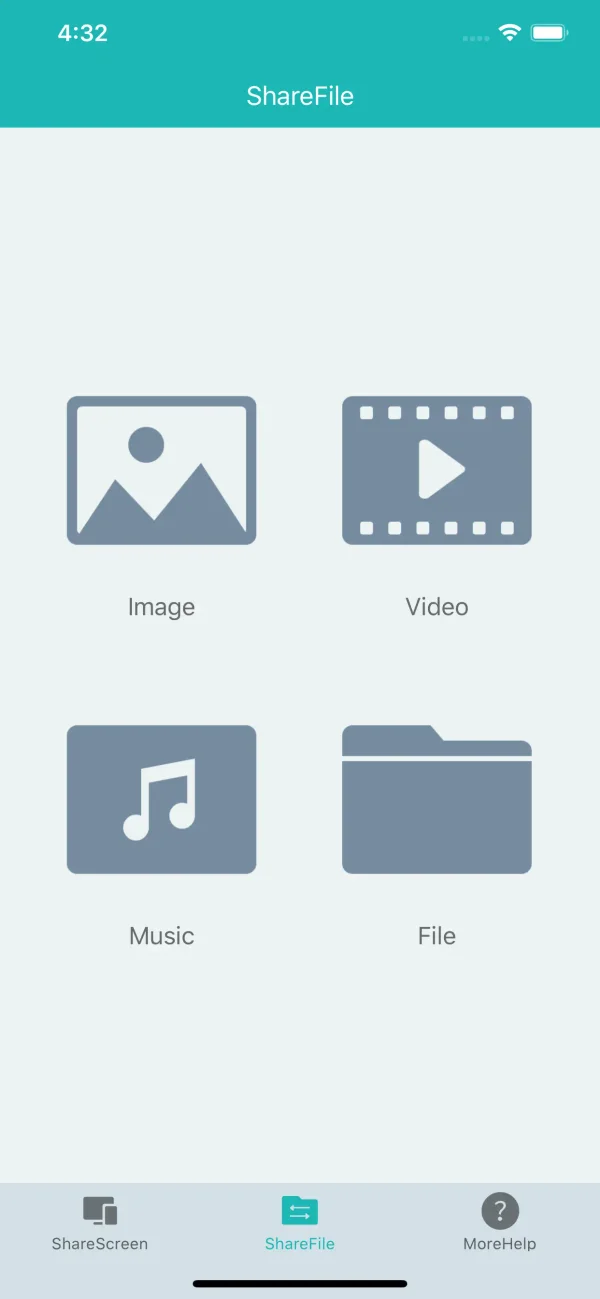
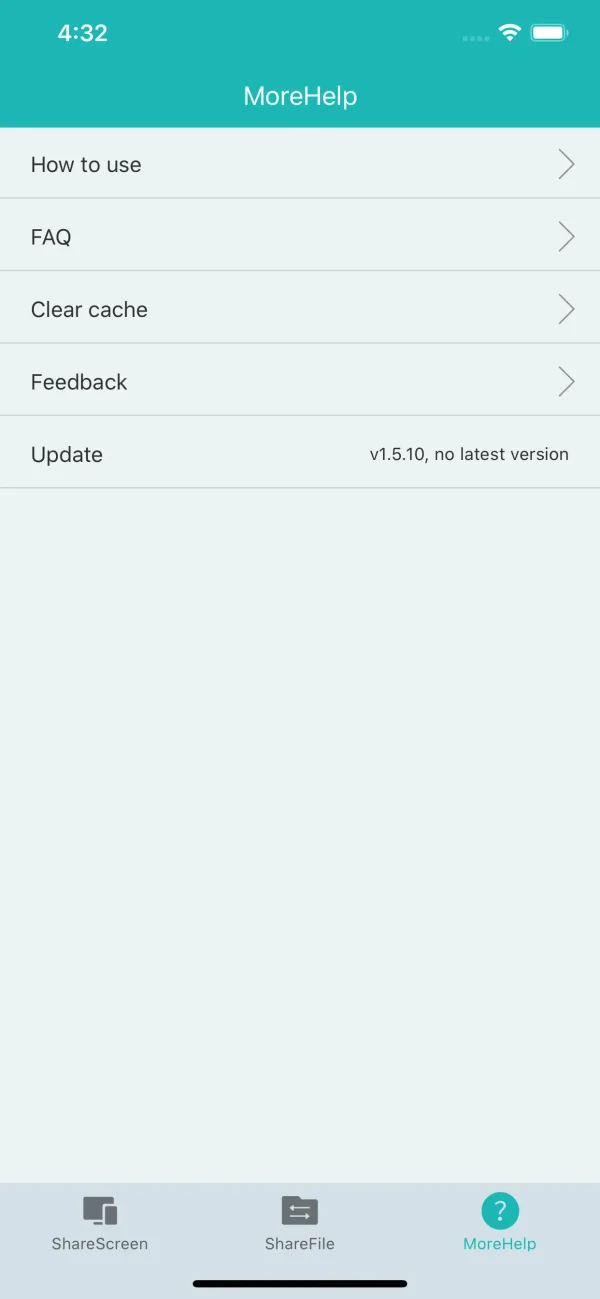
About
With ScreenShare you can :
1. Stream audio or video file to your TV.
2. Use your smartphone as Remote Control for your TV.
3. Mirror the screen of your phone to your TV.
4. Mirror TV screen to your smartphone and touch the screen directly to control the TV, just like you are touching your TV.
What’s new
Version 1.8.45 · Sep 2, 2025
Bug fixes
App privacy
What Hisense declares on the App Store about how this app handles data.
-
Data not collected
The developer does not collect any data from this app.
Privacy practices may vary, for example with the features you use or your age.
Information
- Seller
- Qingdao Hisense Media Networks LTD.
- Category
- Utilities
- Version
- 1.8.45
- Updated
- Sep 2, 2025
- Released
- May 10, 2019
- Size
- 91.7 MB
- Requires
- iOS 11.0 or later
- Age rating
- 4+
- Price
- Free
- Languages
- English, Afrikaans, Albanian, Arabic, Bulgarian, Croatian, Czech, Finnish, French, German, Greek, Hungarian + 16 more
- Copyright
- © Qingdao Hisense Commercial Display Co., Ltd.
You might also like
-
 Bytello Share(ScreenShare Pro)ScreenShare Pro
-
 HCLinkUtilities
-
 Airgo CastUtilities
-
 ExceedShareUtilities
-
 Fast Cast - Screen MirrorEasy to cast, Record Screen
-
 KShareUtilities
-
 HisTV TV Remote — TaprRemote Control For Smart TV
-
 AppweExpert in Smart TV app install
-
 MiraplugUtilities
-
 Remote For Hisense - Roku TVhisense roku tv remote