
トルミル
動画/音楽の保存・再生・変換に対応したファイル管理アプリ
Designed for iPhone, iPad, iPod touch
Free · In-app purchases
- Age rating17+
- CategoryPhoto & Video
- DeveloperULTIMATE,Inc
- LanguagesEnglish+ 1 more
- Size134.5 MB
Links to the official App Store page
Download.org hosts no file of トルミル. The button opens its official App Store page, published by ULTIMATE,Inc. Listing last checked on Nov 28, 2026.
Screenshots

About
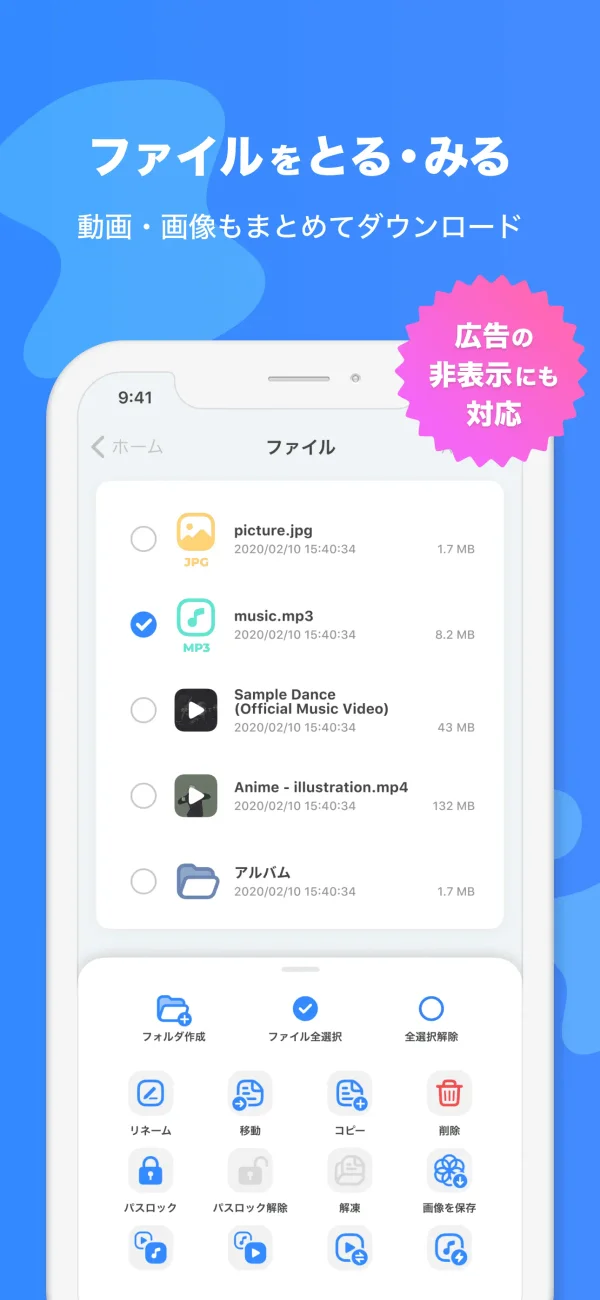
Tolmil is a powerful file manager available for free.
Manage videos, music, and documents all in one place—and enjoy them anytime, anywhere.
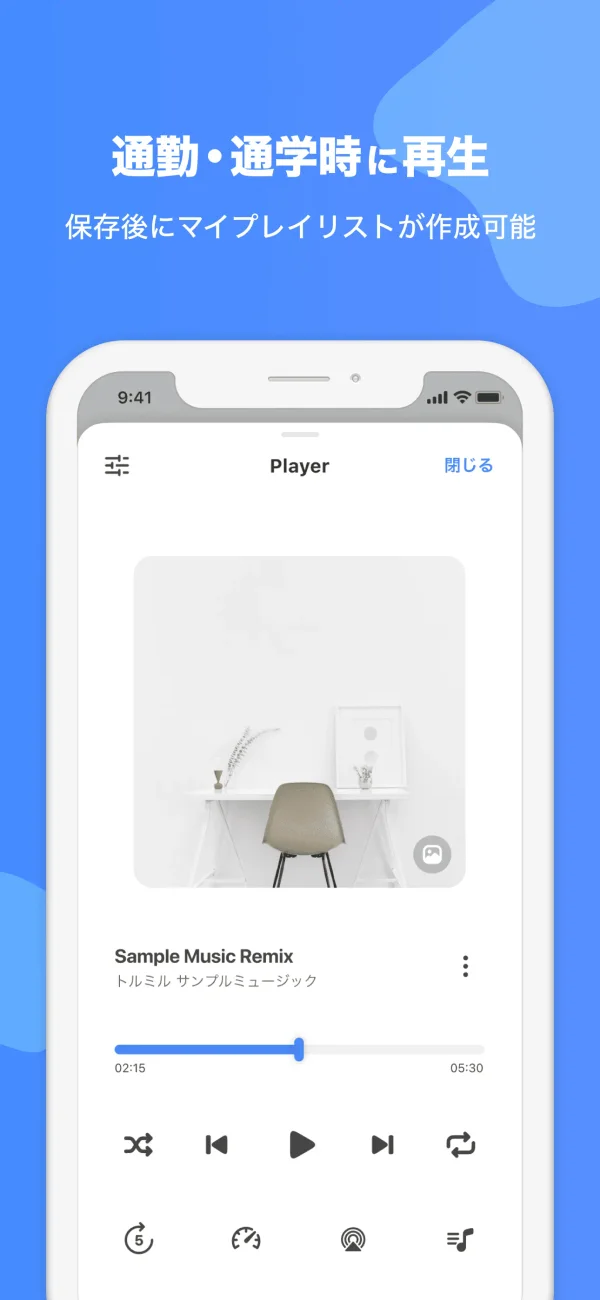
Supports offline playback and background playback, so you can build your own media environment without worrying about data usage.
【Key Features】
• File management (create folders / copy / rename / export)
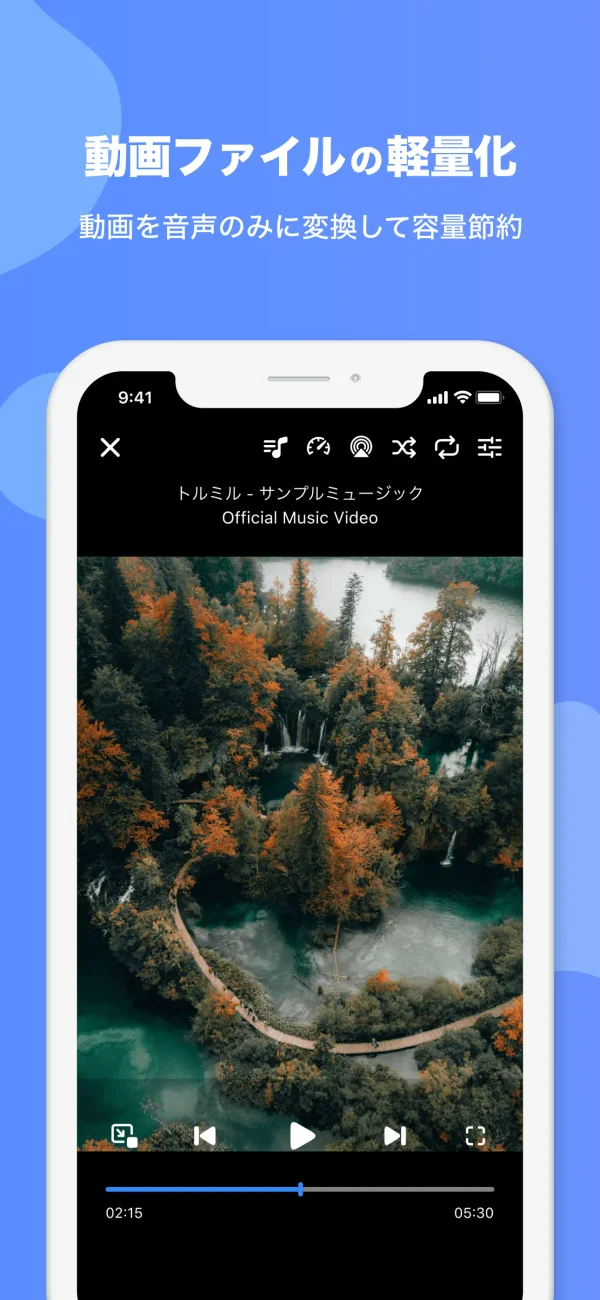
• Save, play, and view videos, music, and images
• Offline playback (no internet required)
• Background playback (play while using other apps)
• Picture-in-Picture support
• View PDF and Office files
• Easy import from email and camera roll
• Extract compressed files (zip / rar)
【Supported File Formats (Examples)】
PDF / PPT / XLS / CSV / DOC / TXT
ZIP / RAR / JPG / PNG / GIF
MP4 / MP3 and more
【Recommended For】
• Want to enjoy videos and music without worrying about data usage
• Want to manage media offline
• Want to listen to music while working or using social media
• Want to create your own playlists
• Want to organize photos and files
【Premium Features (Subscription)】
• Ad-free experience
• Unlimited high-quality saving
• Unlimited storage optimization features
For more details, please check within the app.
What’s new
Version 1.3.4 · Nov 22, 2026
What's new in Version 1.3.4
- Fixed an issue where mirroring did not display in full screen
- Playback and audio no longer stop when leaving and returning to the app during mirroring or AirPlay output
- Fixed display issues where the screen rotated unexpectedly or went black on large-screen devices and in Split View
- Fixed an issue on the save screen where the OK button was replaced with High Quality, and corrected the position of the Done button
- Fixed an issue where the title and Edit button at the top of the Files screen disappeared when larger text size was enabled
- Fixed an issue where the browser text field was hidden by the keyboard, and adjusted the position of the bottom menu bar
- Fixed an issue where the app occasionally crashed when reordering files on the Files screen
- Minor bug fixes and performance improvements
App privacy
What ULTIMATE,Inc declares on the App Store about how this app handles data.
-
Data used to track you
May be used to track you across apps and websites owned by other companies.
- Location
- Identifiers
- Usage data
- Other data
-
Data not linked to you
May be collected but is not linked to your identity.
- Purchases
- Location
- Identifiers
- Usage data
- Diagnostics
- Other data
Privacy practices may vary, for example with the features you use or your age.
Information
- Seller
- ULTIMATE, Y.K.
- Category
- Photo & Video
- Version
- 1.3.4
- Updated
- Nov 22, 2026
- Released
- Sep 2, 2021
- Size
- 134.5 MB
- Requires
- iOS 15.0 or later
- Age rating
- 17+
- Price
- Free
- In-app purchases
- Yes
- Languages
- English, Japanese
- Copyright
- © 2026 ULTIMATE,YK.
You might also like
-
 動画保存〜動画クリップをバックグラウンド再生〜BREMENPhoto & Video
-
 Video Saver Offline - ClichaOffline Play, PiP & HD Boost
-
 動画保存 WeBox - 動画再生 & 管理アプリPhoto & Video
-
 動画保存 - Viload - 再生速度変更Photo & Video
-
 VideoClip: Save Video OfflinePhoto & Video
-
 Video Saver & Player / iCapOffline player with ad blocker
-
 PATOPI - 파일 관리 편집Photo & Video
-
 履歴書カメラPhoto & Video
-
 T Viewer - 動画保存 再生速度変更Photo & Video
-
 Mugen PlayerSeamless Video & Audio Player