
证照大师-最美证件照制作拍摄相机
求职简历寸照裁剪抠图换底色照片
Designed for iPhone, iPod touch
Free · In-app purchases
- Age rating4+
- CategoryPhoto & Video
- Developer铭楷 杨
- LanguagesEnglish+ 2 more
- Size244.6 MB
Links to the official App Store page
Download.org hosts no file of 证照大师-最美证件照制作拍摄相机. The button opens its official App Store page, published by 铭楷 杨. Listing last checked on Nov 20, 2026.
Screenshots

About
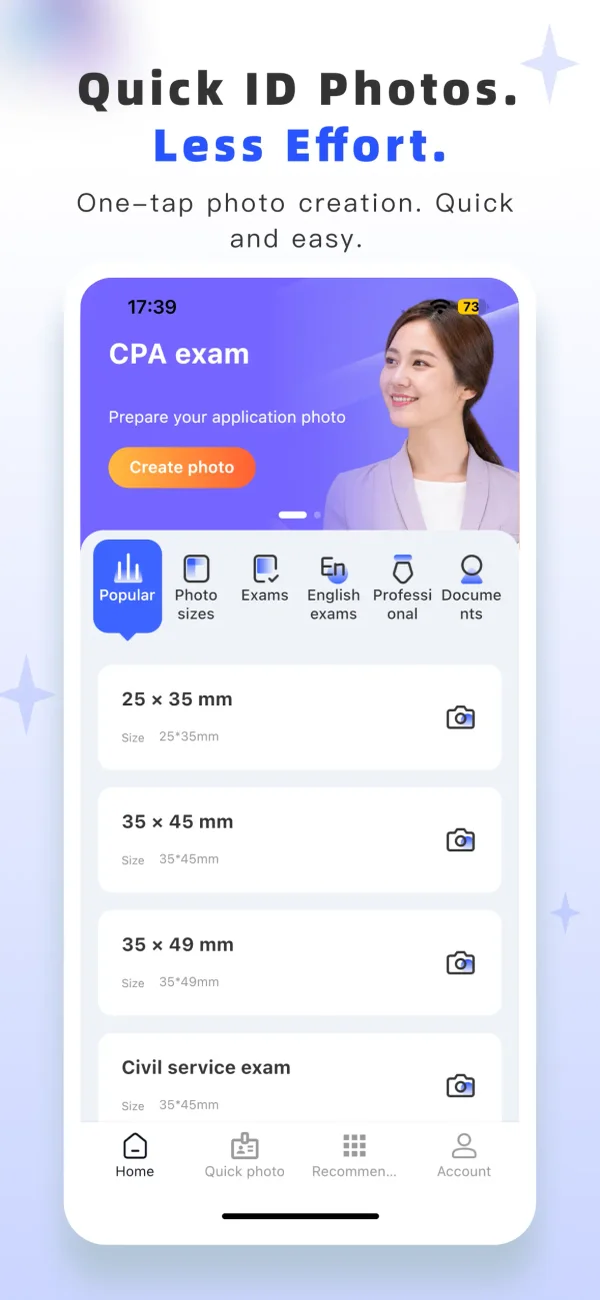
Turn a front-facing portrait into a photo for applications, resumes and everyday identification needs.
ID Photo Studio brings photo selection, background removal, size adjustment and export together on your Mac. Photo processing runs locally, and you can create and export photos without signing in or facing usage limits.
Paid Items: One-time Charge
Privacy Policy: http://cms.fuguizhukj.cn/article/detail/zzdsyszcios.html
User Agreement: http://cms.fuguizhukj.cn/article/detail/zzdsyhxyios.html
REMOVE AND REPLACE BACKGROUNDS
Automatically separate your portrait from its background. Choose white, blue, red, gray, gradients or a custom color, then refine your choice with the color controls.
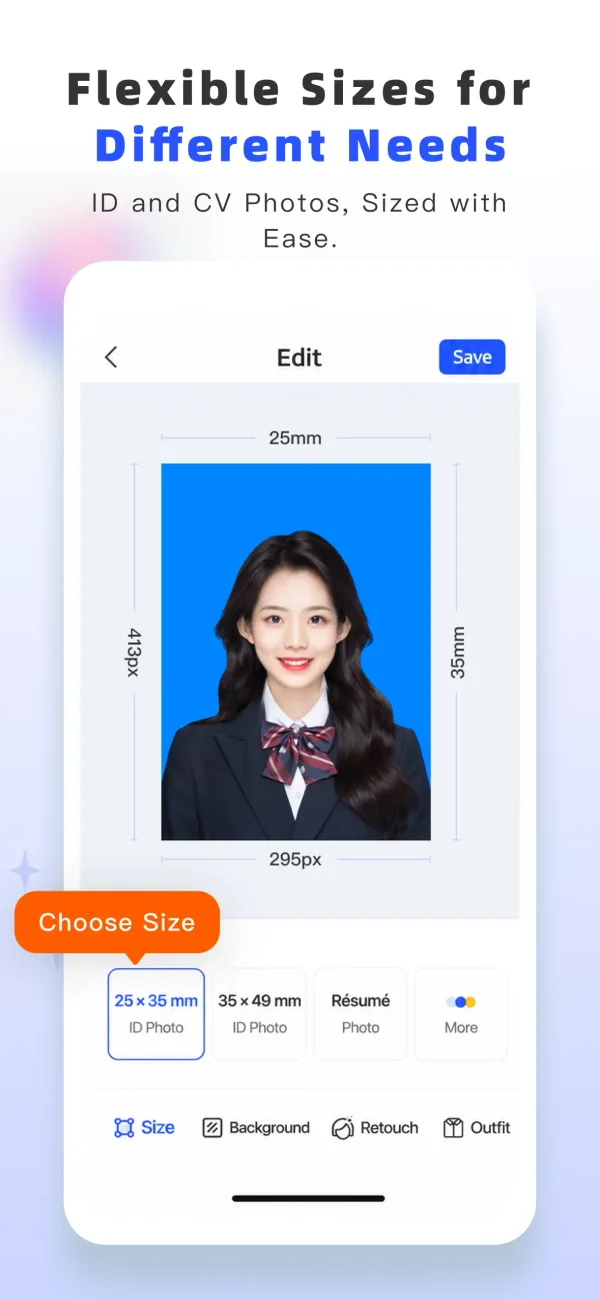
CHOOSE YOUR PHOTO SIZE
Use common photo-size presets or enter custom dimensions in millimeters. Pixel dimensions are calculated from your selected size and output resolution.
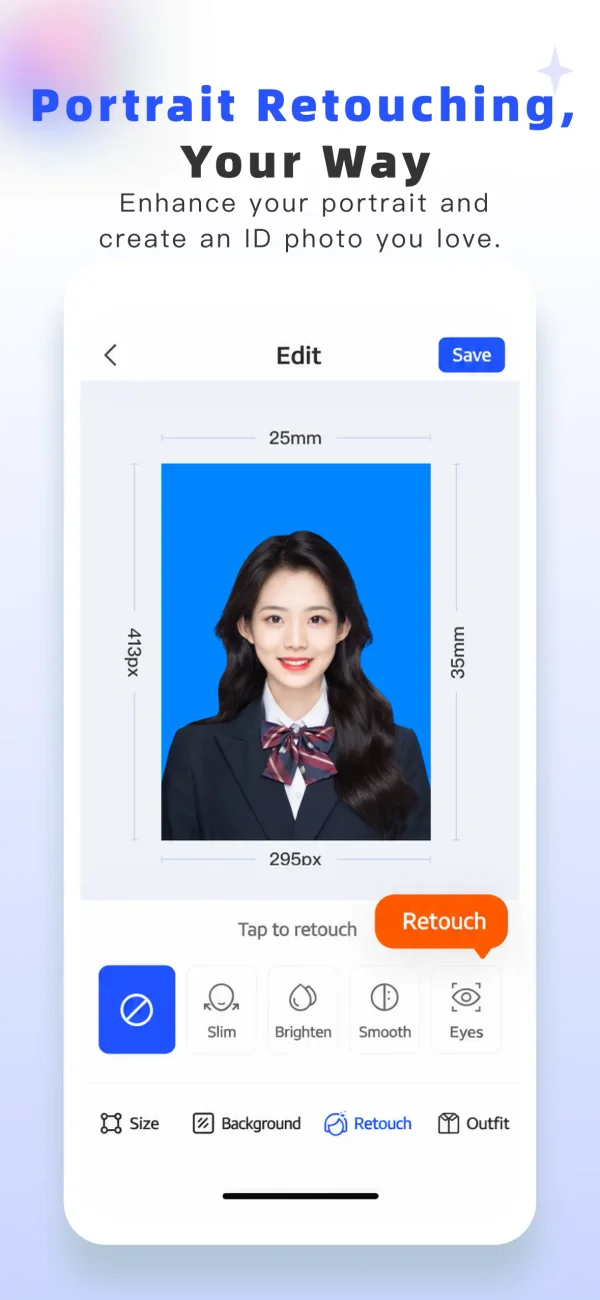
REFINE YOUR PORTRAIT
Crop, rotate and adjust brightness, contrast, saturation and sharpness. Explore portrait retouching and outfit options, then compare the preview with the original to check your edits.
EXPORT SINGLE PHOTOS OR PRINT SHEETS
Save an individual photo or arrange copies on a 4 × 6-inch print sheet. The number of copies adjusts to the selected photo dimensions.
SAVE IN THE FORMAT YOU NEED
Quick Photo supports JPG, PNG, WebP and PDF, with 150, 300 and 600 dpi output settings. Save files to your chosen folder using the macOS save dialog. PDF is available for preparing print layouts.
BUILT FOR MAC
Choose photos from your Mac, zoom in to inspect results and return to your settings for further adjustments. Supports Apple silicon and Intel Macs.
The interface is available in English, Simplified Chinese, Traditional Chinese, Japanese, Korean and German.
For best results, use a clear, evenly lit, front-facing photo with your head and shoulders fully visible. Photo requirements vary by document, examination and receiving organization. Check the required dimensions, background and editing restrictions before submitting your photo. Acceptance by any authority is not guaranteed.
Paid Items: One-time Charge
Privacy Policy: http://cms.fuguizhukj.cn/article/detail/zzdsyszcios.html
User Agreement: http://cms.fuguizhukj.cn/article/detail/zzdsyhxyios.html
What’s new
Version 1.3.8.1 · Nov 19, 2026
Introducing ID Photo Studio for Mac.
• Process portraits locally and replace backgrounds.
• Choose common photo sizes or enter custom dimensions.
• Adjust portraits and create 4 × 6-inch print sheets.
• Export JPG, PNG, WebP and PDF with Quick Photo.
• Create and export without signing in or usage limits.
• Available for Apple silicon and Intel Macs in six interface languages.
App privacy
What 铭楷 杨 declares on the App Store about how this app handles data.
-
Data not linked to you
May be collected but is not linked to your identity.
- Location
- Contact info
- User content
- Identifiers
Privacy practices may vary, for example with the features you use or your age.
Information
- Seller
- 铭楷 杨
- Category
- Photo & Video
- Version
- 1.3.8.1
- Updated
- Nov 19, 2026
- Released
- Nov 9, 2021
- Size
- 244.6 MB
- Requires
- iOS 13.0 or later
- Age rating
- 4+
- Price
- Free
- In-app purchases
- Yes
- Languages
- English, Simplified Chinese, Traditional Chinese
- Copyright
- © 湖南于一科技有限公司
You might also like
-
 最美证件照-专业证件照相机&一键智能美颜抠图换底色Photo & Video
-
 最美证件照-智能美颜相机,证件照制作抠图换底色Photo & Video
-
 快拍证件照-智能证件照制作Photo & Video
-
 掌上证件照 -证件照制作, 一寸照,抠图换背景,证件照换背景Photo & Video
-
 证件照制作-智能证件照编辑软件Photo & Video
-
 Passport Photos Maker:ID PhotoVisa Photos, Prints & Retouch
-
 醒蓝AI照相馆- 形象照 职业照 证件职业拍摄 合拍 换脸Photo & Video
-
 证件照随拍-智能证件照制作软件Photo & Video
-
 ID photo passport maker:IDCamPassport photo maker & editor
-
 Passport Photo Maker Visa 2x2Biometric, Baby & Green Card