- Age rating4+
- CategoryLifestyle
- Developer&Do Holdings Co., Ltd.
- LanguagesEnglish
- Size514.0 KB
Links to the official App Store page
Download.org hosts no file of HOUSEDOサイネージブラウザ. The button opens its official App Store page, published by &Do Holdings Co., Ltd. Listing last checked on Nov 12, 2026.
Screenshots
About
The developer has not provided this text in your language.
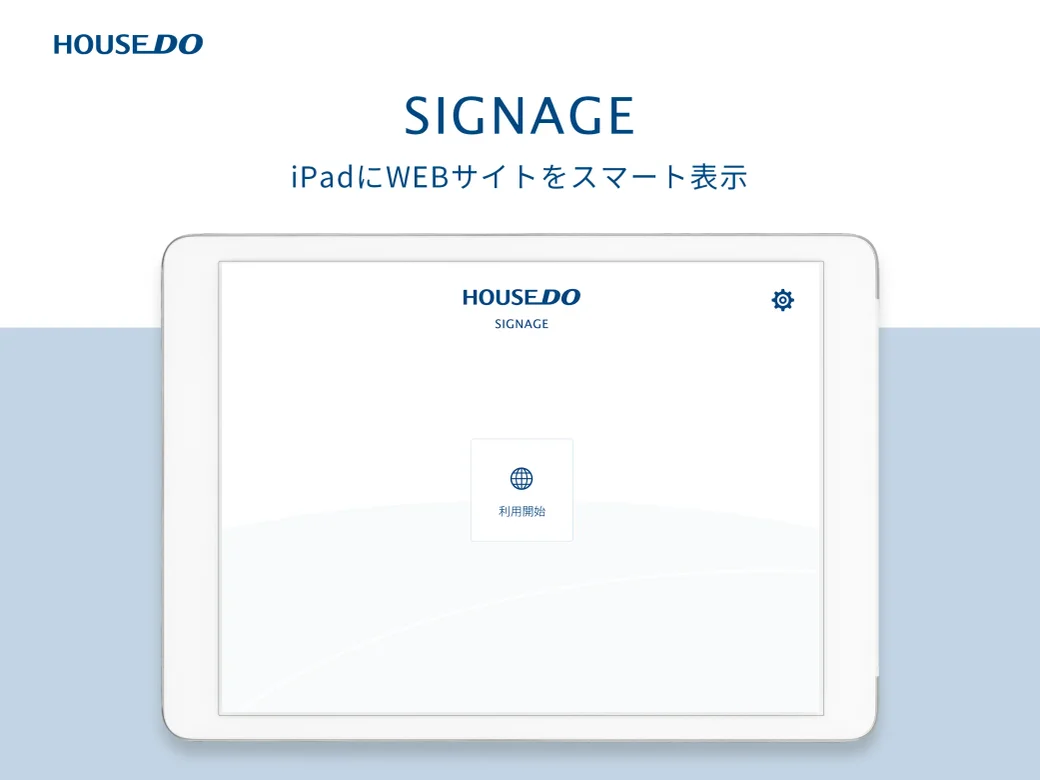
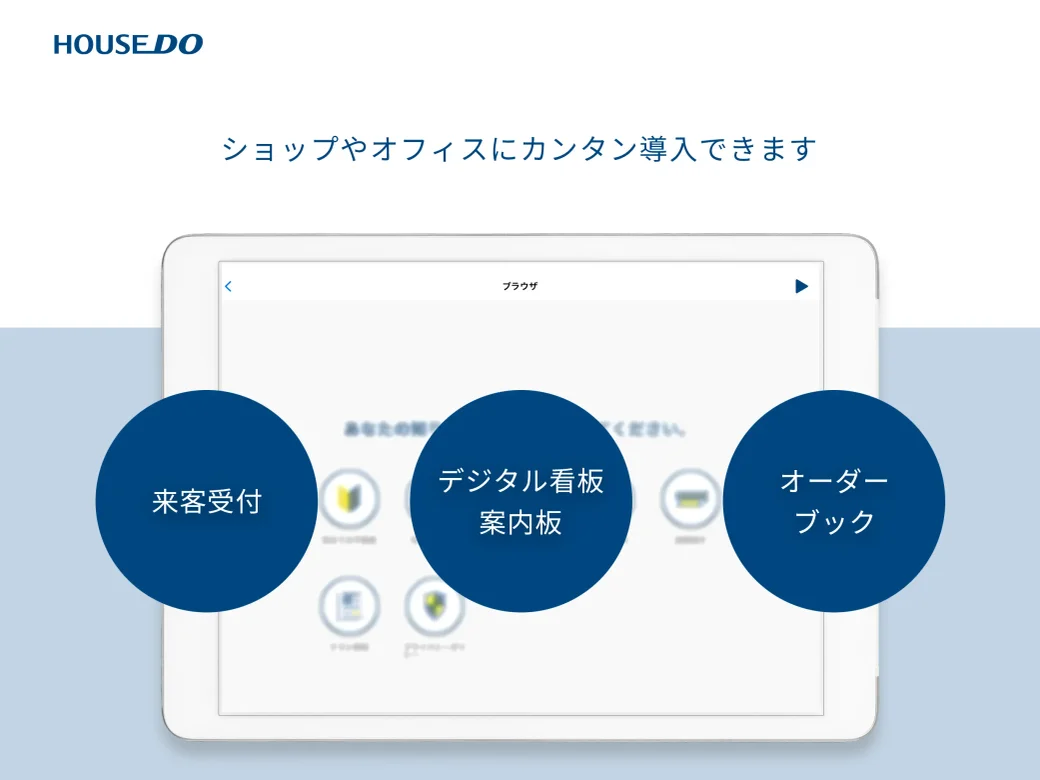
HOUSEDO SIGNAGE Browser(サイネージブラウザ)は、ウェブ上のコンテンツをデジタルサイネージやキオスク端末で表示できるiPad専用webブラウザです。
iPadでの受付システムやiPadを使っての商品説明など、webサイトを表示したい時のサイネージブラウザとしてご利用下さい。
【機能】
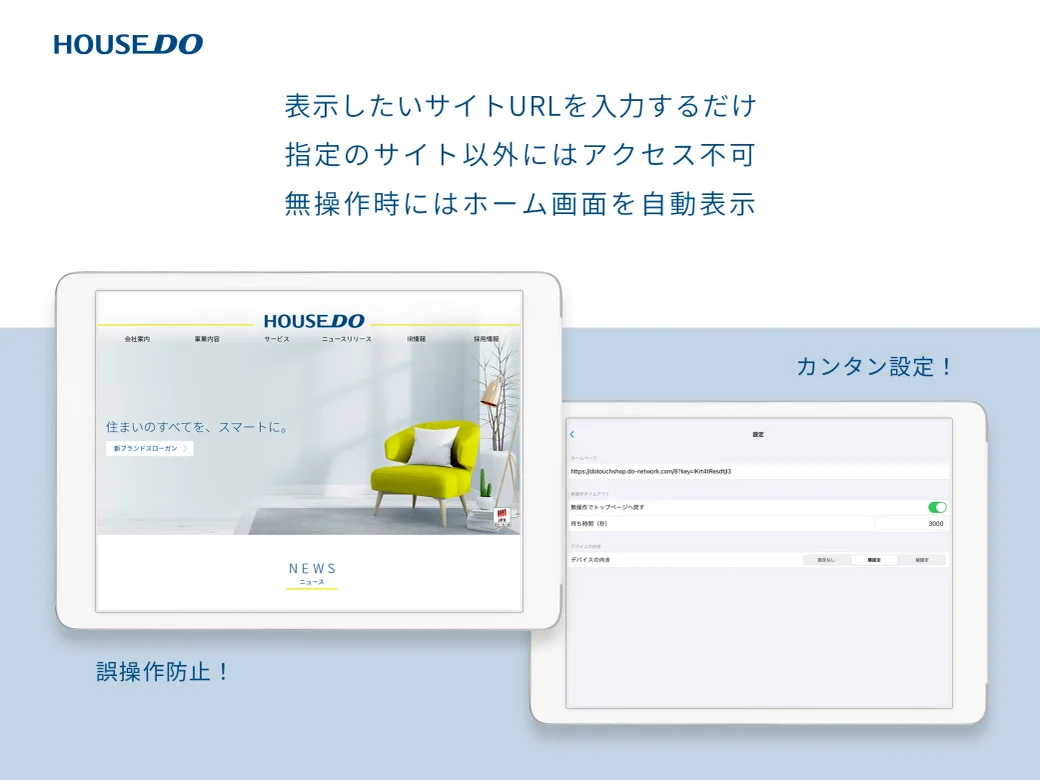
・ブラウザーでURLバーを非表示状態にする
・iPadの縦・横で画面ロックを行う
・無操作の時には任意の時間経過後にホームヘ戻る 等
【利用方法】
1.サイネージブラウザを起動後、設定の歯車アイコンをタップ
2.ホームページにサイネージ表示したいURLを設定し、タイムアウトの時間設定、デバイスの向きを設定してください。
3.設定画面上部の戻るボタンでTOPページに戻り、「利用開始」ボタンをタップしてください。
4.ホームページが設定されている事を確認し、画面上部の「>」ボタンから利用開始になります。
【店頭設置の無人端末設定例】
1.パスコードをオフにする。
・設定>TouchIDとパスコードを開けてください。
・「パスコードをオフにする」に設定
2.設定>アクセシビリティ>タッチ>触覚タッチ
・「遅め」に設定
3.iPadのアクセスガイド機能を設定してください
・設定>アクセシビリティ>アクセスガイド
・「アクセスガイド」をオン
・「パスコードを設定」から任意のパスコードを設定
・「時間制限」>「サウンド」をなし、「読み上げる」をオフ
・「ショートカットを表示」をオフ
4.HOUSEDO SIGNAGE Browserアプリを起動して、ホームボタンをトリプルクリックしてアクセスガイドを開始して下さい。
・アクセスガイドを開始するとホームボタンが無効化され、別アプリへの移動ができなくなります。
・解除する場合は再度ホームボタンをトリプルクリックし、設定したパスコードを入力して下さい。
※アクセスガイドの詳細は、Appleサポートページ等をご参照ください。
What’s new
Version 1.1.2 · Aug 5, 2024
軽微な修正を行いました。
App privacy
What &Do Holdings Co., Ltd. declares on the App Store about how this app handles data.
-
Data not collected
The developer does not collect any data from this app.
Privacy practices may vary, for example with the features you use or your age.
Information
- Seller
- &Do Holdings Co., Ltd.
- Category
- Lifestyle
- Version
- 1.1.2
- Updated
- Aug 5, 2024
- Released
- Nov 28, 2021
- Size
- 514.0 KB
- Requires
- iOS 15.0 or later
- Age rating
- 4+
- Languages
- English
- Copyright
- © &Do Holdings Co., Ltd.