
- Age rating4+
- CategoryProductivity
- DeveloperAkira Yamada
- LanguagesJapanese+ 1 more
- Size14.0 MB
Links to the official App Store page
Download.org hosts no file of 小口現金出納帳(Petty-S). The button opens its official App Store page, published by Akira Yamada. Listing last checked on Nov 12, 2026.
Screenshots

About
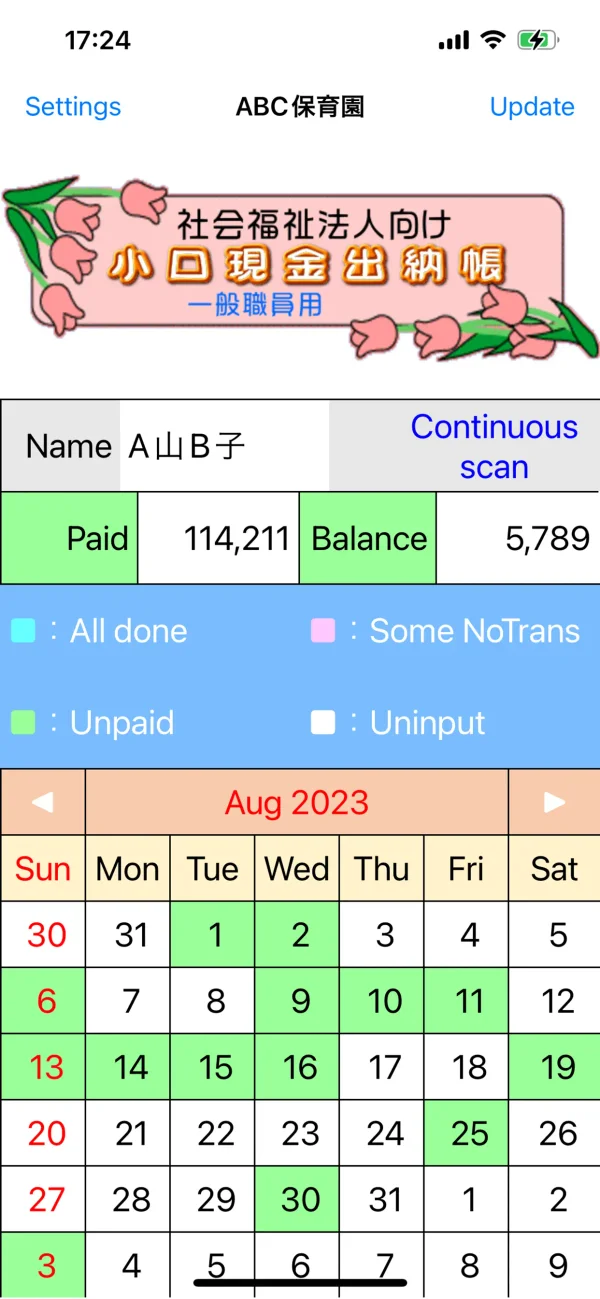
Provides functions for managing petty cash for social welfare corporations.
This application is an application (Petty-S) used by general staff when shopping with petty cash.
Besides this,
An app (Petty-A) used by accounting staff for accounting
EXCEL tool for printing a petty cash account book (Petty-P.xlsm)
to configure the system.
The usage and features of each application according to the business are explained below.
1. Temporary payment
-Accounting staff enters the amount of provisional payment to the other staff in Petty-A.
- This will be displayed on Petty-S as a remaining balance.
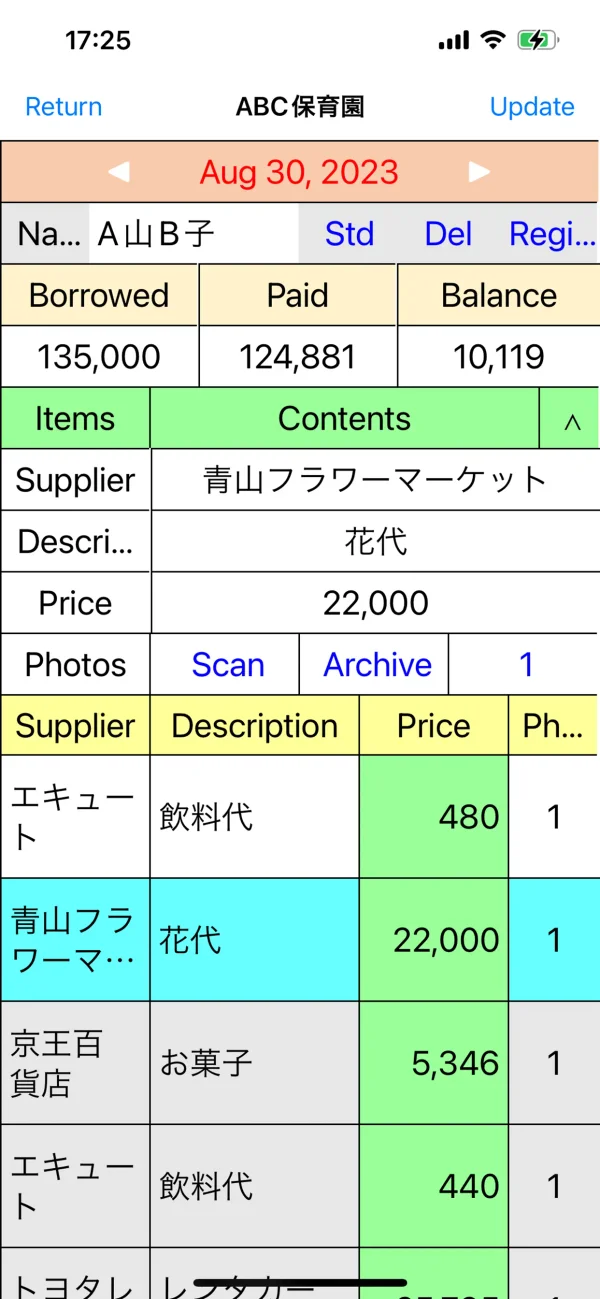
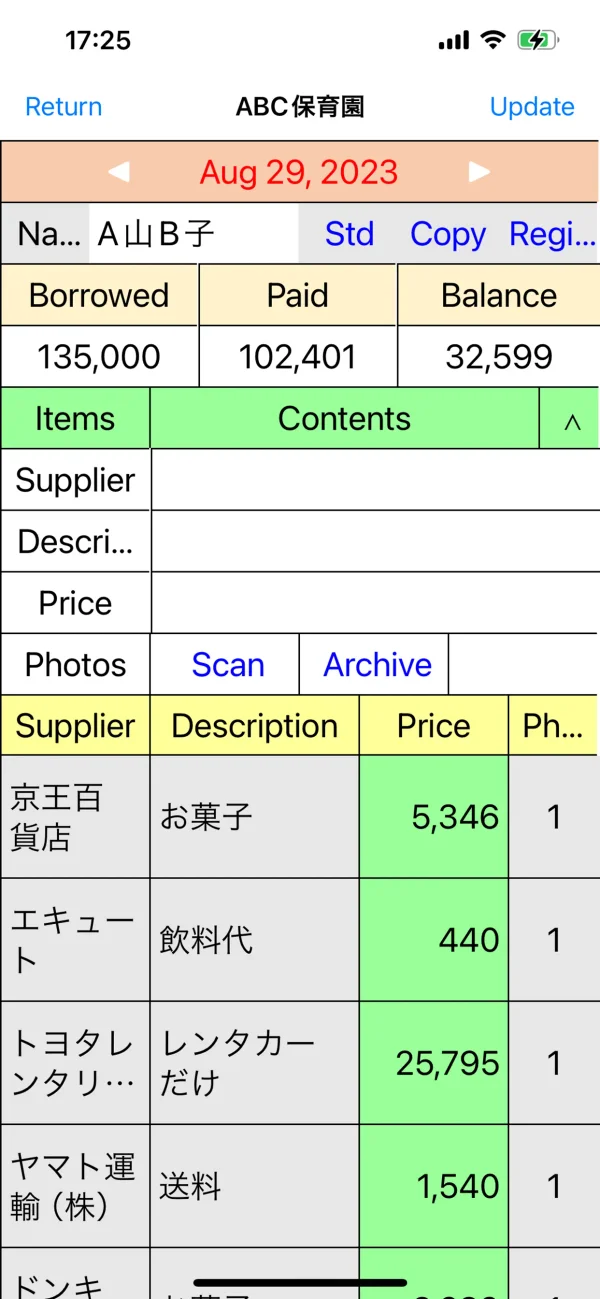
2. Enter shopping information
- After shopping, enter the supplier, description, and amount. (cannot be omitted)
- Memorize the input data for supplier and descriptions, and then make them selectable.
- After inputting, calculate and display the balance.
- You can edit and delete the entered data.
- When editing data that has been settled, account title set, or "closed", red and black invoice processing is performed.
- You can take photos and attach them to the input data.
3. Balance settlement
- After completing the desired shopping, refund the voucher and the balance.
- Accounting staff processes the settlement at Petty-A.
- With this, the balance will be 0 even on Petty-S.
4. Account title settings
- Set account title for the data entered on Petty-S.
- Account title setting is done by presenting the account title and touching the corresponding rows.
- Memorize the pattern of supplier - description - account title, and display candidates for the same unset data.
- For data with account title candidates, you can set all account title by one touch.
- If necessary, you can also set the consumption tax category.
- The account title displayed are those specified in the regulations of the Ministry of Health, Labor and Welfare, but others can be added.
5. Print petty cash book
- Just by opening Petty-P.xlsm of EXCEL, the data will be read and ready for printing.
What’s new
Version 5.5.3 · Nov 2, 2026
This is modified to be compatible with iOS 15.0 as well.
App privacy
What Akira Yamada declares on the App Store about how this app handles data.
-
Data not collected
The developer does not collect any data from this app.
Privacy practices may vary, for example with the features you use or your age.
Information
- Seller
- Akira Yamada
- Category
- Productivity
- Version
- 5.5.3
- Updated
- Nov 2, 2026
- Released
- Sep 12, 2022
- Size
- 14.0 MB
- Requires
- iOS 15.0 or later
- Age rating
- 4+
- Languages
- Japanese, English
- Copyright
- © Valida Corporation
You might also like
-
 手のひらTalkProductivity
-
 配完いくつ?Productivity
-
 AI支援さんProductivity
-
 シンプルメモ帳 BasicMemoProductivity
-
 請求書メーカー - 見積書・納品書・領収書もPDF作成Productivity
-
 カレンダーメモ - 日記&手書きメモ帳Productivity
-
 退職BOX-退職届の作成・失業給付計算・退職ロードマップProductivity
-
 Period-Based Scheduler– CommaScheduling App For Students
-
 ショートカットキ一覧Productivity
-
 KINTAI - 勤怠管理 チーム・グループ管理Productivity