
- Age rating4+
- CategoryProductivity
- DeveloperTencent Technology (Shenzhen) Company Limited
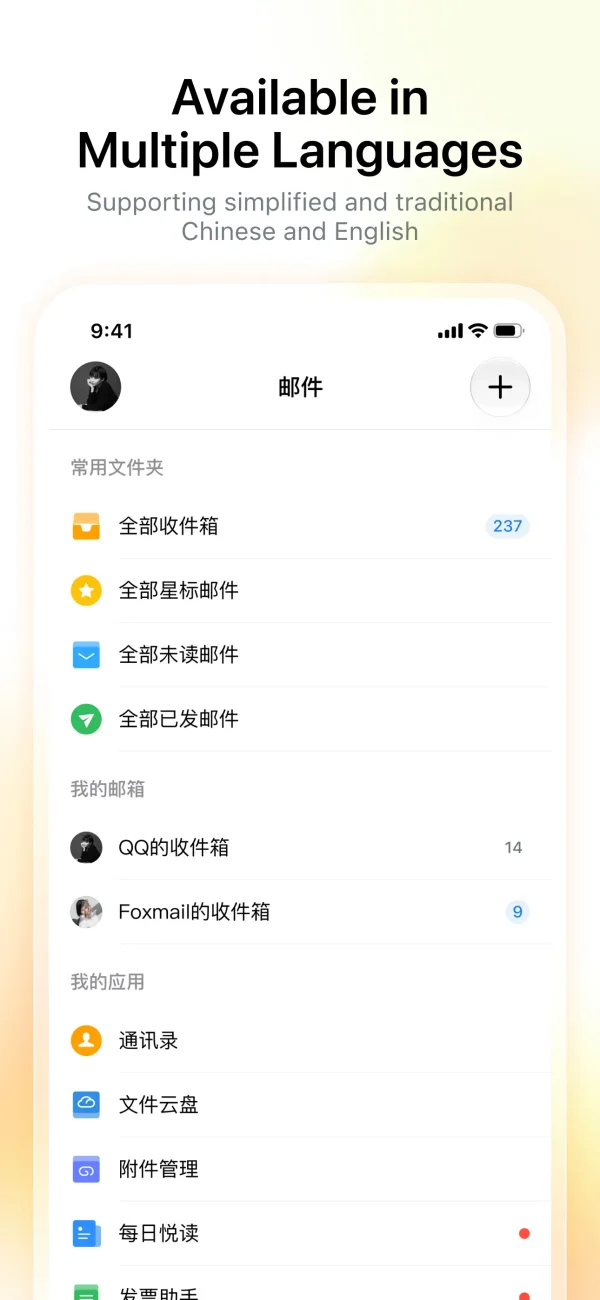
- LanguagesEnglish+ 2 more
- Size267.3 MB
Links to the official App Store page
Download.org hosts no file of QQ邮箱. The button opens its official App Store page, published by Tencent Technology (Shenzhen) Company Limited. Listing last checked on Nov 26, 2026.
Screenshots


About
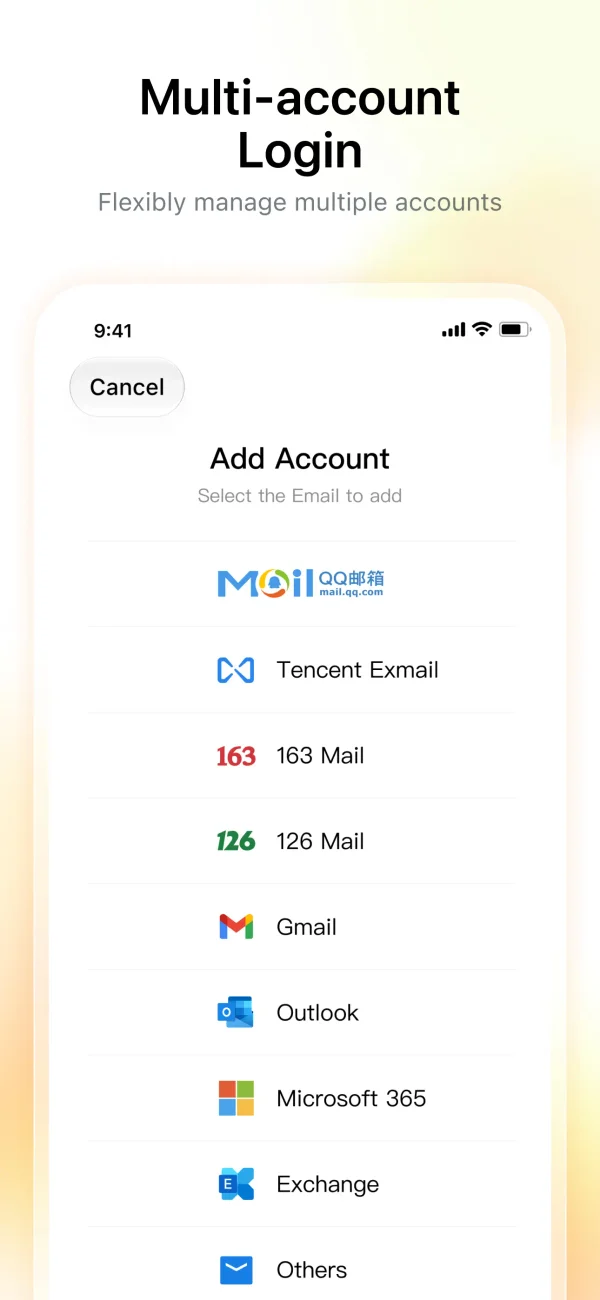
[QQ Mail] Full support for general mail protocols to help you manage all your mailboxes on your phone
[New] Send greeting cards on your phone
[New] Query mail records in Settings
[New] Quick annotation on the screenshot of the mail reading page
[New] Efficient and convenient Contacts
[New] Translate mails in foreign languages into Chinese
Multiple Accounts
· Full support for general mail protocols to allow adding a variety of other mailboxes besides QQ Mail
Sending/Receiving Mails
· Synchronously receive and manage all mails in multiple mailboxes
· Added intelligent aggregation of ad mails
· QQ Mail subscription aggregation and reading experience optimization
· Support online preview of various types of attachments including documents, images, audio and video files, compressed packages, and eml files.
Mail Notification
· Set to enable notifications only for mails from starred contacts
· Set the New Mail Notification option for different email accounts
· Added multiple sound effects for New Email Notification
· Enable Night Mode to mute the notifications for new mails at night
Mailbox Plug-ins
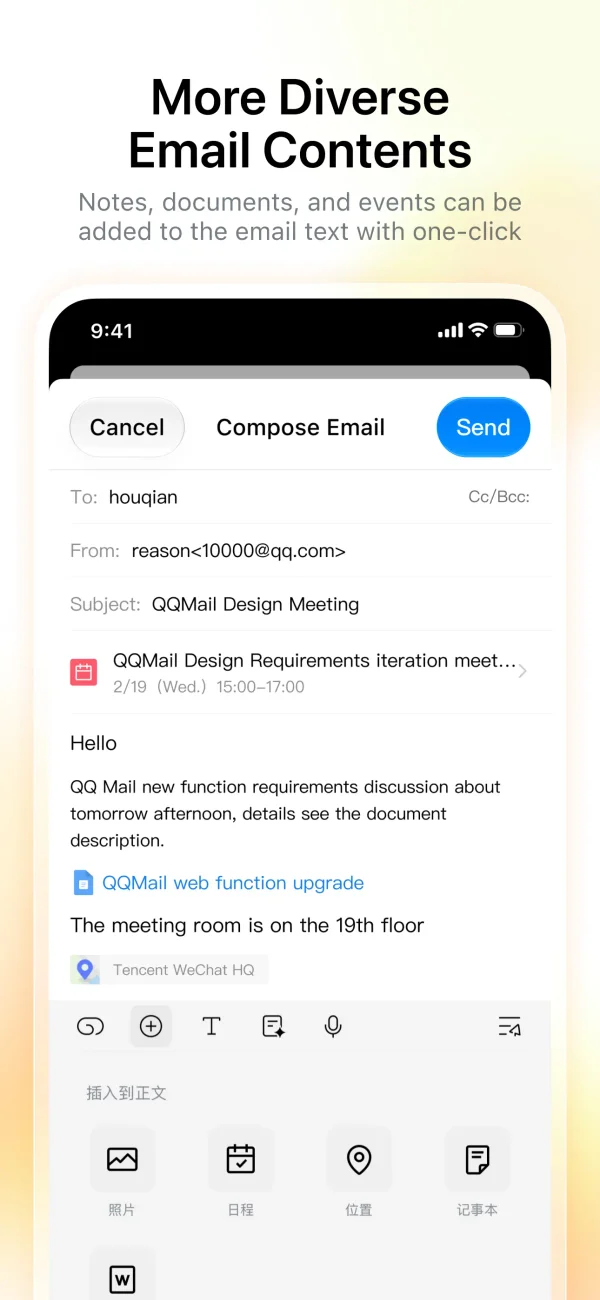
· Enable Calendar to manage events efficiently
· Use Transfer Station for temporary storage of large files on the network
· Enable Notepad to record what you see and think anytime
· Manage contacts and find recent conversations in Contacts
· Select a greeting card to convey blessings to friends
QQ Mail VIP Auto-Renewal Subscription Instructions
Subscription Plans:
QQ Mail VIP Monthly Auto-Renewal (1 month)
QQ Mail VIP Annual Auto-Renewal (12 months)
Subscription Price:
Monthly auto-renewal: RMB 22/month
Annual auto-renewal: RMB 210/year
Auto-Renewal:
Your Apple iTunes account will be charged within 24 hours before the subscription expires. Once the payment is successful, the subscription will be automatically extended for one billing cycle.
Cancel Subscription:
If you wish to cancel, you need to do so at least 24 hours before the current billing period ends. You can cancel by going to Settings > Apple ID > Subscriptions, selecting the QQ Mail VIP subscription, and tapping Cancel Subscription. If you do not turn off auto-renewal at least 24 hours before the end of the subscription period, the subscription will renew automatically.
Other Purchase Options (non-renewing):
QQ Mail VIP 1 month / RMB 29 (does not auto-renew)
QQ Mail VIP 12 months / RMB 300 (does not auto-renew)
QQ Mail VIP Service Terms: https://wx.mail.qq.com/list/readtemplate?name=app_intro.html#/agreement/mailvip
QQ Mail Privacy Policy: https://wx.mail.qq.com/list/readtemplate?name=app_intro.html#/agreement/appPolicy
If you have any comments or suggestions, tell us in "Settings" -> "Feedback".
What’s new
Version 7.2.2 · Nov 23, 2026
1. Now supports iPhone Duo & Liquid Glass.
2. Compatible with iPad devices.
3. Bug fixes and performance improvements.
App privacy
What Tencent Technology (Shenzhen) Company Limited declares on the App Store about how this app handles data.
-
Data not linked to you
May be collected but is not linked to your identity.
- Identifiers
- Diagnostics
Privacy practices may vary, for example with the features you use or your age.
Information
- Seller
- Tencent Technology (Shenzhen) Company Limited
- Category
- Productivity
- Version
- 7.2.2
- Updated
- Nov 23, 2026
- Released
- Oct 24, 2011
- Size
- 267.3 MB
- Requires
- iOS 15.0 or later
- Age rating
- 4+
- Price
- Free
- In-app purchases
- Yes
- Languages
- English, Simplified Chinese, Traditional Chinese
- Copyright
- © Tencent Inc.
You might also like
-
 百度网盘Productivity
-
 Mail Master by NetEaseProductivity
-
 倒数日 · Days MatterProductivity
-
 有道翻译官-107种语言翻译Productivity
-
 Unzip – ZIP RAR 7Z ExtractorOpen Files & Media Manager
-
 穿梭TransocksProductivity
-
 139邮箱-手机号即是邮箱号Productivity
-
 一刻相册-百度网盘出品Productivity
-
 iMoney · Currency Converter170+ Real-time Rates
-
 文心 - 百度旗下全能AI助手Productivity