- Age rating4+
- CategoryLifestyle
- Developeryoot
- LanguagesEnglish
- Size1.4 MB
Links to the official App Store page
Download.org hosts no file of e年表メーカー. The button opens its official App Store page, published by yoot. Listing last checked on Nov 17, 2026.
Screenshots
About
The developer has not provided this text in your language.
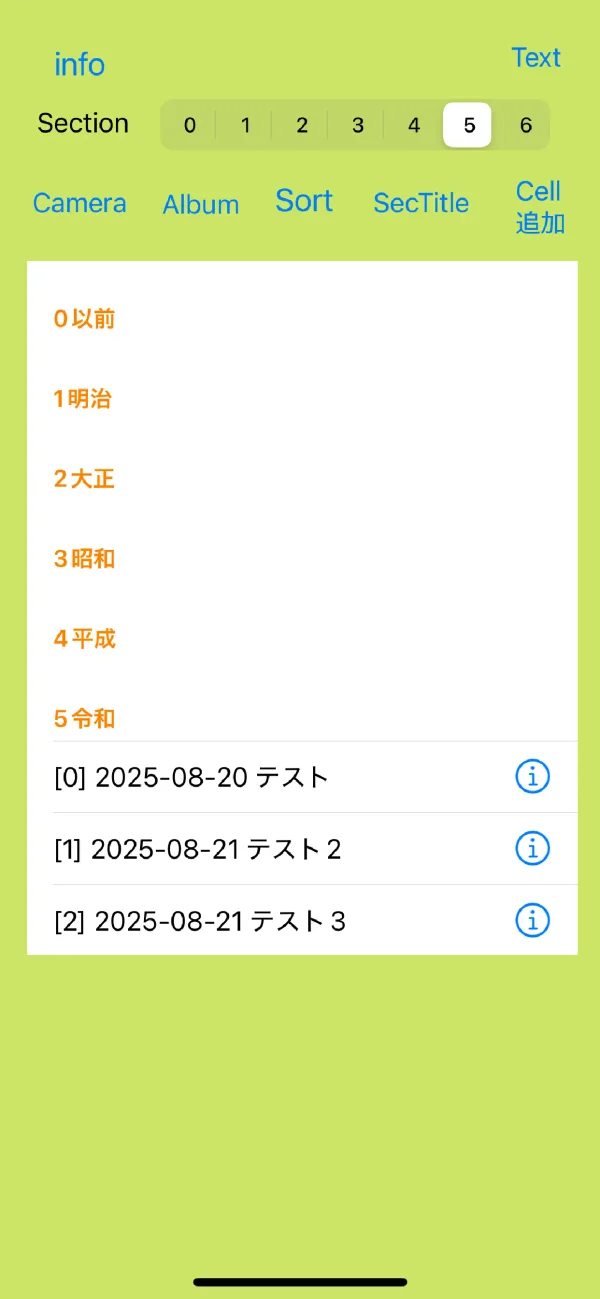
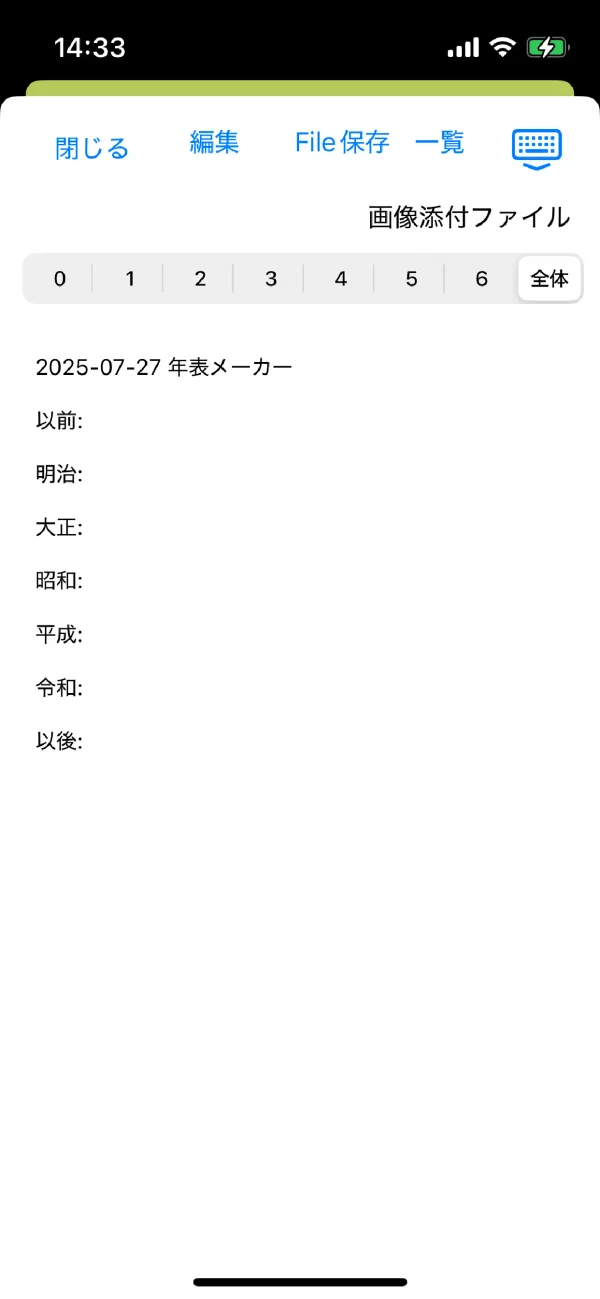
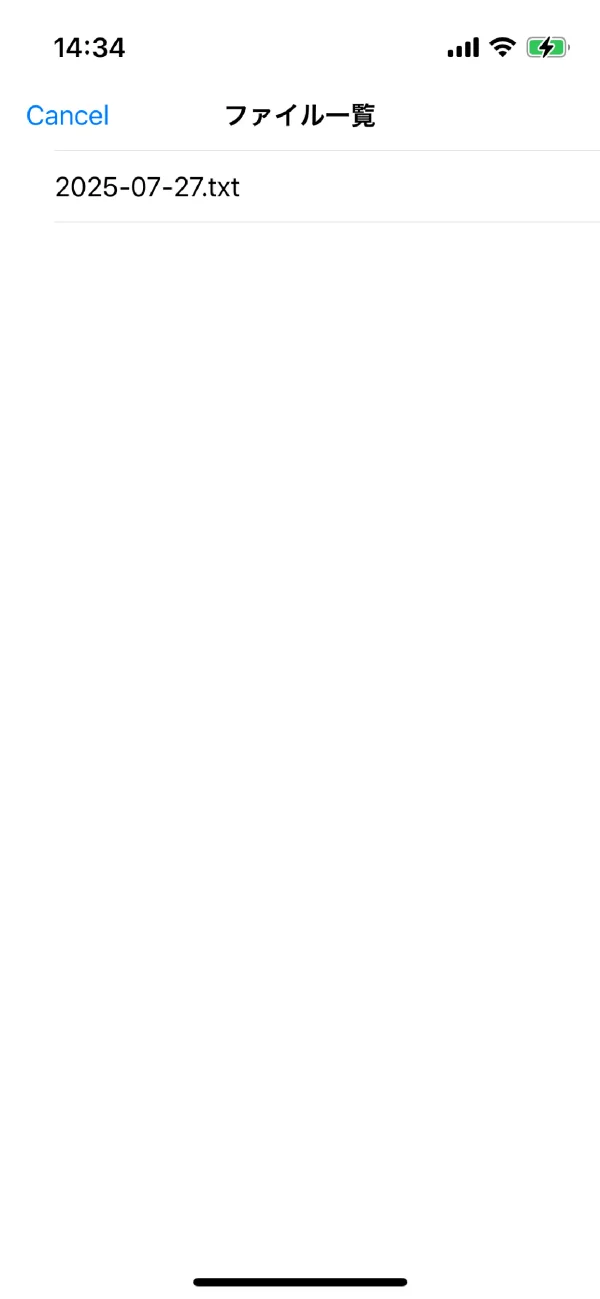
このアプリは、(明治)以前・明治・大正・昭和・平成・令和・(令和)以後の7セクションからなる日付(事件・出来事等)について年表(世界史・日本史・自分史等)を作成するプログラムです。セクションはセグメントで指定し[cell 追加]ボタンで追加します。画像については各セクション4枚ずつ合計28枚まで登録・表示することができます。[Album][Camera]ボタンを押した後セルをタップしてアルバムやカメラを起動して画像を追加してください(人物・動植物・景色・建造物等を自由に撮影し、差替え=上書きも可能)。Cell追加の際の入力枠は日付・タイトル・メモの3個で、タイトルは必須です。日付の入力は年月日をハイフンで繋いでください(西暦4桁-月2桁-日2桁の形式)。メモの入力は任意です。\n[Text]ボタンを押した後のテキスト画面に、メール送信機能(text,PDF)の他、load,save,clear,delete等の編集ができます。テキストがおよそ30行(空行を含む)以上の場合には、テキストを分割して複数頁のPDFファイルをメールに添付できます。PDF画像を添付する場合は最大28頁です。Cell追加の際日付を入力しない場合でもその日の年月日を自動的に記録しますが(令和以降)、令和以前でランダムに任意の日付を入力した場合でも、テキスト出力の際昇順(旧→新)でソートします。Cellのテーブル表示は入力順のままです。
What’s new
Version 1.5 · Aug 21, 2025
画面表示された全セクションの全セルの右端に [i] ボタンを追加表示し、ボタンを押すと 日付・タイトル・メモの変更(編集)が可能となるように修正しました。
App privacy
What yoot declares on the App Store about how this app handles data.
-
Data not collected
The developer does not collect any data from this app.
Privacy practices may vary, for example with the features you use or your age.
Information
- Seller
- Yutaka Okada
- Category
- Lifestyle
- Version
- 1.5
- Updated
- Aug 21, 2025
- Released
- Jul 12, 2024
- Size
- 1.4 MB
- Requires
- iOS 17.4 or later
- Age rating
- 4+
- Price
- Free
- Languages
- English
- Copyright
- © yoot