
- Age rating4+
- CategoryUtilities
- Developer伊凡 马
- LanguagesEnglish
- Size29.1 MB
Links to the official App Store page
Download.org hosts no file of 投屏助手-手机智能投屏&一键连接快速投屏助手. The button opens its official App Store page, published by 伊凡 马. Listing last checked on Nov 12, 2026.
Screenshots
About
The developer has not provided this text in your language.
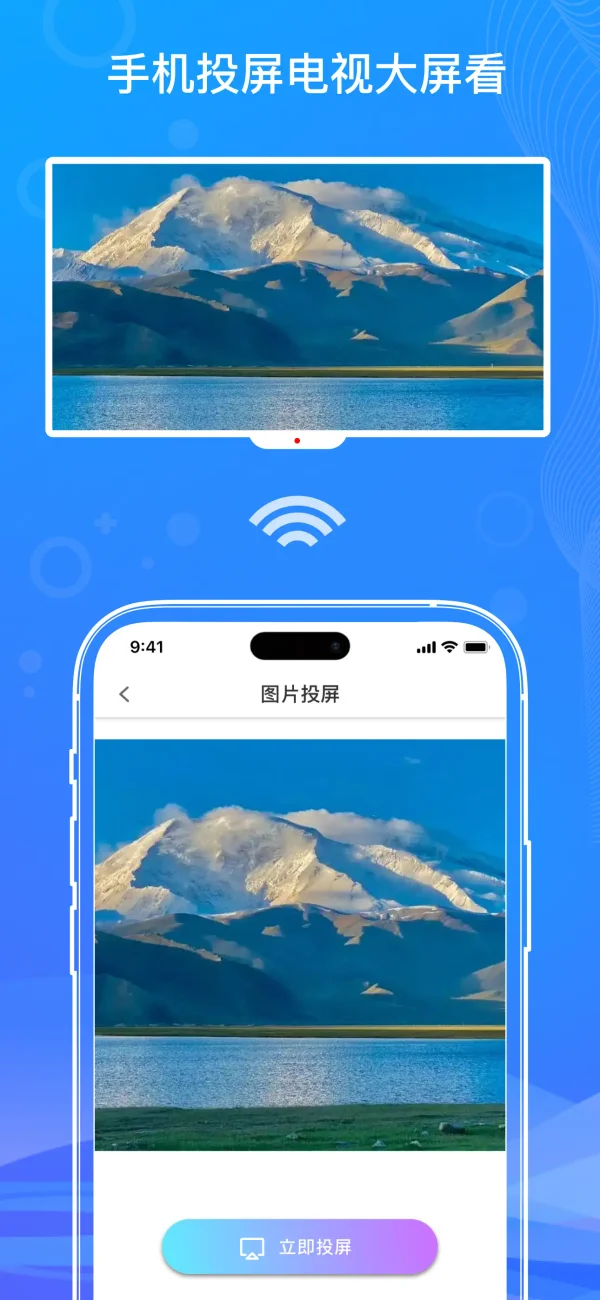
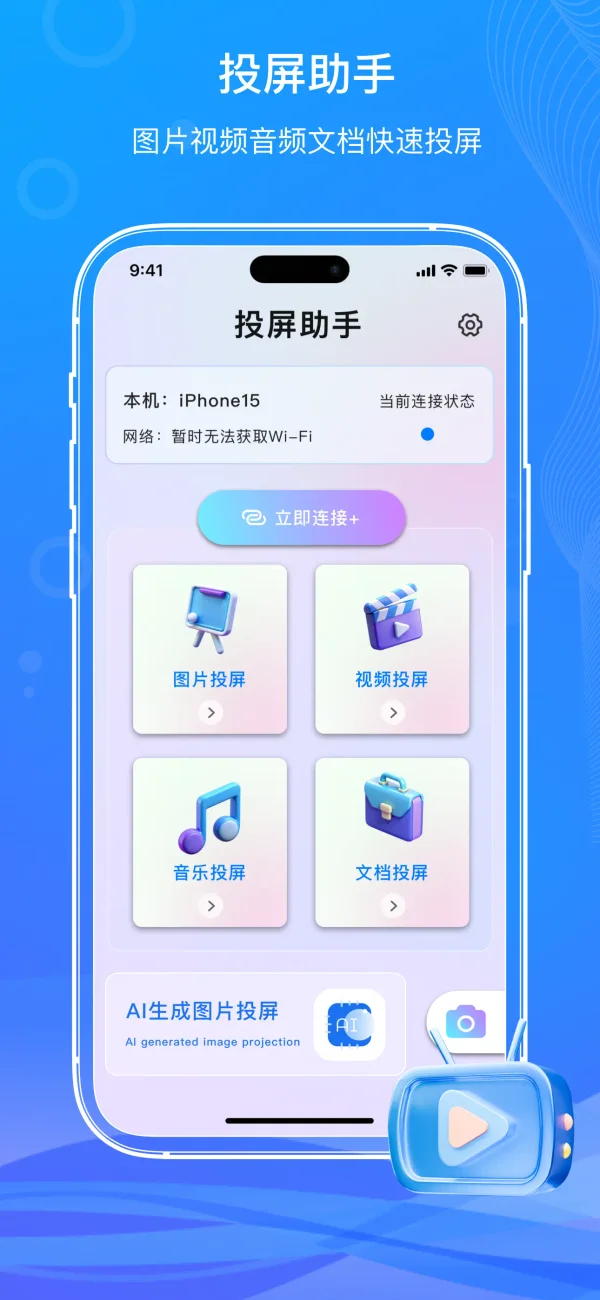
鸣思手机投屏助手,一键连接快速投屏助手,这是一款简单易操作的投屏助手。
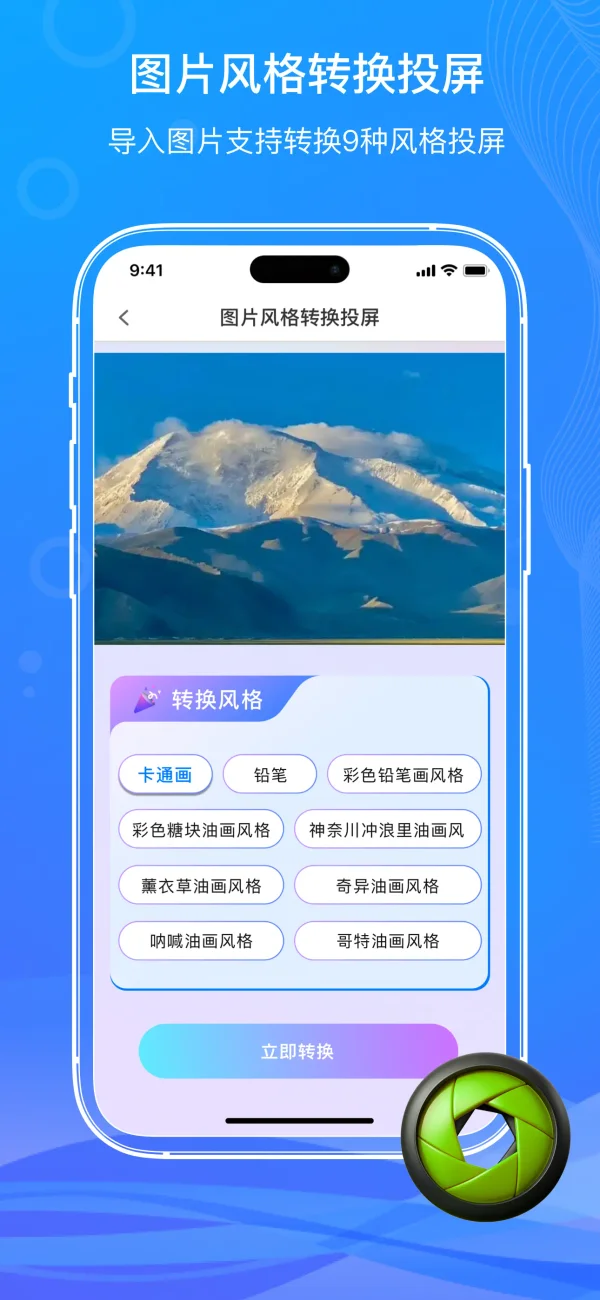
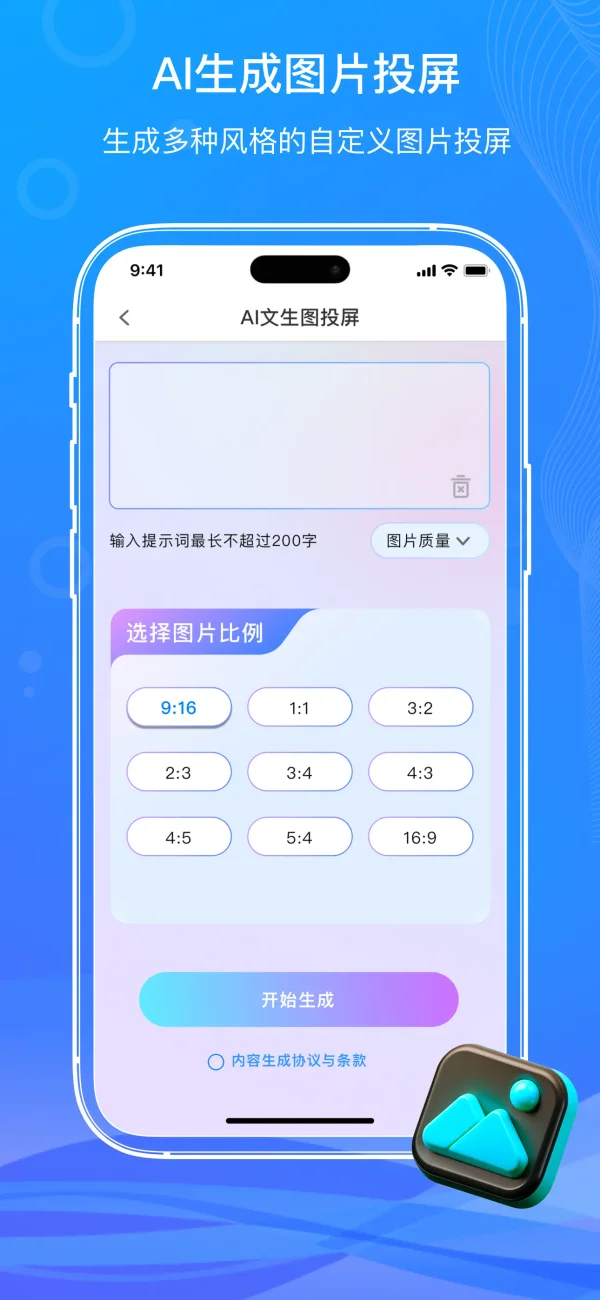
应用程序支持多种方式投屏,用户只需一键搜索相同wifi下的电视机,便可快速连接将手机上图片,视频、音频投屏到电视机上,投屏体验稳定流畅;同时应用程序支持AI文生图投屏,用户输入提示词后可以选择生成科幻风格、水彩画、漫画风格等8种风格的图屏进行投屏;应用程序还支持图片风格转换投屏,可以将导入的图片转换成不同的风格投屏到电视。
【鸣思投屏助手高级订阅服务】
-订阅类型:分为周度订阅、季度订阅
-订阅费用:以订阅页面展示的具体订阅费用为准。
-订阅付费:周度订阅和季度订阅当用户确认购买并支付后会记入 iTunes账户;
-订阅续订:带有免费试用期的订阅,在免费试用期过后会自动转换成付费订阅,您的订阅到期前24小时,订阅会自动为您从 iTunes账户扣费,扣费成功后订阅会顺延到下一个周期。
-订阅取消:您如果需要取消订阅服务,请在当前订阅周期到期前24小时以前,手动在“设置”-“查看Apple ID”-“订阅页面”取消对应的订阅。
隐私协议:https://www.yuque.com/xiaobentou-tofcg/kb/iizbtuu0oavm7t8r?
使用条款:https://www.yuque.com/xiaobentou-tofcg/kb/opcau90pczeo3y69?
What’s new
Version 1.3 · Nov 7, 2026
1、修复一些bug;
2、适配更高的ios系统。
App privacy
What 伊凡 马 declares on the App Store about how this app handles data.
-
Data not collected
The developer does not collect any data from this app.
Privacy practices may vary, for example with the features you use or your age.
Information
- Seller
- 伊凡 马
- Category
- Utilities
- Version
- 1.3
- Updated
- Nov 7, 2026
- Released
- Jan 1, 2025
- Size
- 29.1 MB
- Requires
- iOS 13.0 or later
- Age rating
- 4+
- In-app purchases
- Yes
- Languages
- English
- Copyright
- © xuanwu