- Age rating4+
- CategoryUtilities
- DeveloperRD4X LLC.
- LanguagesEnglish
- Size4.8 MB
Links to the official App Store page
Download.org hosts no file of かんたんな電卓. The button opens its official App Store page, published by RD4X LLC. Listing last checked on Nov 21, 2026.
Screenshots



About
The developer has not provided this text in your language.
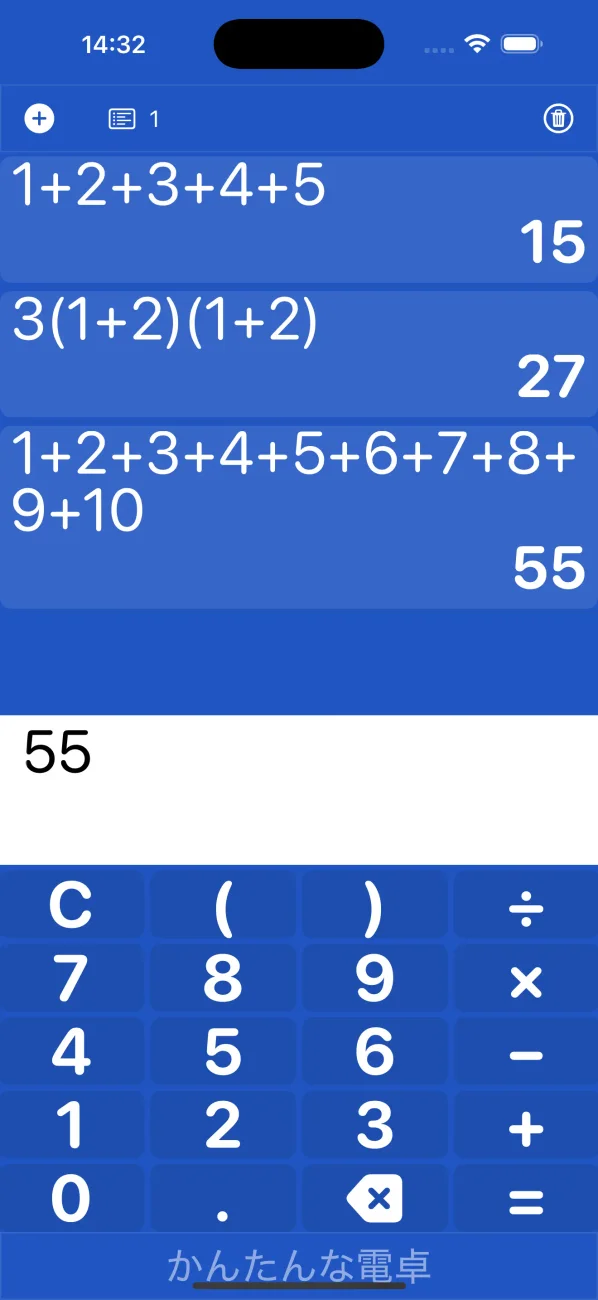
複数の計算履歴を画面上部のボタンで表示切替できるので、ちょっと前に計算した結果も簡単に確認できます。
よく使う四則演算だけ計算できる電卓なので、シンプルなボタン配置で、フォントサイズも大きく、操作も簡単です。
<操作方法>
・数字と演算子のボタンをタップして式を入力して、「=」ボタンで計算結果を計算履歴に追加します。(計算履歴は最大100件)
・計算履歴の行をタップすると、計算履歴に表示されている計算結果を、入力している計算式に追記します。
・計算履歴の行をロングタップすると、計算履歴に表示されている計算式で、入力している計算式を上書きます。
・計算履歴の行を左スワイプすると、その計算履歴の行を削除します。
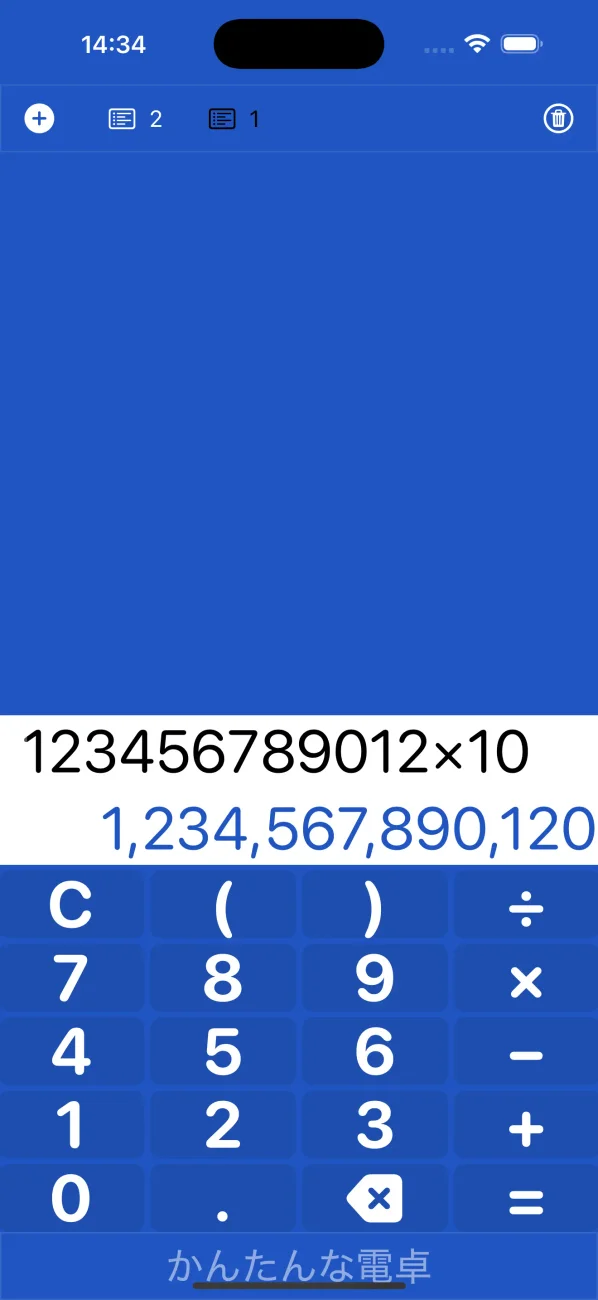
・画面左上の「+」ボタンをタップすると、履歴タブを追加できます。(履歴タブは最大50タブ)
・画面上部の履歴ボタンをタップすると、表示する履歴タプを切り替えできます。
・画面上部の履歴ボタンをロングタップすると、その履歴タプの計算履歴を削除できます。
・画面右上のゴミ箱アイコンをロングタップすると、すべての履歴タプを削除できます。
※計算履歴、履歴タブはアプリ実行中のみ有効です。アプリが終了されると計算履歴、履歴タブも削除されます。
無くなっては困る計算履歴については、別の方法でメモするなどの対策をお願いします。
<桁数>
最大15桁、小数桁数は5桁までです。(端数は四捨五入して5桁表示します)
What’s new
Version 1.5 · Mar 1, 2026
軽微なデザイン等の修正
App privacy
What RD4X LLC. declares on the App Store about how this app handles data.
-
Data linked to you
May be collected and linked to your identity.
- Location
- Identifiers
- Usage data
- Diagnostics
-
Data not linked to you
May be collected but is not linked to your identity.
- Diagnostics
Privacy practices may vary, for example with the features you use or your age.
Information
- Seller
- RD4X LLC.
- Category
- Utilities
- Version
- 1.5
- Updated
- Mar 1, 2026
- Released
- May 20, 2025
- Size
- 4.8 MB
- Requires
- iOS 15.8 or later
- Age rating
- 4+
- Languages
- English
- Copyright
- © RD4X LLC.
You might also like
-
 億円電卓Utilities
-
 シンプル電卓 式と履歴が見やすい計算機Utilities
-
 Custom Calculator MakerDesign Your Own Button Layout
-
 シンプル電卓:履歴が残る・式が見える計算機Utilities
-
 Large Text CalculatorBig Buttons, Easy to Read
-
 でんたクン(プロ仕様)Utilities
-
 Senior Calc: Large Simple EasyLarge Text Big Font Calculator
-
 単純な電卓Utilities
-
 CalcHistoryUtilities
-
 即決ルーレット (Roulette)Utilities