
- Age rating4+
- CategoryProductivity
- DeveloperMANGOSLAB Co.,Ltd.
- LanguagesKorean
- Size208.7 MB
Links to the official App Store page
Download.org hosts no file of 네모닉 스터디 - 오답노트 스캐너. The button opens its official App Store page, published by MANGOSLAB Co.,Ltd. Listing last checked on Nov 16, 2026.
Screenshots




About
The developer has not provided this text in your language.
네모닉 스터디 – 오답노트 앱
스캔부터 인쇄까지 한 번에!
초·중·고 학생의 학습 습관을 키워주는 오답노트 도우미
[주요 기능]
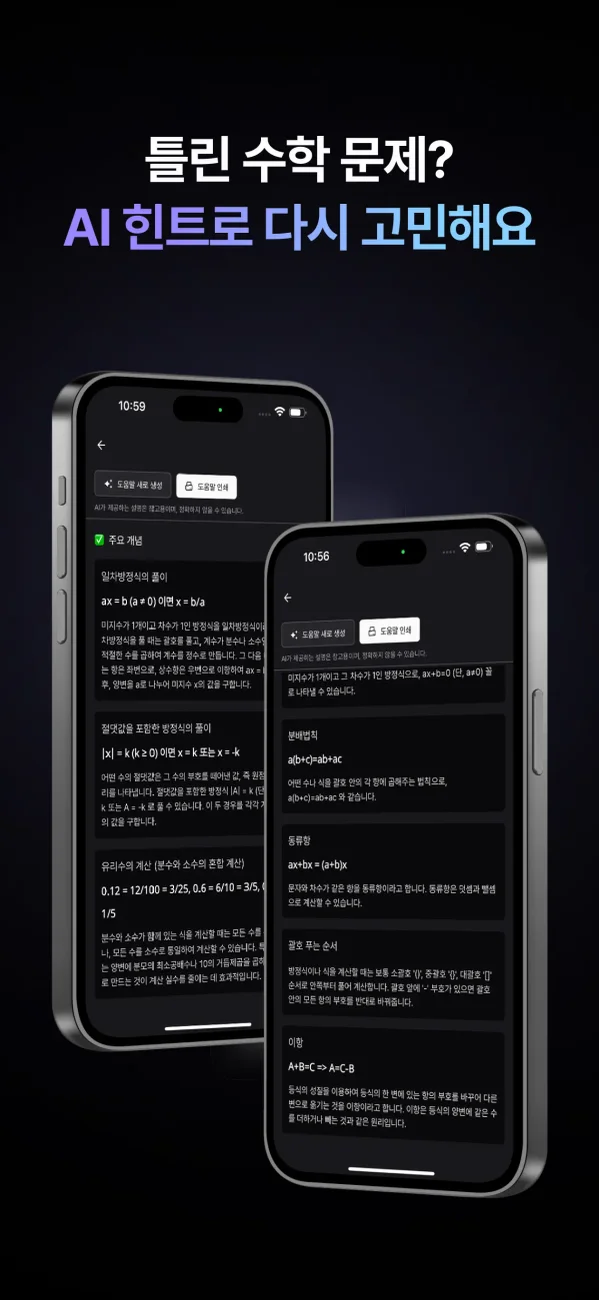
• AI 수학 힌트 기능
틀린 문제를 다시 풀 수 있도록 AI가 단계별 힌트를 제공합니다.
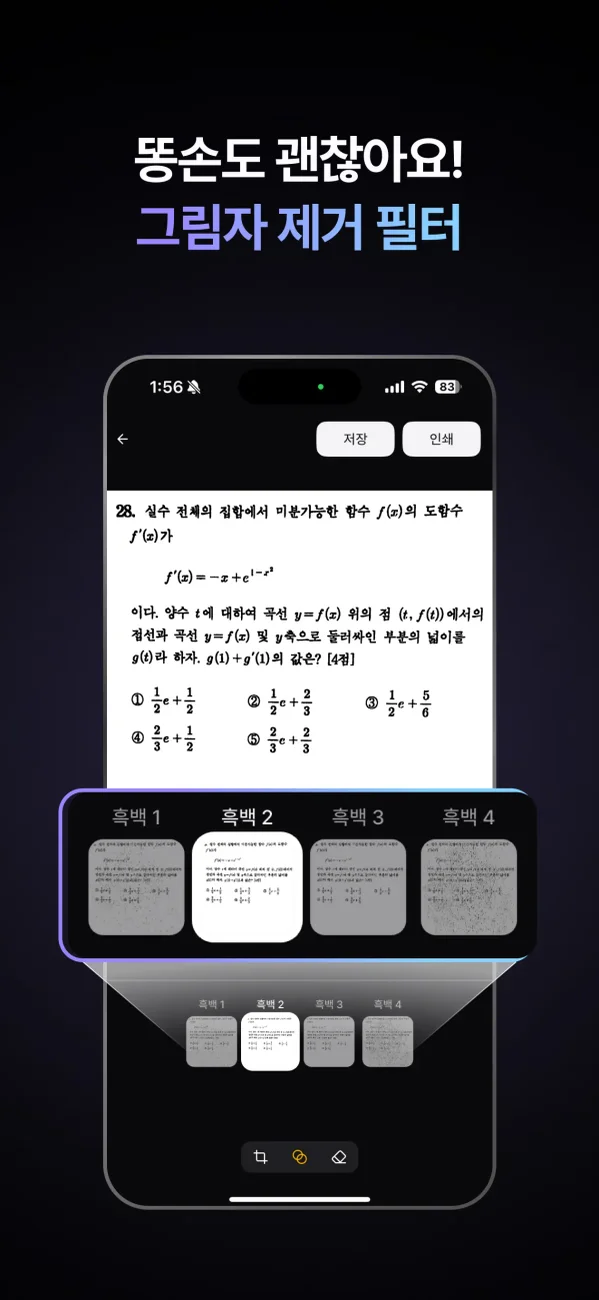
• 자동 그림자 제거
촬영 시 생기는 그림자를 자동 인식해 깨끗하게 보정합니다.
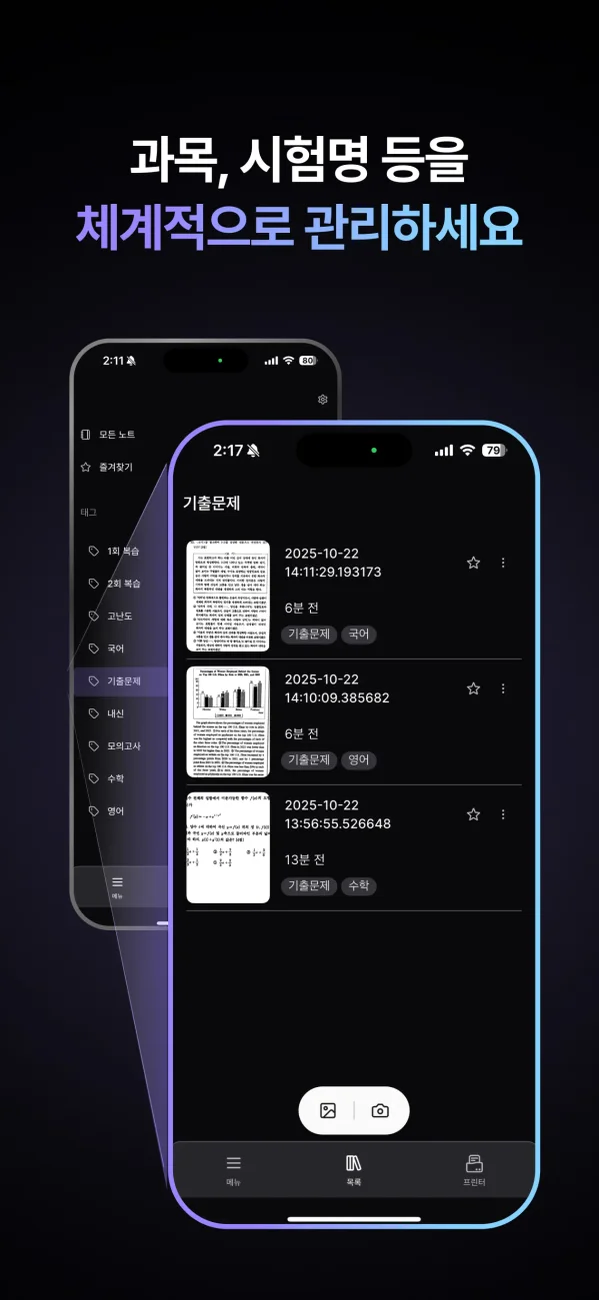
• 태그 기반 문제 관리
문제집·단원·시험명 등 원하는 기준으로 정리해 과목별 학습 데이터를 체계적으로 관리할 수 있습니다.
• 다양한 비율 지원
문제 형태에 맞게 비율을 조정해 모든 과목의 학습자료를 깔끔하게 인쇄합니다.
• 네모닉 프린터 연동
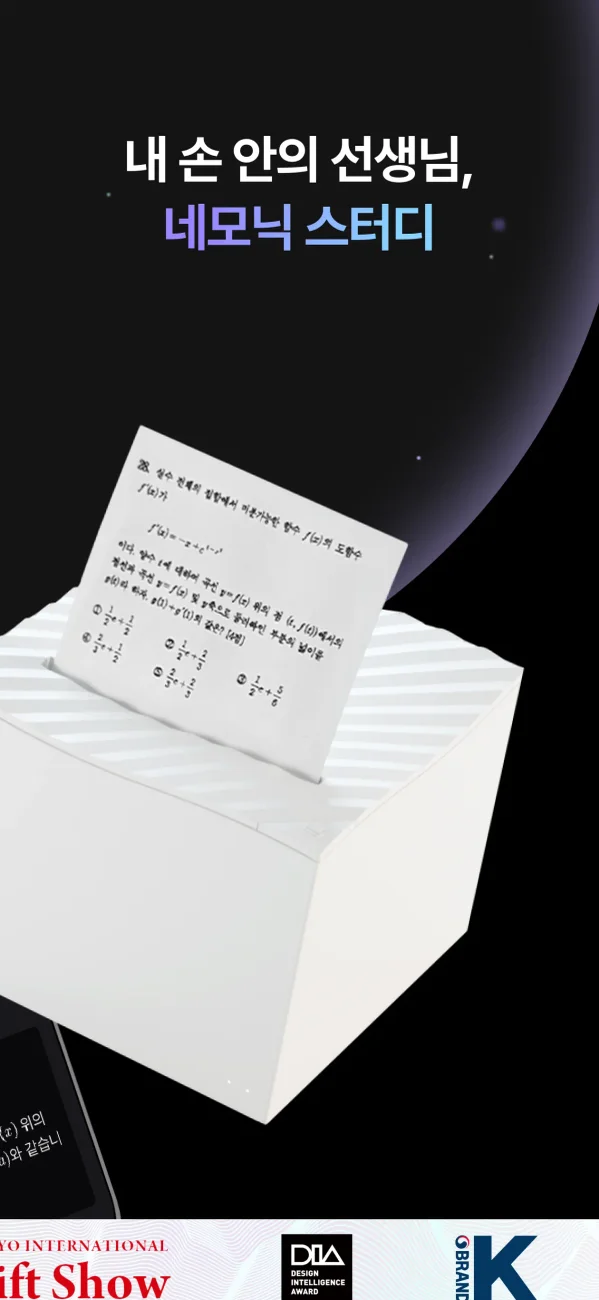
잉크나 토너 없이 점착 메모에 바로 인쇄할 수 있습니다.
[ 활용 방법 ]
1. 스캔하기 – 원하는 비율로 문제 촬영
2. 편집하기 – 자동 그림자 제거 및 필터 선택
3. 인쇄하기 – 점착 메모로 오답노트 출력
4. 정리하기 – 태그로 학습 데이터 관리
[ 추천 대상 ]
• 오답을 데이터로 관리하고 싶은 학생
• 자녀의 학습 습관을 형성해주고 싶은 학부모
• 오답노트를 손쉽게 정리하고 싶은 학생
[ 네모닉 수상 내역 ]
• CES Best Innovation Award
• GOOD DESIGN Award
• TOKYO GIFT SHOW Best Gift Award
• DIA Design Intelligence Award
• BRAND K 선정
[ 네모닉 앱 라인업 ]
• 네모닉 스캐너 – 빠른 스캔·인쇄 특화
• 네모닉 – 기본 메모·라벨 인쇄
• 네모닉 스터디 – 오답노트 및 학습 관리
• 네모닉 AI – 유아용 생성형 학습 도우미
• 네모닉 메모 – 효율적인 일상 메모 관리
[ 업데이트 내역 (2025년 10월) ]
• 수학 AI 도움말 기능 추가
• 로그인 및 데이터 동기화 기능 개선
What’s new
Version 0.18.0 · Nov 6, 2026
Nemonic Study just got easier to use.
[AI Tutor]
• Ask a question right from the start screen, or begin with a suggested one.
• See your recent chats and saved cards at a glance.
• Long-press a chat to preview it, rename it, or delete it.
[Notes]
• Search by note title or tag, and reuse recent searches.
• Filter All Notes by tag and select multiple notes more easily.
• Open recent notes straight from Home.
[AI Summary]
• Edit your summaries yourself.
[Printing]
• With auto length, short content prints shorter (down to 28 mm), saving paper.
• When printing several items, problem/page numbers and sizes are easier to check.
[Editing]
• Areas you erase with Eraser or AI Eraser stay erased after cropping, saving, and printing.
• Crop edges are easier to grab, and you can expand a cropped area back to full size.
Plus design and stability improvements.
App privacy
What MANGOSLAB Co.,Ltd. declares on the App Store about how this app handles data.
-
Data linked to you
May be collected and linked to your identity.
- Contact info
- User content
- Identifiers
- Usage data
-
Data not linked to you
May be collected but is not linked to your identity.
- Diagnostics
Privacy practices may vary, for example with the features you use or your age.
Information
- Seller
- Mangoslab Co.,Ltd.
- Category
- Productivity
- Version
- 0.18.0
- Updated
- Nov 6, 2026
- Released
- Sep 8, 2026
- Size
- 208.7 MB
- Requires
- iOS 16.0 or later
- Age rating
- 4+
- Price
- Free
- Languages
- Korean
- Copyright
- © Copyright ⓒ 2025 MANGOSLAB All rights reserved.
You might also like
-
 Daily Schedule -easy timetableHourly planner, widgets & PDF
-
 칭찬모아Productivity
-
 타임스프레드: 구독캘린더, 최애 일정, 시간표, 캘린더Productivity
-
 Lesson ManagerEasy lesson & fee tracking
-
 해피 파킹 - 스마트 방문 차량 예약 앱Productivity
-
 스플리 - 나만의 똑똑한 학습 플래너Productivity
-
 Readray (formerly LilysAI)AI lens for reading all day
-
 FINECUBEProductivity
-
 위클링: 초등 자녀 스케줄 관리Productivity
-
 웍스 - 첫 직장인 AIProductivity