
CipherVault:安全加密器·照片视频加密解密工具
专业加密相册照片、视频与文件加密解密&批量加密&隐私保护
Designed for iPhone, iPad, iPod touch
Free · In-app purchases
- Age rating4+
- CategoryProductivity
- Developer彦 唐
- LanguagesEnglish+ 7 more
- Size25.2 MB
Links to the official App Store page
Download.org hosts no file of CipherVault:安全加密器·照片视频加密解密工具. The button opens its official App Store page, published by 彦 唐. Listing last checked on Nov 18, 2026.
Screenshots


About
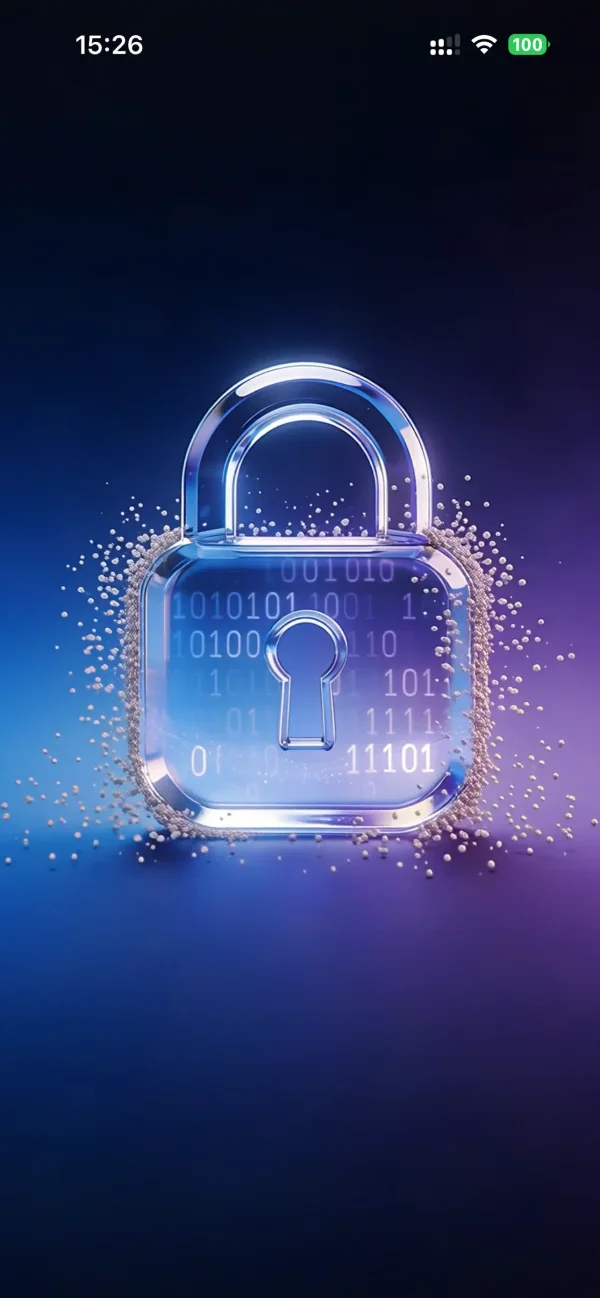
CipherVault is an innovative, professional, secure, and fully local tool for encrypting and decrypting photos, videos, and files, allowing you to truly control your privacy. It adopts a local file encryption scheme of PBKDF2-HMAC-SHA256+AES-256-GCM, and encapsulates the ciphertext into a custom. tycv encryption container format. Provide high-strength protection for private photos, private videos, and various important files. Unlike ordinary encrypted photo albums that only hide the entrance, CipherVault will truly encrypt the original file into ciphertext, and without the correct key, it cannot be decrypted. The encrypted files can be freely stored on mobile phones, computers, the cloud, or securely shared and transmitted. You can also set multiple different keys to encrypt different files separately. All encrypted files cannot be opened or viewed directly and must be restored through CipherVault with the correct key.
Core Advantages:
**Independent keys, flexible management
Support custom, user‑defined keys, create multiple keys and set a default key at any time – different files can be encrypted with different keys.
**Cross‑device freedom, seamless transfer
The unique encryption format allows encrypted files to be securely transferred and decrypted across different devices. You can back up the ciphertext to your phone, computer, or cloud, then import it to any device when needed and decrypt it with your key.
**Full format support, one‑tap encryption
Whether it’s an image, video, or any other file, encryption can be done with one tap – no format restrictions.
**Batch processing, high efficiency
Encrypt or decrypt multiple files at the same time, greatly improving efficiency and saving time and effort.
**Local, fast, and secure
All encryption and decryption operations are performed locally on your device, with no data upload – ensuring both security and speed.
Core Features:
• Photo encryption: Batch‑encrypt photos into ciphertext to prevent unauthorised viewing.
• Video encryption: Batch‑encrypt videos into ciphertext to protect private footage.
• File encryption: Batch‑encrypt any files into ciphertext, covering documents, archives, and all other formats.
• Decryption & restore: Verify the security key and restore the original content with one tap.
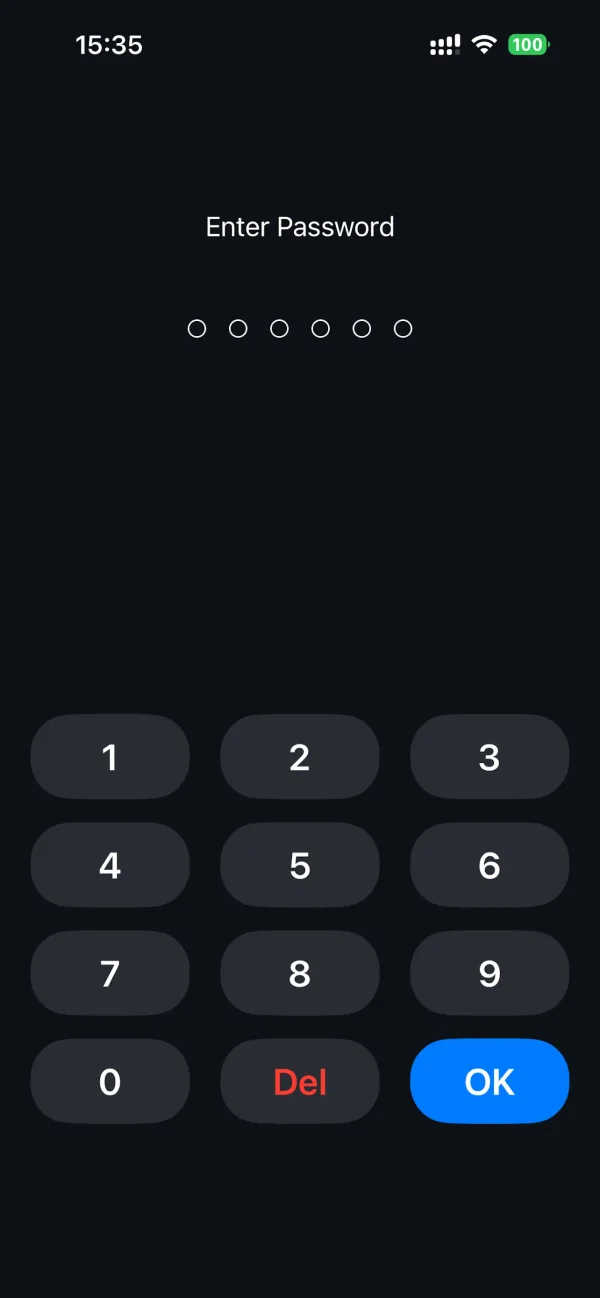
• Double security lock: Enable “password + Face ID” double unlock in settings, adding an extra layer of security to your privacy.
• Key management: Centrally manage multiple keys, assign different keys to different files for fine‑grained access control.
**********Use Cases**********
1. Protect personal privacy
Don’t want others to browse the private photos or videos on your phone or computer? Use CipherVault to encrypt them – only you can decrypt and view them, completely eliminating the risk of privacy leaks.
2. Safeguard important documents
Confidential files such as contracts, ID documents, and financial records need strict protection. With CipherVault’s strong encryption, even if your device is lost or accessed by someone else, the file contents remain unreadable.
3. Secure transmission and sharing
When sending sensitive files over the internet, encrypt them first with CipherVault, then send the ciphertext to the recipient. The recipient only needs the key you provide to decrypt and view them, preventing leaks during transmission.
4. Lock down cloud backups
Upload encrypted files to cloud storage – even if the cloud provider is breached or your account is stolen, the other party sees only unreadable ciphertext, ensuring your cloud data is truly secure.
[About PRO Subscription]
The following subscription plans are available (prices may change subject to marketing policies):
• Monthly auto‑renewing: ¥35
• Yearly auto‑renewing: ¥168
• Lifetime (one‑time purchase): ¥228
Terms of Service: https://privacypolicy.yayaxiaoqu.com/ciphervault/user_agreement.html
Privacy Policy: https://privacypolicy.yayaxiaoqu.com/ciphervault/privacy_policy.html
What’s new
Version 1.9 · Oct 28, 2026
CipherVault版本更新:
1、修复已知bug。
2、优化app功能。
App privacy
What 彦 唐 declares on the App Store about how this app handles data.
-
Data not collected
The developer does not collect any data from this app.
Privacy practices may vary, for example with the features you use or your age.
Information
- Seller
- 彦 唐
- Category
- Productivity
- Version
- 1.9
- Updated
- Oct 28, 2026
- Released
- Apr 6, 2026
- Size
- 25.2 MB
- Requires
- iOS 15.6 or later
- Age rating
- 4+
- Price
- Free
- In-app purchases
- Yes
- Languages
- English, French, German, Japanese, Malay, Simplified Chinese, Spanish, Traditional Chinese
- Copyright
- © TangYan
You might also like
-
 Privasa - Private Local VaultEncrypted Notes & Local Vault
-
 SnapVaultOffline databases shared by QR
-
 SecureFile – File EncryptionEncrypt & Protect Any File
-
 私密相册-相册管家/隐私相册视频/私密照片Productivity
-
 SmartDecrypt PDF ZIPAuto-unlock PDF & archives
-
 SafeFolder - File ManagerSecure Private File Browser
-
 RockFocus - Focus TrackerFocus Timer for Deep Work
-
 私密相册管家-电子相册图片云备份Productivity
-
 AxCryptFile Security Made Easy
-
 Swipe Keyboard SimpleCustom better fonts keyboard