
- Age rating17+
- CategoryUtilities
- Developer强胜 吴
- LanguagesEnglish
- Size25.0 MB
Links to the official App Store page
Download.org hosts no file of 设备调试助手. The button opens its official App Store page, published by 强胜 吴. Listing last checked on Nov 17, 2026.
Screenshots




About
The developer has not provided this text in your language.
【核心功能】
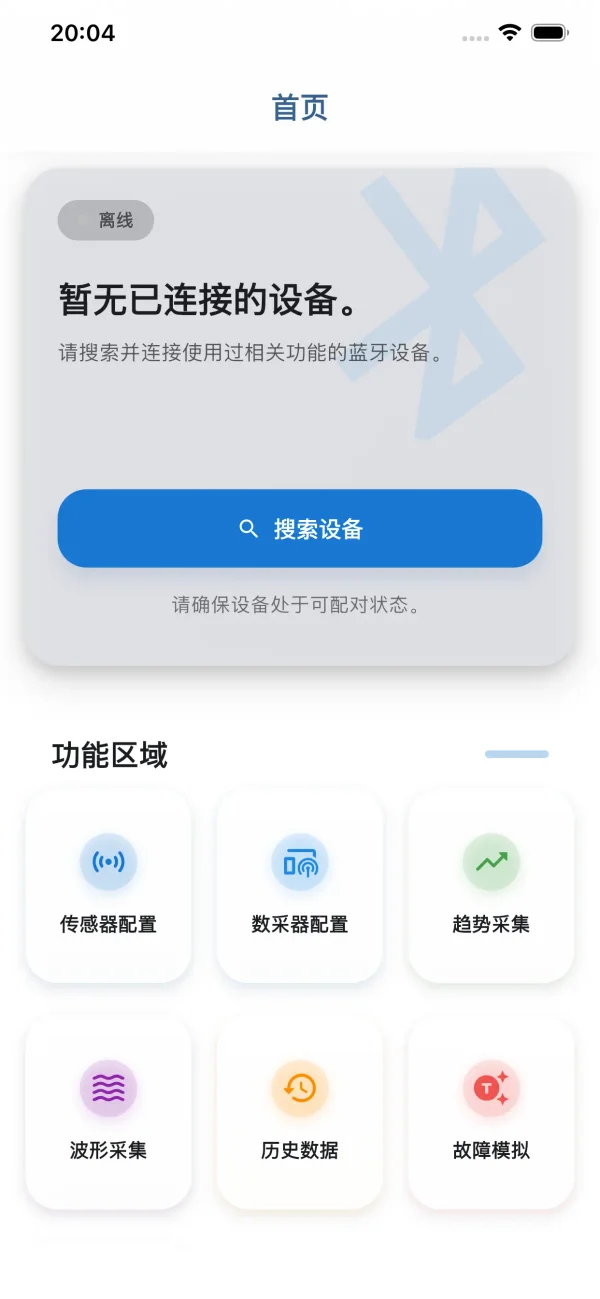
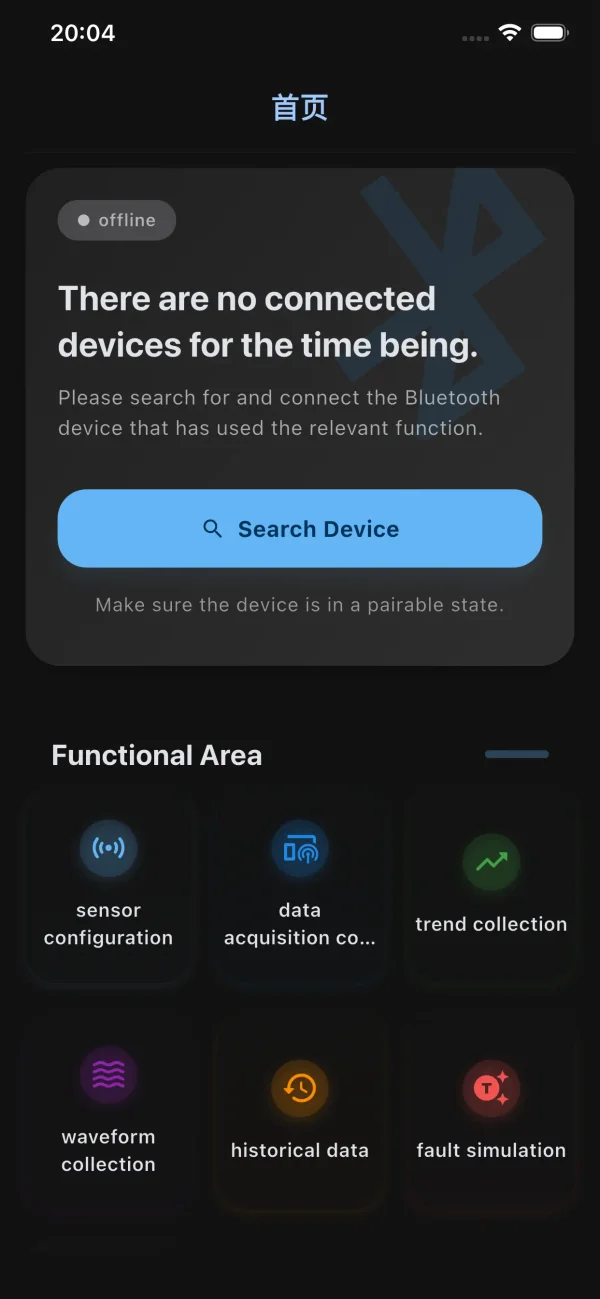
本应用专为硬件数采器、数据采集设备的调试与配置设计,通过稳定的蓝牙连接功能,实现设备与iOS设备的快速配对,助力工程师、运维人员高效完成设备调试工作。支持参数配置、数据校验、设备状态监测等核心功能,让硬件调试摆脱复杂操作,轻松上手。
【蓝牙精准适配】
深度适配各类主流硬件数采器设备,蓝牙连接稳定高效,配对成功后即可实时传输调试数据,无需额外硬件辅助。支持蓝牙连接状态实时显示,断连自动提醒,确保调试过程不中断。
【高效调试工具】
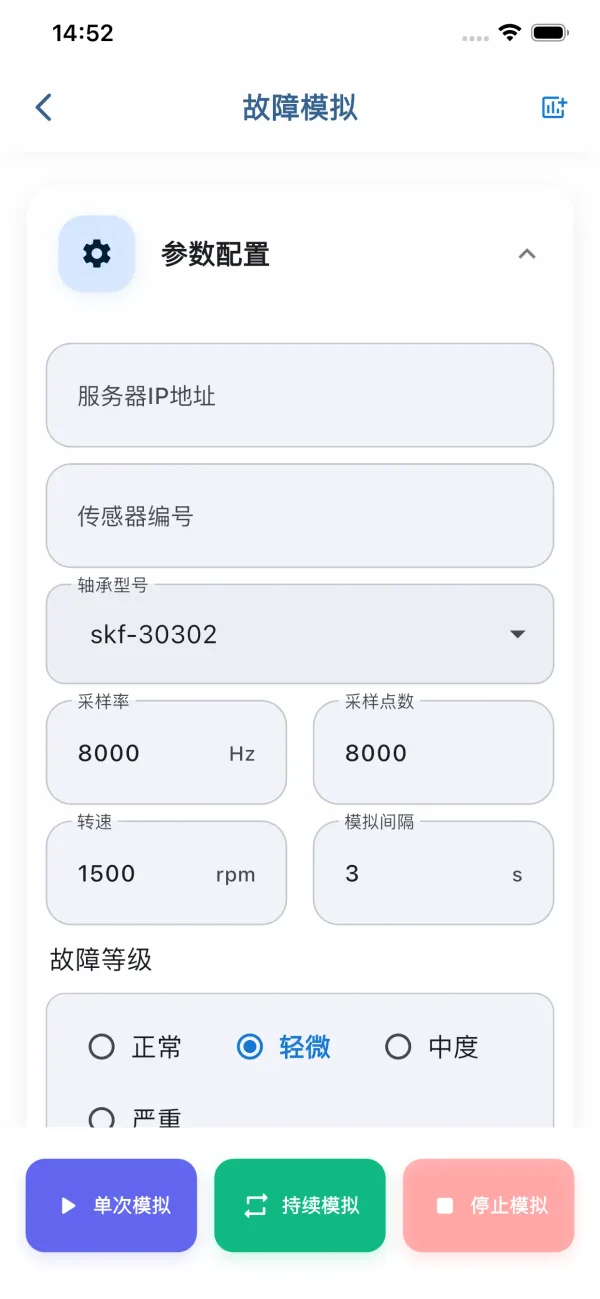
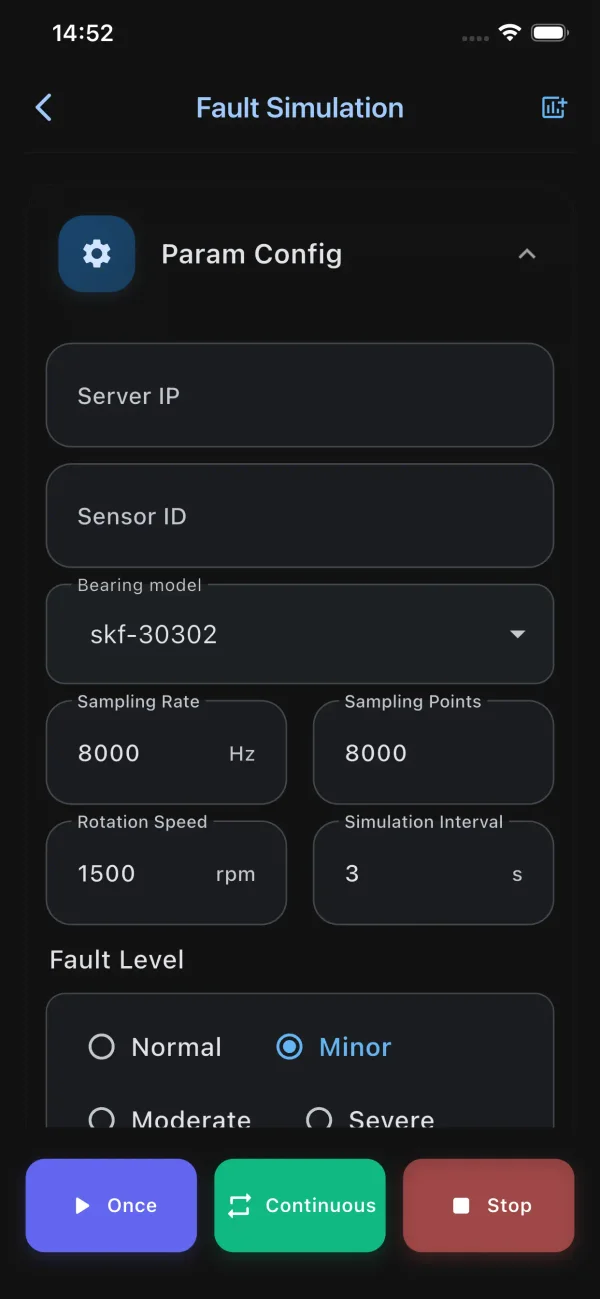
1. 参数配置:可视化界面调整数采器核心参数,配置完成后一键保存生效,避免手动操作误差;
2. 数据校验:实时采集数采器传输数据,直观展示数据曲线与详情,快速验证设备采集精度;
3. 设备管理:支持多台数采器设备绑定,保存设备调试记录,后续调试直接调用历史配置;
4. 故障提示:针对常见调试问题给出明确提示,辅助快速定位设备故障,提升调试效率。
【适用场景】
工业现场调试、物联网设备运维、实验室数采器校准、硬件生产质检等场景,为专业人员提供可靠的调试支持。
【使用说明】
使用前请确保硬件数采器处于蓝牙可配对状态,打开应用后点击“设备搜索”,选择对应设备完成配对即可开始调试。本应用仅用于调试配置指定硬件数采器设备,需配合相应硬件使用。
【隐私与安全】
应用仅在蓝牙调试过程中传输设备配置数据与采集数据,所有数据仅存储于本地设备,不进行云端上传,保障数据安全与隐私。
What’s new
Version 1.0.7 · May 25, 2026
- 适配固件升级指令变更
- 修复部分表单联动bug
- UI界面美化
App privacy
What 强胜 吴 declares on the App Store about how this app handles data.
-
Data not collected
The developer does not collect any data from this app.
Privacy practices may vary, for example with the features you use or your age.
Information
- Seller
- 强胜 吴
- Category
- Utilities
- Version
- 1.0.7
- Updated
- May 25, 2026
- Released
- Jan 13, 2026
- Size
- 25.0 MB
- Requires
- iOS 13.0 or later
- Age rating
- 17+
- Languages
- English
- Copyright
- © 2025 WuQiangSheng
You might also like
-
 BleInspector - BLE调试助手Low-power reading writing
-
 噪音检测-声音分贝实时测Utilities
-
 设备看护助手Utilities
-
 ItemLog Home Inventory TrackerDaily Cost Ledger Expenditure
-
 CM IOT ConfigUtilities
-
 WCHBleUartUtilities
-
 XT UARTXuntong UART Module App
-
 BlinkBlink: Eye WellnessBlink Reminder Less Eye Strain
-
 行车记录助手Utilities
-
 DX-SMARTUtilities