
- Age rating4+
- CategoryEducation
- DeveloperChi-Fu Liao
- LanguagesTraditional Chinese
- Size75.5 MB
Links to the official App Store page
Download.org hosts no file of 群星學堂 高中電子書包. The button opens its official App Store page, published by Chi-Fu Liao. Listing last checked on Nov 18, 2026.
Screenshots



About
The developer has not provided this text in your language.
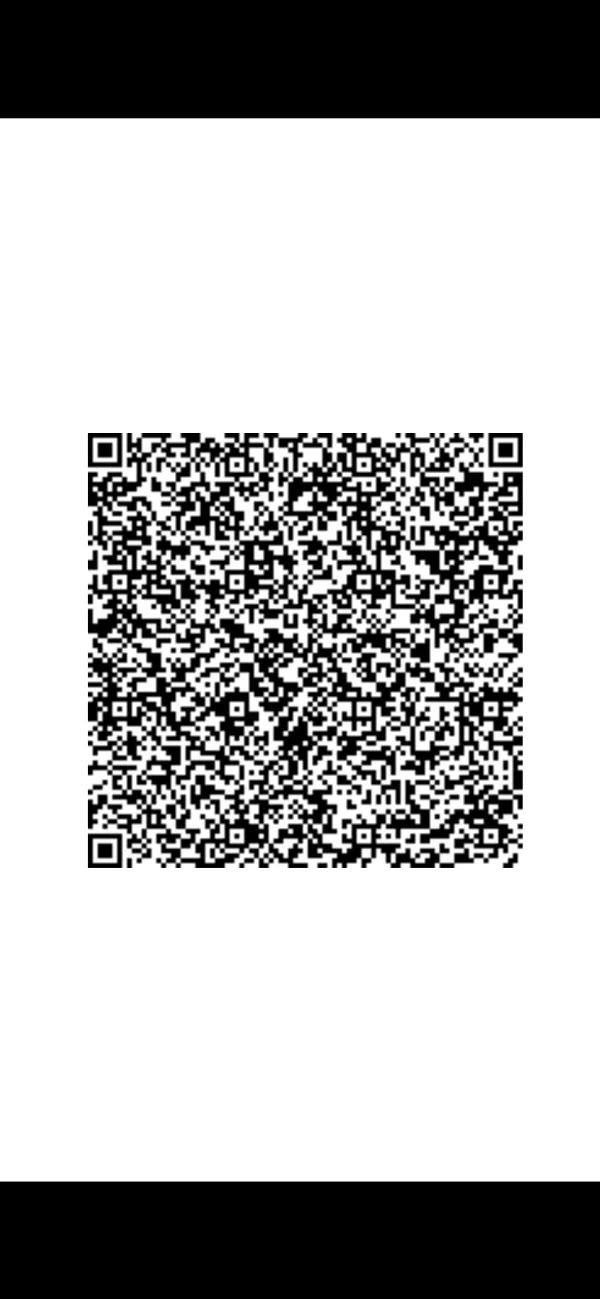
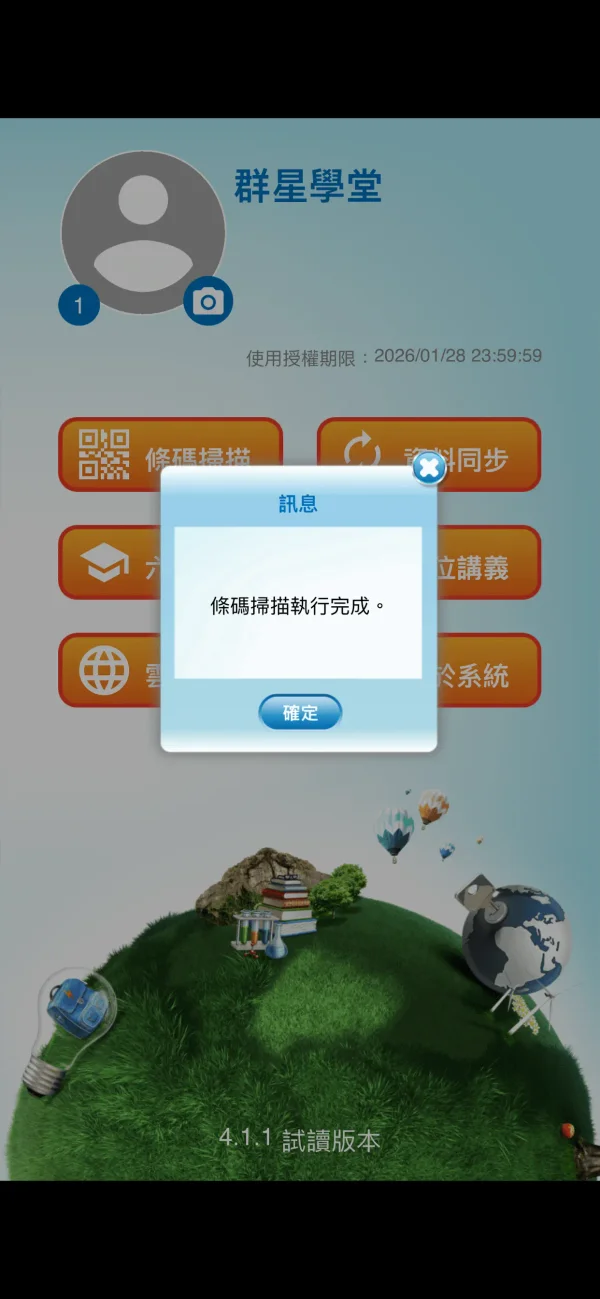
特別注意:安裝程序後需要點選『條碼掃描』功能,掃描商店第二張截圖 QRCode 圖檔,才能進行程序功能使用,謝謝。
利用數位雲端科技方式,取代傳統書包,讓學生能更輕便、愉快、以及隨時隨地便利有效地學習。
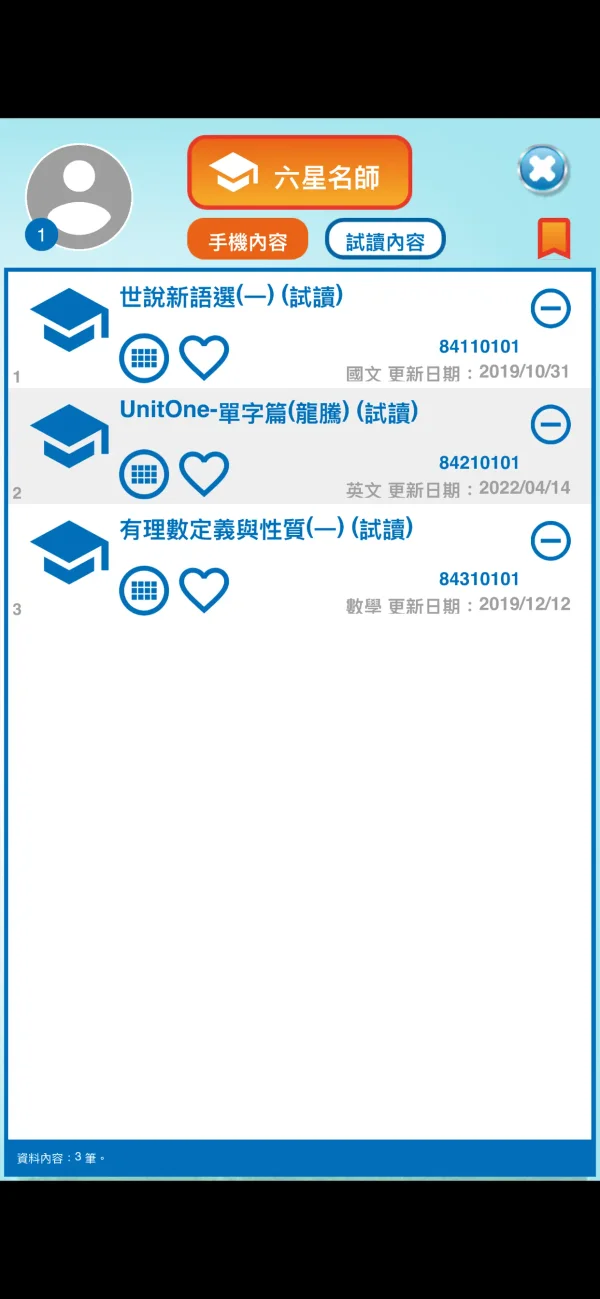
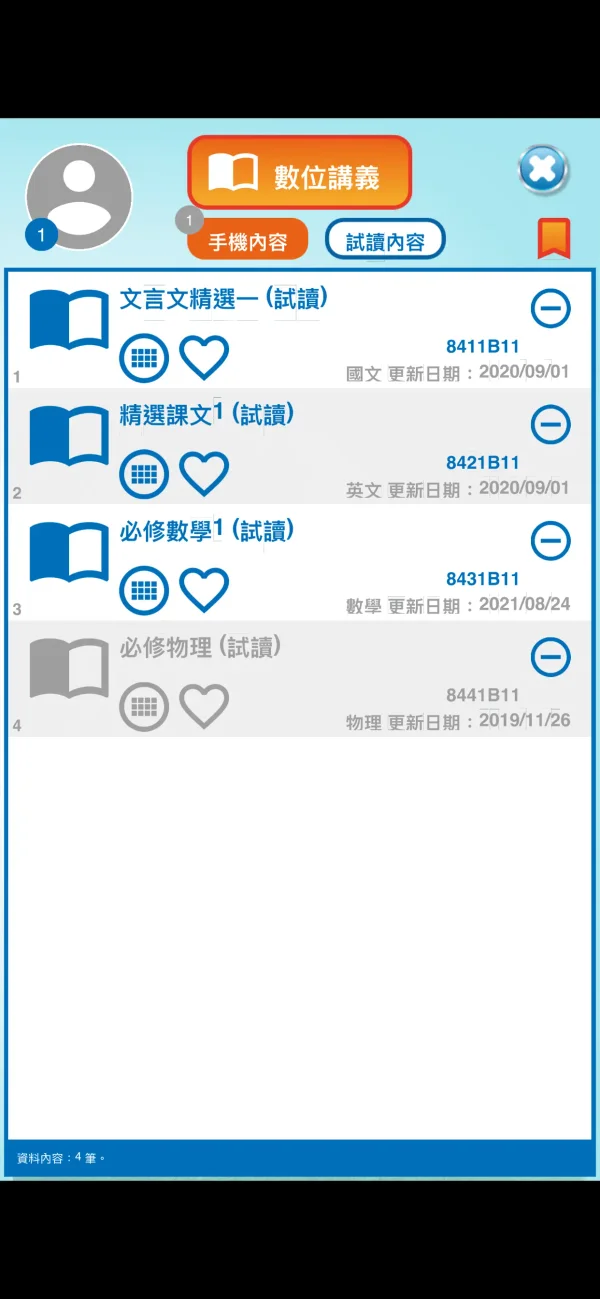
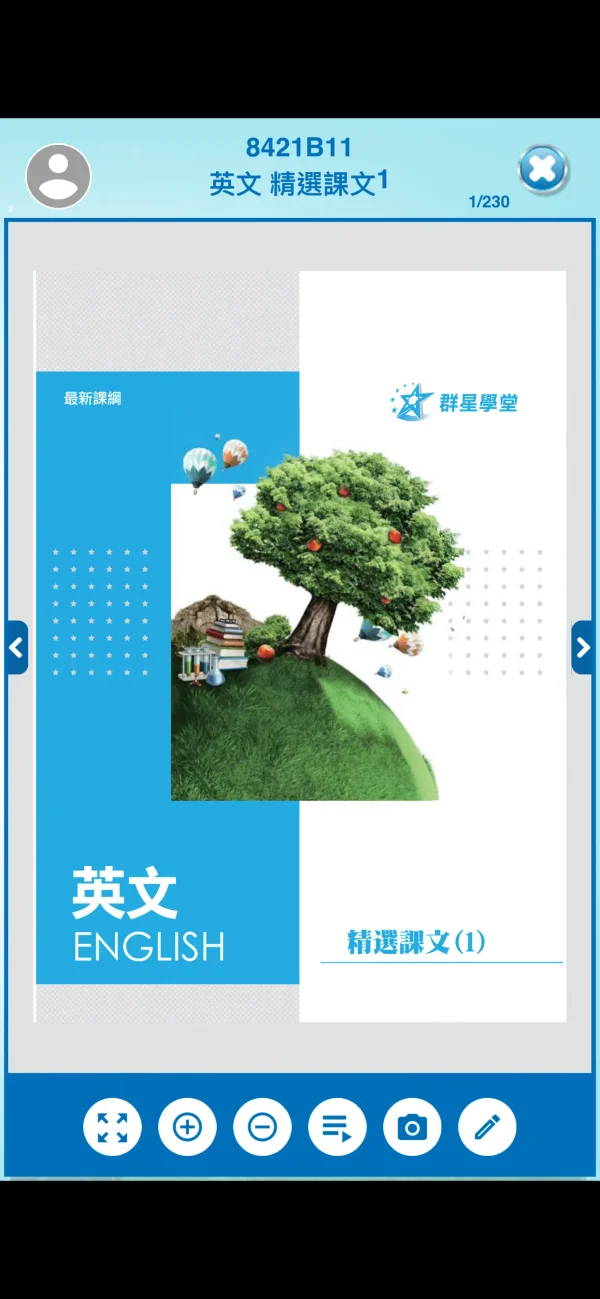
試讀教材包含『十個』科目的『影音教案(37個)』及『電子書(11本)』內容。
透過『截圖筆記』功能,能有效書寫繪製『影音教案』及『電子書』筆記內容。
操作步驟:
1.『條碼掃描』經由掃描 QRCode 條碼選擇連線雲端伺服器。
2.『六星名師』選擇『影音教案』試讀教材內容。
3.『數位講義』選擇『電子書』試讀教材內容。
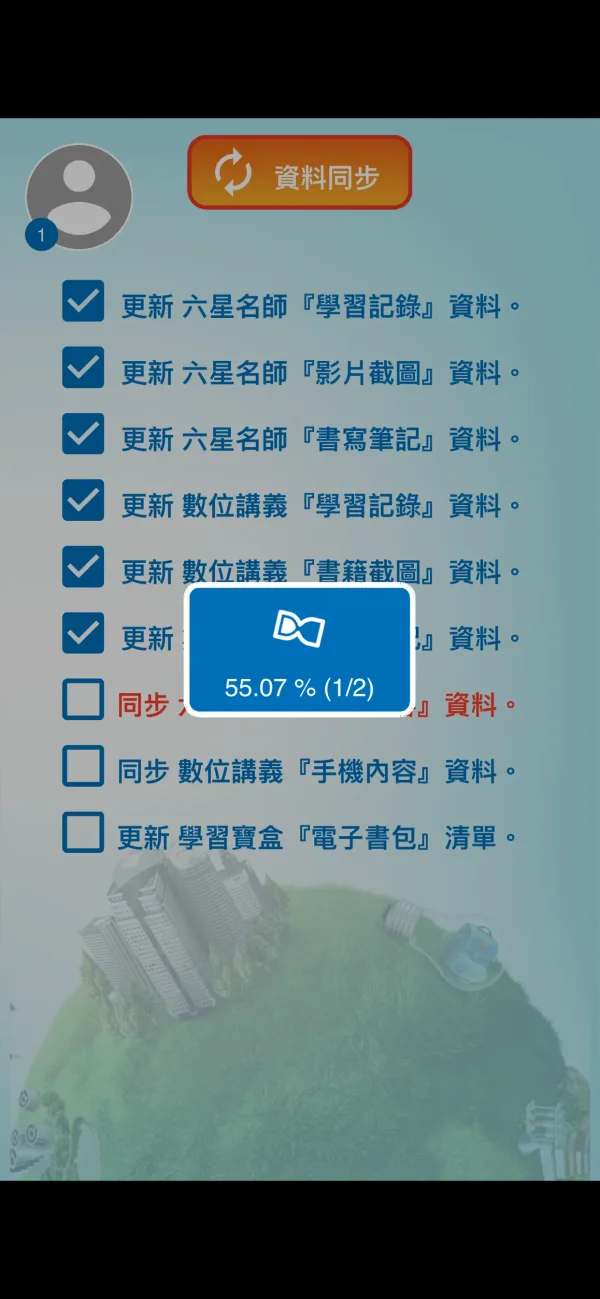
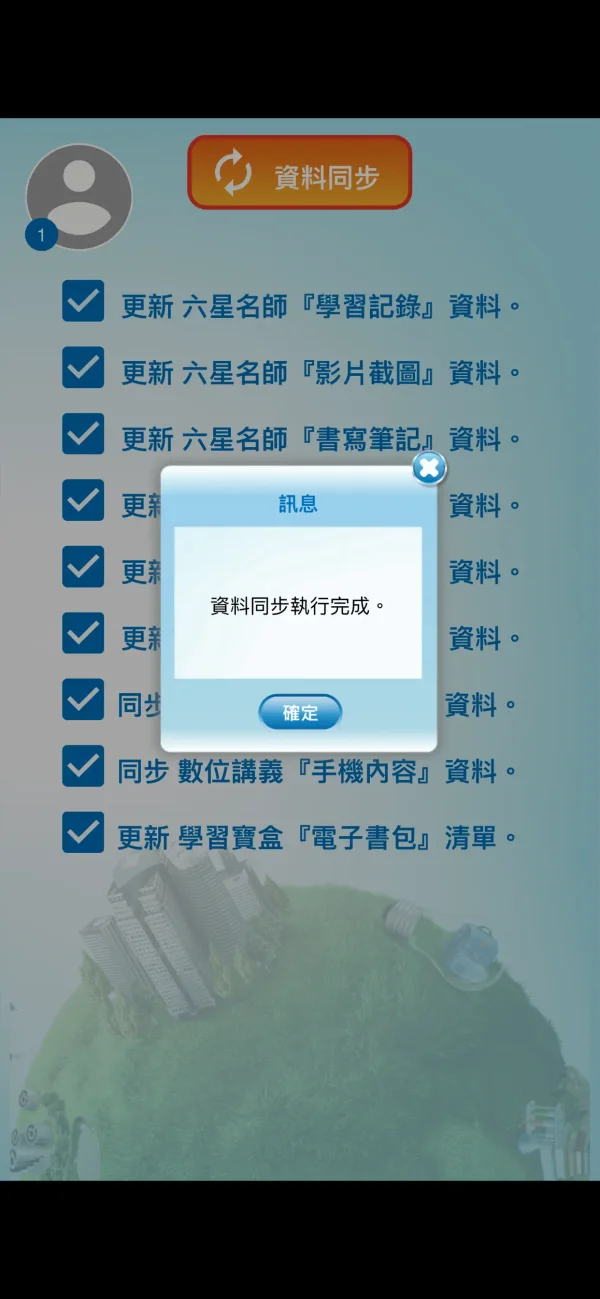
4.『資料同步』透過 WiFi 網路下載選擇試讀教材內容。
注意事項:
1.與雲端伺服器『資料同步』後,就能在沒有 WiFi 無線網路連線情境下使用試讀教材內容。
2.每次『條碼掃描』後,可以離線使用七天,超過時間只需再次『條碼掃描』即可繼續使用。
3.『試讀版本』每次只能選擇『影音教案』『十個』及『電子書』『十本』教材內容,如需再選擇其他內容,則需先刪除先前選擇內容,之後再行選擇其他內容。
4.本程式僅為『試讀版本』教材內容,『雲端伺服器』不保留用戶任何『學習紀錄』或『筆記內容』資料。
What’s new
Version 4.1.7 · May 25, 2026
優化『數位筆記』繪圖畫筆工具,新增『撤銷』及『重做』按鈕。
調整程式標籤『高中電子書包』字樣。
App privacy
What Chi-Fu Liao declares on the App Store about how this app handles data.
-
Data not collected
The developer does not collect any data from this app.
Privacy practices may vary, for example with the features you use or your age.
Information
- Seller
- Chi-Fu Liao
- Category
- Education
- Version
- 4.1.7
- Updated
- May 25, 2026
- Released
- Mar 4, 2026
- Size
- 75.5 MB
- Requires
- iOS 15.0 or later
- Age rating
- 4+
- Languages
- Traditional Chinese
- Copyright
- © 廖啟甫