
- Age rating4+
- CategoryUtilities
- Developer宗挺 罗
- LanguagesEnglish
- Size29.6 MB
Links to the official App Store page
Download.org hosts no file of 小蓝书-定时消息. The button opens its official App Store page, published by 宗挺 罗. Listing last checked on Nov 18, 2026.
Screenshots
About
The developer has not provided this text in your language.
小蓝书 — 定时消息
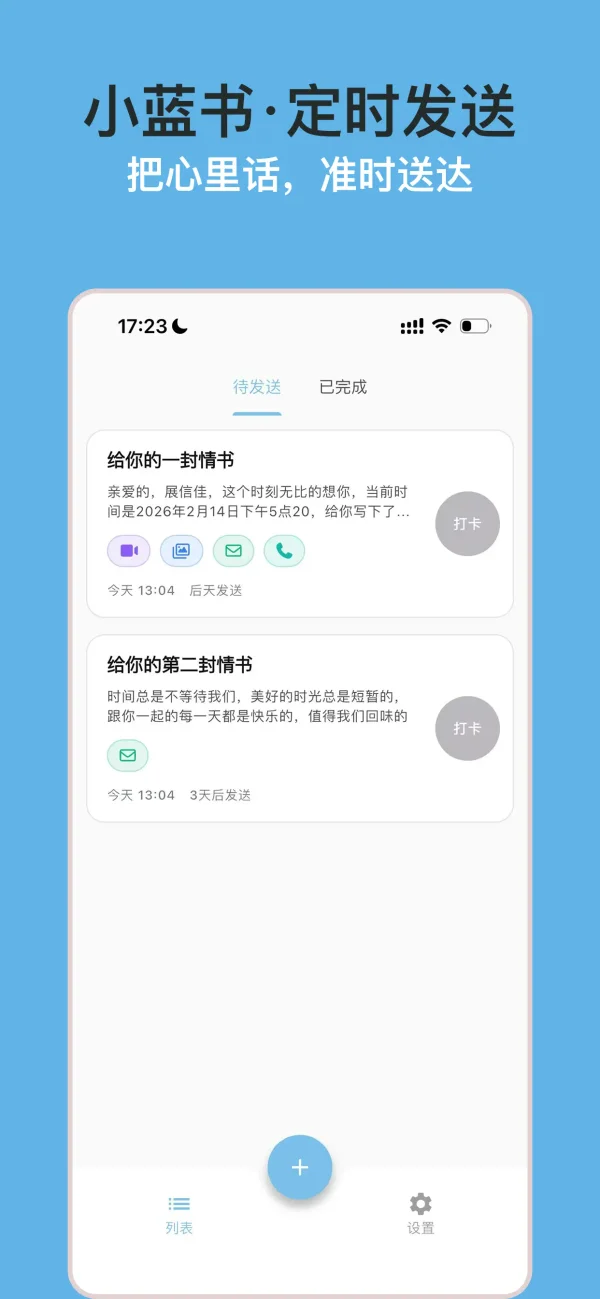
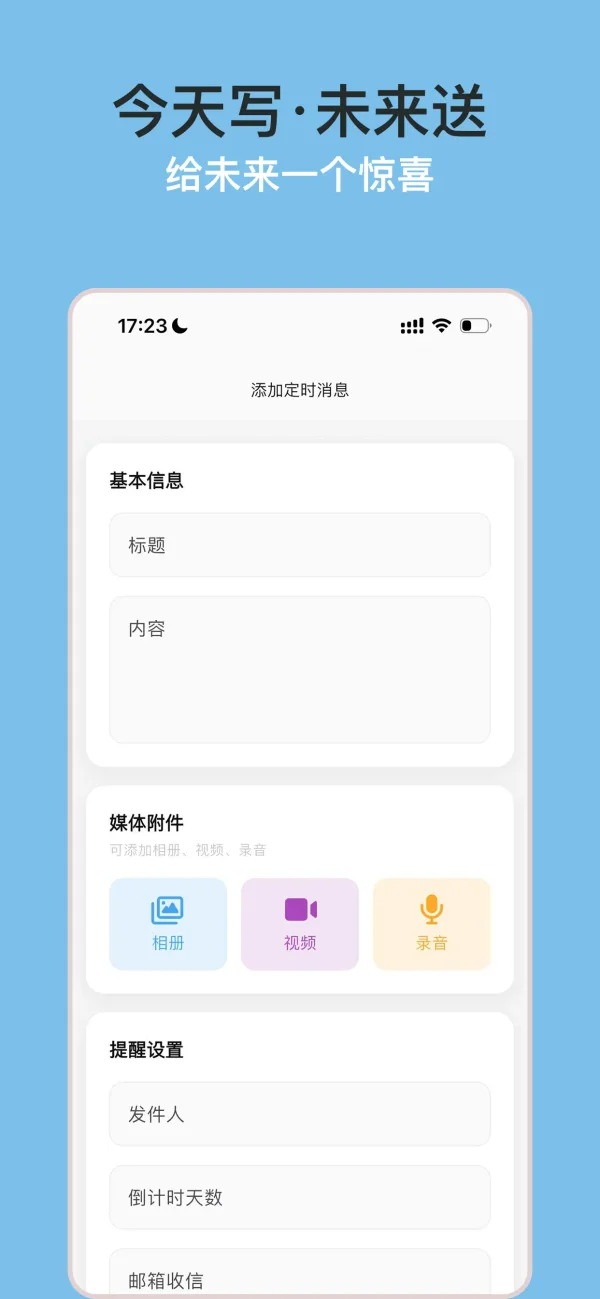
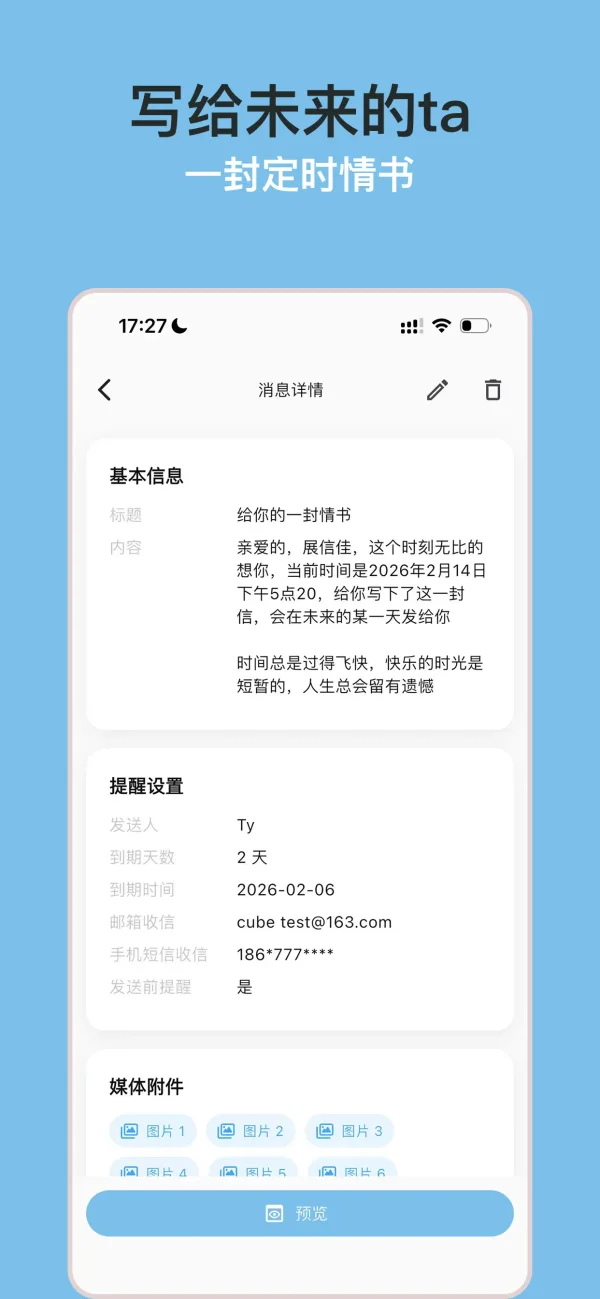
有些话想好了,但想等到那天再让对方看到?小蓝书就是帮你做这件事的。你先把消息写好、选好要发送的日期和时间,到了点会自动发到对方的邮箱或手机。对方点开链接、输入查验码就能看到,不会漏掉你的心意。
能做什么
两种发法,随你选:
固定时间:你选好「几月几日、几点」,到那个时刻就准时发。适合纪念日、生日这种日子很明确的情况。
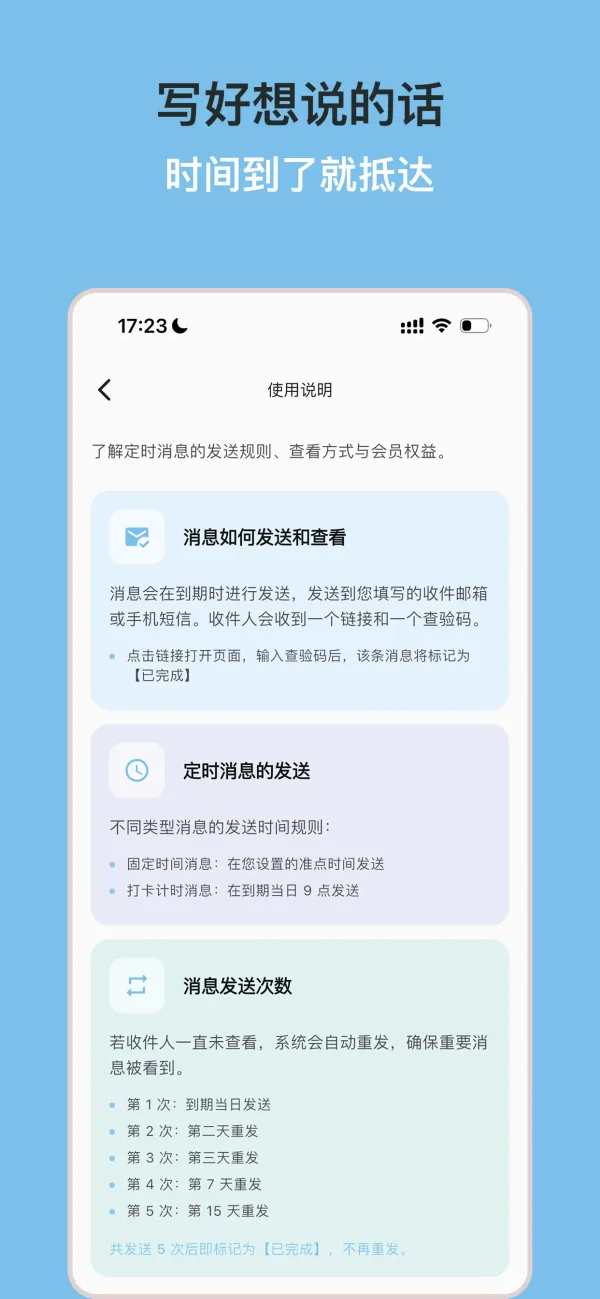
打卡计时:比如你设「10 天后发」,从今天开始倒计时;要是还没到期你又想延后,点一下【打卡】,就从当天重新算 10 天。发之前想延就打卡,很灵活。这类消息会在到期那天早上 9 点发出去。
对方怎么收到
到了时间,消息会发到你填的邮箱或手机号。对方会收到一个链接和查验码,点链接、输验证码,这条消息就标记成「已读」了。
要是对方一直没看,我们也会帮你多发几遍提醒:到期当天、第二天、第三天、第七天、第十五天各发一次,一共 5 次,尽量让 ta 看到。
发之前会提醒你
消息快要发出去的前一天,我们会用邮箱或短信提醒你一声,让你心里有数。
适合什么时候用
纪念日、生日想准点送祝福;有些话想「X 天后再跟 ta 说」;或者日子还没定、想用打卡慢慢往后挪……都可以。写一次,设好时间,剩下的交给小蓝书就行。
App privacy
What 宗挺 罗 declares on the App Store about how this app handles data.
-
Data not linked to you
May be collected but is not linked to your identity.
- Contact info
- Identifiers
Privacy practices may vary, for example with the features you use or your age.
Information
- Seller
- 宗挺 罗
- Category
- Utilities
- Version
- 1.0
- Updated
- Feb 12, 2026
- Released
- Feb 12, 2026
- Size
- 29.6 MB
- Requires
- iOS 13.0 or later
- Age rating
- 4+
- Price
- Free
- In-app purchases
- Yes
- Languages
- English
- Copyright
- © 立方创想