
- Age rating4+
- CategoryTravel
- DeveloperSHINICHI MARUO
- LanguagesJapanese+ 1 more
- Size6.8 MB
Links to the official App Store page
Download.org hosts no file of Meniru - 海外メニュー翻訳AIカメラ. The button opens its official App Store page, published by SHINICHI MARUO. Listing last checked on Nov 20, 2026.
Screenshots

About
Just photograph a restaurant menu in another language.
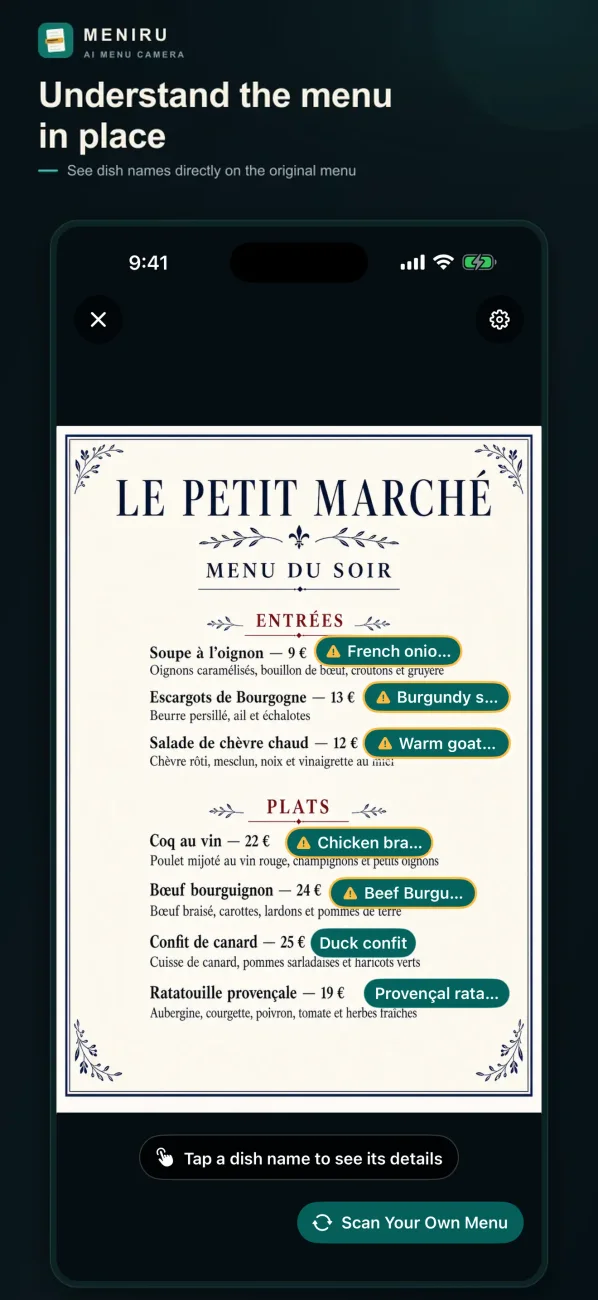
Meniru is an AI menu camera that places translated dish names directly over the original menu image.
There’s no need to compare the menu with a separate translation list. Each translated name stays with its dish, making it easier to understand which item is which.
KEY FEATURES
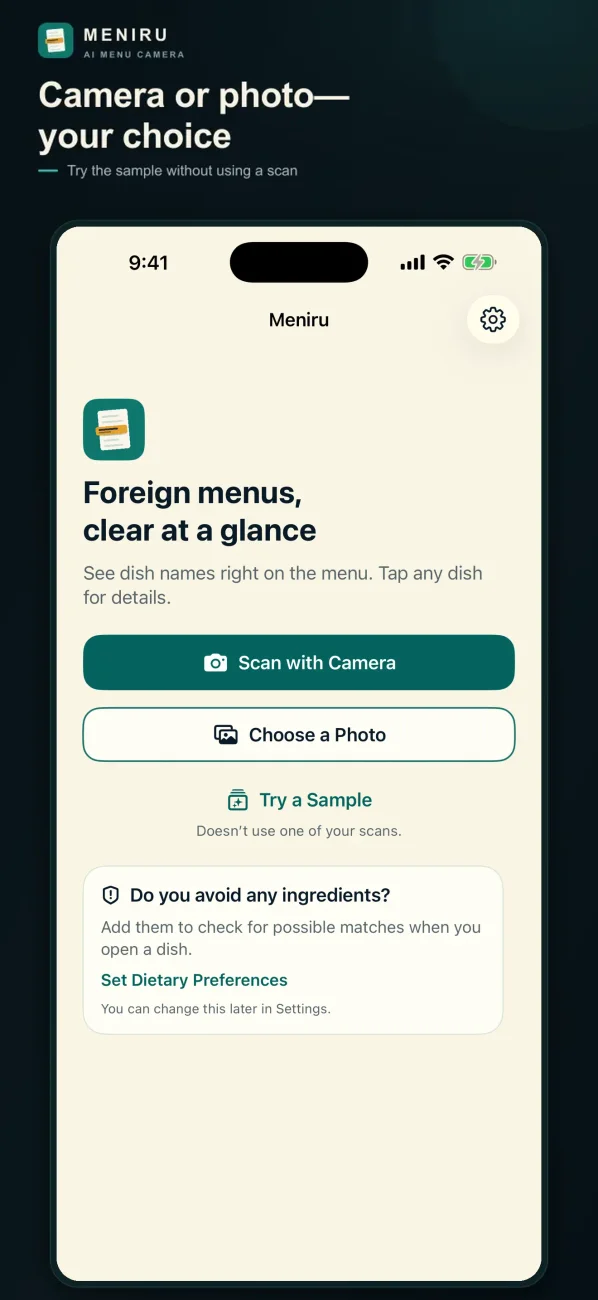
■ Scan with your camera or choose a photo
Photograph a menu in the moment, or import an existing photo or screenshot from your library.
■ See dish names directly on the menu
Translated dish names appear over their original positions instead of being rearranged into a separate list.
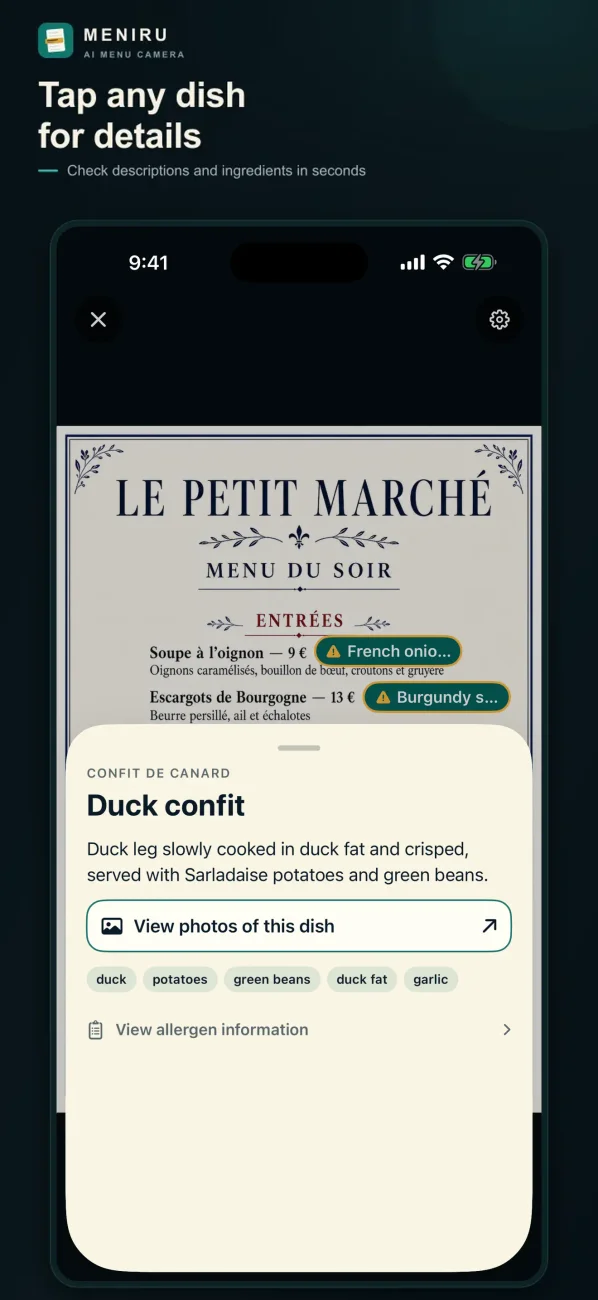
■ Tap any dish for details
Open a dish to see an explanation and possible ingredient clues. You can also open an image search to explore what the dish may look like.
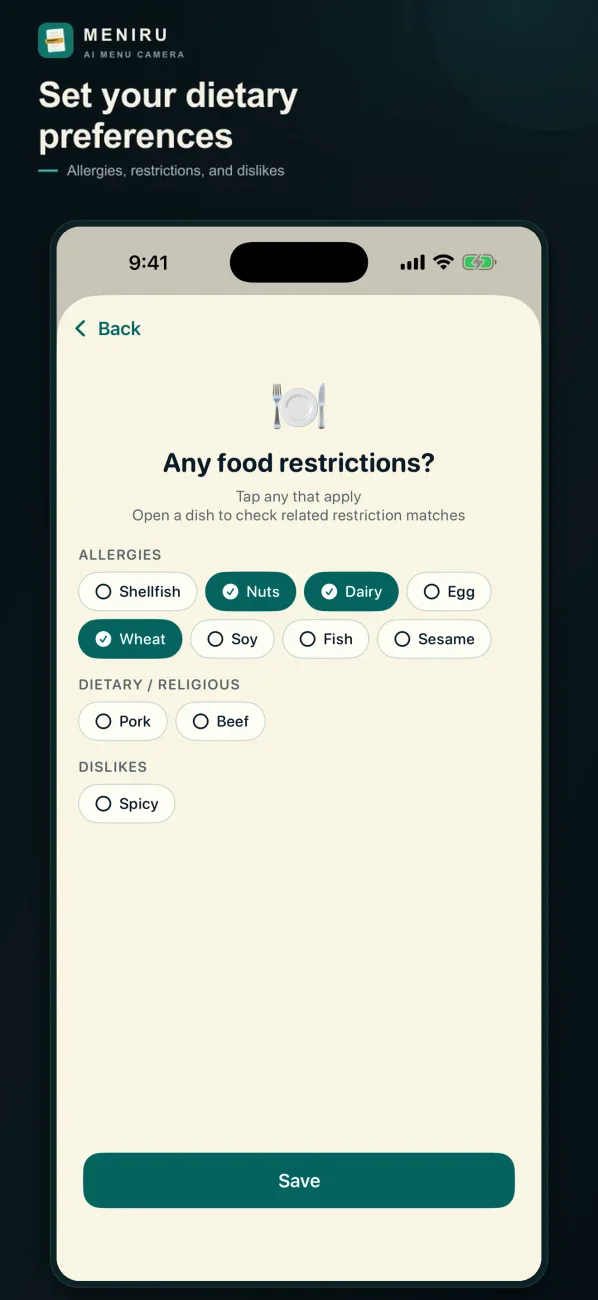
■ Check possible dietary matches
Save allergies, dietary preferences, or ingredients you avoid. When you open a dish, Meniru shows possible matches with your saved preferences.
■ Try the included sample
Explore a built-in sample menu and its dish details without using one of your scans.
PRICING
Try 3 menu scans free. After that, you can purchase scan packs whenever you need them. No subscription is required.
IMPORTANT INFORMATION
Menu analysis and dietary information are AI-generated reference information based on dish names and menu context.
Meniru cannot verify or guarantee actual ingredients, preparation methods, cross-contact, or safety. If no possible match is shown, this does not mean the dish is safe.
If you have allergies or other health-related dietary requirements, always confirm directly with the restaurant or its staff before ordering.
What’s new
Version 1.4.0 · Nov 15, 2026
Menus now appear in English, right on the photo.
• The text on your menu photo is translated in place, keeping the original layout
• Tap a dish name or the ⓘ button next to it to see details about the dish
• Switch back to the original menu at any time with Show Original
• Pinch to zoom in on the menu
App privacy
What SHINICHI MARUO declares on the App Store about how this app handles data.
-
Data linked to you
May be collected and linked to your identity.
- Purchases
- Identifiers
-
Data not linked to you
May be collected but is not linked to your identity.
- Purchases
- Location
- User content
- Identifiers
- Usage data
Privacy practices may vary, for example with the features you use or your age.
Information
- Seller
- SHINICHI MARUO
- Category
- Travel
- Version
- 1.4.0
- Updated
- Nov 15, 2026
- Released
- Feb 24, 2026
- Size
- 6.8 MB
- Requires
- iOS 17.0 or later
- Age rating
- 4+
- In-app purchases
- Yes
- Languages
- Japanese, English
- Copyright
- © 2026 Meniru
You might also like
-
 MenuGlass - Menu TranslatorMenu Lens: Scan & Translate
-
 BenchMapJapanTravel
-
 AIメニュー翻訳Travel
-
 Snaplat - AI Menu TranslatorSnap, translate, eat anywhere
-
 MenuView - Visual MenusAny menu. Any language.
-
 DlandTables: Mouse WatcherDining alerts for theme parks
-
 Allergy Travel Cards - AllergoTranslate Celiac & Allergies
-
 emo - AI Menu TranslatorScan & Translate Food Menus
-
 Menu Translator AI: MenuGuideMenu Scanner, Photos & Allergy