
- Age rating4+
- CategoryLifestyle
- Developer光福 时
- LanguagesEnglish
- Size71.5 MB
Links to the official App Store page
Download.org hosts no file of 手机音频剪辑 - 视频提取音频、快剪辑大师. The button opens its official App Store page, published by 光福 时. Listing last checked on Nov 21, 2026.
Screenshots


About
The developer has not provided this text in your language.
不想看复杂教程?想做视频配音但不会用专业软件?
手机音频剪辑为你提供最简单直接的音频处理方案。
界面清爽,功能硬核,轻松上手,人人都是音频高手。
核心功能:
音频裁剪: 毫秒级精度,轻松掐头去尾,删除静音段落,拼接多段音频,让作品节奏干净利落。
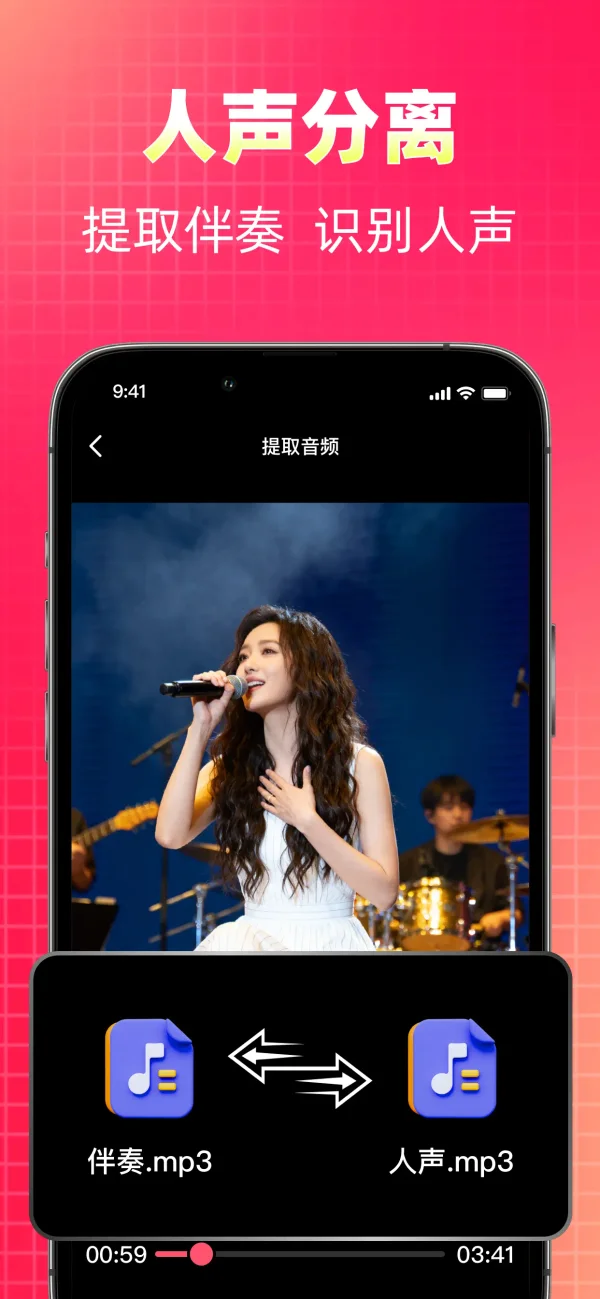
人声伴奏分离: 一键“提取人声”制作清唱干声,或一键“提取伴奏”获取纯享版背景音乐。
混音创作: 支持多轨道混音,将人声、伴奏、音效自由叠加。打造属于你的立体声场。
录制音频: 内置高品质录音引擎,支持录制人声、乐器或外部环境音,低延迟、高保真。
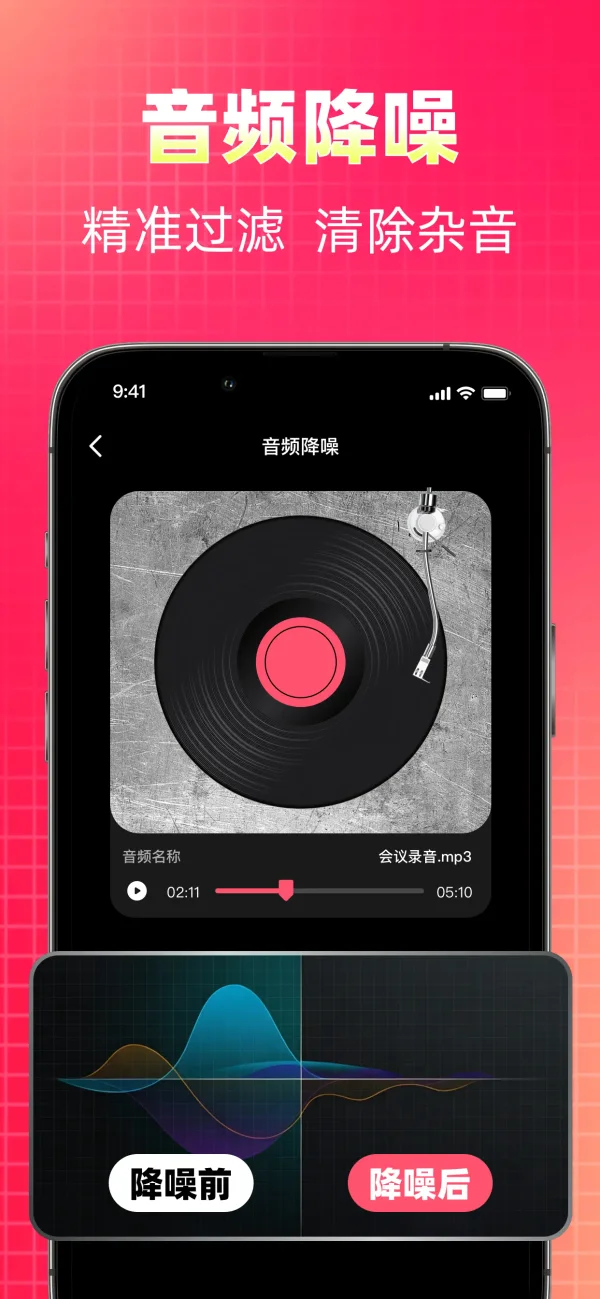
音频降噪: 智能算法精准识别并去除风声、电流声、底噪等杂音,增强录音纯净度。
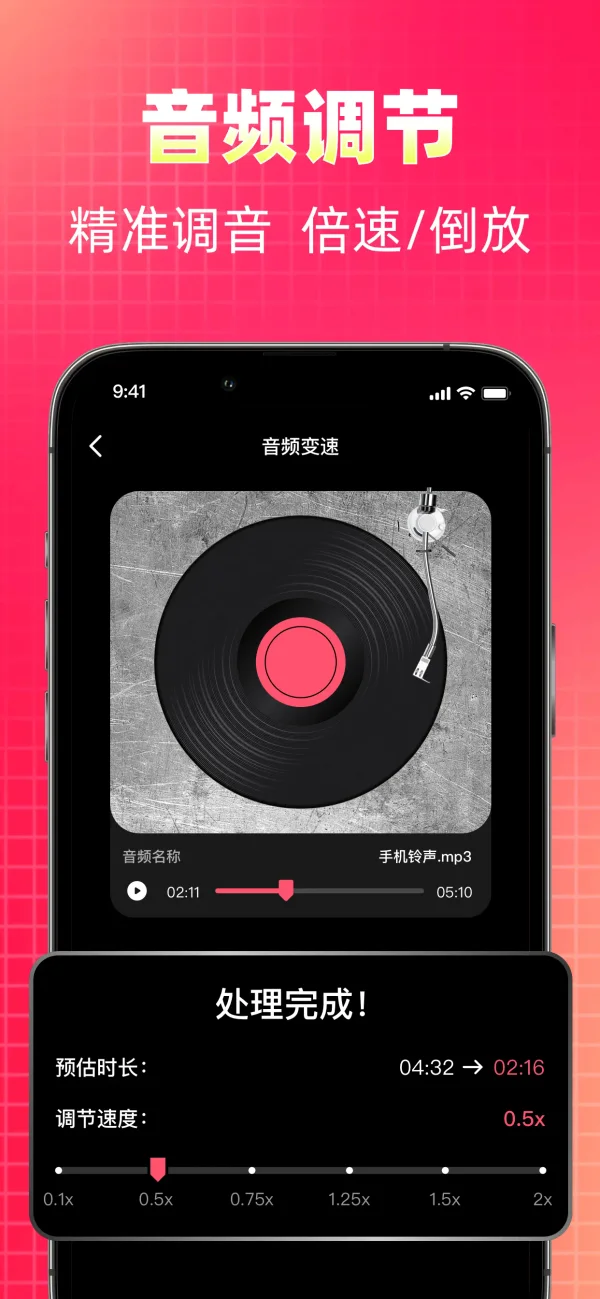
变速变调: 支持“音频变速”,0.5倍至3倍速自由调节,无论是慢速精听还是极速卡点,音质依然清晰。
音频倒放: 一键实现“音频倒放”,创造独特的鬼畜效果、神秘前奏或创意音效。
音量调节: 支持整体“音量调节”,实现声音的淡入淡出,让过渡更加自然。
音频压缩: 导出高质量压缩文件,在不损伤听感的前提下减小体积,方便分享。
隐私政策
https://ycnborvcvtdx.feishu.cn/wiki/WUO7wKsxNiQHKMkhMo2c4rl9nxg?from=from_copylink
使用条款
https://ycnborvcvtdx.feishu.cn/wiki/C5VSwnkUjipRSskS9WYc3QSbnKf?from=from_copylink
What’s new
Version 1.3 · Sep 1, 2026
-优化音频剪辑性能
-解决操作台卡顿的问题
App privacy
What 光福 时 declares on the App Store about how this app handles data.
-
Data used to track you
May be used to track you across apps and websites owned by other companies.
- Identifiers
-
Data linked to you
May be collected and linked to your identity.
- Identifiers
-
Data not linked to you
May be collected but is not linked to your identity.
- User content
Privacy practices may vary, for example with the features you use or your age.
Information
- Seller
- 光福 时
- Category
- Lifestyle
- Version
- 1.3
- Updated
- Sep 1, 2026
- Released
- Mar 27, 2026
- Size
- 71.5 MB
- Requires
- iOS 15 or later
- Age rating
- 4+
- In-app purchases
- Yes
- Languages
- English
- Copyright
- © shiguangfu
You might also like
-
 六六好房-新房分销,海量新房楼盘,结佣快,有保障Lifestyle
-
 Cloud Baby Monitor - Nanny CamHD Video Camera WiFi 3G 4G 5G
-
 悬浮提词器:不用担心记不住文案Lifestyle
-
 绘颜相机-AI修图美颜美妆Lifestyle
-
 Playing withAccompanying in the same city
-
 新电途-新能源汽车在线找站电动车扫码充电Lifestyle
-
 阳光车·生活Lifestyle
-
 HeartEase: Heart Rate TrackerHeart Rate, BP & Glucose Log
-
 随时语音找手机Lifestyle
-
 一键语音打车Lifestyle