
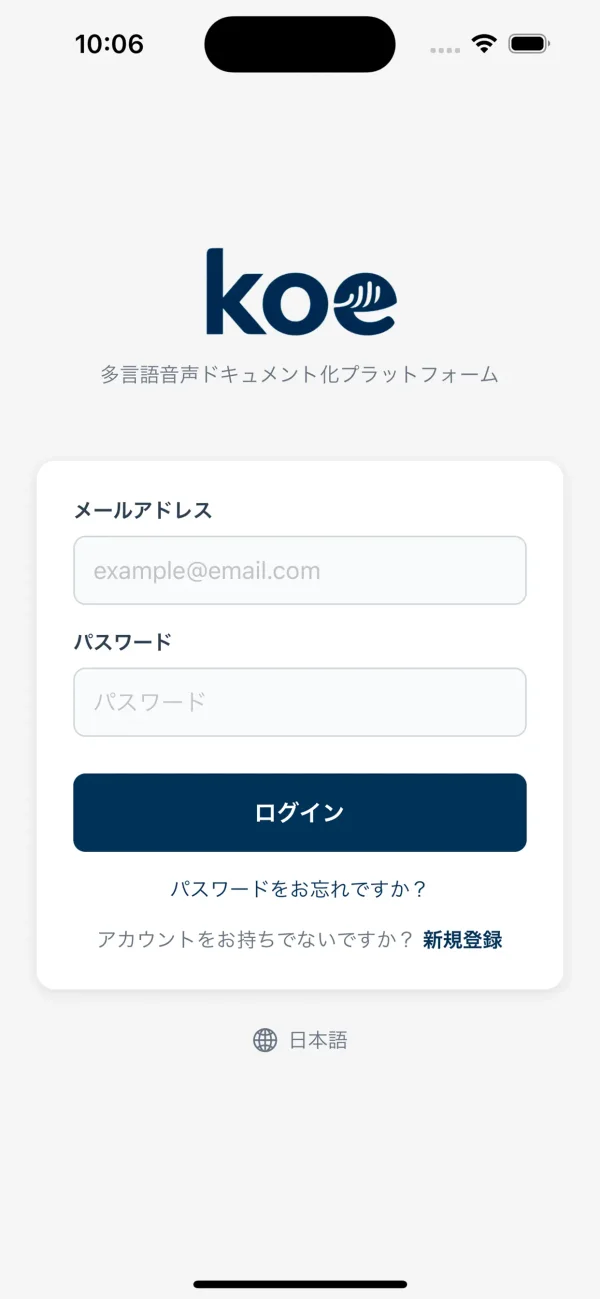
koe | 声を、世界のドキュメントに。
録音から議事録・翻訳までAI自動生成
Designed for iPhone, iPad, iPod touch
In-app purchases
- Age rating4+
- CategoryProductivity
- Developer株式会社HARO
- LanguagesEnglish
- Size39.3 MB
Links to the official App Store page
Download.org hosts no file of koe | 声を、世界のドキュメントに。. The button opens its official App Store page, published by 株式会社HARO. Listing last checked on Nov 16, 2026.
Screenshots



About
Make multilingual meetings smarter.
koe is an AI meeting-notes app that records your audio and automates everything from minutes to multilingual translation. It supports 12 languages including Japanese, English, Vietnamese, Korean, Thai, and Chinese, making it ideal for workplaces with international staff, overseas meetings, and globally expanding teams.
Problems koe solves
- Writing meeting minutes takes too long
- Language barriers in meetings with international staff
- Sharing what was said in a recorded meeting is a hassle
- Minutes are needed in more than one language
- Technical terms get translated inconsistently
koe solves all of these at once.
Key features
Accurate speech-to-text
State-of-the-art AI speech recognition delivers accurate transcription even in noisy environments. Speaker separation identifies who said what at a glance.
AI-generated minutes
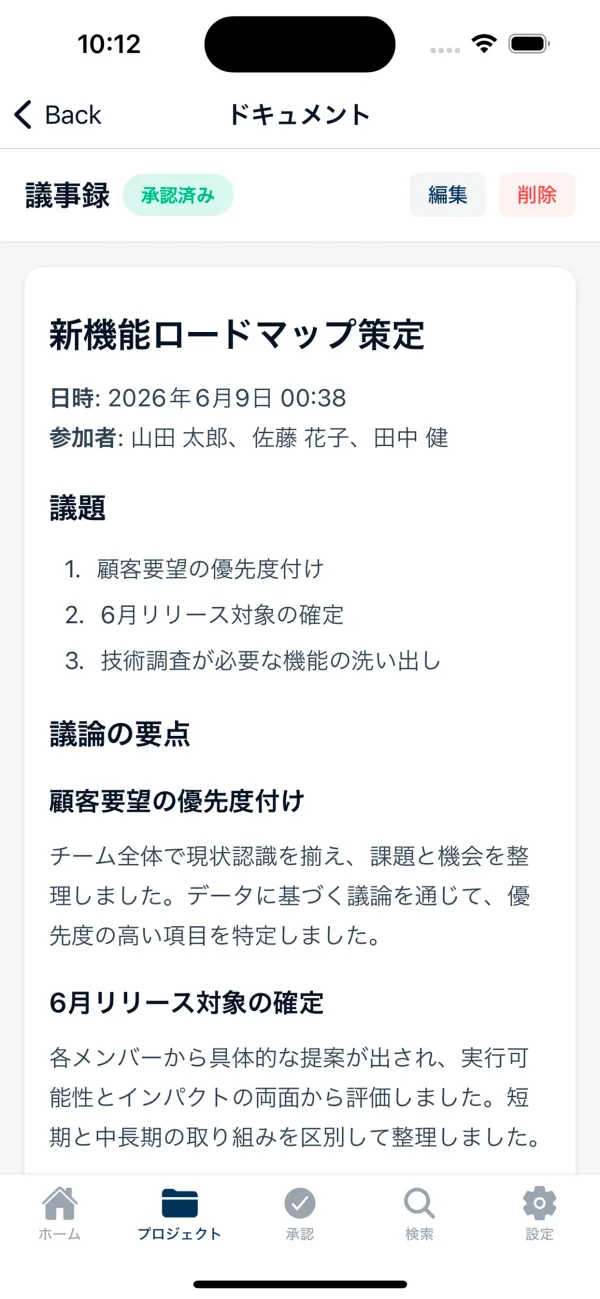
From the transcript, koe automatically produces minutes organized into agenda, key points, decisions, and action items. Output is in Markdown, ready to use as a document.
Multilingual translation
Translate minutes into several languages at once. Share a Japanese meeting as English and Vietnamese minutes, and information flows smoothly across a multinational team.
Better quality with glossaries
Register industry and in-house terms to improve translation and summary accuracy, and keep wording consistent across your team.
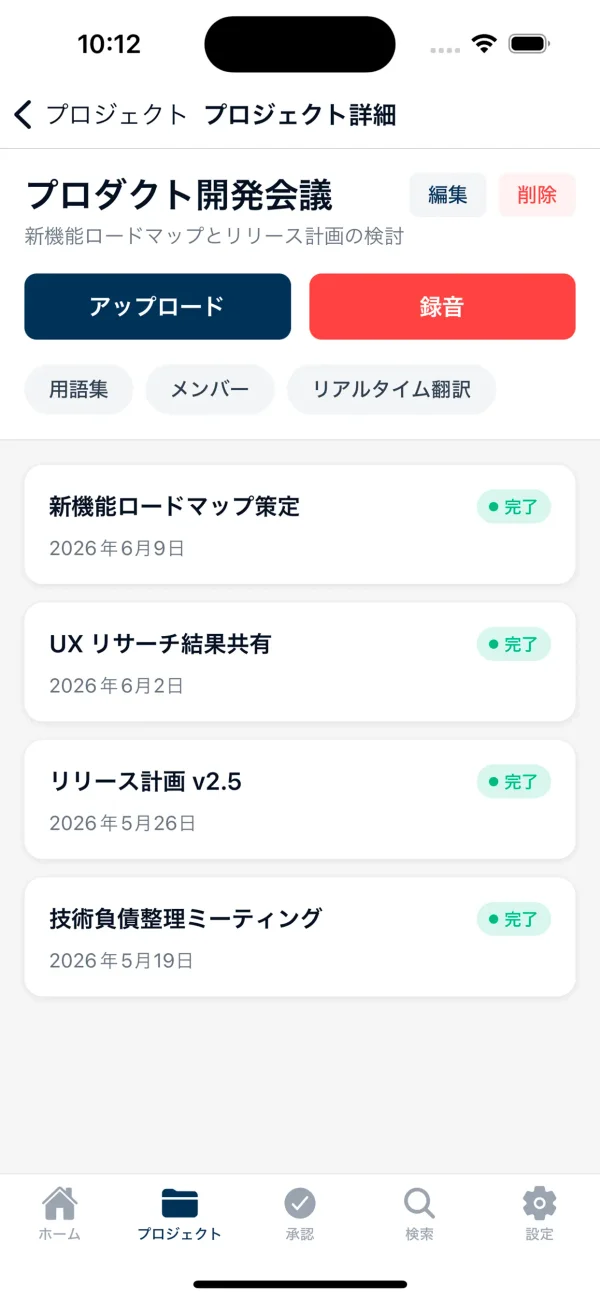
Organize meetings in workspaces
Group meetings by workspace. Default and target languages are set per workspace, so there is nothing to configure each time.
Team sharing and workflow
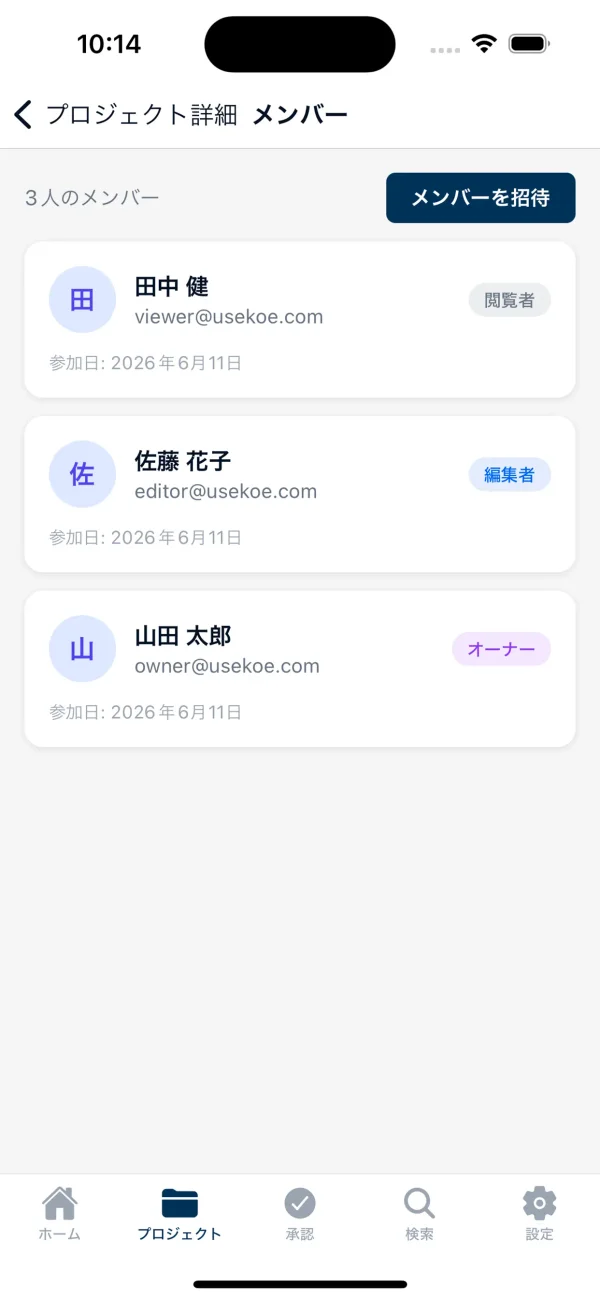
Owner, editor, and viewer permissions are supported. A built-in approval flow for minutes makes koe ready for organizational use.
Real-time translation
See translations of speech while recording. Even in face-to-face meetings with international staff, everyone follows along as the conversation happens.
Schedule management
Check your meeting schedule in a calendar. External calendar integration brings in events you manage in other tools.
PDF export
Export finished minutes as PDF. Distributing internally or sharing with clients takes one tap.
Supported languages (12)
Japanese, English, Vietnamese, Korean, Thai, Spanish, Chinese, Indonesian, Nepali, Portuguese, Burmese, Sinhala
Where koe works best
- Manufacturing and service businesses with international staff
- International meetings at companies with overseas offices
- Startups expanding globally
- Remote meetings for multinational teams
- Negotiations and discussions through an interpreter
- Online meetings with overseas clients
Take your multilingual team communication to the next level. Try koe today.
-----------------
[Features for business contract customers]
Customers with a business contract can use CRM (customer and deal management)
and project management inside the app. Meeting minutes and customer and deal
information are managed together in one place, and you can track project
progress, milestones, and maintenance work logs. Photo text recognition for
whiteboards and documents, and an AI assistant that registers tasks when you
ask, are also included.
* These features require a separate business contract. Please contact us if
you are considering adoption.
[Getting started]
Account registration and use of this app are free.
Please contact support if you have any questions.
[Terms of Use]
https://usekoe.com/terms
[Privacy Policy]
https://usekoe.com/privacy
[Company]
HARO Inc.
What’s new
Version 2.3.3 · Nov 11, 2026
- After scanning a business card, you can now tap "Add to Contacts" to save it to your phone's contacts. Name, phonetic name, company, department, title, email, phone, mobile, fax, address, and website are copied.
- The home and task screens now show "This week's advice", delivered every Monday based on last week's daily reports and tasks.
- In the schedule's day view, external calendar events now show their end time. Events spanning midnight also show the end date in their details.
App privacy
What 株式会社HARO declares on the App Store about how this app handles data.
-
Data linked to you
May be collected and linked to your identity.
- Contact info
- User content
- Identifiers
Privacy practices may vary, for example with the features you use or your age.
Information
- Seller
- HARO K.K.
- Category
- Productivity
- Version
- 2.3.3
- Updated
- Nov 11, 2026
- Released
- Jun 11, 2026
- Size
- 39.3 MB
- Requires
- iOS 15.1 or later
- Age rating
- 4+
- In-app purchases
- Yes
- Languages
- English
- Copyright
- ©2026 HARO, Inc.
You might also like
-
 JobLog - Application Trackertrack jobs you've applied to
-
 オンヤク(V2) - 音声翻訳(Onyaku)Productivity
-
 Market-SiS QUICKProductivity
-
 CapLearning: Learn EverythingLearning on Lockscreen
-
 AI音声文字起こし-録音で会議の議事録を無限に自動文字起こしProductivity
-
 System DesignerDesign First. Then Code.
-
 myShiftWork - Roster CalendarCalendar for shift workers
-
 音声メモアプリProductivity
-
 Meowchi: Cute Cat Focus TimerADHD Pomodoro & Study Buddy
-
 Live Vietnamese Translator +Translate Voice, Photo & Text