- Age rating4+
- CategoryUtilities
- DeveloperPEI HSUAN CHIANG
- LanguagesEnglish+ 1 more
- Size2.8 MB
Links to the official App Store page
Download.org hosts no file of 離線翻譯. The button opens its official App Store page, published by PEI HSUAN CHIANG. Listing last checked on Nov 23, 2026.
Screenshots

About
Translate with your voice, your camera, and your vocabulary notebook — all without sending a single byte to the internet.
Offline Translator is a privacy-first, on-device translator for 14 languages — Traditional Chinese, English, Japanese, Korean, German, French, Spanish, Thai, Vietnamese, Portuguese, Italian, Indonesian, Dutch and Turkish — built on Apple's native Translation framework. No account. No ads. No tracking. Nothing leaves your phone.
WHY OFFLINE TRANSLATOR
Most translators ship your most sensitive moments — travel notes, medical phrases, contract clauses — straight to a foreign server. Offline Translator doesn't. Every translation happens on-device, powered by Apple's Neural Engine. Turn your phone to airplane mode and it still works.
FIVE WAYS TO TRANSLATE
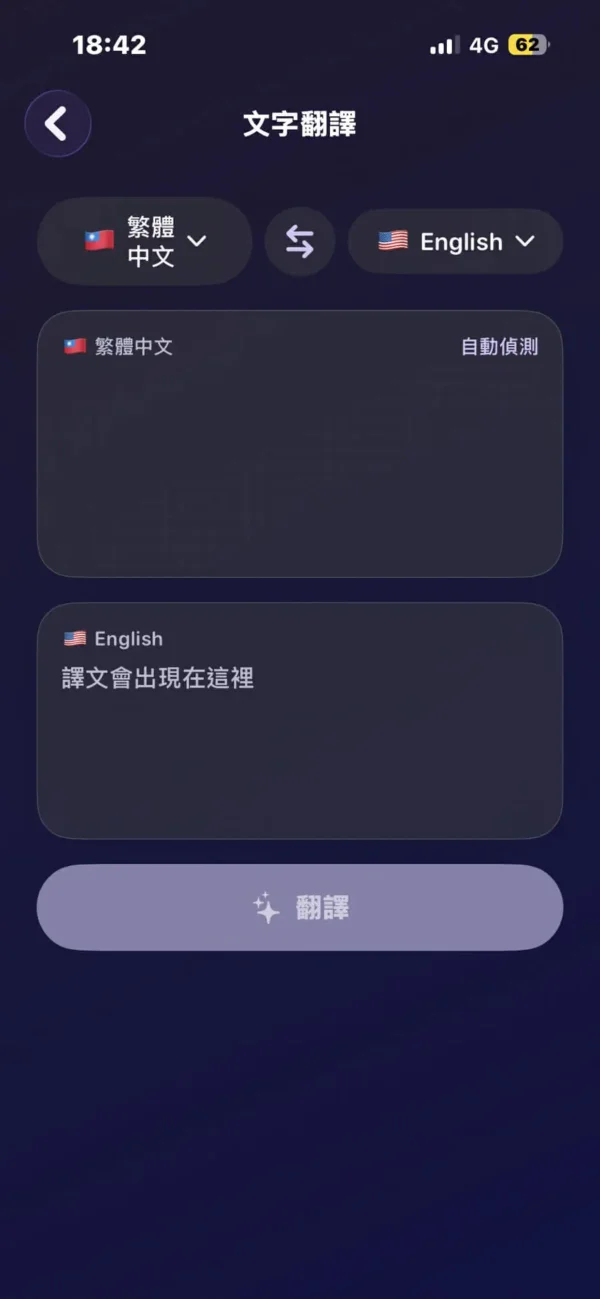
1. Text. Type or paste. Character counter, save to vocabulary, copy with one tap.
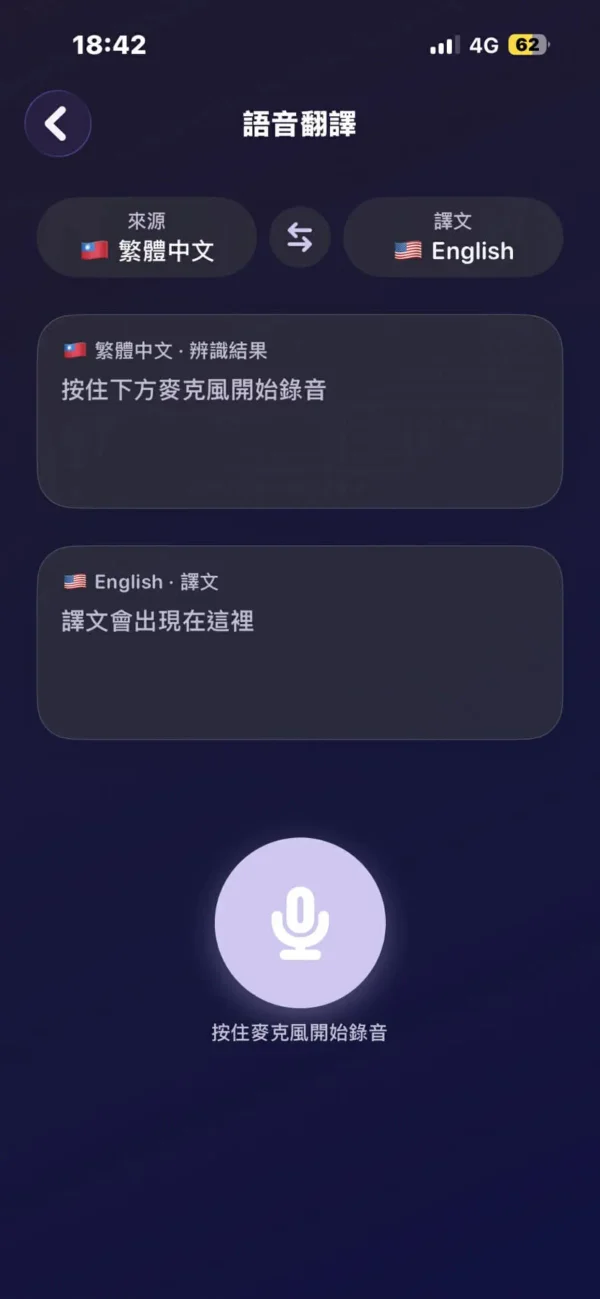
2. Voice. Hold to speak, release to translate. Haptic feedback guides you. Speech recognition runs on-device only.
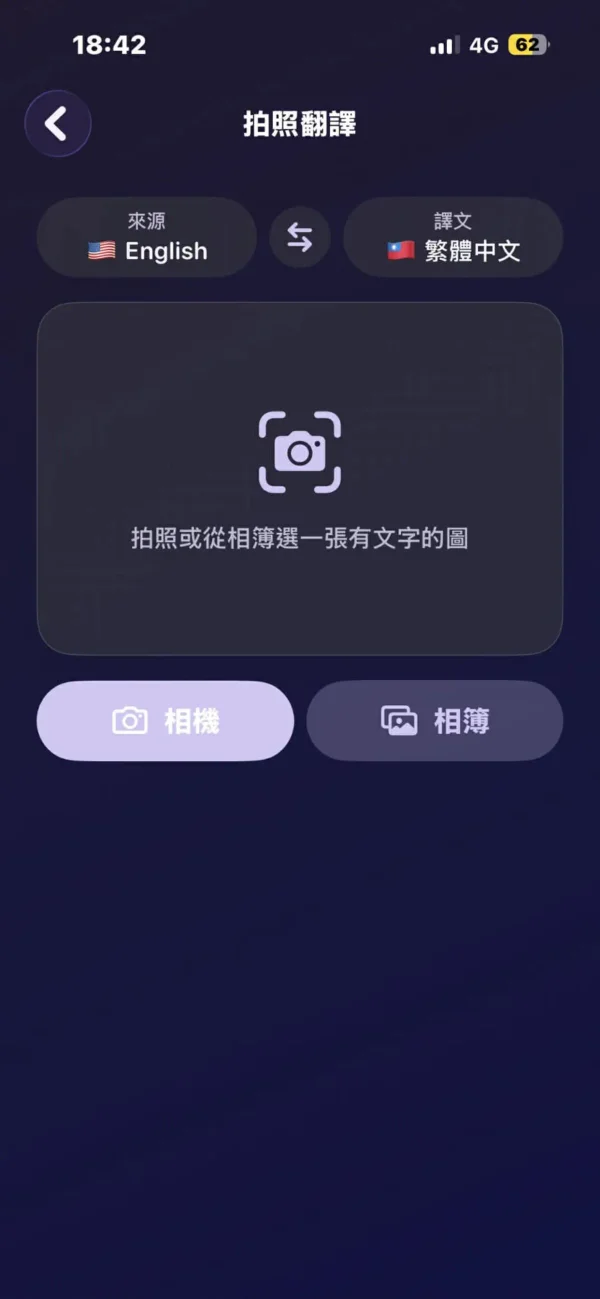
3. Camera. Point your camera at a menu, sign, or textbook page and see translations overlaid live. Tap the shutter to freeze a single frame, or pick an image from your photo library. Vision OCR and translation both run on-device.
4. Hands-free listening. No button to hold: when the other person finishes a sentence, the translation appears in large, readable text. Conversation mode has a hands-free option too. Needs offline speech recognition for the language.
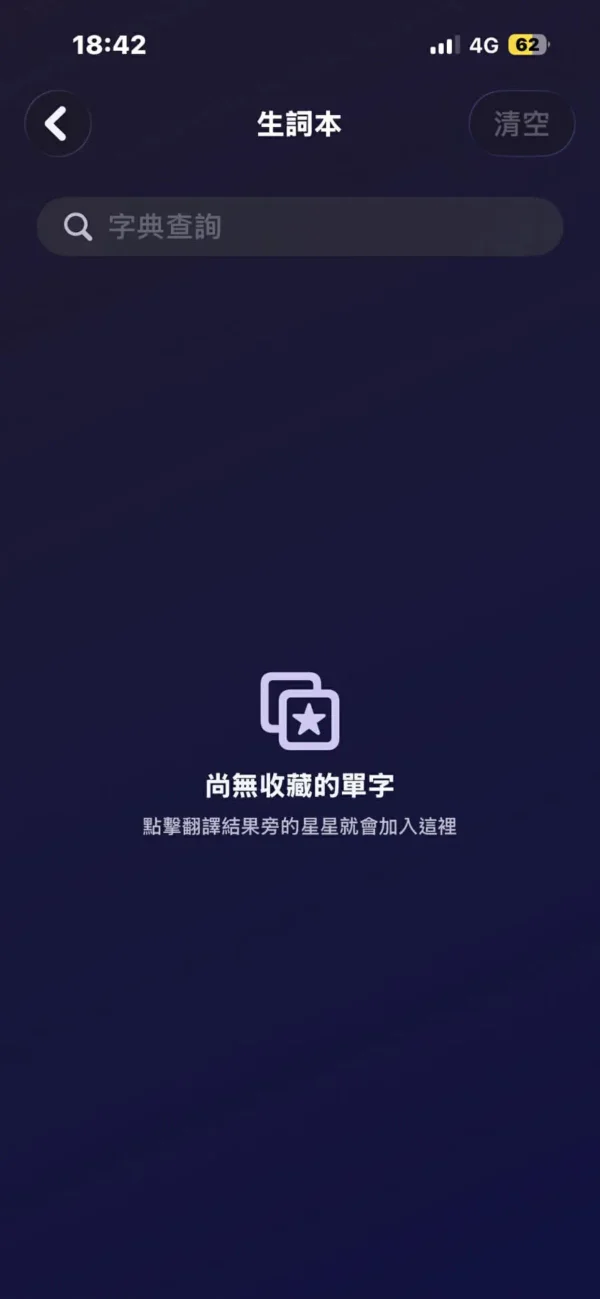
5. Dictionary / Vocabulary. Save any word or phrase with one tap. Revisit your saved list, grouped by date.
DEEPLY INTEGRATED WITH iOS
- Share Extension — translate any selected text from Safari, Notes, Messages
- Siri Shortcuts — "Translate text" and "Translate clipboard" via App Intents
- TipKit onboarding — discover features naturally
- Default screen — choose which feature opens when you launch the app
- Dark Mode and VoiceOver labels
PRIVACY YOU CAN READ
- Zero network calls (except Apple's own language pack download)
- Zero third-party SDKs / analytics / ads
- No account, no login, no email required
- All vocabulary and history stay in your device's SwiftData store
REQUIREMENTS
- iPhone with iOS 18.0 or later (Turkish requires iOS 18.4)
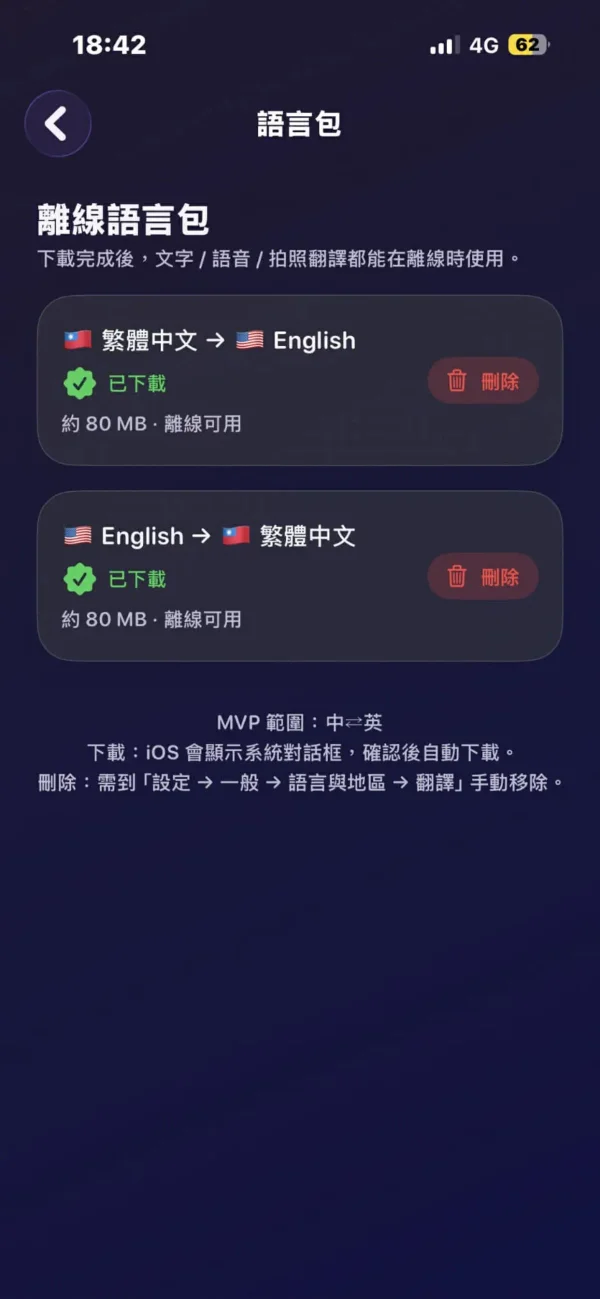
- First-time use downloads Apple's Chinese & English language packs
What’s new
Version 1.5.1 · Nov 11, 2026
v1.5.1: speech recognition stays on your device
PRIVACY
- Press-and-hold voice input no longer falls back to cloud speech recognition for some languages. If your iPhone has no offline recognition for a language, the app now says so instead of recording or uploading anything.
- This applies to Speech and Conversation. Hands-free modes already worked this way, and their messages were updated.
- Translation and speech recognition both stay on your phone. Zero data upload.
FIXES
- The language pack screen now shows the correct numbers: 14 languages, 182 translation directions.
App privacy
What PEI HSUAN CHIANG declares on the App Store about how this app handles data.
-
Data not collected
The developer does not collect any data from this app.
Privacy practices may vary, for example with the features you use or your age.
Information
- Seller
- PEI HSUAN CHIANG
- Category
- Utilities
- Version
- 1.5.1
- Updated
- Nov 11, 2026
- Released
- Apr 29, 2026
- Size
- 2.8 MB
- Requires
- iOS 18.0 or later
- Age rating
- 4+
- Languages
- English, Traditional Chinese
- Copyright
- © 2026 PEI HSUAN CHIANG
You might also like
-
 Offline Translate ProTravel, Flights & Life Abroad
-
 Voxa: Live TranslateVoice, Photo & Text Translator
-
 MA ConnectRemote Control App
-
 AI Offline TranslatorFree Offline AI · 29 Languages
-
 AI Camera Translator HDVoice and Text Translator
-
 EnnoVisionStay Connected to What Matters
-
 Car好校車Utilities
-
 Offline Translator - OT ProTranslate without internet
-
 MyNTUE Teaching & Guidance AppMyNTUE App
-
 IRA 資產再平衡Utilities