
- Age rating4+
- CategoryUtilities
- DeveloperHuang Jui-Ming
- LanguagesTraditional Chinese
- Size73.6 MB
Links to the official App Store page
Download.org hosts no file of 表情精靈. The button opens its official App Store page, published by Huang Jui-Ming. Listing last checked on Nov 27, 2026.
Screenshots



About
The developer has not provided this text in your language.
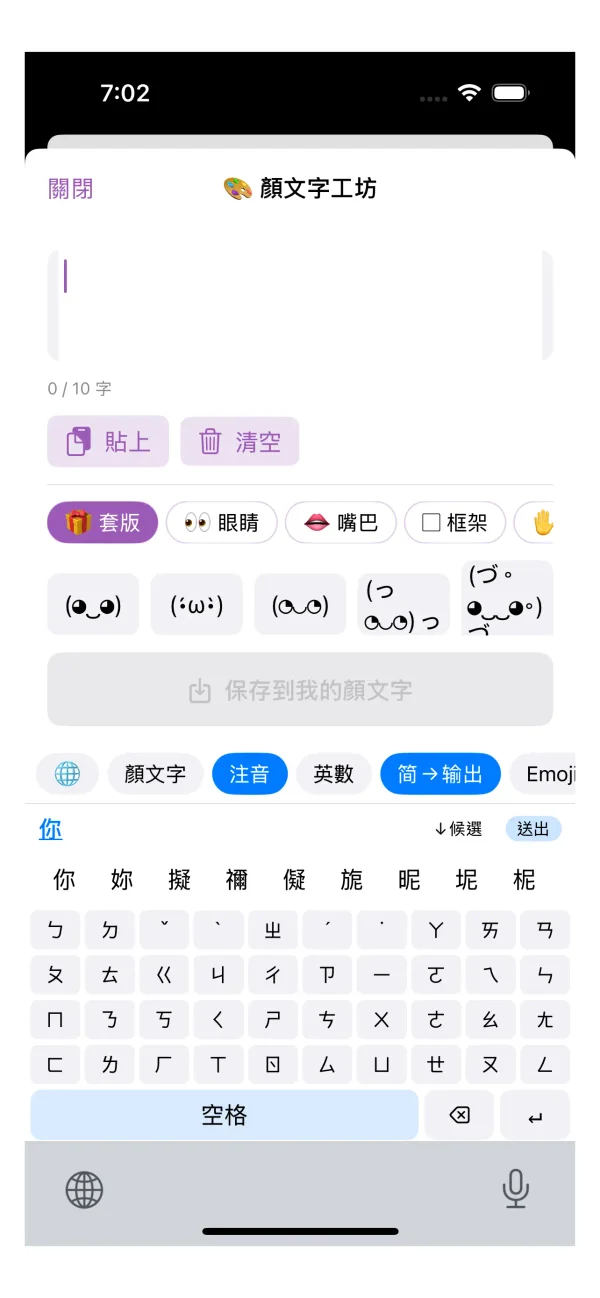
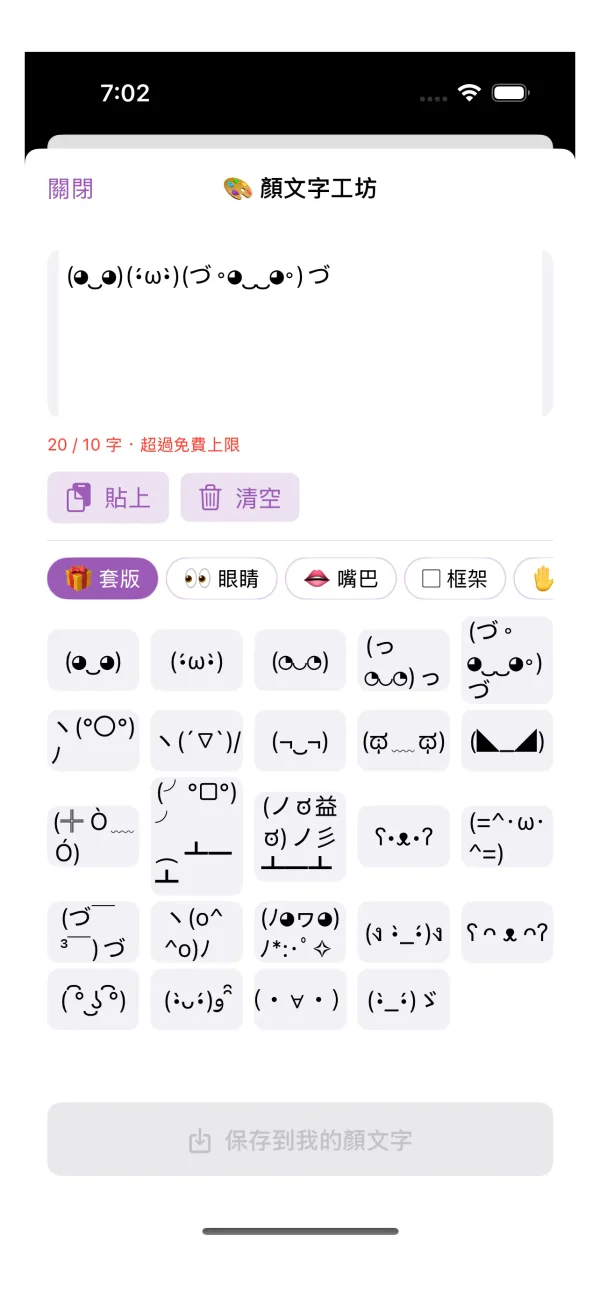
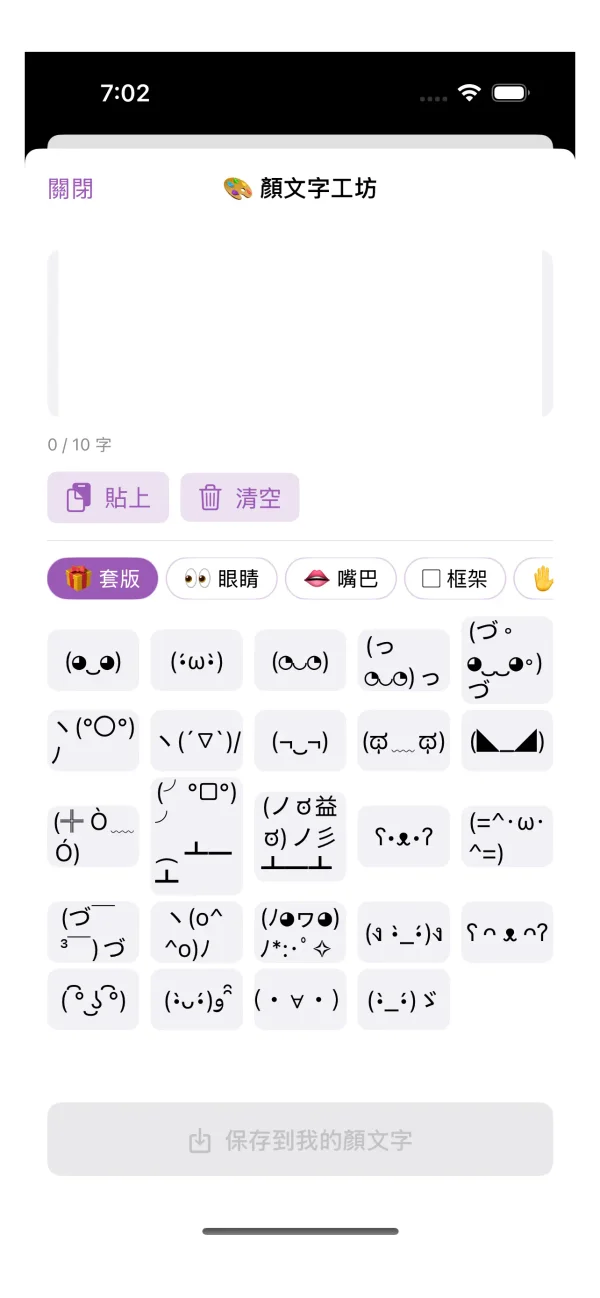
表情精靈是專為台灣使用者設計的繁中注音輸入法,整合 15,000+ 顏文字資料庫、Emoji、英數鍵盤於一體,並內建多行 ASCII 畫布工坊,讓你輕鬆建立多行裝飾型顏文字。
完全離線、無廣告、無追蹤,所有資料留在您的裝置上。
【免費版內容】
- 15,000+ 內建顏文字資料庫(涵蓋開心、賣萌、愛心、動物、互動等 26 種類別)
- 台灣注音鍵盤(搭載 libchewing 引擎,支援大千式鍵盤)
- 完整繁簡轉換(OpenCC 字級對照,4,100+ 字符對應)
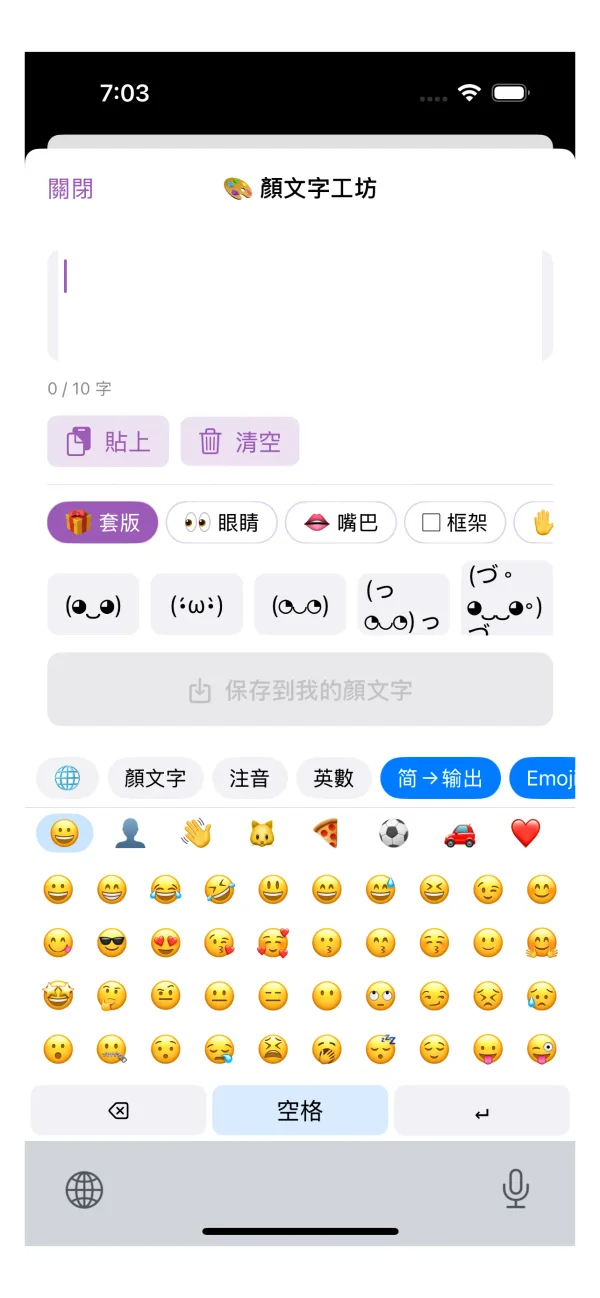
- Emoji 與英數鍵盤
- 自訂顏文字工坊 3 組(單組最長 20 字元)
- Big Kaomoji 多行畫布工坊 5 組(多行 ASCII 自由創作)
- 顏文字搜尋(中文與標籤)
- 觸覺回饋
- 完全離線、無廣告、無資料蒐集
【Pro 升級解鎖】
- 自訂顏文字無上限,單組長度放寬到 500 字元
- 自訂 Big Kaomoji 多行 ASCII 作品無上限
- 釘選收藏(把常用顏文字釘到快取列)
- 自訂分類管理(建立您自己的顏文字資料夾)
- 智能語境推薦(依輸入框前文自動建議顏文字)
- 持續 OTA 內容更新(每週新顏文字自動下載)
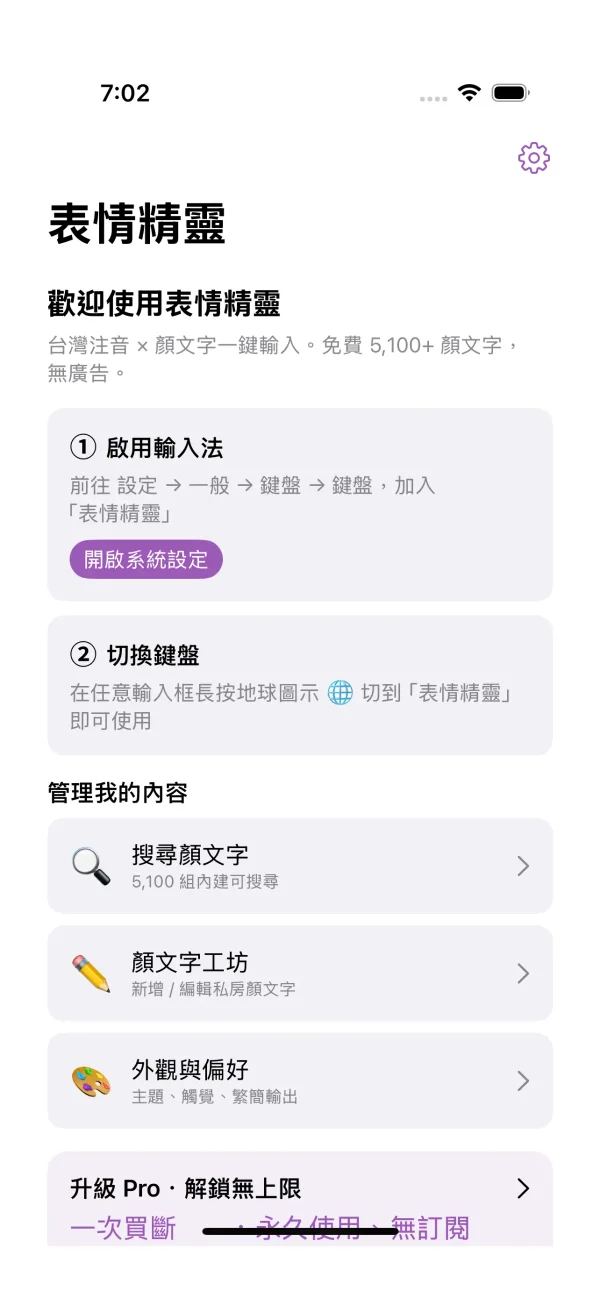
【設定步驟】
1. 設定 → 一般 → 鍵盤 → 鍵盤 → 加入新增鍵盤 → 表情精靈
2. 在任意輸入框長按地球圖示切換到「表情精靈」即可使用
【支援與隱私】
本 App 不蒐集任何使用者資料、不連網(除您手動點擊 OTA 更新之外)、不顯示任何廣告。
隱私權政策:https://pinterhuang.github.io/emoji-genie-legal/
由阪誠網通有限公司開發。
What’s new
Version 1.5.0 · Nov 7, 2026
「新增」手寫輸入:在鍵盤上方切到「手寫」,用手指寫字就能輸入,可以一次寫好幾個字。第一次使用需在 iPhone 設定中為表情精靈開啟「允許完整取用」以下載辨識模型(約 17 MB),之後不用網路也能用。
「修正」詞語聯想沒有出現的問題:送出文字後,鍵盤上方會顯示接下來可能要打的詞,點一下就能輸入。
「改善」不打聲調連續輸入更準確:會依前後文挑選整句用字。
「修正」不打聲調輸入「吃藥」「是要」這類詞時,字被吃掉的問題。
「新增」模糊音:在「設定」裡的「模糊音」可個別開啟捲舌音、前後鼻音等四組(預設關閉)。
「新增」開源授權說明頁:「設定」中「關於」的「開源授權」。
App privacy
What Huang Jui-Ming declares on the App Store about how this app handles data.
-
Data not linked to you
May be collected but is not linked to your identity.
- Identifiers
- Diagnostics
Privacy practices may vary, for example with the features you use or your age.
Information
- Seller
- Huang Jui-Ming
- Category
- Utilities
- Version
- 1.5.0
- Updated
- Nov 7, 2026
- Released
- Apr 28, 2026
- Size
- 73.6 MB
- Requires
- iOS 17.0 or later
- Age rating
- 4+
- Price
- Free
- In-app purchases
- Yes
- Languages
- Traditional Chinese
- Copyright
- © 2026 阪誠網通有限公司