
- Age rating4+
- CategoryHealth & Fitness
- DeveloperTakahiko Hara
- LanguagesJapanese+ 1 more
- Size17.5 MB
Links to the official App Store page
Download.org hosts no file of マイセットタイマー. The button opens its official App Store page, published by Takahiko Hara. Listing last checked on Nov 15, 2026.
Screenshots


About
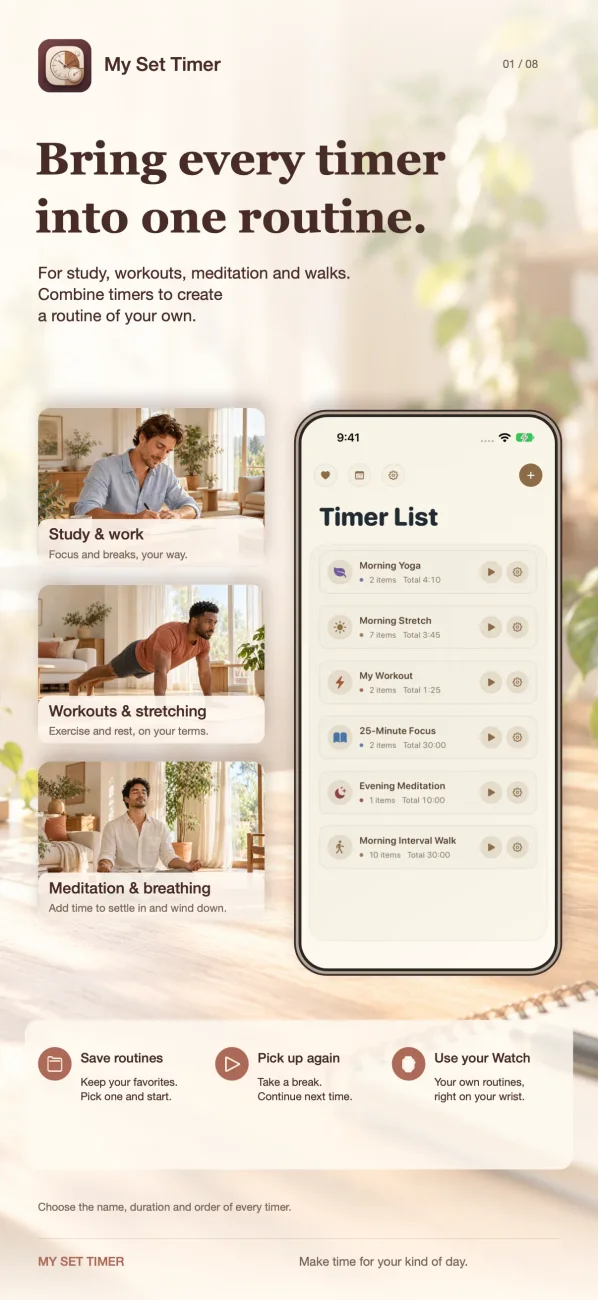
Bring every timer into one routine.
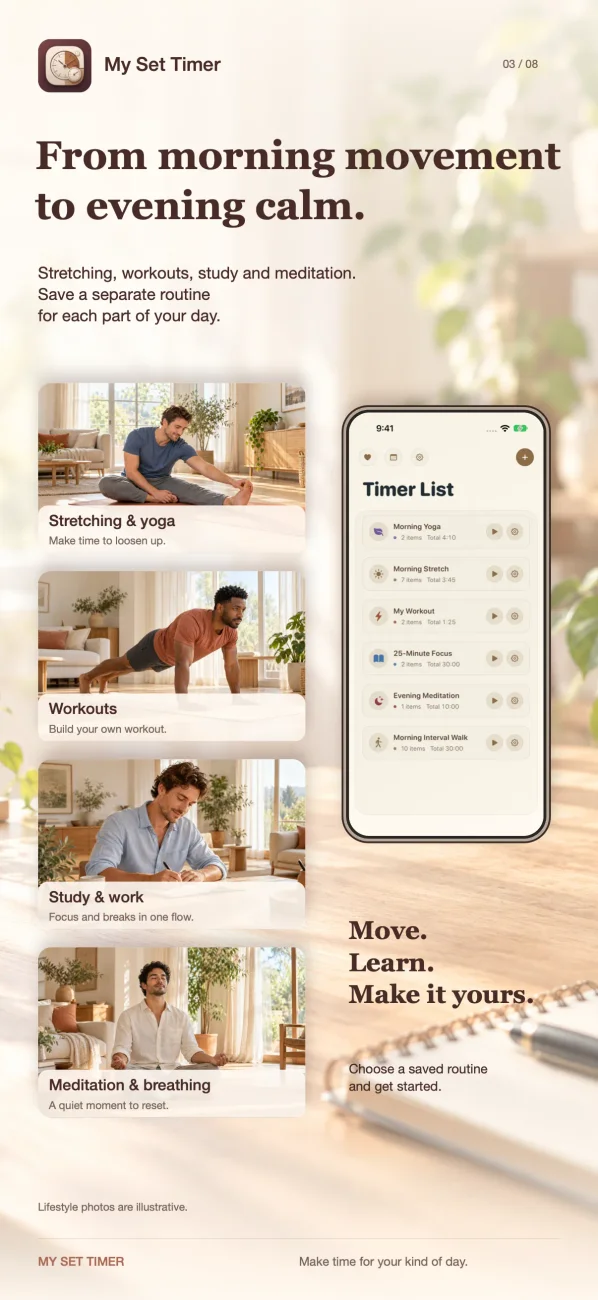
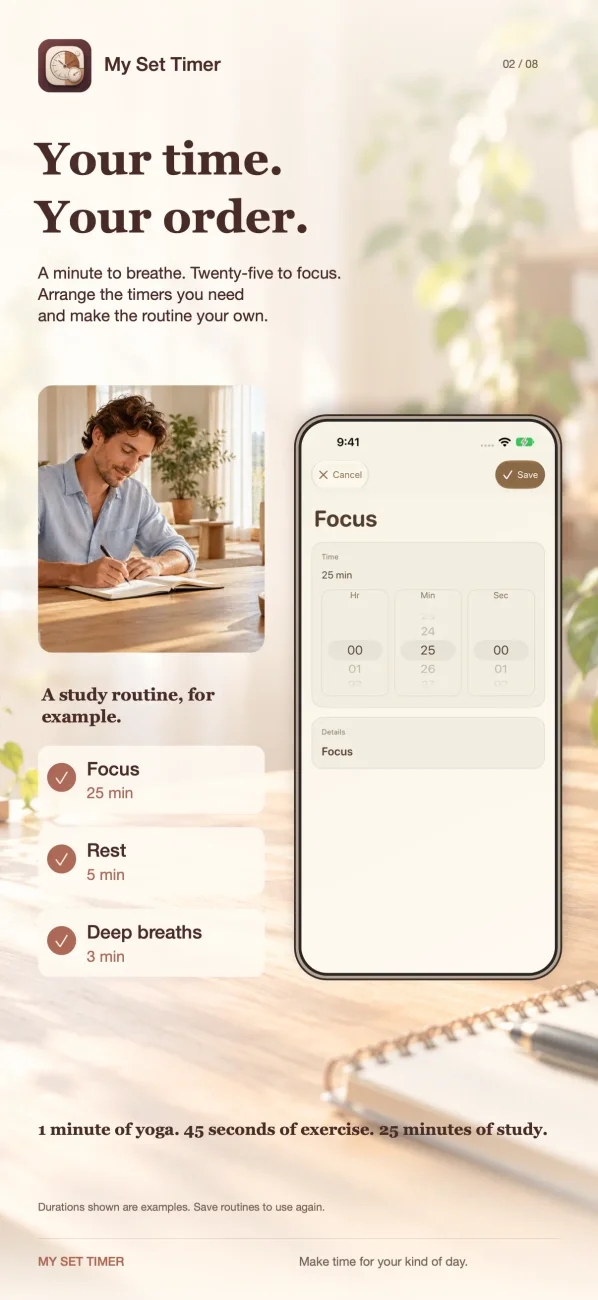
My Set Timer lets you run a sequence of timers in the order you choose. Customize names, durations, and order to create routines for studying, exercising, meditating, and more.
BUILD YOUR OWN ROUTINES
Put preparation, activity, breaks, and cooldowns into one sequence. Save multiple routines so your favorite flows are ready when you are.
ADD LEFT/RIGHT PAIRS AND BREAKS
Quickly add paired timers for stretches on both sides. Automatically insert a break after each activity, and choose whether to include breaks and how long they last.
SEE WHAT’S NEXT
Follow your routine with a large countdown, a circular progress ring, and a timeline. Interval sounds and countdown sounds during the final five seconds help you keep track without watching the screen.
USE APPLE WATCH
Sync routines and settings from iPhone to Apple Watch. Run a session on your Watch independently, with controls to start, pause, resume, and move between steps. While connected, iPhone and Watch share your session’s progress and controls.
TRY INTERVAL WALKING
Start with a preset that alternates three minutes of brisk walking and three minutes of easy walking for five rounds—a 30-minute routine. Adjust durations, rounds, and optional warm-up and cooldown periods.
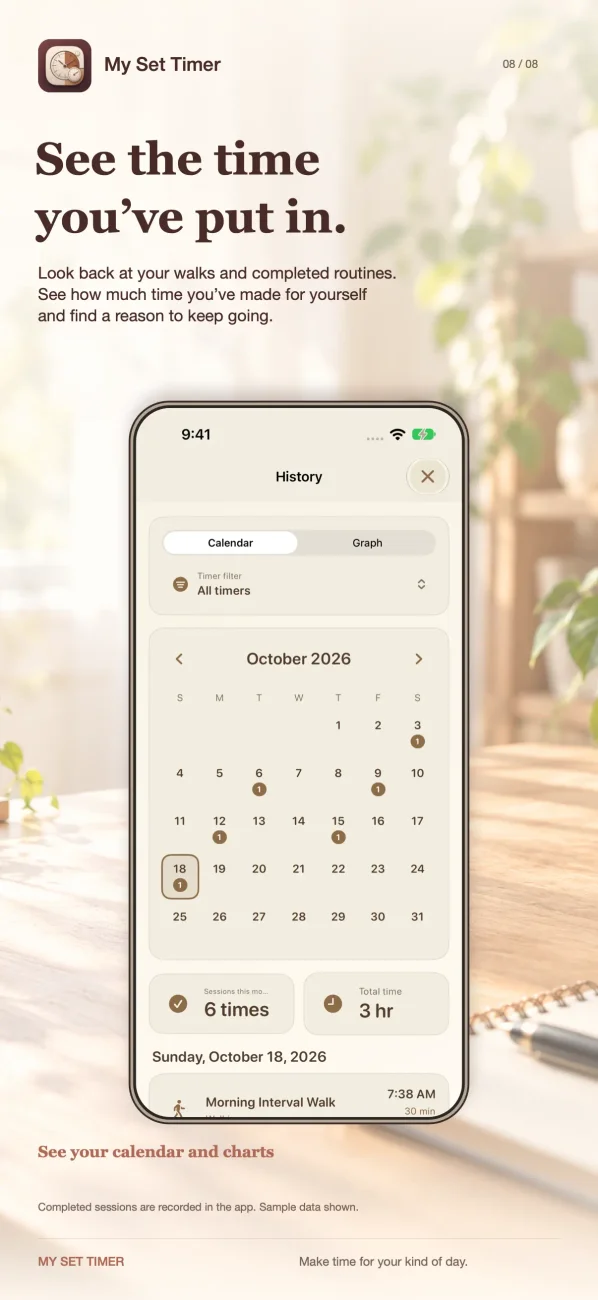
LOOK BACK AT YOUR PROGRESS
Completed sessions are saved in the app. Review your time in the calendar and charts, and see your consistency over time. If you leave a session unfinished, resume from your saved progress.
MAKE IT YOURS
Choose a color, light or dark tone, and icon for each routine. Set the app’s overall appearance to follow your system or stay light or dark.
No ads are shown during sessions.
Instant control between iPhone and Apple Watch requires a connection between the devices.
Terms of Use: https://okonomitimer.web.app/terms-en.html
Privacy Policy: https://okonomitimer.web.app/privacy-en.html
What’s new
Version 1.8 · Oct 20, 2026
What’s New in Version 1.8
You can now save meditation time to Apple Health.
• Turn on saving in Settings. Meditation sessions started after enabling this feature will be saved as Mindful Minutes when completed.
• Only time actually spent meditating is recorded. Pauses, breaks, and skipped portions are excluded.
• Meditation sessions completed on Apple Watch are also saved after syncing to your iPhone.
Apple Health integration is write-only. The app does not read your health data.
App privacy
What Takahiko Hara declares on the App Store about how this app handles data.
-
Data used to track you
May be used to track you across apps and websites owned by other companies.
- Location
- Usage data
-
Data linked to you
May be collected and linked to your identity.
- Health and fitness
- Location
- Usage data
Privacy practices may vary, for example with the features you use or your age.
Information
- Seller
- Takahiko Hara
- Category
- Health & Fitness
- Version
- 1.8
- Updated
- Oct 20, 2026
- Released
- Jul 6, 2026
- Size
- 17.5 MB
- Requires
- iOS 16.0 or later
- Age rating
- 4+
- In-app purchases
- Yes
- Languages
- Japanese, English
- Copyright
- © artplace.jp
You might also like
-
 Jotfit - Workout Log & TimerNo-fuss tracker for gym/home
-
 Feelyou2: Social mood journalSelf-care support happy diary
-
 you'dHealth & Fitness
-
 Bear Walking Pal: Step CounterCute Pedometer & Voice Journal
-
 MSDマニュアル家庭版Medical
-
 ダイエットン - 子豚を育てる体重記録アプリHealth & Fitness
-
 MyStepMapBreak goals into small steps
-
 フィットリア|1日1分からの楽しい運動習慣Health & Fitness
-
 LEAN BODY - ダイエット・ヨガ・ピラティスHealth & Fitness
-
 おくすり連絡帳-お薬手帳アプリで家族分もまとめて管理-Medical