- Age rating4+
- CategoryUtilities
- Developer超 韩
- LanguagesSimplified Chinese
- Size5.6 MB
Links to the official App Store page
Download.org hosts no file of 隐盒相册 - 本机加密相册. The button opens its official App Store page, published by 超 韩. Listing last checked on Nov 23, 2026.
Screenshots



About
The developer has not provided this text in your language.
专为 iPhone Duo 设计的本机加密相册。展开后,一边选图、一边看图;图库与大图并排,浏览和整理更直观。普通 iPhone 同样可用。
隐盒是一款本机加密相册,让照片和视频有一个独立、清晰、随时可锁住的存放空间。
【打开就会用】
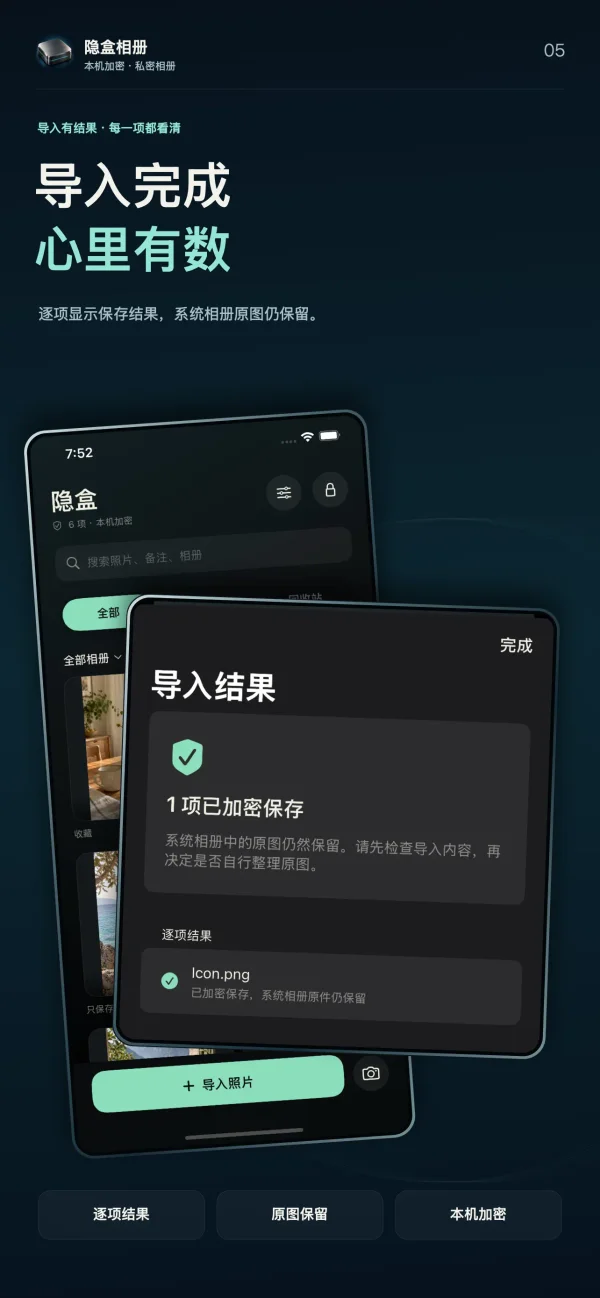
设置 6 位 PIN,导入照片或视频。首页直接查看完整缩略图,按相册、收藏和搜索找到需要的内容;导入结果会逐项显示。
【看图更自在】
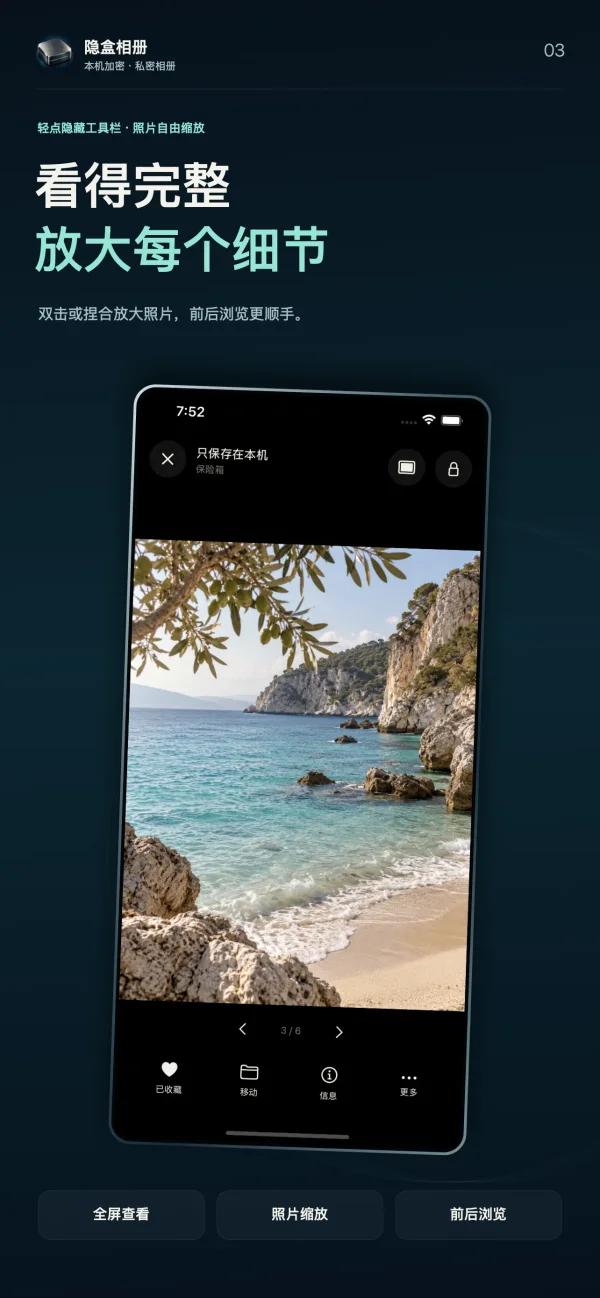
轻点隐藏工具栏,双击或捏合放大照片;在当前列表里查看上一项、下一项。收藏、备注和移动到其他相册就在查看器中。
【整理更安心】
支持相册管理、多选、移动和回收站。删除相册时,里面的内容保留并回到默认相册;永久删除前再次确认。
【锁住自己的空间】
可选择只用相册 PIN、用生物识别或 PIN 任一方式解锁,或开启双重验证,每次先通过面容 ID 或触控 ID,再输入相册 PIN。切换 App 或短暂打开控制中心时,相册会立即锁定。返回后需要重新验证。检测到系统录屏或镜像时也会锁定。系统截图仍可能保存画面,请留意使用环境。
【留在本机】
无需注册账号,无广告,无云同步。导入内容加密保存在本机。
使用前请了解:
• 导入不会删除系统相册里的原图,原图由你自行管理。
• 单个导入文件目前支持 100 MB 以内。
• 没有在线找回 PIN 的服务;请牢记 PIN。
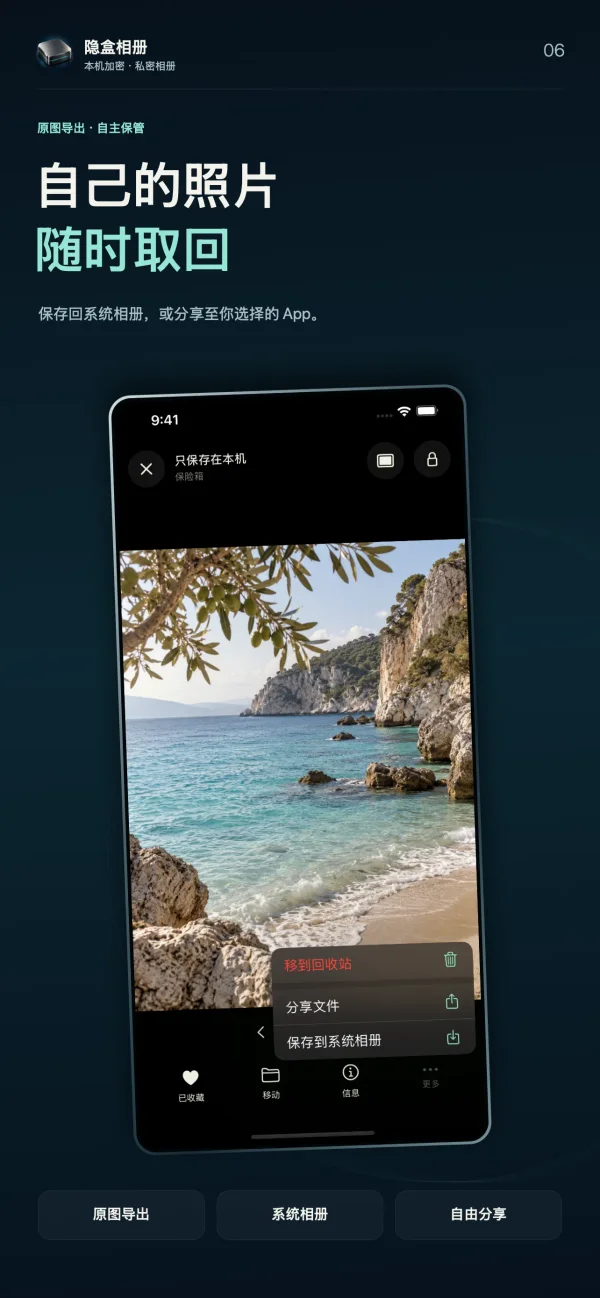
• 卸载 App 会删除本机内容。请提前导出需要保留的照片和视频。
• 导出的文件由你选择的目标 App 或存储位置管理。
What’s new
Version 2.1.1 · Nov 17, 2026
• 切换 App 或短暂打开控制中心,隐盒都会立即锁定。新装和升级后自动生效。
• 在设置中选择解锁方式:只用相册 PIN、用面容 ID 或触控 ID 代替 PIN,或开启双重验证,每次先验证生物识别,再输入 PIN。
App privacy
What 超 韩 declares on the App Store about how this app handles data.
-
Data not collected
The developer does not collect any data from this app.
Privacy practices may vary, for example with the features you use or your age.
Information
- Seller
- 超 韩
- Category
- Utilities
- Version
- 2.1.1
- Updated
- Nov 17, 2026
- Released
- May 14, 2026
- Size
- 5.6 MB
- Requires
- iOS 18.0 or later
- Age rating
- 4+
- Price
- $0.99
- Languages
- Simplified Chinese
- Copyright
- © 2026 HAN CHAO
You might also like
-
 MiKey-极致私密隐藏相册与安全密码本Utilities
-
 小木检测Utilities
-
 Wheel Decision -Will DecideAd-Free,Decide in Seconds
-
 Privately - Hide & Lock PhotosEncrypted Photo Vault & Locker
-
 隐私相册 - 加密的照片锁、视频管家Utilities
-
 PhotoVault: Private AlbumHide & Lock Photo Video Safe
-
 Pro ReactionReflex, Focus & Memory Tests
-
 UtraoUtilities
-
 CAD快速看图-dwg看图&dwg导入&dwg转换Utilities
-
 Secure Storage for PhotosPrivate Photo & Video