- Age rating4+
- CategoryUtilities
- Developer冠翔 黃
- LanguagesTraditional Chinese+ 1 more
- Size47.6 MB
Links to the official App Store page
Download.org hosts no file of 桌面時鐘-無聲視覺鬧鐘. The button opens its official App Store page, published by 冠翔 黃. Listing last checked on Nov 12, 2026.
Screenshots



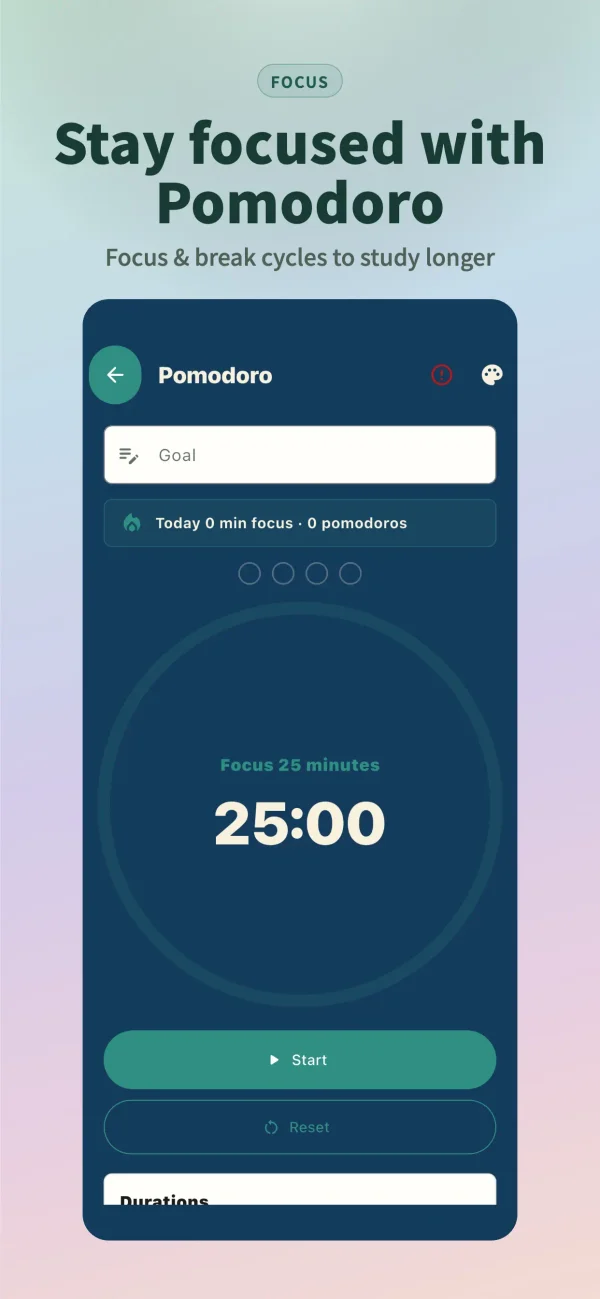
About
【An alarm that won't wake anyone else】
Silent Desk Clock Alarm reminds you with on-screen flashes, light and vibration instead of sound. In a library, classroom, office, dorm, or a shared bedroom, you can alert yourself without disturbing the people around you — ideal for light sleepers and quiet spaces.
【An always-on desk & bedside clock】
Turn your phone or tablet into a clear, beautiful desk clock:
• Multiple clock styles: digital, flip, analog and more
• Rich backgrounds and motion effects: solid color, calm ripples, aurora…
• Adjust fonts and colors to make it your own
• Save multiple looks and switch them automatically by time of day
• Eye-friendly night mode, low brightness, burn-in protection
• Auto desk-clock mode while charging, with the screen kept awake
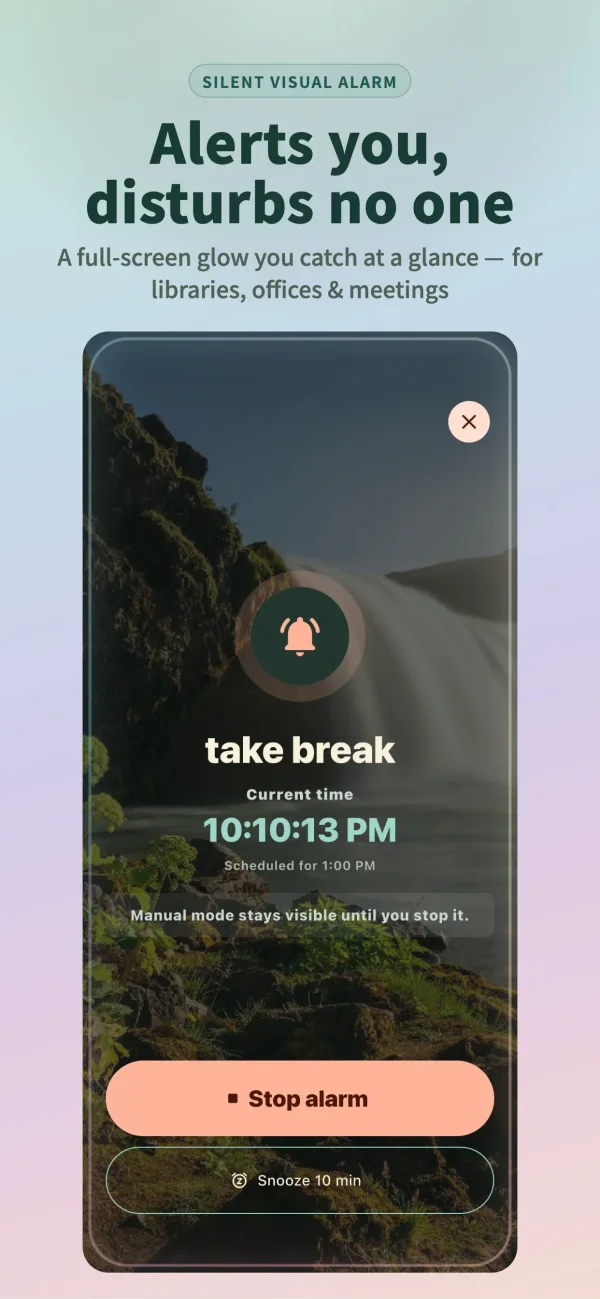
【Visual alarm — quiet reminders】
• Full-screen flashes, light and text
• Optional sound and vibration, or fully silent
• Custom reminder text and background image
【Focus & time tools】
• Pomodoro focus/break cycles
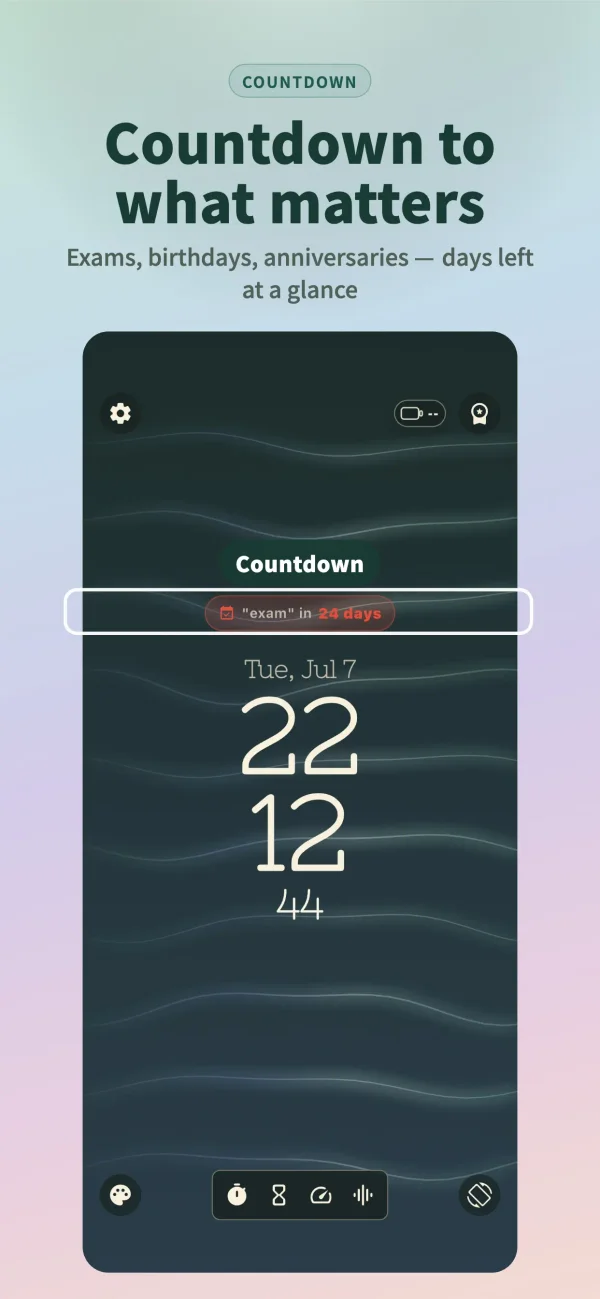
• Day & exam countdowns for the dates that matter
• Stopwatch and timer
• World clock across time zones
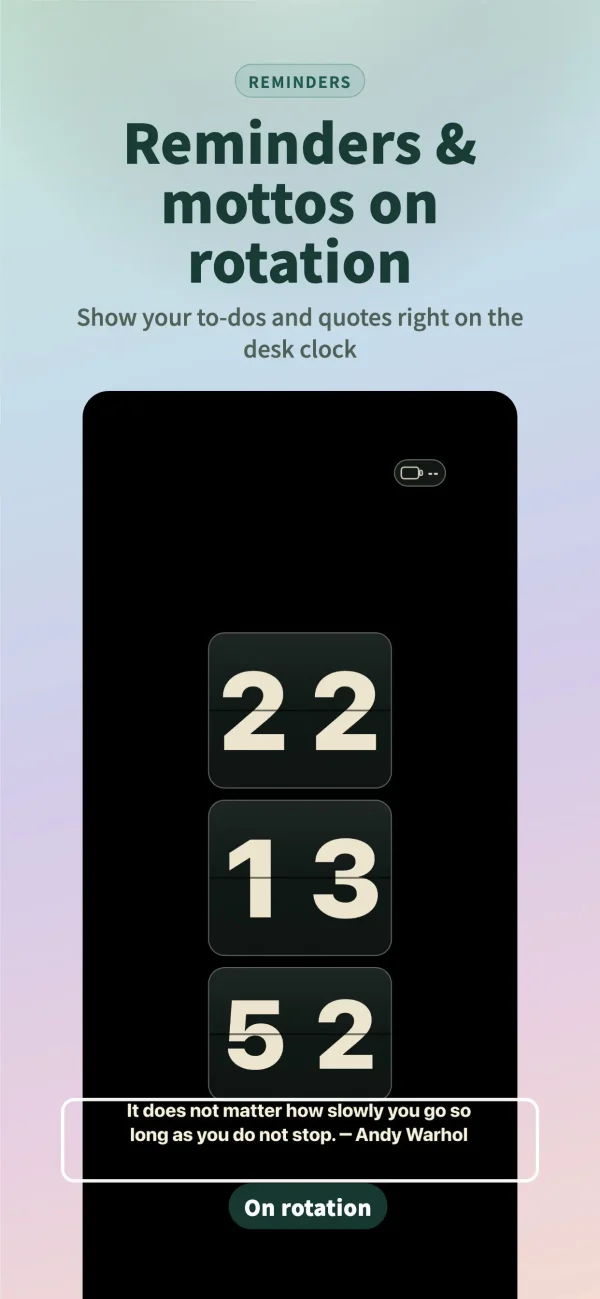
• Reminders
• Ambient sounds (ocean waves, rain) for sleep or focus
• Hourly chime
【Privacy first】
Your alarms, text and images stay only on your device — no account, no sign-up.
【About Premium】
All core features are free. A one-time Premium upgrade removes ads, unlocks every clock style, background and visual effect, and lifts the limits on world clocks, day countdowns and reminders.
Tip: While in the background or on the lock screen, reminders are delivered mainly via system notifications. For the full visual alarm experience, keep the app in the foreground (desk-clock mode).
What’s new
Version 1.0.3 · Jul 11, 2026
Fixed the default clock layout so elements no longer overlap, and polished several interface labels and dialogs.
App privacy
What 冠翔 黃 declares on the App Store about how this app handles data.
-
Data used to track you
May be used to track you across apps and websites owned by other companies.
- Location
- Identifiers
- Usage data
-
Data not linked to you
May be collected but is not linked to your identity.
- Location
- Identifiers
- Usage data
- Diagnostics
Privacy practices may vary, for example with the features you use or your age.
Information
- Seller
- 冠翔 黃
- Category
- Utilities
- Version
- 1.0.3
- Updated
- Jul 11, 2026
- Released
- Jul 8, 2026
- Size
- 47.6 MB
- Requires
- iOS 15.0 or later
- Age rating
- 4+
- In-app purchases
- Yes
- Languages
- Traditional Chinese, English
- Copyright
- © 2026 Shawn Huang
You might also like
-
 Aha Clock: Desk & FlipAnimated Faces, Weather & Time
-
 Still ClockA quiet animated clock
-
 World Clock: USA Time ZonesConverter & Meeting Planner
-
 HoralumeAnimated Night Clock & Alarm
-
 Clockist: Desk Clock & DaysFlip clock, widgets, countdown
-
 Sweet Alarm - Holiday & ShiftHoliday Skip & Shift Alarm
-
 PlainTick Flip ClockDesk Clock · Focus & Widgets
-
 MiniTime - Flip ClockFull-Screen Digital Desk Clock
-
 ClockClip-make your device desk clock-
-
 Cool Ukiyo-e ClockArtistic Clock App