
Simple Calc: Photo Calculator
Calculator with photo themes
Designed for iPhone, iPad
In-app purchases
- Age rating4+
- CategoryUtilities
- DeveloperTakahiro Kimura
- LanguagesJapanese+ 19 more
- Size9.0 MB
Links to the official App Store page
Download.org hosts no file of Simple Calc: Photo Calculator. The button opens its official App Store page, published by Takahiro Kimura. Listing last checked on Nov 17, 2026.
Screenshots


About
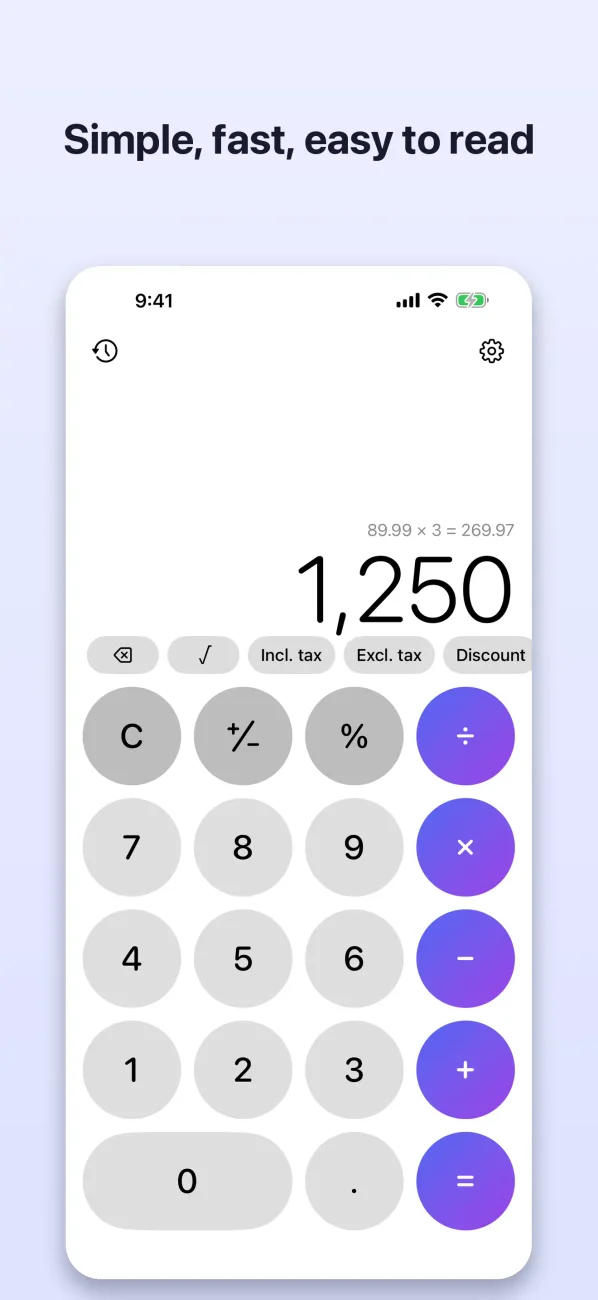
A simple, easy-to-read calculator that lets you put your own photo behind the keys.
YOUR FAVORITE PHOTO AS THE BACKGROUND
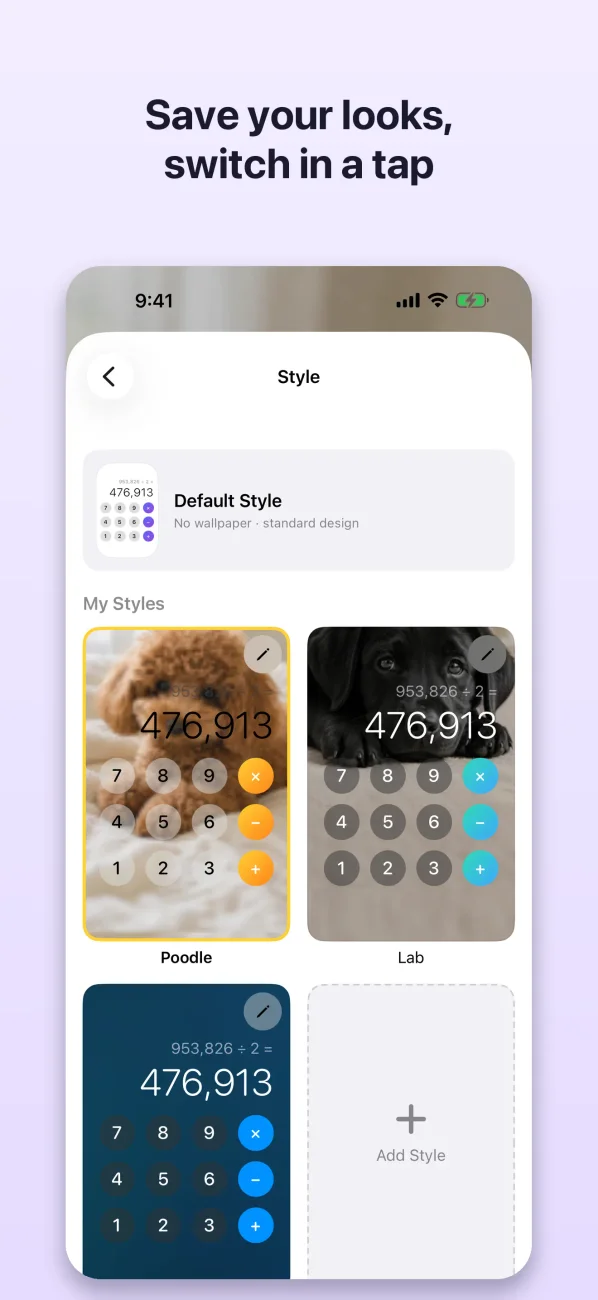
Pick any image from your photo library and use it as the calculator background. Zoom and drag to place it exactly where you want, so a face or a subject sits in the clear part of the screen.
SAVE IT AS A STYLE, SWITCH IN A TAP
A style is a wallpaper, a theme color and a light or dark appearance saved together. Keep several and switch between them in a tap. Choose from 8 solid theme colors and 8 gradients.
EVERYTHING YOU NEED FOR EVERYDAY MATH
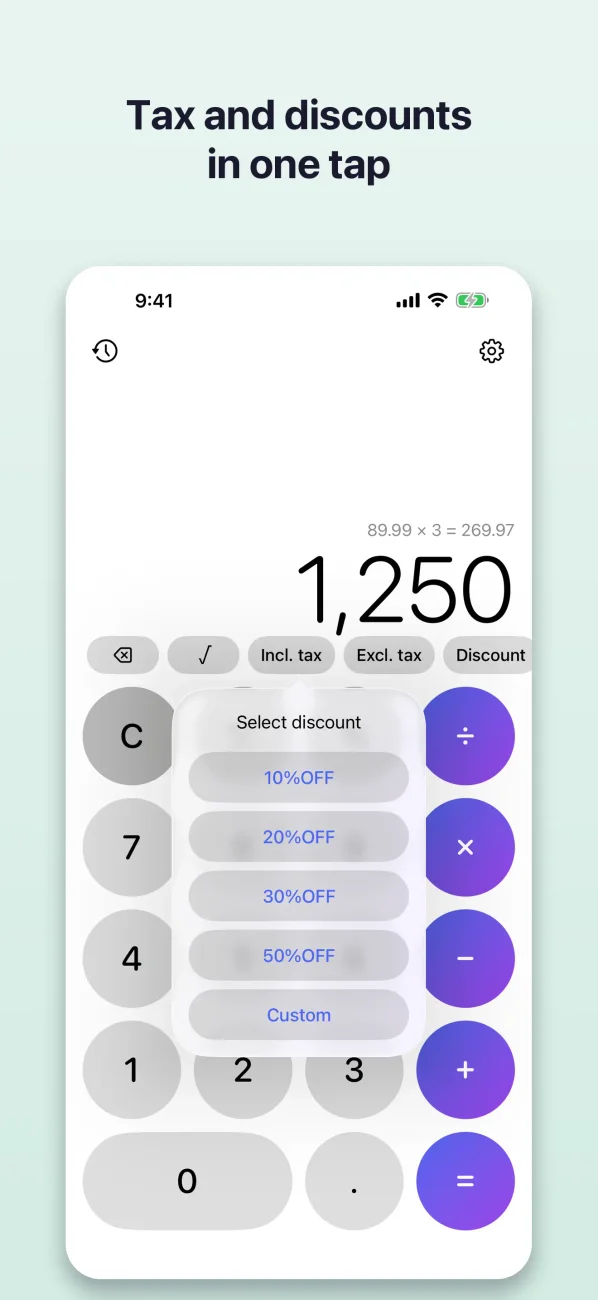
• Tax included / tax excluded (rate adjustable from 0 to 30%)
• Discounts (10%, 20%, 30%, 50% off, or any rate you type in)
• Currency conversion — see what the amount you are typing is worth in another currency, using the European Central Bank's published rates
• Square root, percent and sign change
• Memory keys (M+, M−, MR, MC)
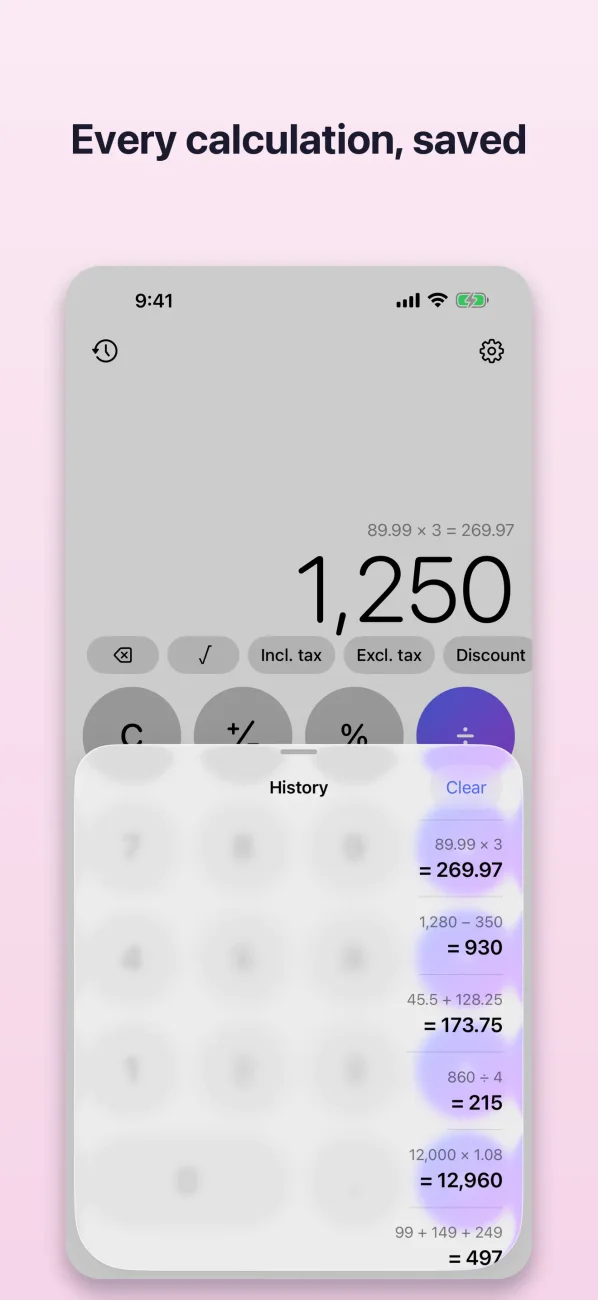
• History — tap a result to reuse it, press and hold to copy
• Haptics and sound you can turn on or off
HISTORY SIDE BY SIDE ON IPAD
On iPad the history stays open next to the keypad, so you can compare earlier results while you work.
OPEN IT FROM ANYWHERE
Widgets and a Control Center control are included, so the calculator is one tap away from the Lock Screen or Control Center.
SHOW ONLY WHAT YOU USE
Turn off the features you do not need in Settings and the extra buttons disappear.
AVAILABLE IN 20 LANGUAGES
English, Japanese, Chinese (Simplified and Traditional), Korean, German, Spanish, French, Italian, Portuguese (Brazil), Russian, Dutch, Polish, Turkish, Swedish, Danish, Norwegian, Finnish, Indonesian and Vietnamese.
What’s new
Version 1.1.6 · Nov 13, 2026
• Added currency conversion. While you type, the line under the number shows what that amount is worth in another currency. Tap the line to bring that amount into the calculator and keep calculating; ⇅ swaps the direction.
• Rates come from the European Central Bank's published reference rates, and the date of the rates is always shown on screen. The 30 currencies published by the ECB are supported.
• Currency conversion is off until you turn on "Currency conversion" in Settings.
• Fixed the labels on the tax, discount and other quick buttons overflowing or being clipped when a large text size is selected.
Thank you for using Simple Calc. If you find it useful, a rating or a review would mean a lot and helps keep the updates coming.
App privacy
What Takahiro Kimura declares on the App Store about how this app handles data.
-
Data used to track you
May be used to track you across apps and websites owned by other companies.
- Location
- Identifiers
- Usage data
- Diagnostics
-
Data linked to you
May be collected and linked to your identity.
- Location
- Identifiers
- Usage data
- Diagnostics
-
Data not linked to you
May be collected but is not linked to your identity.
- Diagnostics
Privacy practices may vary, for example with the features you use or your age.
Information
- Seller
- Takahiro Kimura
- Category
- Utilities
- Version
- 1.1.6
- Updated
- Nov 13, 2026
- Released
- Jul 15, 2026
- Size
- 9.0 MB
- Requires
- iOS 17.0 or later
- Age rating
- 4+
- In-app purchases
- Yes
- Languages
- Japanese, Italian, Indonesian, Dutch, Swedish, Spanish, Danish, Turkish, German, Norwegian Bokmål, Finnish, French + 8 more
- Copyright
- © 2026 T.K Apps
You might also like
-
 シンプル電卓:履歴が残る・式が見える計算機Utilities
-
 Custom Calculator MakerDesign Your Own Button Layout
-
 Retro Calc - Simple CalculatorNostalgic 7-segment calculator
-
 お買い物電卓Utilities
-
 消費税電卓・割引計算Utilities
-
 Kawaii*Calc - Cute CalculatorAesthetic Themes & Photo Skins
-
 Simple Fun CalculatorSounds, Haptics,Button Layouts
-
 BallCal -Balloon Calculator-Where Answers Float
-
 CalcLink - Calculator for PCSend results to Windows
-
 Tax Calculator - No AdsFormula, history, tax in a tap