
- Age rating4+
- CategoryUtilities
- DeveloperWen Che Lo
- LanguagesEnglish
- Size4.6 MB
Links to the official App Store page
Download.org hosts no file of Kopycat 常用文字的鍵盤快捷鍵. The button opens its official App Store page, published by Wen Che Lo. Listing last checked on Nov 12, 2026.
Screenshots



About
The developer has not provided this text in your language.
每次要給地址、電話、Email,都要重打一次?
家裡地址、公司地址、租屋地址、手機、市話、匯款帳號……
這些資訊你已經打過、找過、複製貼過幾百次了。
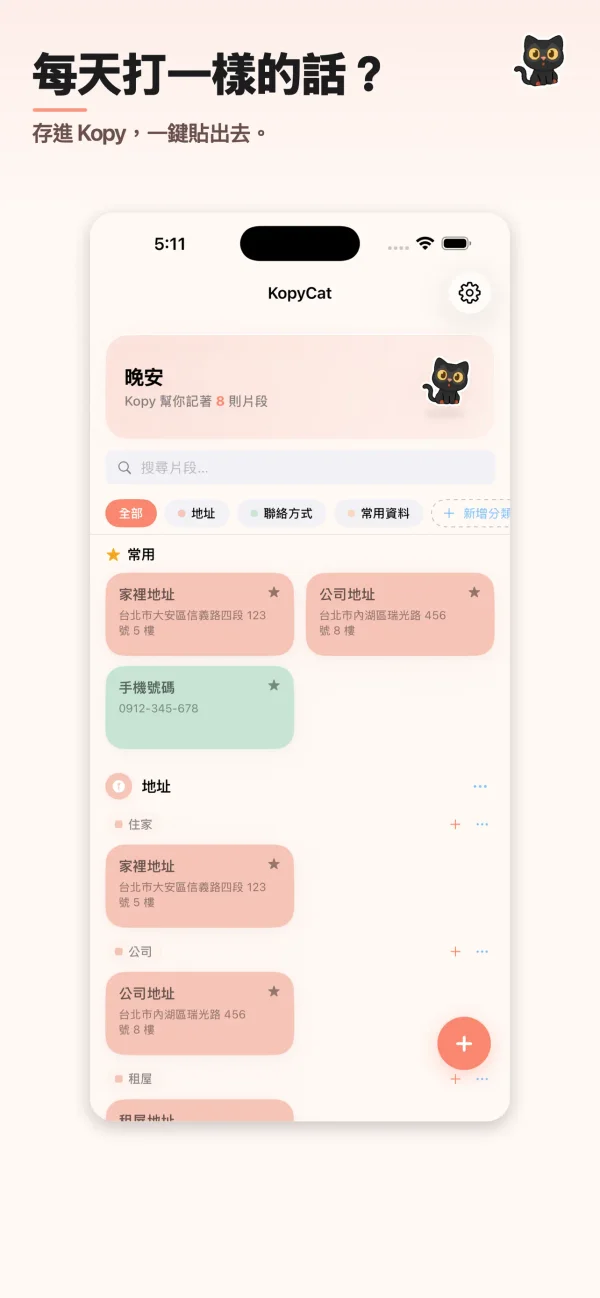
KopyCat 幫你記著,鍵盤一點,直接貼出去。
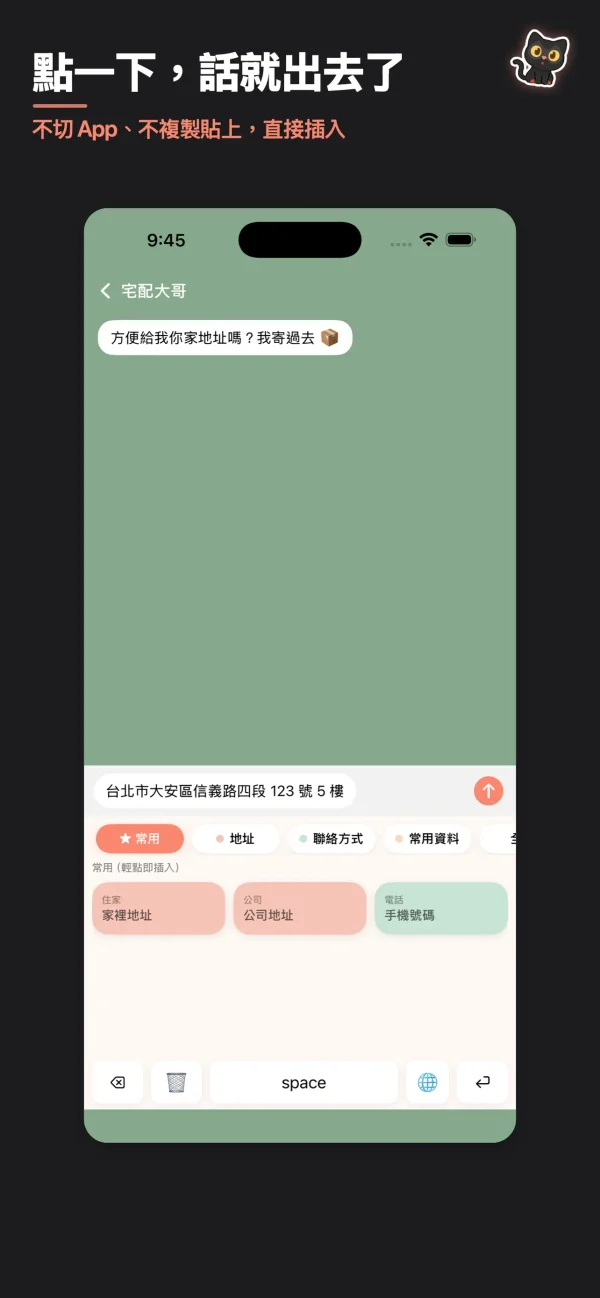
■ 專屬鍵盤,一點即插入
把常用資訊存好,切換到 KopyCat 鍵盤,點一下就插入到任何 App——
不用切換畫面、不用複製貼上、不用重打。LINE、Messenger、Gmail、網頁表單都能用。
■ 三層分類,再多也找得到
大類 → 中類 → 快捷詞,井井有條。
「地址」放住家/公司/租屋,「聯絡方式」放電話與 Email,
需要哪筆,兩下就找到。
■ 文字、圖片都能存
不只文字——地圖截圖、名片、匯款帳號圖,都能存成快捷鍵一鍵貼上。
■ 你的資料,只在你手機裡
不需要註冊帳號、不需要登入。
所有內容只存在你的手機,我們的鍵盤永遠不連網,
你的地址、電話、帳號,不會離開這支手機。
■ 一次買斷,不綁訂閱
免費試用 21 天,喜歡再解鎖。
一次 NT$120 永久使用,沒有月費、沒有訂閱、不會自動扣款。
適合誰?
· 常常要填地址、電話、Email 的每個人
· 網購族:收件地址、電話一鍵貼進賣場
· 業務與自由工作者:報價、簽名檔、匯
· 小店家與客服:營業地址、電話、罐頭
把重複打字的時間,還給你自己。
教 Kopy 你的話,它幫你記著。
What’s new
Version 1.5 · Oct 16, 2026
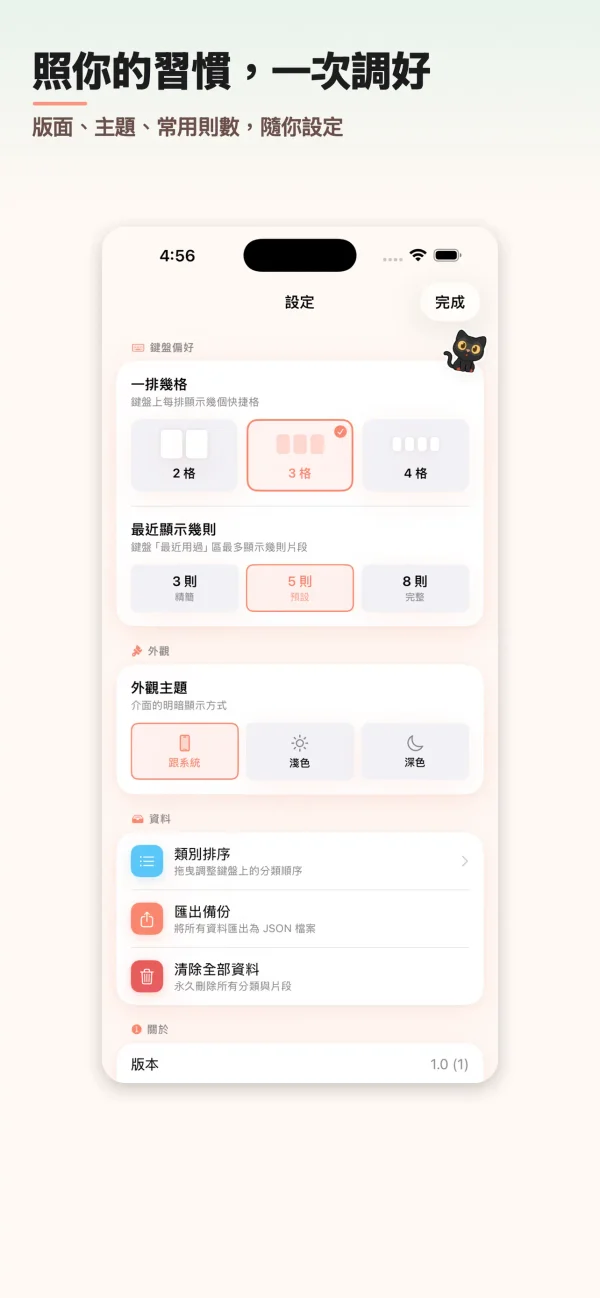
長按空白鍵就能移動游標:左右滑動一個字一個字移,上下滑動跳到上一行或下一行。數字鍵盤右下角改成「-」。
App privacy
What Wen Che Lo declares on the App Store about how this app handles data.
-
Data not linked to you
May be collected but is not linked to your identity.
- Identifiers
- Usage data
Privacy practices may vary, for example with the features you use or your age.
Information
- Seller
- Wen Che Lo
- Category
- Utilities
- Version
- 1.5
- Updated
- Oct 16, 2026
- Released
- Aug 7, 2026
- Size
- 4.6 MB
- Requires
- iOS 17.0 or later
- Age rating
- 4+
- In-app purchases
- Yes
- Languages
- English
- Copyright
- © Linlab