
- Age rating4+
- CategoryLifestyle
- DeveloperKou Hashimoto
- LanguagesEnglish
- Size10.6 MB
Links to the official App Store page
Download.org hosts no file of 度付きメガネシミュレータ. The button opens its official App Store page, published by Kou Hashimoto. Listing last checked on Nov 12, 2026.
Screenshots
About
The developer has not provided this text in your language.
【こんな経験ありませんか?】
メガネ屋さんで試着したときは似合っていたのに、度付きレンズが入った完成品を受け取ったら「目が小さく見えて、なんか違う…」。近視用(マイナス度数)のレンズは度が強いほど目が小さく見えるため、試着時の印象と仕上がりが変わってしまうのです。
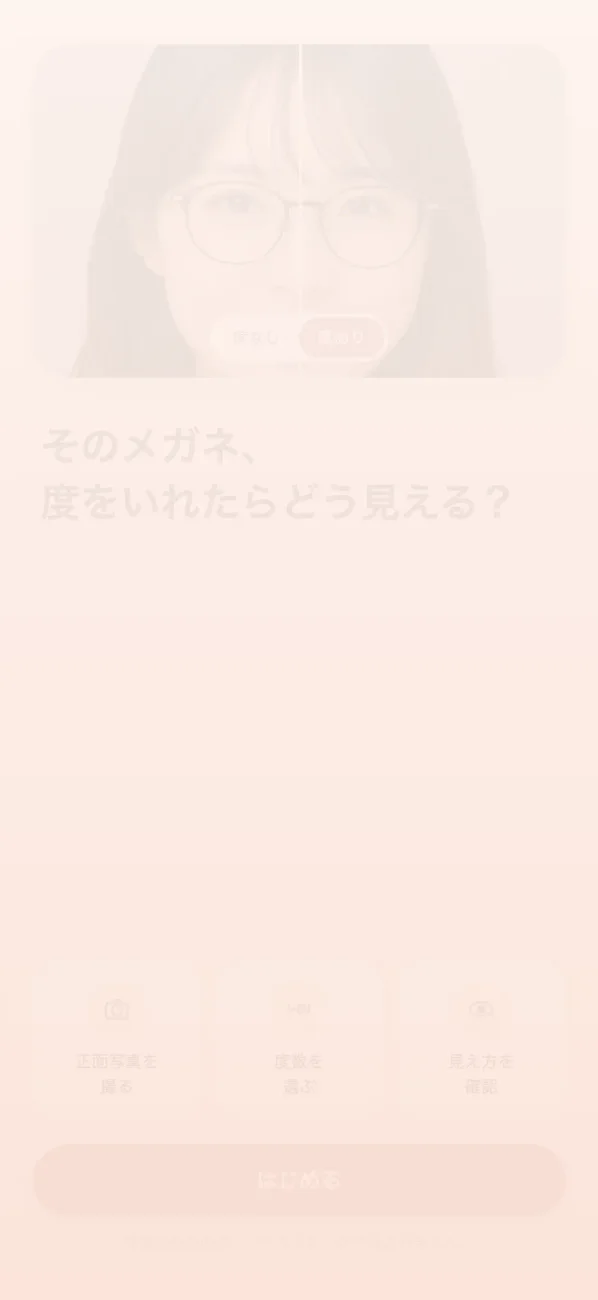
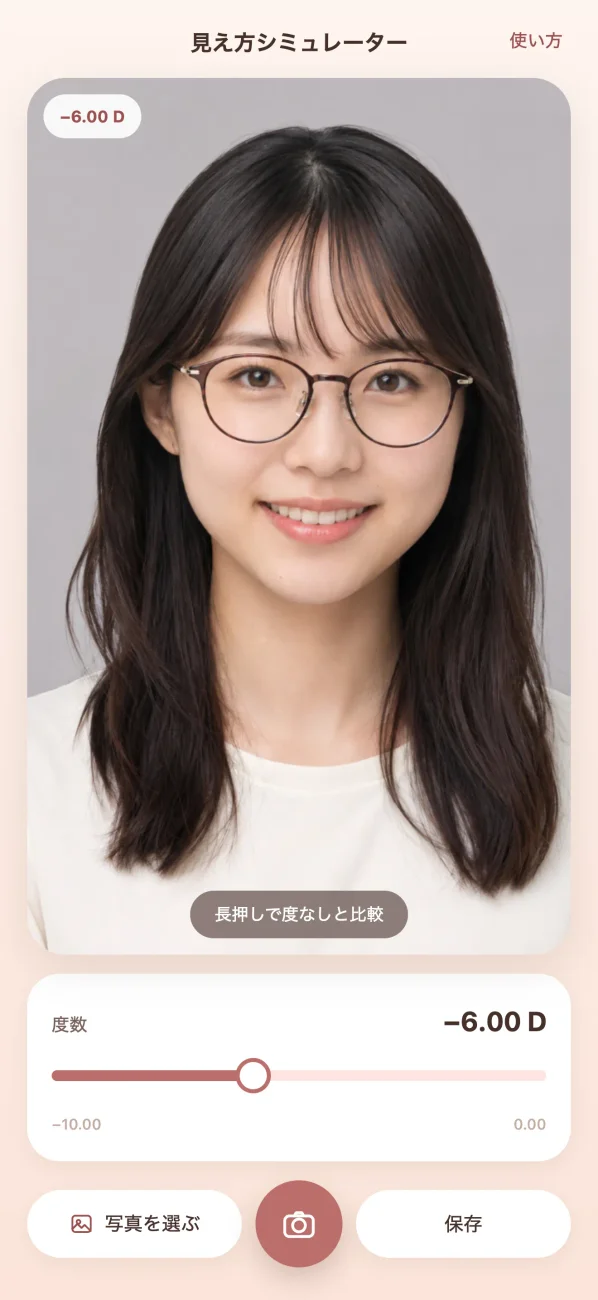
このアプリは、その「度を入れたら微妙だった」という失敗を防ぎます。正面写真1枚と度数を選ぶだけで、度ありレンズ越しの見た目を購入前にシミュレーションできます。
【主な機能】
・正面写真を撮る/サンプルで試すだけのかんたん操作
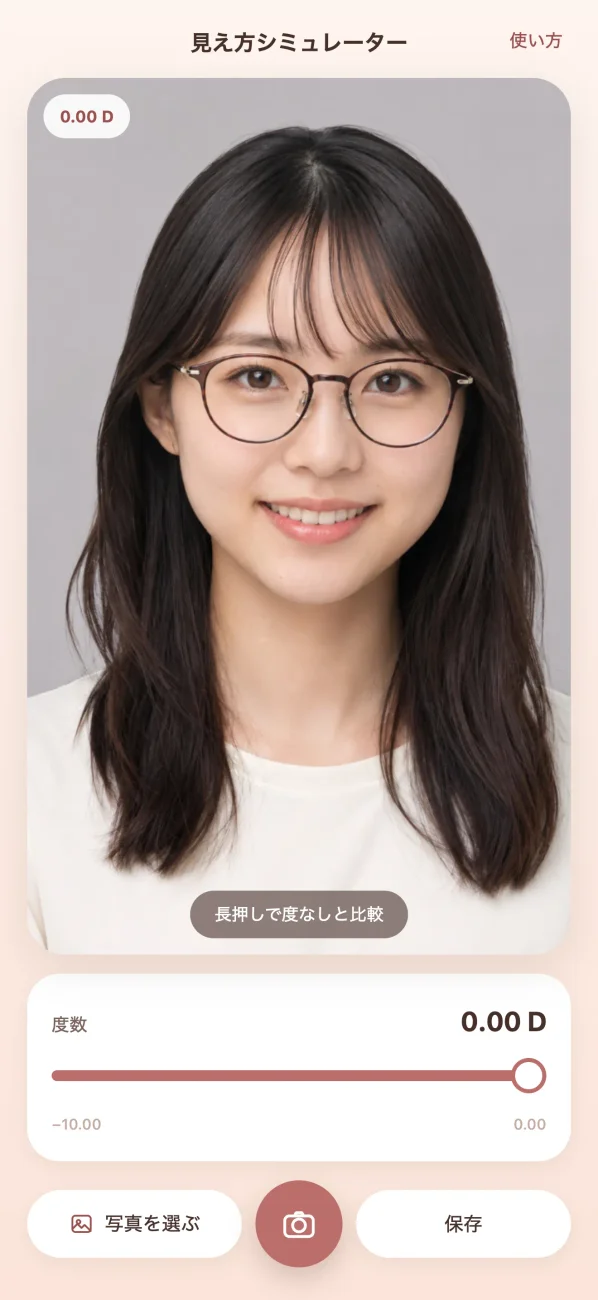
・度数(0.00D〜−10.00D)をスライダーで調整
・顔とレンズ領域を自動検出し、光学モデルに基づいて目の見え方を再現
・度なし/度ありの比較表示
・結果画像の保存・共有
【こんな方に】
・はじめて度付きメガネを作る方
・強度近視で「目が小さく見える」変化が気になる方
・試着時の印象と仕上がりのギャップをなくしたい方
・新しいフレーム選びの参考にしたい方
【プライバシー】
写真の処理はすべて端末内で行われ、画像が外部のサーバーに送信されることはありません。
【ご注意】
本アプリの表示は光学モデルに基づくシミュレーションです。実際の見え方は、レンズの種類・設計・装用条件などにより異なります。
What’s new
Version 1.1 · Oct 19, 2026
・アプリ内に広告を表示するようになりました。引き続き無料でご利用いただけます。
・読み込んだ写真や顔データは、これまでどおり端末の中だけで処理し、広告には使用しません。
App privacy
What Kou Hashimoto declares on the App Store about how this app handles data.
-
Data used to track you
May be used to track you across apps and websites owned by other companies.
- Location
- Identifiers
- Usage data
-
Data not linked to you
May be collected but is not linked to your identity.
- Location
- Identifiers
- Usage data
- Diagnostics
Privacy practices may vary, for example with the features you use or your age.
Information
- Seller
- Kou Hashimoto
- Category
- Lifestyle
- Version
- 1.1
- Updated
- Oct 19, 2026
- Released
- Sep 1, 2026
- Size
- 10.6 MB
- Requires
- iOS 15.0 or later
- Age rating
- 4+
- Languages
- English
- Copyright
- © 2026 Kou Hashimoto